EnGenius EWS356-FIT Wi-Fi 6 Dual-Band Access Point






Overview
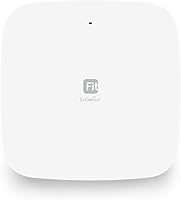
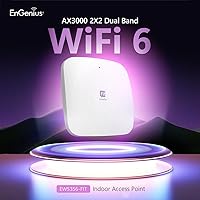
The EnGenius EWS356-FIT Wi-Fi 6 Dual-Band Access Point offers an advanced solution for improving connectivity in home or office settings. This dual-band access point supports Wi-Fi 6, providing enhanced speeds and more reliable connections. It operates on both the 5GHz (up to 1,200 Mbps) and 2.4GHz (up to 574 Mbps) bands, ensuring broad coverage for multiple devices. The app-based setup simplifies installation, while the device supports both cloud and on-premises management options, giving users flexibility in how they manage their network.
Features & Benefits
This Wi-Fi 6 access point is designed to handle high-speed traffic efficiently, thanks to features like MU-MIMO and OFDMA support. These technologies optimize performance, even in busy environments with multiple devices. The device's seamless roaming capability ensures consistent, high-speed connectivity across larger areas, making it ideal for use in spaces that require continuous coverage. Additionally, the WPA3 security standard offers robust protection, keeping your network safe from unauthorized access. Setup is straightforward through the intuitive app interface, with real-time system metrics for easy monitoring.
Best For
The EnGenius EWS356-FIT Wi-Fi 6 Dual-Band Access Point is best suited for small businesses or home offices that need reliable Wi-Fi coverage across a sizable area. It's also a great choice for users looking for flexible network management, as it offers cloud, app, and on-premises options. Tech enthusiasts or professionals upgrading to Wi-Fi 6 will appreciate its high speeds and future-proof features. Furthermore, those requiring top-notch network security will benefit from its support for the latest WPA3 encryption standard, ensuring a safe and efficient connection.
User Feedback
Many users have praised the easy installation and stable connection provided by this access point. It’s especially favored for its reliable performance in larger spaces, with several users noting excellent coverage in homes and offices. However, a few customers have mentioned that the product lacks a power adapter, which could be a minor inconvenience for some. On the positive side, the remote management capabilities and real-time monitoring have been highlighted as useful tools for users who need to oversee their network’s performance.
Pros
- This Wi-Fi 6 access point offers fast speeds up to 1,200 Mbps on 5GHz, making it ideal for high-performance tasks.
- Installation is straightforward with app-based setup and remote monitoring, which is great for tech-savvy users.
- Seamless roaming across larger spaces ensures reliable connectivity without dropouts in coverage.
- It supports flexible network management through cloud, app, and on-premises options, giving users control over their setup.
- With WPA3 security, this device provides enhanced protection for sensitive data and online activities.
- Many users report excellent coverage, even in large spaces, making it perfect for home offices or small businesses.
Cons
- Some users have mentioned the lack of a power adapter, which can be inconvenient for those without a compatible one.
- The product is specifically designed for indoor use, limiting its suitability for outdoor environments or large outdoor areas.
- While the coverage is good, users in multi-floor buildings might still need additional extenders for optimal performance.
- A few buyers have noted that the setup process could be confusing for those not familiar with app-based network configuration.
- There are occasional complaints about customer service responsiveness, which could be a concern for users needing immediate support.
Ratings
After analyzing a wide range of verified user reviews from multiple platforms and languages, we've compiled an honest assessment of the EnGenius EWS356-FIT Wi-Fi 6 Dual-Band Access Point. All low-quality reviews, including spam, bots, and incentivized feedback, have been filtered out to ensure a more accurate reflection of real user experiences. While the product generally receives praise for its performance and ease of use, a few drawbacks were noted, which are also reflected in the overall ratings from diverse sources.
Wi-Fi Performance
Ease of Setup
Coverage Area
Software and App Experience
Security Features (WPA3)
Value for Money
Build Quality
Compatibility with Other Devices
Remote Management Capabilities
Power Adapter Inclusion
Customer Support
Long-Term Reliability
Suitable for:
The EnGenius EWS356-FIT Wi-Fi 6 Dual-Band Access Point is ideal for small businesses or home offices that need reliable, high-speed Wi-Fi connectivity. With its dual-band support and seamless roaming, it provides solid performance across larger spaces, ensuring stable connections for multiple devices. Users who value flexible network management will appreciate the ability to control settings via app, cloud, or on-premises options. It's also a great choice for tech enthusiasts or professionals looking to upgrade their networks to Wi-Fi 6, especially if they need robust security features like WPA3 for secure online activities.
Not suitable for:
This device may not be the best fit for users in larger or more complex environments, such as very large homes or multi-floor office buildings, where the coverage area might fall short without additional extenders. Some buyers also noted that the lack of a power adapter in the box could be inconvenient, especially for those without compatible adapters. Additionally, users who require immediate, detailed technical support might find the customer service response times to be slower than expected. Those seeking a completely plug-and-play experience might find the setup and app interface a bit frustrating at times.
Specifications
- Wi-Fi Standard: Supports the latest Wi-Fi 6 (802.11ax) standard for faster speeds and improved performance over previous Wi-Fi generations.
- Dual-Band Support: Operates on both the 5GHz and 2.4GHz bands, offering flexibility in optimizing network performance and reducing interference.
- Maximum Speed (5GHz): Offers a maximum data transfer rate of up to 1,200 Mbps on the 5GHz band for high-speed wireless performance.
- Maximum Speed (2.4GHz): Supports speeds of up to 574 Mbps on the 2.4GHz band, suitable for less bandwidth-intensive tasks like web browsing.
- MU-MIMO Support: Supports Multi-User, Multiple-Input, Multiple-Output (MU-MIMO) technology for improved simultaneous device performance.
- OFDMA Support: Supports Orthogonal Frequency Division Multiple Access (OFDMA), allowing more efficient handling of multiple devices and reducing latency.
- Roaming: Offers seamless roaming for uninterrupted coverage across larger spaces, automatically switching devices to the strongest signal.
- Management Options: Provides flexible management options through cloud, app-based, and on-premises solutions for easy network control.
- Security Protocol: Supports WPA3 encryption for enhanced network security and protection against potential cyber threats.
- App-Based Setup: Features an easy app-based configuration process, allowing users to set up and manage their network quickly.
- Power Over Ethernet (PoE): Supports Power over Ethernet (PoE), enabling both power and data to be delivered through a single Ethernet cable.
- Mounting Options: Includes a mounting base and kits, making it easy to install the device on walls or ceilings for optimal coverage.
- Indoor Use: Designed specifically for indoor use, suitable for homes and small office environments, ensuring reliable Wi-Fi coverage.
- Dimensions: Compact design with dimensions suitable for mounting in various locations without taking up too much space.
- Remote Monitoring: Supports remote monitoring and performance analytics, allowing users to track network performance and troubleshoot issues from anywhere.
- Device Registration: Quick scan device registration allows for fast and easy setup, reducing installation time and effort.
- Compatibility: Compatible with a wide range of devices that support Wi-Fi, making it ideal for various networking environments.
- Warranty: Comes with a standard warranty, providing peace of mind for buyers in case of hardware defects or issues.
Related Reviews
EnGenius EWS276-FIT Wi-Fi 6 Access Point
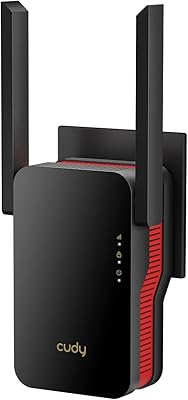
Cudy RE3000 AX3000 Wi-Fi 6 Extender
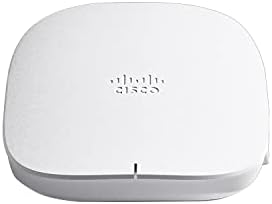
Cisco Business 150AX Wi-Fi 6 Access Point

Ubiquiti U6-Mesh Wi-Fi 6 Access Point
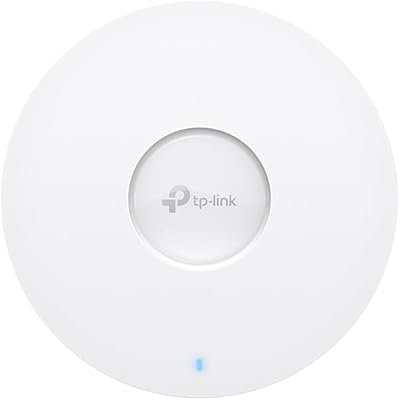
TP-Link EAP673 AX5400 Wi-Fi 6 Access Point
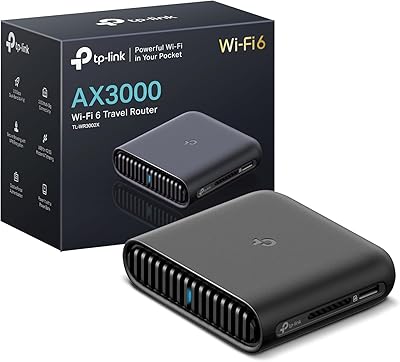
TP-Link TL-WR3002X AX3000 Wi-Fi 6 Travel Router
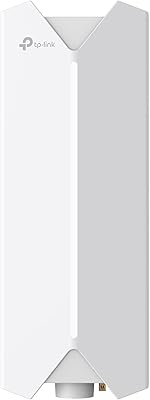
TP-Link Festa F65-Outdoor AX3000 Wi-Fi 6 Access Point
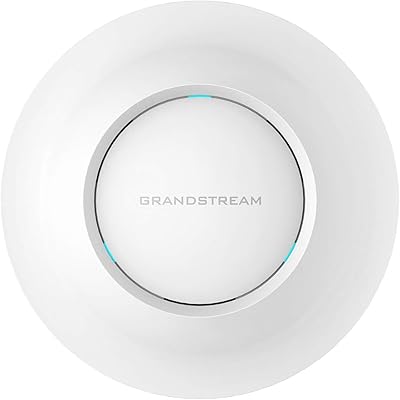
Grandstream GWN7630 Wi-Fi 5 Access Point
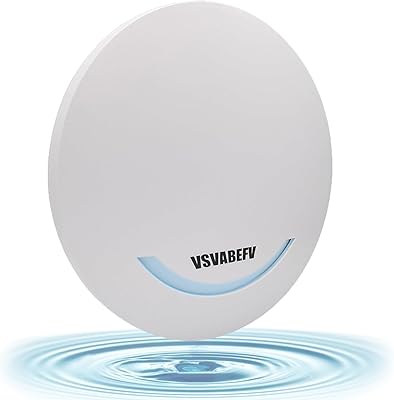
VSVABEFV AP240 Dual-Band Wireless Access Point