

Overview
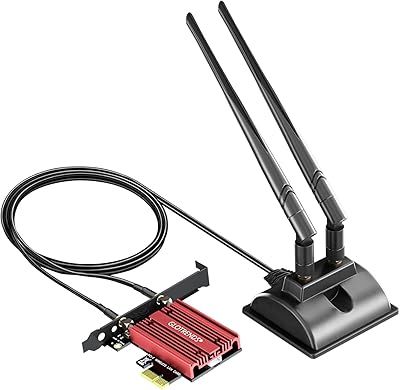
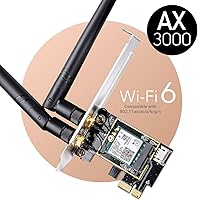
The Cudy WE3000 WiFi 6 PCIe Card is a straightforward, affordable way to bring modern wireless connectivity to any desktop still running on older WiFi or a wired-only setup. What sets it apart from generic alternatives is the Intel AX200 module inside — a chip with a proven track record found in plenty of well-regarded laptops. Installation is simple: the card fits any PCIe slot (x1, x4, x8, or x16), so motherboard compatibility is rarely an issue. Cudy also includes a low-profile bracket, which is genuinely useful for compact or home-theater builds. Just keep in mind — this is a client adapter, and your actual speeds will depend heavily on your router.
Features & Benefits
The real draw here is dual-band WiFi 6 performance. On the 5 GHz band, theoretical peaks exceed 2 Gbps, though real-world throughput through walls will be more modest. To get the best out of this WiFi 6 PCIe card, your router must support 160 MHz channels; without that, you are leaving performance on the table. OFDMA technology helps handle multiple devices simultaneously without noticeable slowdown, which matters on busy home networks. Bluetooth 5.2 is built in via an internal USB header cable, keeping your rear USB ports free. The two external 5 dBi antennas also provide meaningfully better range than any integrated or dongle-style solution.
Best For
This desktop wireless upgrade makes the most sense for a few specific types of buyers. Gamers and 4K streamers who cannot easily run ethernet to their desk will notice a real difference with WiFi 6 low latency compared to older standards. Home-office users will appreciate having both WiFi and Bluetooth consolidated on one card, freeing up USB ports for other peripherals. Compact PC builders benefit from the included low-profile bracket, a thoughtful touch that many budget cards skip. And on Windows 10 or 11, driver setup is largely hands-off — Windows Update typically handles recognition without any manual hunting for installer files.
User Feedback
Sitting at 4.5 stars across more than 3,000 ratings, the Cudy WE3000 reflects consistently positive real-world experiences. Most buyers report that Windows detects the hardware immediately with no manual driver work required. Signal strength earns frequent praise, especially from users dealing with thick walls or multiple floors between their PC and router. That said, two recurring concerns are worth noting: the Bluetooth header cable step surprises first-time builders who are not expecting an internal USB connection, and a handful of reviewers mention driver hiccups after major Windows updates. Neither issue appears widespread, but both are real enough to factor into your decision.
Pros
- Built on the proven Intel AX200 module, offering reliability well above most budget-tier alternatives.
- WiFi 6 support brings noticeably lower latency on congested home networks compared to older standards.
- Bluetooth 5.2 is included onboard, eliminating the need for a separate USB dongle.
- Broad PCIe slot compatibility means it will fit virtually any desktop motherboard without issue.
- Two external 5 dBi antennas deliver solid range through walls, outperforming compact or dongle-style adapters.
- Windows 10 and 11 driver detection is largely automatic, making setup quick for most users.
- A low-profile bracket is included in the box, a practical bonus for compact and HTPC builds.
- WPA3 security support keeps the connection protected on networks that require modern encryption.
- Over 3,000 ratings at 4.5 stars reflects genuine, broad satisfaction across a wide range of users.
- The price-to-performance ratio is hard to beat for a desktop WiFi 6 upgrade that actually uses quality internals.
Cons
- Peak throughput is only achievable when paired with a WiFi 6 router that supports 160 MHz channels — most buyers will not hit advertised speeds.
- The Bluetooth header cable requires an internal USB connector on the motherboard, which compact boards sometimes lack.
- First-time builders frequently overlook the internal Bluetooth cable step, leading to avoidable troubleshooting confusion.
- A subset of users report driver instability following major Windows updates, requiring manual reinstallation in some cases.
- No official Linux driver support means non-Windows users are on their own for getting the card to work.
- Real-world speeds through multiple walls drop significantly from the theoretical maximum, as with any wireless adapter.
- The antenna placement is fixed rather than adjustable via a magnetic base, limiting positioning flexibility inside the case.
- Warranty and customer support from a smaller brand like Cudy may be less responsive than established networking names.
Ratings
The Cudy WE3000 WiFi 6 PCIe Card has been evaluated by our AI rating system after processing thousands of verified global buyer reviews, with spam, bot-generated, and incentivized feedback actively filtered out to ensure the scores reflect genuine ownership experiences. Ratings span the full spectrum of this desktop wireless upgrade — from where it genuinely punches above its price tier to the friction points that real users encountered after months of daily use. Both the strengths and the honest shortcomings are reflected transparently below.
WiFi Performance
Installation Ease
Signal Range
Bluetooth Quality
Driver Stability
Value for Money
Build Quality
Package Completeness
Compatibility
Latency & Gaming
Heat & Power Draw
Long-term Reliability
Antenna Flexibility
Suitable for:
The Cudy WE3000 WiFi 6 PCIe Card is a strong fit for desktop PC owners who want to cut the ethernet cable without sacrificing meaningful performance. Gamers and streamers are obvious candidates — OFDMA and 160 MHz channel support mean the card holds up well on a busy household network, keeping latency low even when other devices are competing for bandwidth. Home-office users will appreciate having WiFi and Bluetooth 5.2 consolidated into a single expansion slot, freeing up rear USB ports for keyboards, webcams, or storage drives. The included low-profile bracket makes it accessible to small-form-factor and HTPC builders who might otherwise assume the card would not fit. Anyone running Windows 10 or 11 can expect a largely hands-off installation experience, with the operating system typically handling driver detection automatically.
Not suitable for:
The Cudy WE3000 WiFi 6 PCIe Card is not the right choice for everyone, and being honest about its limits matters. Buyers still running a WiFi 5 or older router will not unlock the card's full throughput potential — the fastest speeds and lowest latency only materialize when paired with a WiFi 6 router that also supports 160 MHz channels. Linux users should approach with caution, as official driver support is limited to Windows 10 and 11; getting it working on other operating systems typically requires community workarounds with no guarantee of stability. Anyone hoping to avoid opening their PC case entirely should look at a USB WiFi adapter instead, since this card requires a free PCIe slot and, for Bluetooth, an available internal USB header on the motherboard. If rock-solid driver stability across every Windows update cycle is a hard requirement — for a work machine or media server that cannot afford downtime — a wired ethernet card or a more enterprise-grade adapter may be a safer long-term investment.
Specifications
- WiFi Standard: This card supports 802.11ax (WiFi 6) and is backward compatible with 802.11ac, 802.11n, 802.11g, 802.11b, and 802.11a networks.
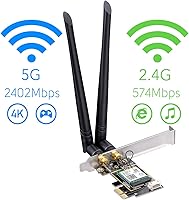
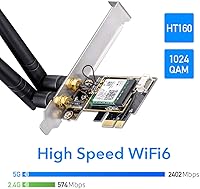
- Max Throughput: Dual-band speeds reach up to 2402 Mbps on the 5 GHz band and up to 574 Mbps on the 2.4 GHz band under ideal conditions.
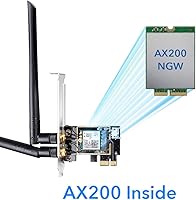
- Internal Module: The card is built around the Intel AX200 WiFi 6 module, a widely used and well-regarded chipset found in many premium laptops.
- Bluetooth: Bluetooth 5.2 is integrated onboard and connects to the motherboard via an internal USB 2.0 header cable included in the package.
- PCIe Interface: The card uses a PCIe x1 edge connector and is physically compatible with x1, x4, x8, and x16 PCIe slots on standard ATX and micro-ATX motherboards.
- Channel Width: Supports channel bandwidths up to 160 MHz on the 5 GHz band, enabling maximum throughput when paired with a router that also supports this setting.
- Security Protocol: WPA3 personal encryption is supported alongside WPA2, providing enhanced protection against brute-force password attacks on modern routers.
- WiFi Technology: OFDMA and 1024-QAM modulation are both supported, improving efficiency on networks with multiple simultaneously connected devices.
- Antennas: Two detachable external 5 dBi high-gain antennas are included, connected via standard RP-SMA connectors on the card bracket.
- Bracket Options: Both a standard full-height bracket and a low-profile bracket are included, making the card compatible with standard tower cases and compact or HTPC enclosures.
- OS Support: Official driver support covers Windows 10 (64-bit) and Windows 11 (64-bit); no official Linux or macOS support is provided by the manufacturer.
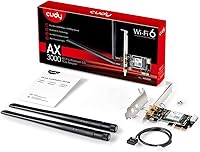
- Package Contents: The box includes the WE3000 card, two 5 dBi antennas, a low-profile bracket, a Bluetooth header cable, and a quick installation guide.
- Manufacturer: The card is designed and manufactured by Shenzhen Cudy Technology Co., Ltd., a China-based networking hardware company.
- Model Number: The official model designation is WE3000, which corresponds to ASIN B082NZYDDM on Amazon.
- Form Factor: The card measures approximately 4.21″ in length and 1.38″ in width on the PCB, with the bracket adding to the overall installed height.
- Antenna Connector: Antennas attach via RP-SMA female connectors on the card bracket and can be removed or swapped if a user prefers a different antenna setup.
- Band Configuration: The card operates as a simultaneous dual-band adapter, meaning it can connect to both 2.4 GHz and 5 GHz networks without switching manually.
- Bluetooth Range: Bluetooth 5.2 provides approximately four times the coverage area of Bluetooth 4.2, making it suitable for peripherals across a large room.
Related Reviews
Cudy WE9300 WiFi 7 PCIe Card
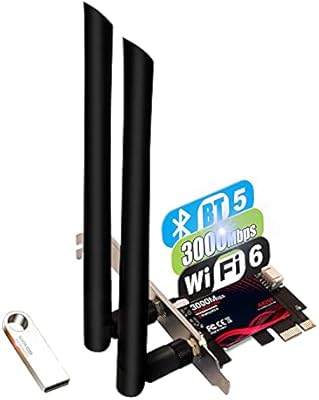
TEROW ROW076 WiFi 6 PCIe Network Card
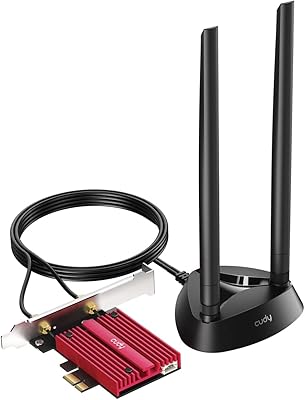
Cudy WE4000 WiFi 6E PCIe Card
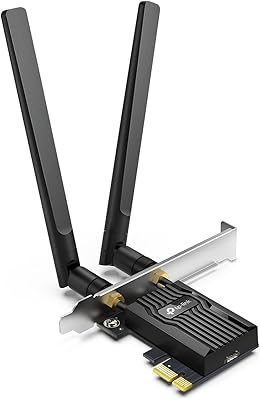
TP-Link Archer TX55E
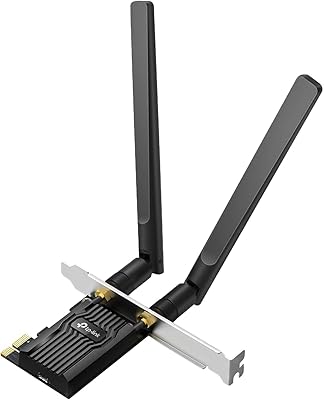
TP-Link Archer TX20E WiFi 6 PCIe Card
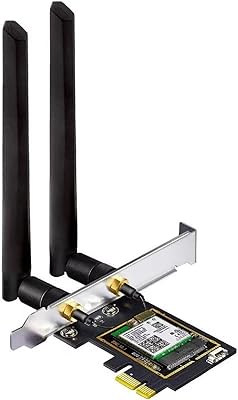
OKN AX210 WiFi 6E PCIe Card

Cudy AX3000 WiFi 6 Access Point
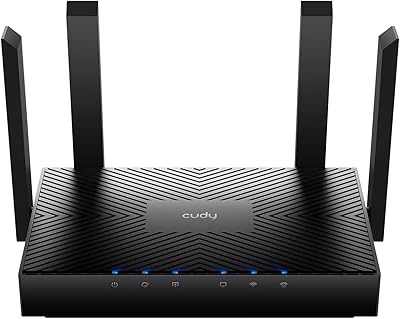
Cudy WR3000 AX3000 WiFi 6 Router
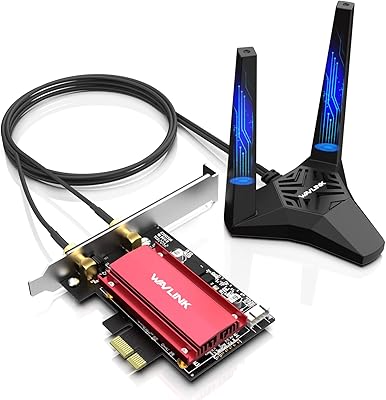
WAVLINK WL-WN675X3 WiFi 6E PCIe Network Card