Pinnacle Dazzle DVD Recorder HD Video Capture Device





Overview
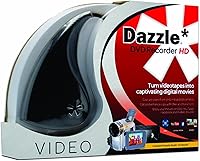
The Pinnacle Dazzle DVD Recorder HD Video Capture Device is a straightforward analog-to-digital tool built for one purpose: getting old home videos off deteriorating tapes and onto something you can actually watch today. Released back in 2013, it pairs a small USB capture dongle with a disc-based editing suite, keeping the setup accessible for anyone who isn't particularly tech-savvy. Worth noting upfront — this is a Windows-only device, with zero Mac support, so Apple users should look elsewhere entirely. At its price point, it targets people who want a no-fuss solution rather than a professional workflow, and that positioning shapes everything about how it performs.
Features & Benefits
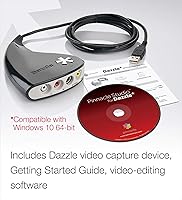
The hardware side of this VHS digitizer is genuinely simple: plug it into a USB port, connect your VCR or camcorder, and the device handles signal conversion without any internal card installation. It works with VHS, Hi8, V8 tapes, older camcorders, DVD players, and even game consoles, covering most analog sources likely sitting in a closet. The bundled Pinnacle Studio software lets you trim clips, add titles, apply transitions, and build a proper DVD menu, then export to common digital formats for sharing online. One thing to flag — certain analog sources require a separate audio adapter, so check your cables before assuming everything is included out of the box.
Best For
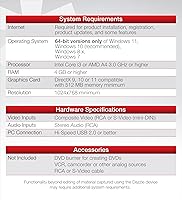
This capture device makes the most sense for non-technical users — think parents or grandparents with a box of VHS tapes from birthday parties and school plays they haven't watched in decades. If the goal is simply moving those memories to DVD or a hard drive without learning complex software, this fits the bill reasonably well. It also works for budget-conscious buyers who don't need broadcast-quality output. Just confirm you're running a 64-bit Windows system — Windows 10 being the most reliable option — because the hardware and software are not designed to function outside that specific ecosystem.
User Feedback
Across nearly 1,700 ratings, the Dazzle recorder sits at a polarizing 3.3 stars, and the split tells a clear story. Buyers who got it running smoothly consistently praise the plug-and-play setup and are satisfied with the video quality for preserving everyday home movies. The frustrations, though, are hard to dismiss: driver compatibility problems on Windows 10 and 11 surface repeatedly, and a notable number of users report choppy playback or audio drift during capture. Some eventually set the bundled software aside in favor of third-party alternatives, valuing the hardware on its own merits while finding the included editing suite falls short of expectations.
Pros
- Simple USB connection means no internal hardware installation or technical setup required.
- Works with a wide range of analog sources, including VHS, Hi8, V8, camcorders, and DVD players.
- Bundled editing software lets beginners trim clips, add titles, and build DVD menus without extra purchases.
- Lightweight and compact at just over 5 ounces, easy to store when not in use.
- Supports export to common digital formats, making it easy to share videos across devices.
- Plug-and-play setup is consistently praised by non-technical users who just want things to work.
- Captured footage quality is generally acceptable for everyday home-movie preservation purposes.
- Compatible with multiple Windows versions, giving owners of older PCs a viable option.
- All-in-one bundle reduces the need to research and buy separate software for basic digitizing tasks.
Cons
- Driver compatibility issues on Windows 10 and 11 are a well-documented frustration, not a rare occurrence.
- Audio sync problems and choppy playback during capture have been reported by a meaningful number of users.
- No Mac support at all — Apple users have zero options here regardless of macOS version.
- The bundled software feels dated and many users eventually replace it with third-party alternatives.
- An audio adapter is required for certain analog sources but is not included in the box.
- The product has not been meaningfully updated since 2013, leaving it behind current USB capture technology.
- A 3.3-star average across nearly 1,700 ratings reflects a genuinely divided user experience.
- Minimum system requirements, while modest, still trip up users on very old or underpowered machines.
- No standalone hardware driver download is prominently offered, making troubleshooting harder for less experienced users.
Ratings
Our AI rating system analyzed verified global user reviews for the Pinnacle Dazzle DVD Recorder HD Video Capture Device, actively filtering out incentivized, bot-generated, and low-quality feedback to surface what real buyers consistently experienced. The scores below reflect an honest, balanced picture — acknowledging where this capture device genuinely delivers for everyday users and where it falls measurably short. Both the hardware and bundled software are evaluated independently, because user experiences with each tell very different stories.
Ease of Setup
Capture Quality
Software Quality
Windows Compatibility
Value for Money
Build Quality
Driver Stability
Included Accessories
Export Flexibility
Long-Term Reliability
Beginner Friendliness
Analog Source Range
Documentation & Support
Suitable for:
The Pinnacle Dazzle DVD Recorder HD Video Capture Device was built with a very specific type of buyer in mind, and for that buyer it can genuinely deliver. If you're a parent, grandparent, or anyone sitting on a collection of VHS, Hi8, or V8 tapes that haven't been watched in years, this capture device offers a low-barrier entry point into digitizing those memories without requiring any technical background. It's equally well-suited to casual users who want a single box that handles both capture and basic editing — the bundled software covers trimming, titles, and DVD menu creation without demanding much from the user. Budget-conscious households who just want a functional, no-frills transfer pipeline and are already running a 64-bit Windows PC on Windows 10 will find the experience most reliable. If your expectations are grounded in personal archive preservation rather than polished production, this VHS digitizer hits a reasonable mark.
Not suitable for:
The Pinnacle Dazzle DVD Recorder HD Video Capture Device is a poor fit for a surprisingly wide range of buyers, and it's worth being direct about that. Mac users are completely excluded — there is no workaround, no driver hack, and no partial compatibility to speak of. Anyone hoping to use this on a modern Windows 11 machine should go in with caution, as driver and software installation problems on newer operating systems are a recurring and well-documented issue, not an isolated edge case. Video enthusiasts or semi-professionals who need clean capture quality, reliable audio sync, or advanced editing capabilities will find the hardware limiting and the bundled software underwhelming compared to current alternatives. Given that this product launched in 2013, buyers who value long-term software support, active updates, or a modern user experience should seriously consider newer USB capture options that have been designed with current operating systems in mind.
Specifications
- Manufacturer: Made by Pinnacle Systems, a brand with a long history in consumer video editing and capture hardware.
- Model Number: The device is identified by model number DVCPTENAM.
- Connection: Connects to a Windows PC via USB, requiring no internal card installation or slot.
- Capture Sources: Compatible with VHS, Hi8, V8 tapes, analog camcorders, DVD players, and game consoles.
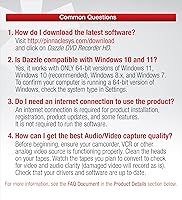
- OS Compatibility: Works exclusively with 64-bit versions of Windows 7, 8, 8.1, 10, and 11; no Mac or Linux support.
- Included Software: Comes with the Pinnacle Studio video editing suite on a DVD-ROM disc, covering trimming, titles, transitions, and DVD menu creation.
- Export Formats: Captured footage can be exported to DVD or a range of common digital video formats for device playback and online sharing.
- Minimum RAM: The system running this capture device requires at least 2 GB of RAM to function.
- Minimum Storage: At least 3 GB of available disk space is required for software installation and basic operation.
- Audio Adapter: An audio adapter is required for certain analog source connections and is not included in the box.
- Item Weight: The hardware unit weighs 5.1 ounces, making it compact and easy to store.
- Dimensions: The packaged unit measures 10.6 x 2.2 x 8 inches (L x W x H).
- Color: The capture dongle and packaging are finished in black.
- Software Format: The bundled Pinnacle Studio software is delivered on a physical DVD-ROM disc, not a digital download code.
- First Available: This product was first made available for purchase in August 2013.
- Software Updates: Users can check for available software updates directly within Pinnacle Studio via Help > Check for Updates.
- What's in Box: The package includes the USB video capture device, the Pinnacle Studio software disc, and a Getting Started guide.
- Additional Cables: Depending on your setup, additional cables, adapters, or a DVD burner may be needed and are sold separately.
Related Reviews
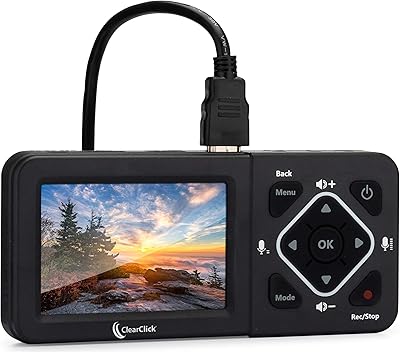
ClearClick HD Video Capture Box Ultimate
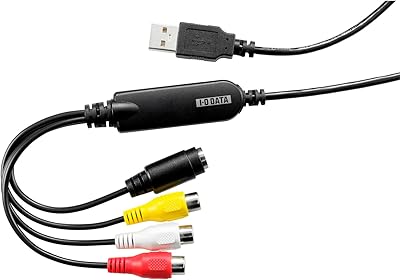
I-O DATA GV-USB2/E
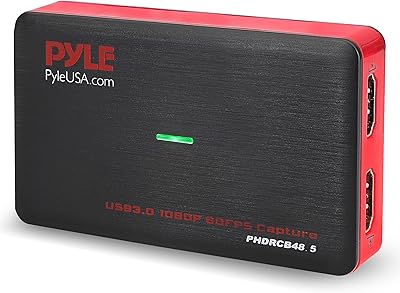
Pyle PHDRCB48.5 Capture Card
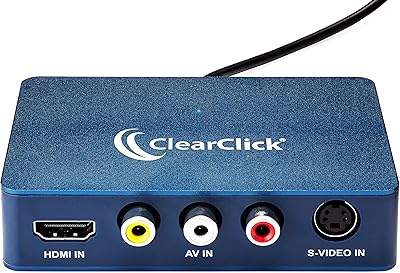
ClearClick Video2USB
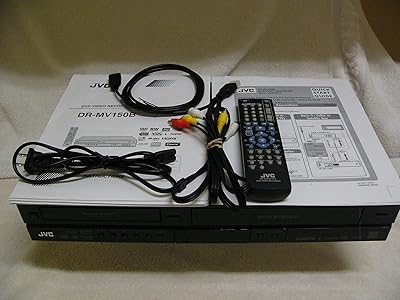
JVC DR-MV150B DVD VHS Combo Recorder
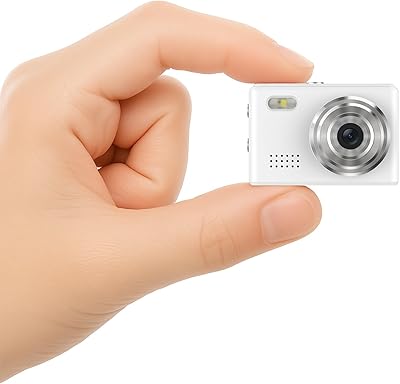
Dienspeak DC23 64GB Mini Keychain Camera
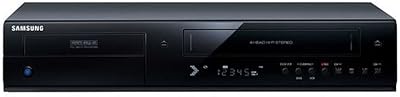
Samsung DVD-VR375A DVD VHS Combo Recorder
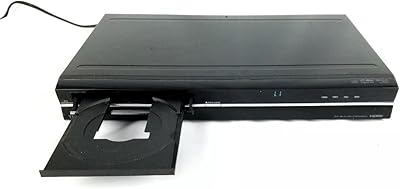
Toshiba DR420 DVD Recorder
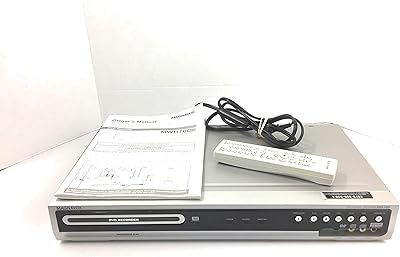
Magnavox MWR10D6 DVD Recorder
