ClearClick HD Video Capture Box Ultimate
Overview
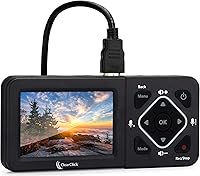
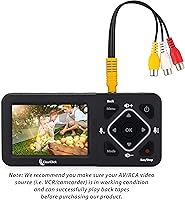
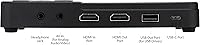
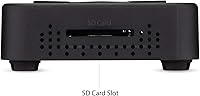
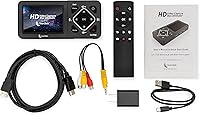
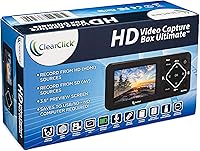
The ClearClick HD Video Capture Box Ultimate is a standalone recorder built for home archivists who want to digitize old tapes or capture video without touching a computer. It handles both analog sources — VHS, Hi8, RCA, camcorders — and modern HDMI devices from a single compact box. A built-in 3.5-inch LCD lets you preview footage on the spot, and recordings save directly to microSD, USB flash drives, or USB hard drives as MP4 files. This isn't a budget impulse buy; the pricing reflects a device aimed at people who want a reliable, no-laptop setup backed by a one-year warranty from a USA-based company.
Features & Benefits
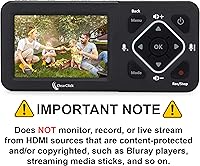
One of the most important things to understand about this capture box before buying is the HDCP limitation. If you plan to record from a Blu-ray player, a streaming stick, or any device with copy protection, you will get a black screen — no workaround exists. For non-protected HDMI sources, it captures up to 1080p, while analog inputs top out at 720x480 SD resolution, which is standard for legacy tape formats. Live streaming via OBS is supported on Windows only; Mac users and XSplit are explicitly left out. At just 8 ounces with a built-in battery, the ClearClick capture device is portable enough to bring to a relative's house for a tape-digitizing session.
Best For
This standalone recorder is a natural fit for anyone sitting on a box of old VHS tapes or Hi8 camcorder reels who would rather not pay a digitizing service. It's equally useful for retro gaming fans who want to capture footage from older consoles without dealing with driver installs or complex software. Non-technical users will especially appreciate the out-of-the-box experience — plug in your source, insert a microSD card, and press record. It also works for Windows users who want a dual-purpose device: standalone for analog preservation and a USB capture card for occasional OBS streaming. Just don't expect it to record from your cable box or streaming device — the content protection issue is a hard stop.
User Feedback
Buyers consistently praise the ease of setup and the convenience of not needing a laptop in the room — for many, plugging in an old camcorder and hitting record is exactly the experience they were hoping for. The standalone operation earns the most consistent positive marks. On the other side, the HDCP black screen catches a meaningful number of buyers off guard, particularly those who assumed they could record from a streaming box or cable receiver. A few users noted that the LCD preview can feel sluggish during longer sessions, and battery life gets mixed reviews for extended use. Customer support responses are generally described as responsive, which matters at this price point where buyers expect more than a basic warranty card.
Pros
- Records directly to microSD or USB storage with no computer required — genuinely useful for tape digitizing on the go.
- Handles a wide range of analog formats including VHS, Hi8, RCA, and camcorders in a single device.
- Built-in 3.5-inch LCD screen lets you confirm your source is live before committing to a long recording session.
- MP4 output works out of the box with virtually every video editor and media player without conversion.
- Supports USB hard drives up to 4 TB, making it practical for digitizing large tape libraries in one run.
- Lightweight and battery-powered, so it is easy to pack and use away from a power outlet.
- USA-based customer support is responsive and more accessible than what most competing import brands offer.
- Windows users get a dual-purpose device — standalone capture and a functional USB capture card for OBS streaming.
- One-year warranty provides a reasonable safety net at this price tier from a traceable, accountable brand.
Cons
- Any HDCP-protected HDMI source — including streaming sticks, Blu-ray players, and cable boxes — produces only a black screen.
- Mac users cannot use the live streaming or OBS functionality at all; it is Windows-only.
- Analog capture is capped at 720x480 SD resolution, which will not satisfy anyone expecting a visual improvement over the source tape.
- Battery life during long VHS captures has been reported as inconsistent, sometimes requiring the AC adapter to finish a single tape.
- The instruction manual is thin and poorly covers OBS setup, drive formatting requirements, and compatibility edge cases.
- Storage drive formatting compatibility is not well-documented, and some users had to reformat drives before the device would recognize them.
- Audio drift can develop during extended analog recordings and requires manual correction in editing software afterward.
- The LCD preview has narrow viewing angles and a noticeable lag during fast-motion footage, limiting its usefulness as a quality monitor.
- At this price point, the value proposition weakens significantly for anyone who only needs basic analog digitizing and already has a Windows PC.
Ratings
The scores below for the ClearClick HD Video Capture Box Ultimate were generated by our AI engine after analyzing verified global user reviews, with spam, bot submissions, and incentivized feedback actively filtered out. The result is an honest, balanced picture that reflects both what buyers genuinely love and the friction points that cause real frustration. Strengths and weaknesses are weighted equally so you can make a confident, informed decision.
Ease of Setup
Standalone Operation
HDCP & Content Protection Handling
Analog Video Quality
HDMI Capture Quality
Build Quality & Portability
Storage Flexibility
Software & OBS Compatibility
LCD Preview Screen
Audio Capture Quality
Value for Money
Customer Support & Warranty
Documentation & Instructions
Compatibility Range
Suitable for:
The ClearClick HD Video Capture Box Ultimate is a strong fit for anyone sitting on a collection of old VHS tapes, Hi8 camcorder reels, or RCA-connected legacy devices who wants to digitize them at home without paying a professional service or wrestling with software. It is especially well-suited to non-technical users — think parents, grandparents, or casual hobbyists — who need a device that works the moment it is plugged in, with recordings landing directly onto a microSD card or USB drive as standard MP4 files. Retro gaming enthusiasts who want to capture footage from older, non-HDCP consoles will also find this capture box a reliable and portable companion. Windows users interested in occasional OBS streaming who also have analog sources to preserve get a genuine two-in-one solution here. The built-in battery and compact footprint make it practical to bring to a family member's home for a dedicated tape-archiving session, which is a real-world scenario this device handles better than most alternatives in its category.
Not suitable for:
The ClearClick HD Video Capture Box Ultimate is the wrong tool if your primary goal is recording from a Blu-ray player, a streaming stick, a cable box, or any HDMI source that uses content protection — you will see nothing but a black screen, and there is no setting or workaround to change that. Mac users should also think carefully before purchasing: standalone recording to a drive works on Mac, but live streaming via OBS is Windows-only, and XSplit is unsupported entirely. If you are a content creator or semi-professional who needs 4K capture, this standalone recorder will fall short, as HDMI capture tops out at 1080p and analog at standard-definition 720x480. Budget-conscious buyers who only need to digitize a small handful of tapes once and have a Windows PC available may find cheaper USB capture sticks do the job adequately for considerably less money. And if you rely heavily on documentation or expect detailed setup guides for edge cases, the thin instruction manual may leave you searching online for answers.
Specifications
- HDMI Resolution: Captures HDMI video sources at up to 1080p, provided the source is not HDCP-protected.
- Analog Resolution: Analog video from RCA, VHS, VCR, DVD, camcorders, and Hi8 is captured at standard definition 720x480.
- Analog Inputs: Compatible analog sources include RCA composite, VHS and VCR decks, DVD players, standard camcorders, and Hi8 camcorders.
- Output Format: All recordings are saved as MP4 files, which are compatible with the vast majority of video editors and media players without conversion.
- Preview Screen: Features a built-in 3.5″ LCD screen for monitoring your source signal and confirming recording status without an external display.
- microSD Storage: Accepts microSD cards up to 128 GB for direct on-device recording in standalone mode.
- USB Flash Storage: Supports USB flash drives up to 128 GB as an alternative recording destination.
- USB HDD Storage: Compatible with USB hard drives up to 4 TB, suitable for archiving large collections of legacy tapes.
- PC Connectivity: Connects to a computer via USB 3.0 for live streaming or PC-based capture sessions.
- Streaming Support: Live streaming via OBS is supported on Windows only; Mac, XSplit, and other streaming platforms are not supported.
- OS Compatibility: Standalone capture mode works with both Windows and Mac, but OBS-based live streaming is restricted to Windows only.
- HDCP Content: HDCP-protected HDMI sources — including Blu-ray players, streaming sticks, and cable boxes — will display only a black screen and cannot be recorded.
- Power Source: Operates on either an included AC adapter for stationary use or a built-in rechargeable lithium polymer battery for portable sessions.
- Dimensions: The unit measures 6.3 x 2.9 x 0.9 inches, making it compact enough to store in a bag or desk drawer.
- Weight: Weighs 8 ounces, keeping the device easy to carry for on-location tape digitizing sessions.
- Color: Available in black with a matte-finish housing designed to minimize surface glare during use.
- Warranty: Backed by a one-year warranty with support provided directly by ClearClick, a USA-based brand.
- Date Available: This product was first made available for purchase in January 2019 and has not been discontinued by the manufacturer.
Related Reviews
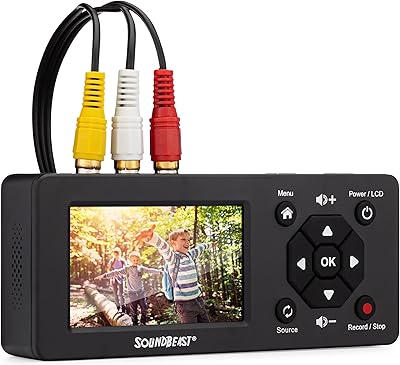
SoundBeast Video Capture Box 2.0
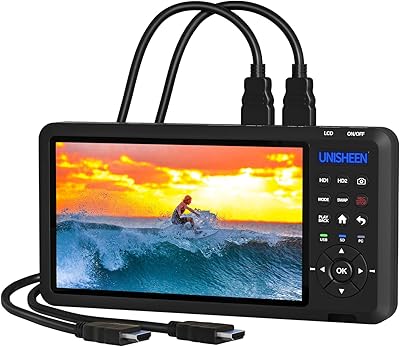
UNISHEEN UR500 Dual HDMI Video Capture Box
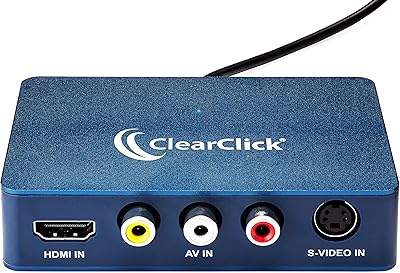
ClearClick Video2USB

XIIXMASK MS2131 Video Capture Card
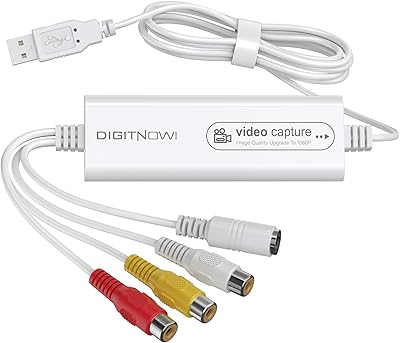
VIXLW Video Capture Card Pro+
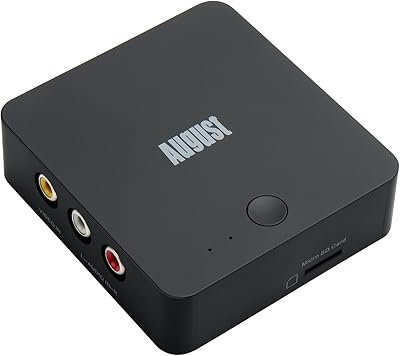
August VGB400 Video Capture Card
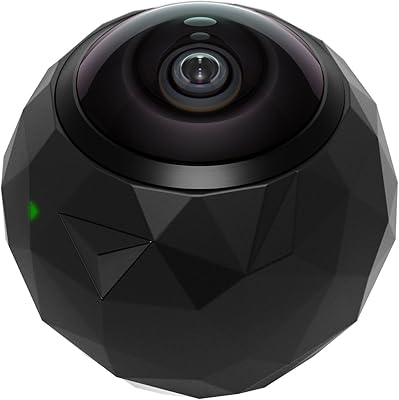
360fly 360° HD Video Camera
Roland V-1HD HD Video Switcher
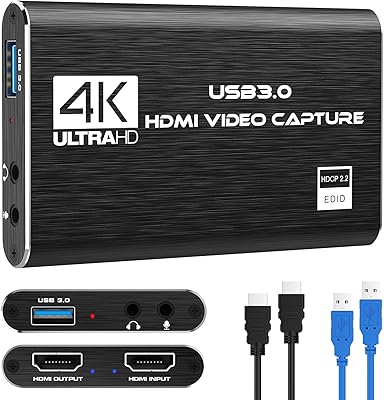
Rybozen V316B-FR Capture Card