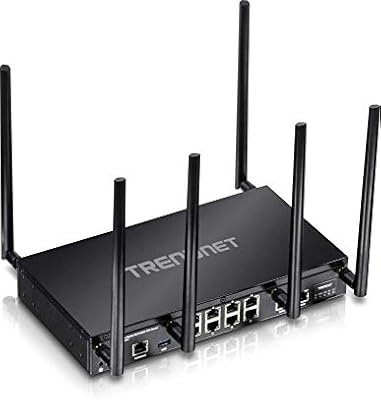
ASUS RT-N66R Dual-Band N900 Gigabit Router
Overview
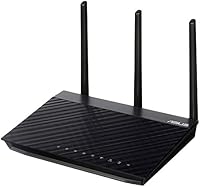
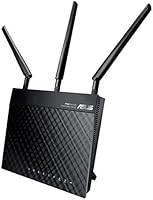
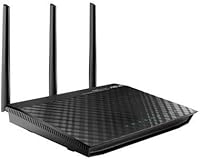
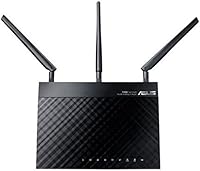
The ASUS RT-N66R Dual-Band N900 Gigabit Router is a mid-range wireless router from ASUS's N-series lineup that has been quietly holding its ground since its 2013 debut. That age matters — Wi-Fi standards have moved on considerably since then, and buyers should walk in with realistic expectations. That said, the RT-N66R still delivers solid combined throughput across two frequency bands, which covers the basics for a household running several devices at once. ASUS claims a 2,000 sq ft coverage footprint, and in open, single-floor layouts, that estimate is achievable. Multi-story homes are a different story. For no-frills home connectivity without chasing the latest specs, this dual-band router remains a sensible option.
Features & Benefits
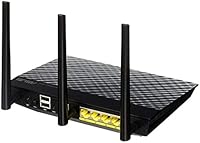
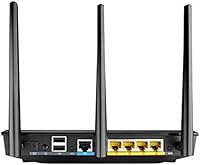
Running on dual-band 802.11n, the RT-N66R separates wireless traffic across 2.4GHz and 5GHz — a practical arrangement that lets older or range-sensitive devices stick to the lower band while faster gadgets use the less congested 5GHz channel. Four Gigabit LAN ports mean wired desktop connections stay fast and reliable, which matters when moving files across a home network. The two USB 2.0 ports add genuine utility: plug in a printer to share it across the house, or attach an external drive for basic network storage via ASUS's AiDisk feature. AiCloud extends that further with remote file access. Setup is guided and approachable, though power users will find plenty of depth in the firmware's advanced controls.
Best For
This ASUS N900 router is a solid fit for households with moderate internet demands — streaming, video calls, and general browsing across half a dozen devices, not 4K video on every screen simultaneously. The Gigabit wired ports are a genuine asset for anyone who values a dependable desktop connection alongside wireless convenience. It also works well for small home offices that need to share a printer across multiple computers without buying dedicated hardware. Where it falls short is coverage in larger or multi-story homes, and anyone who needs the throughput of Wi-Fi 5 or 6 should look at newer hardware. Think of this dual-band router as a practical workhorse, not a high-performance networking showpiece.
User Feedback
Across nearly 275 ratings, the RT-N66R lands at a middling 3.9 stars — respectable, but with enough variation to warrant a closer look. Satisfied buyers consistently highlight stable signal performance and a painless initial setup compared to competitors at a similar price. The ASUS firmware earns particular praise for being approachable without burying advanced options. On the critical side, frustrated reviewers point to range limitations in multi-floor homes, and a handful report long-term reliability concerns surfacing after a year or two of continuous use. Some also note that for a comparable spend, newer AC-standard routers offer meaningfully better performance. If you are replacing aging equipment and not chasing peak speeds, the overall sentiment is cautiously positive.
Pros
- Dual-band operation keeps older devices on 2.4GHz while faster gadgets use the less congested 5GHz channel.
- Four Gigabit LAN ports deliver fast, reliable wired connections for desktops, consoles, and smart TVs.
- Two USB ports allow shared printer access and basic network storage without extra hardware.
- ASUS firmware is mature, well-documented, and approachable for non-technical users.
- Initial setup is quick and guided, with WPS for one-button device pairing.
- AiCloud lets you remotely access files on an attached USB drive from outside the home.
- Signal stability in single-story homes gets consistent praise from long-term owners.
- ASUS brand reliability and firmware update history offer more confidence than budget no-name alternatives.
- Compact and lightweight build makes placement flexible without dominating a shelf.
Cons
- 802.11n is two generations behind current Wi-Fi standards, limiting top wireless speeds noticeably.
- Coverage in multi-story or larger homes regularly falls short of the advertised 2,000 sq ft estimate.
- A handful of owners report hardware failures after one to two years of continuous use.
- USB ports are USB 2.0, so NAS-style file transfers over the network are slow by modern standards.
- Occasional firmware update issues have caused connectivity drops for some users.
- Cannot keep pace with high-speed ISP plans — the wireless side becomes a bottleneck.
- No MU-MIMO support means simultaneous multi-device performance degrades more than on newer routers.
- At its current price, newer AC-standard routers offer meaningfully better wireless performance for similar spend.
- The aging chipset offers limited headroom for running third-party firmware like DD-WRT or OpenWRT reliably.
Ratings
The scores below for the ASUS RT-N66R Dual-Band N900 Gigabit Router were produced by our AI rating engine after analyzing verified purchase reviews from buyers worldwide, with spam, incentivized, and bot-flagged submissions actively filtered out before any scoring took place. Each category reflects the honest distribution of buyer sentiment — strong results where users genuinely praised the product, and lower marks where recurring frustrations surfaced consistently across multiple reviewers. Nothing has been smoothed over to make the picture look rosier than it is.
Wireless Performance
Signal Range & Coverage
Setup & Ease of Use
Firmware & Software
Wired Connection Quality
USB & File Sharing
Build Quality & Design
Value for Money
Multi-Device Handling
Security Features
Installation Speed
Long-Term Reliability
Advanced Network Features
Suitable for:
The ASUS RT-N66R Dual-Band N900 Gigabit Router is a genuinely good fit for households that have straightforward internet needs — streaming on a couple of screens, video calls, and general browsing across several devices without anyone pushing the connection to its limits. Renters or homeowners in compact single-story spaces will likely get close to the advertised coverage range, making it a practical choice without overspending on hardware. If you work from a small home office and want to share a printer across multiple computers without buying a dedicated print server, the two USB ports handle that cleanly. Wired connections are a strong point here too — four Gigabit LAN ports mean desktops and game consoles get fast, stable links without fighting over wireless bandwidth. Budget-conscious buyers who want a name-brand router backed by a mature firmware ecosystem, rather than a no-name box with sketchy software support, will find this dual-band router hits a reasonable sweet spot.
Not suitable for:
Anyone building or upgrading a modern home network should think carefully before choosing the ASUS RT-N66R Dual-Band N900 Gigabit Router, because the 802.11n wireless standard it runs on has been surpassed by two generations of Wi-Fi technology. Households with heavy concurrent usage — multiple 4K streams, large file transfers, and active gaming happening at the same time — will likely feel the ceiling on wireless throughput faster than they expect. Multi-story homes or larger open-plan spaces are a real risk too; the claimed 2,000 sq ft coverage is optimistic in anything but an ideal layout, and dead zones on upper floors are a common complaint. If your ISP plan delivers very high download speeds, the RT-N66R's wireless side will not keep pace, effectively leaving paid bandwidth unused. Power users who want advanced QoS controls, VPN server functionality, or the throughput of a current AC or Wi-Fi 6 router should put their money toward newer hardware instead.
Specifications
- Wireless Standard: Operates on IEEE 802.11a/b/g/n, supporting dual-band connections across 2.4GHz and 5GHz frequencies.
- Max Throughput: Combined wireless data rate reaches up to 900Mbps, split across both frequency bands.
- Frequency Bands: Dual-band design broadcasts simultaneously on both 2.4GHz for range and 5GHz for speed.
- WAN Port: Includes one 10/100/1000M Gigabit WAN port for connecting directly to a modem or ISP gateway.
- LAN Ports: Four 10/100/1000M Gigabit LAN ports provide fast wired connections for desktops, consoles, and other devices.
- USB Ports: Two USB 2.0 ports support shared printer access and external storage via ASUS AiDisk and AiCloud.
- Coverage Area: ASUS rates the wireless coverage at up to 2,000 sq ft, though real-world results vary by layout and construction.
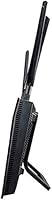
- Antenna Type: Fixed external antennas are built into the chassis and cannot be swapped or upgraded.
- Power Supply: Powered by a 19V DC adapter included in the box; no battery backup or PoE support.
- Item Weight: The unit weighs 1.6 pounds, making it light enough to mount on a wall or tuck onto a shelf easily.
- WPS Support: A dedicated WPS button on the unit allows quick, password-free pairing with compatible wireless devices.
- OS Compatibility: Administration interface is compatible with Windows (XP through 10), Mac OS X, and Linux operating systems.
- Box Contents: Package includes the router unit, one Ethernet cable, and a power adapter; no phone or USB drive is included.
- First Available: This router first became available in September 2013, making it part of ASUS's N-series 802.11n generation.
- Brand & Series: Manufactured by ASUS under the RT-N series, a product line focused on 802.11n dual-band home routing.
- Firmware Features: Ships with ASUS firmware offering AiCloud remote access, AiDisk network storage, traffic monitoring, and parental controls.
- VPN Support: The router supports basic VPN client and server configurations through the ASUS firmware interface.
- DHCP & NAT: Includes standard DHCP server, NAT, and firewall functionality suitable for typical home and small-office networks.
Related Reviews

Asus RT-AC1200 Wireless Dual-Band Router
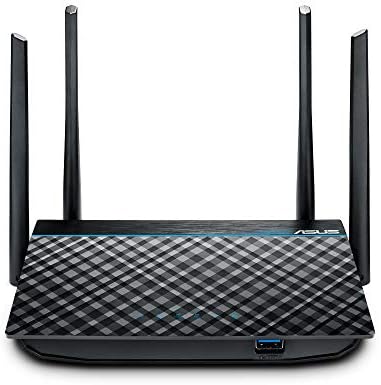
ASUS RT-ACRH13 AC1300 Dual Band Gigabit Router
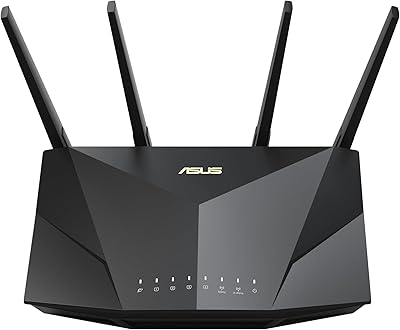
ASUS RT-AX5400 WiFi 6 Dual-Band Router

ASUS RT-AX1800S
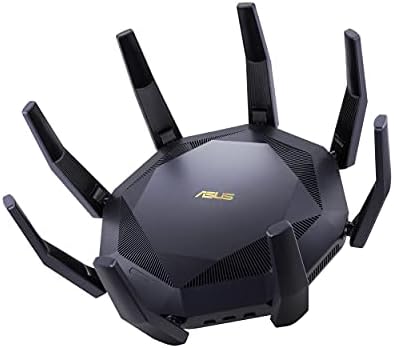
ASUS RT-AX89X AX6000 Dual Band Wi-Fi Router
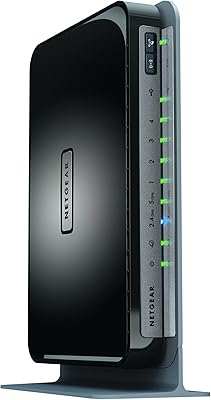
Netgear WNDR4300 N750 Dual Band Gigabit Router
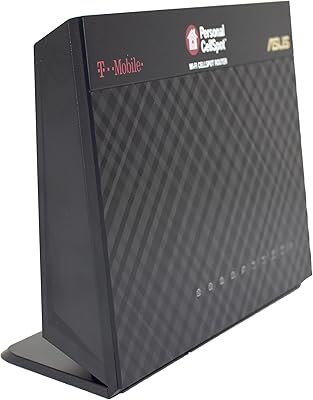
Asus TM-AC1900 Dual-Band Wi-Fi Router
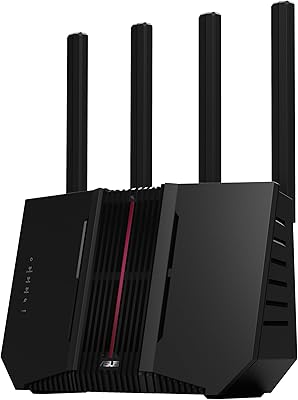
ASUS RT-BE92U WiFi 7 Router
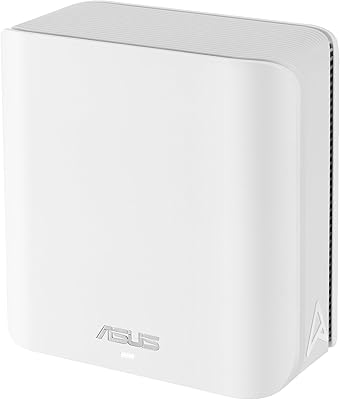
ASUS ZenWiFi BD4 Dual-Band WiFi 7 Mesh Router