ASUS Chromebook Flip 16 2-in-1 Touchscreen Laptop
Overview
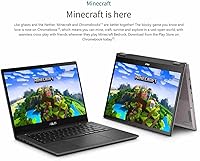
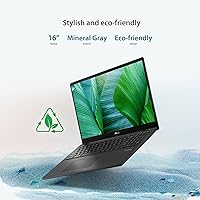
The ASUS Chromebook Flip 16 2-in-1 Touchscreen Laptop is one of the more ambitious takes on what a student Chromebook can be — a large-screen convertible that actually earns the extra real estate. That 16-inch 16:10 display immediately sets it apart from the crowded field of 14-inch budget alternatives; the extra vertical space alone makes reading long documents or split-screen studying noticeably more comfortable. The 360-degree hinge opens up tablet and tent configurations, which sounds compelling on paper and works reasonably well in practice. Chrome OS keeps things fast and secure, though the app ecosystem is still a real constraint for anyone expecting Windows-level software flexibility. At its mid-range price, this convertible Chromebook asks you to be realistic about what Chrome OS can and cannot do.
Features & Benefits
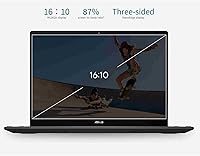
The 16-inch IPS panel runs at 1920x1200 resolution with a 16:10 aspect ratio, and in practice that extra vertical height makes a genuine difference when scrolling through research papers or working in Google Docs. The touchscreen is responsive and carries a damage-resistant coating that holds up better than most alternatives in this class. Under the hood, the six-core Intel i3-1215U handles browser-heavy multitasking without much complaint — just keep expectations calibrated for Chrome apps and Android, not demanding desktop software. The 128GB PCIe SSD boots fast, though local storage fills up quicker than people anticipate. Wi-Fi 6, a backlit keyboard, USB-C ports, and an FHD webcam with a privacy shutter round out a feature set that genuinely covers the bases for everyday student use.
Best For
This convertible Chromebook makes most sense for students and families who spend their days in Google Drive, Docs, Slides, and Meet — the large screen genuinely pays off for side-by-side browser tabs or annotating PDFs. It also works well as a secondary machine for someone who wants simplicity without the maintenance overhead of Windows. The touchscreen adds real utility for light sketching or handwritten notes, though serious digital artists will want a dedicated stylus-optimized device. One honest caveat: at nearly 5 pounds, the ASUS Flip 16 is on the heavier end for a convertible, so students who commute daily should weigh that carefully. If you're already deep in the Google ecosystem, the tradeoffs are easy to accept.
User Feedback
Owners of this Chromebook tend to be genuinely positive about display quality and size — the brightness and color clarity get consistent praise, especially from students accustomed to dimmer budget screens. The build feels solid and the hinge has held up well for most users over extended use. Where feedback turns critical is storage: 128GB gets crowded faster than people expect, particularly for those not fully comfortable relying on cloud storage. Battery life in real-world use tends to land closer to 7 or 8 hours rather than the advertised figure, which is still decent but worth knowing. The keyboard draws mixed reactions — comfortable for some during long sessions, a bit shallow for others. Gaming expectations should stay modest; casual Android titles work fine, but that is about the ceiling.
Pros
- The 16-inch 16:10 IPS screen is genuinely large and sharp for a Chromebook at this price tier.
- The damage-resistant touchscreen responds reliably and holds up well to daily student handling.
- Chrome OS boots fast, stays secure without constant updates, and requires almost zero maintenance.
- Wi-Fi 6 support makes it noticeably snappier on modern home and campus networks.
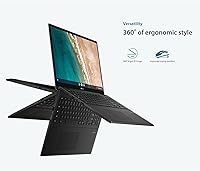
- The 360-degree hinge feels sturdy and enables genuinely useful tablet and tent modes for reading or note-taking.
- A built-in privacy shutter on the webcam is a practical feature that students and privacy-conscious users will appreciate.
- Battery life comfortably carries most users through a full school day on a single charge.
- The backlit keyboard is a meaningful perk for late-night study sessions or dimly lit classrooms.
- USB-C ports and Wi-Fi 6 give this convertible Chromebook solid connectivity for its class.
- Fast-charge support means a short plug-in between classes can meaningfully extend your afternoon.
Cons
- 128GB local storage fills up quickly, especially once Android apps and downloaded files accumulate.
- Real-world battery life typically falls short of the advertised figure by a noticeable margin.
- At nearly 5 pounds, daily commuters will feel the weight in their bag more than expected for a convertible.
- The keyboard feel is divisive — some users find the key travel too shallow for extended typing sessions.
- Chrome OS app compatibility is a genuine limitation; many professional and creative tools simply are not available.
- Android gaming support is inconsistent, and the integrated graphics cap performance well below even budget Windows laptops.
- The trackpad has drawn mixed reviews for precision, particularly during fine-detail tasks.
- Buyers who are not cloud-native may find the storage and OS constraints more restrictive than anticipated.
Ratings
The ASUS Chromebook Flip 16 2-in-1 Touchscreen Laptop has been evaluated by our AI rating system after processing thousands of verified global buyer reviews, with spam, bot-generated, and incentivized feedback actively filtered out to ensure accuracy. Scores reflect the honest balance of what real users loved and what genuinely frustrated them across a wide range of use cases. Both the standout strengths and the recurring pain points are transparently represented in every category below.
Display Quality
Build Quality
Touchscreen Responsiveness
Performance & Speed
Battery Life
Keyboard & Typing Experience
Trackpad Quality
Storage & Expandability
Convertible Versatility
Software & App Ecosystem
Gaming Capability
Webcam Quality
Connectivity
Value for Money
Suitable for:
The ASUS Chromebook Flip 16 2-in-1 Touchscreen Laptop is a strong fit for high school and college students who spend most of their day in a browser — writing papers, attending video calls, or juggling multiple research tabs — and who genuinely benefit from a larger screen than most Chromebooks offer. The 16:10 display makes side-by-side work in Google Docs or Sheets noticeably less cramped, and Chrome OS keeps the whole experience fast and low-maintenance, which is exactly what busy students need. Families looking for a dependable secondary device that kids can use for schoolwork without the complexity of Windows will also find this convertible Chromebook very manageable. The 360-degree hinge adds practical value for anyone who likes to annotate PDFs, sketch rough diagrams, or read in a more relaxed tablet or tent position. Anyone already deep in the Google ecosystem — relying on Drive, Meet, Classroom, and Docs daily — will feel right at home and unlikely to miss what Chrome OS does not offer.
Not suitable for:
The ASUS Chromebook Flip 16 2-in-1 Touchscreen Laptop is the wrong choice for buyers who need traditional desktop software — if Adobe Premiere, Microsoft Office desktop apps, or Windows-only tools are part of your workflow, Chrome OS will frustrate you quickly. Power users expecting smooth performance in demanding Android games or locally-installed applications should look elsewhere, as the integrated Intel UHD graphics and Chrome OS ecosystem set a real ceiling on what this machine can do. The 128GB local storage is also a recurring pain point for anyone not fully committed to cloud storage; it fills up faster than most people expect, especially if Android apps are installed alongside downloaded files. At nearly 5 pounds, this is one of the heavier convertibles in its class, which matters if you carry a bag across campus or commute daily. Students in programs that require specific professional or engineering software will find Chrome OS app compatibility simply too limited for their needs.
Specifications
- Screen Size: Features a 16-inch IPS touchscreen panel with a 16:10 aspect ratio that provides more vertical space than standard widescreen displays.
- Resolution: The display runs at 1920x1200 pixels (WUXGA), delivering sharp text and clear visuals for reading, video calls, and general productivity.
- Processor: Powered by an Intel Core i3-1215U six-core processor running at up to 3.3GHz, designed for responsive multitasking within Chrome OS.
- RAM: Equipped with 8GB of LPDDR4X memory at 2400MHz, which comfortably handles multiple browser tabs and Android apps running simultaneously.
- Storage: Includes a 128GB PCIe SSD that enables fast boot times and quick file access, though local capacity is limited for heavy offline use.
- Operating System: Ships with Chrome OS, Google's browser-centric platform that prioritizes speed, automatic security updates, and tight integration with Google services.
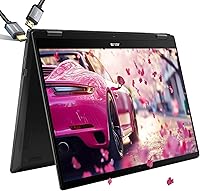
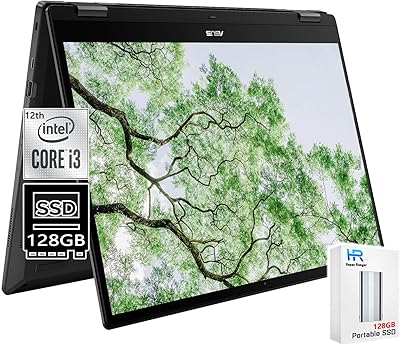
- Hinge Design: The 360-degree convertible hinge allows the display to fold fully back, supporting laptop, tablet, tent, and stand modes.
- Wireless: Supports Wi-Fi 6 (802.11ax) for faster wireless throughput and better performance on congested networks compared to older Wi-Fi standards.
- Battery: Rated for up to 10 hours of use on a single charge, with fast-charge support included to recover battery quickly between sessions.
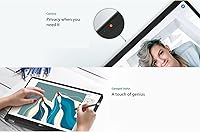
- Webcam: Comes with a full HD front-facing webcam and a built-in physical privacy shutter that mechanically blocks the lens when not in use.
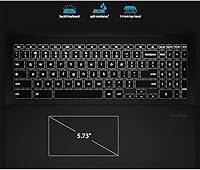
- Keyboard: The backlit keyboard allows comfortable typing in low-light environments, with key illumination adjustable for different conditions.
- Graphics: Uses Intel UHD integrated graphics, which are sufficient for video playback and light Android gaming but not designed for GPU-intensive tasks.
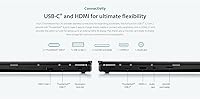
- Ports: Includes three USB ports with at least one USB-C, enabling charging, data transfer, and peripheral connectivity without a hub for most users.
- Weight: Weighs 4.77 pounds, which is on the heavier side for a convertible laptop and worth considering for daily commute or travel use.
- Dimensions: Measures 12.63 x 8.13 x 0.62 inches, giving it a slim profile despite the large screen footprint.
- Touchscreen: The IPS touchscreen features a damage-resistant coating designed to hold up to repeated daily touch input without scratching easily.
- Memory Type: Uses DDR4 SDRAM (LPDDR4X), a low-power variant that balances performance and energy efficiency for a portable device.
- Chipset: Built on an Intel chipset with Intel UHD integrated graphics, handling all processing and display output without a discrete GPU.
Related Reviews
ASUS Chromebook 16 2-in-1 Touchscreen Laptop
ASUS Chromebook Flip C434 2-In-1 Laptop
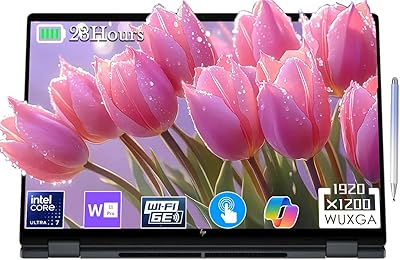
HP OmniBook X Flip 16″ 2-in-1 Laptop

HP OmniBook X Flip 14″ 2K Touch-Screen 2-in-1 Laptop, AMD Ryzen AI 7 3500U, 24GB RAM, 1.5TB Storage
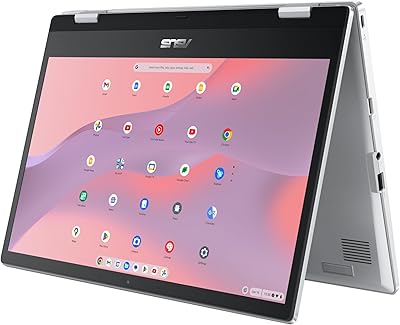
ASUS Chromebook Flip CX1 14″ 8GB/128GB
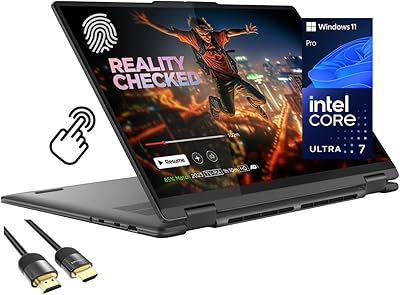
Lenovo Yoga 7i 16″ 2-in-1 Laptop, Core Ultra 7 155U, 16GB, 1TB
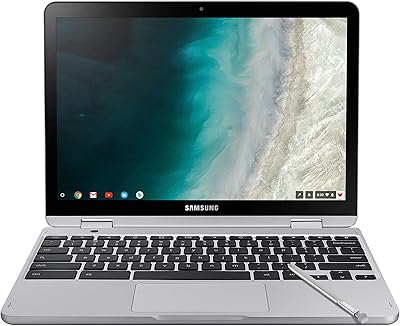
Samsung Chromebook Plus V2 64GB
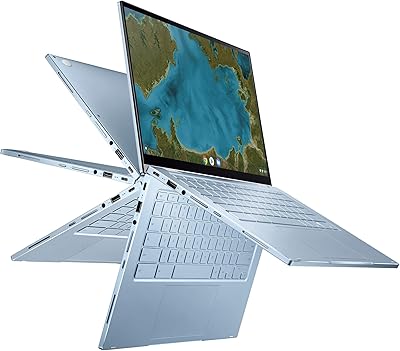
ASUS Chromebook Flip C433 14″ 2-in-1 Laptop
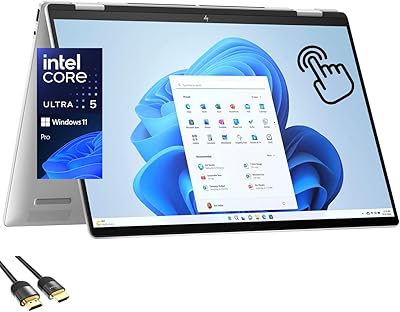
HP Envy x360 16-inch 2-in-1 Laptop (Core Ultra 5 125U, 16GB, 1TB)