ASRock Radeon RX 6600 8GB Graphics Card

Overview
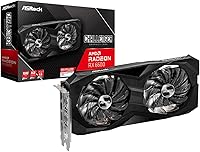
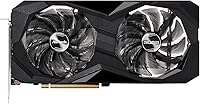
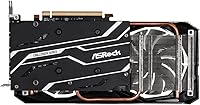
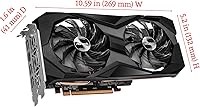
The ASRock Radeon RX 6600 8GB Graphics Card entered the market in late 2021 as a straightforward answer for builders who wanted solid 1080p gaming without overspending. ASRock's Challenger D lineup sits at the practical, no-frills end of their GPU range — less flashy than their Phantom Gaming or Taichi tiers, but built to deliver real-world performance at a reasonable cost. The compact dual-slot, dual-fan design fits comfortably in mid-tower and smaller cases alike. Powered by AMD's RDNA 2 architecture, this mid-range AMD GPU handles virtually every 1080p title with confidence, and can stretch to 1440p in less demanding games, though that is not really where it shines.
Features & Benefits
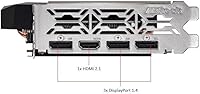
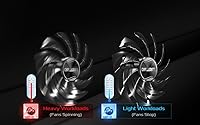
RDNA 2 brought meaningful improvements over AMD's prior generations — better power efficiency, hardware ray tracing support, and a noticeable jump in performance per watt. The 8GB of GDDR6 memory runs fast enough to handle modern textures at 1080p without issue, though the 128-bit memory bus does put a ceiling on how far you can push higher resolutions. One genuinely practical feature is the 0dB fan mode — under light desktop workloads the fans stop entirely, which makes this a surprisingly quiet card for everyday use. Four display outputs including HDMI 2.1 give multi-monitor users real flexibility, and FSR support helps extract extra frames in compatible titles, though game coverage still varies.
Best For
This ASRock RX 6600 is an easy recommendation for anyone gaming at 1080p who wants high framerates in both AAA titles and competitive esports games without a complicated setup. It draws power from a single 8-pin connector — modest by today's standards — making it an accessible choice for first-time builders working with a basic power supply. Anyone still running a GTX 1060 or RX 580 will notice a real generational uplift in performance and efficiency. The compact dual-slot body is also worth considering for small form factor builds where larger triple-fan cards simply will not fit. Multi-monitor content creators and streamers get useful display output options as a bonus.
User Feedback
The reception for the Challenger D card has been largely positive since its release, with buyers consistently highlighting quiet day-to-day operation as a standout real-world benefit. Thermal performance under sustained gaming loads earns solid marks too, with the dual-fan cooler keeping temperatures manageable without ramping to distracting noise levels. Not everything is glowing, though. Users switching from Nvidia hardware frequently mention that AMD's driver software takes some adjustment, and a small portion of reviewers flag compatibility issues in pre-built or older systems. The narrow memory bus is the most cited technical frustration among buyers who tested the card at higher resolutions, finding performance fell short of expectations faster than anticipated.
Pros
- Excellent 1080p gaming performance across both AAA and competitive esports titles at a mid-range price point.
- The 0dB silent fan mode makes the Challenger D card genuinely quiet during everyday desktop and streaming use.
- A single 8-pin power connector keeps installation simple and works with a wide range of existing power supplies.
- RDNA 2 architecture delivers meaningful efficiency gains over older AMD and entry-level competing GPUs.
- Compact dual-slot form factor opens the door for smaller cases that cannot accommodate bulkier modern GPUs.
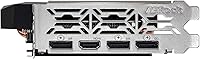
- Four display outputs including HDMI 2.1 and three DisplayPort connections handle multi-monitor setups without adapters.
- Buyers upgrading from older generation cards report a dramatic, immediately noticeable performance improvement.
- FSR support provides a useful framerate buffer in compatible titles, helping extend the useful resolution range.
- The card has a proven track record since its 2021 launch, with a mature driver stack and well-documented real-world behavior.
- Competitive value proposition for 1080p-focused builders who do not want to overspend on resolution headroom they will not use.
Cons
- The 128-bit memory bus limits performance headroom at 1440p in demanding titles faster than many buyers anticipate.
- Ray tracing performance is noticeably weaker compared to Nvidia alternatives competing in the same price bracket.
- AMD's driver software has a steeper learning curve for users migrating from a long-term Nvidia setup.
- FSR upscaling benefits are inconsistent because game support is not universal across all popular titles.
- A small but recurring number of buyers report compatibility issues with older pre-built systems requiring BIOS updates.
- Overclocking potential is constrained by both the cooler design and the memory bandwidth ceiling.
- No RGB lighting or premium aesthetic touches — purely utilitarian in appearance, which may clash with styled builds.
- Under sustained heavy gaming loads in warm or poorly ventilated cases, temperatures climb more than some buyers expect.
- Buyers who later shift toward content creation workflows may find the lack of CUDA support a meaningful limitation.
- Relative to newer GPU generations released after 2023, the efficiency and performance advantages have narrowed considerably.
Ratings
The ASRock Radeon RX 6600 8GB Graphics Card has been put through its paces by verified buyers across dozens of global markets, and our AI-driven scoring system has processed that feedback carefully — filtering out incentivized reviews, duplicate submissions, and bot activity — to surface what real users consistently experience. The scores below reflect both where this mid-range AMD GPU genuinely delivers and where it falls short, with no glossing over the friction points that matter to buyers making a real purchasing decision.
1080p Gaming Performance
1440p Gaming Performance
Value for Money
Thermal Performance
Noise Level
Driver & Software Experience
Build Quality & Aesthetics
Installation & Compatibility
Multi-Monitor Support
Power Efficiency
FSR Upscaling Quality
Overclocking Headroom
Ray Tracing Capability
Form Factor & Size
Suitable for:
The ASRock Radeon RX 6600 8GB Graphics Card is a well-matched choice for PC gamers who have settled on 1080p as their target resolution and want to maximize framerates without stretching their budget uncomfortably. It is particularly well-suited to first-time builders who want a straightforward installation experience — the single 8-pin power connector and compact dual-slot body remove a lot of the friction that more demanding GPUs introduce. Gamers still running hardware from several generations back, like a GTX 1060 or RX 580, will notice a substantial and immediately appreciable jump in both performance and power efficiency. The Challenger D card is also a practical fit for small form factor builds where physically larger triple-fan GPUs are simply not an option. Content consumers and light creative users who want to drive two or three monitors via DisplayPort will find the output configuration genuinely useful for productivity layouts. For anyone who values a quiet PC during everyday desktop use, the silent fan mode during light workloads is a real quality-of-life benefit that goes beyond pure gaming specs.
Not suitable for:
Buyers with serious ambitions at 1440p or higher resolutions should think carefully before committing to the ASRock Radeon RX 6600 8GB Graphics Card, because the narrower memory bus creates a performance ceiling that becomes increasingly apparent in demanding, detail-heavy titles at those resolutions. If chasing cutting-edge visuals with ray tracing enabled is a priority, this mid-range AMD GPU will disappoint — ray tracing hits it harder than it does competing Nvidia options in a similar price range, often requiring the feature to be turned off entirely to maintain smooth framerates. Users switching from an Nvidia GPU who are deeply embedded in CUDA-dependent creative software workflows may also find the transition more disruptive than expected. Anyone planning an aggressive overclocking build will quickly hit the thermal and bandwidth limits that the Challenger D cooler and memory configuration impose. Finally, buyers who want a GPU with any visual flair — RGB lighting, a premium shroud finish, or a bold aesthetic — will find this card has none of that; it is purely functional in its design philosophy.
Specifications
- GPU: The card is powered by the AMD Radeon RX 6600 graphics processor, built on AMD's RDNA 2 architecture for improved efficiency and performance over prior generations.
- Architecture: RDNA 2 provides hardware-level ray tracing support, better power efficiency, and improved compute performance compared to the older GCN and RDNA 1 designs.
- VRAM: 8GB of GDDR6 memory provides sufficient capacity for modern 1080p gaming textures and handles light 1440p workloads in less demanding titles.
- Memory Speed: The GDDR6 memory operates at 14000 MHz effective speed, delivering fast data throughput for smooth texture streaming during gameplay.
- Memory Bus: A 128-bit memory bus is used, which is adequate for 1080p gaming but becomes a limiting factor when pushing higher resolutions or ultra-quality texture settings.
- Interface: The card uses a PCIe 4.0 x8 interface, ensuring compatibility with modern motherboards while providing ample bandwidth for gaming and productivity workloads.
- Power Connector: A single 8-pin power connector is required, making this card compatible with a wide range of existing and budget power supply units.
- Display Outputs: Connectivity includes one HDMI 2.1 port and three DisplayPort 1.4 ports, supporting up to four monitors simultaneously at high refresh rates.
- Max Resolution: The card officially supports output resolutions up to 7680x4320 pixels, covering standard 4K and 8K display connections.
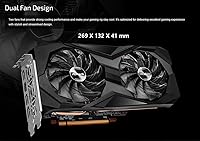
- Cooling System: A dual-fan cooler with 0dB silent mode is used, allowing the fans to stop completely during light workloads and idle for near-silent desktop operation.
- Form Factor: The card occupies two expansion slots and measures 10.59 x 5.2 x 1.61 inches, making it compatible with most mid-tower and many compact PC cases.
- Weight: The card weighs 1.1 pounds, which is relatively lightweight for a dedicated GPU and reduces stress on the PCIe slot in standard ATX builds.
- FSR Support: AMD FidelityFX Super Resolution is supported, allowing compatible games to render at a lower resolution and upscale for improved framerates with minimal visual loss.
- Ray Tracing: Hardware ray tracing is supported via dedicated RT accelerators in the RDNA 2 architecture, though performance in ray-traced workloads is modest compared to competing options.
- Manufacturer: The card is manufactured by ASRock under their Challenger D product line, which is positioned as their value-focused, performance-first GPU tier without premium aesthetic features.
- Model Number: The official ASRock model identifier is 90-GA2RZZ-00UANF, which can be used to verify compatibility documentation and locate manufacturer support resources.
- Release Date: The card was first made available in October 2021 and has since accumulated a substantial base of verified real-world user experience across global markets.
- Power Efficiency: Thanks to the RDNA 2 architecture, total board power is kept at a modest level relative to its performance output, making it suitable for systems with conservative power supply ratings.
Related Reviews
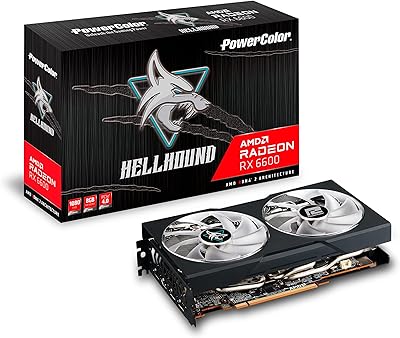
PowerColor Hellhound AMD Radeon RX 6600 8GB Graphics Card
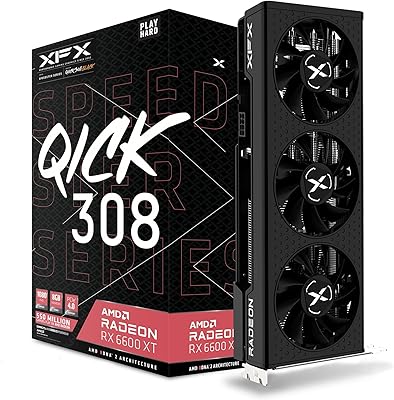
XFX QICK308 RX 6600 XT Graphics Card
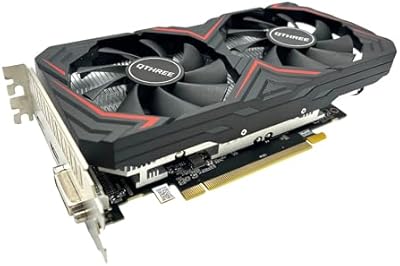
QTHREE Radeon RX 590 GME 8GB Graphics Card
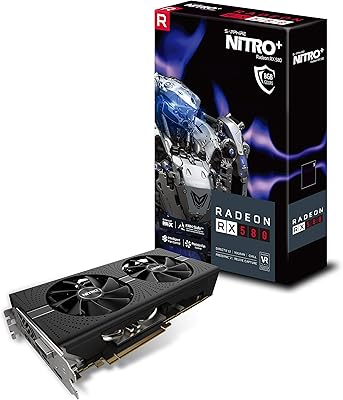
Sapphire NITRO+ RX 580 8GB Graphics Card
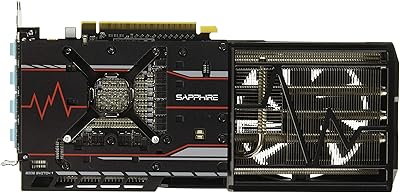
Sapphire Radeon RX Vega 56 8GB Graphics Card
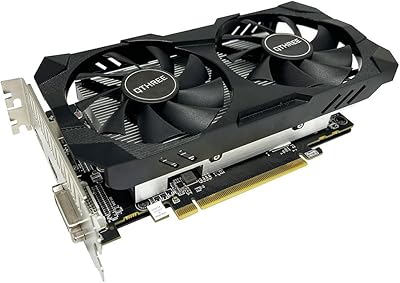
QTHREE Radeon RX 560 XT 8GB Graphics Card
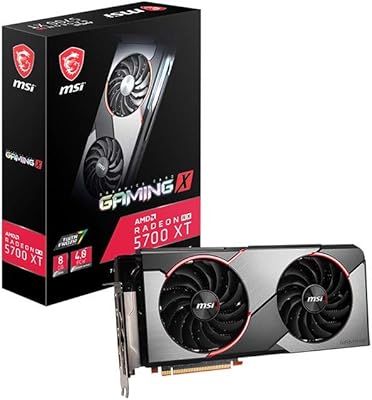
MSI RX 5700 XT Gaming X GPU
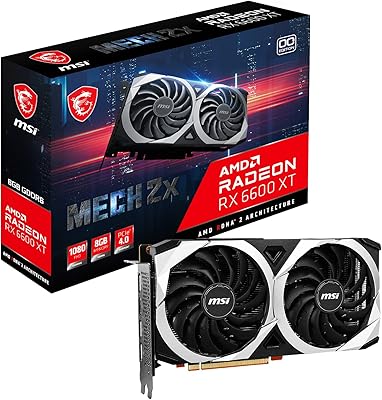
MSI RX 6600 XT MECH 2X GPU
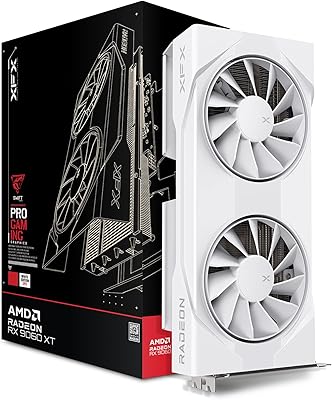
XFX RX 9060 XT 8GB Graphics Card