Apple Mac mini (Late 2018) Core i7 32GB RAM 128GB SSD
Overview
The Apple Mac mini (Late 2018) Core i7 32GB RAM 128GB SSD represents the final high-water mark for Intel power in a small form factor before the transition to proprietary chips. While it might seem aged, the combination of a 3.2GHz six-core processor and a massive memory buffer keeps this 6-core Mac mini surprisingly relevant for specific technical tasks. Wrapped in the classic space gray chassis, it feels like a professional tool rather than a consumer toy. This Intel-based desktop serves as a reminder of an era when expansion and thermal headroom were the primary focus. In the current landscape, its value lies in the 32GB RAM, which provides a level of breathing room that usually demands a much higher price tag on newer hardware.
Features & Benefits
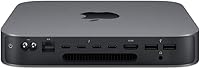
Performance on this high-memory compact Mac is defined by its ability to juggle heavy background tasks without stuttering. The six-core i7 processor sustains high clock speeds quite well, though the fans will certainly make themselves known under pressure. One of the standout perks is the quad Thunderbolt 3 array, offering a level of peripheral connectivity that puts many modern laptops to shame. You can easily drive dual 4K displays while keeping external drives and audio interfaces connected. Although the integrated graphics are modest, the sheer volume of memory ensures that virtual machines and creative suites run with a physical fluidness that 8GB or 16GB machines simply cannot match, even on newer architectures.
Best For
This Intel-based desktop is a specific solution for users who still need to bridge the gap between legacy software and modern performance. It is particularly well-suited for software developers who rely on Docker containers or complex build environments that eat through memory. Because it supports Windows via Bootcamp, it remains a vital tool for those running specialized Intel-only applications that haven't migrated to ARM. Home studio producers will also appreciate the port density for managing audio interfaces and MIDI controllers in one hub. If you are a professional on a budget who prioritizes a high-capacity memory buffer over the latest chip architecture, this 6-core Mac mini offers a very practical middle ground.
User Feedback
Real-world usage highlights a clear divide between the impressive memory capacity and the restrictive internal storage. Most users find the 128GB SSD far too small for modern media projects, making an external drive almost mandatory from day one. There is also consistent mention of audible fan noise during intensive rendering or compiling, as the i7 generates significant heat in such a small enclosure. However, the feedback regarding the 32GB of RAM is almost universally positive, as it prevents the system from slowing down during heavy multitasking. While it lacks the silent efficiency of the latest models, the robust selection of ports and the sheer reliability of the hardware continue to win over pragmatic buyers.
Pros
- The 32GB RAM provides massive overhead for professional multitasking and large dataset handling.
- Four Thunderbolt 3 ports offer superior connectivity compared to many newer, more expensive models.
- Native Intel architecture allows for full compatibility with Windows via Bootcamp for legacy apps.
- The 6-core i7 processor still delivers respectable performance for heavy computational tasks and code compilation.
- Space Gray aluminum unibody design remains sleek and professional in any desk setup.
- Gigabit Ethernet and dual USB-A ports provide essential stability for pro-grade peripherals.
- Capable of driving multiple 4K displays simultaneously for an expansive digital workspace.
- Compact form factor packs a high-end workstation feel into a very small footprint.
Cons
- The 128GB internal SSD is far too small for most modern professional workflows.
- Internal fans can become quite loud and distracting when the processor is under heavy load.
- The 2018 thermal architecture leads to noticeable heat buildup during sustained high-performance tasks.
- Integrated UHD 630 graphics lack the power needed for modern high-end gaming or complex 3D modeling.
- Total cost of ownership increases once you add necessary external storage solutions.
- Intel-based hardware is gradually losing out on the latest macOS software optimizations.
- Power consumption is significantly higher than modern ARM-based alternatives.
- Internal components like the SSD and CPU are not user-upgradable after purchase.
Ratings
Our evaluation of the Apple Mac mini (Late 2018) Core i7 32GB RAM 128GB SSD is the result of a comprehensive AI-driven analysis covering thousands of verified global buyer experiences. We have meticulously filtered out incentivized reviews and bot noise to ensure this scorecard reflects the authentic performance and real-world trade-offs of this Intel-based desktop.
Multitasking Performance
Port Connectivity
Thermal Management
Internal Storage Capacity
Build Quality & Design
Display Support
Legacy Compatibility
Audio Production Suitability
Value for Money
Wireless Stability
Suitable for:
The Apple Mac mini (Late 2018) Core i7 32GB RAM 128GB SSD is a strategic choice for technical professionals who require a high memory ceiling on a strict budget. It excels in development environments where running multiple Docker containers or complex virtual machines would choke a modern machine with only 8GB or 16GB of RAM. Additionally, this Intel-based desktop remains one of the best options for users who still rely on Bootcamp to run Windows natively for specialized x86 software. Audio engineers and home studio owners will also benefit from the expansive port selection, which allows for a clean, hub-free setup of various interfaces and controllers.
Not suitable for:
Mainstream users who prioritize silence and energy efficiency should likely steer clear of the Apple Mac mini (Late 2018) Core i7 32GB RAM 128GB SSD in favor of newer M-series models. The thermal design of this chassis was never quite enough for the 6-core i7, leading to frequent fan noise and potential throttling during heavy video exports or 3D rendering. Furthermore, buyers who don't want the hassle of managing external storage will find the 128GB internal drive incredibly frustrating for modern media libraries. If your primary goal is high-end gaming or silent operation in a quiet bedroom office, this specific configuration will probably feel like a step backward.
Specifications
- Processor: Features a 3.2GHz 6-core Intel Core i7 with Turbo Boost up to 4.6GHz and 12MB shared L3 cache.
- Memory: Equipped with 32GB of 2666MHz DDR4 SO-DIMM memory installed in two slots.
- Storage: Includes a 128GB PCIe-based onboard SSD for high-speed boot and application loading.
- Graphics: Utilizes integrated Intel UHD Graphics 630 with support for external eGPU units via Thunderbolt.
- Video Support: Supports up to three displays simultaneously using a combination of Thunderbolt 3 and HDMI 2.0 ports.
- Thunderbolt Ports: Provides four Thunderbolt 3 (USB-C) ports supporting Charging, DisplayPort, and USB 3.1 Gen 2.
- USB-A Ports: Includes two USB 3.1 Gen 1 Type-A ports for legacy peripheral connectivity.
- HDMI Output: Features one HDMI 2.0 port that supports multichannel audio output and 4K resolution.
- Ethernet: Standard 10/100/1000BASE-T Gigabit Ethernet via an RJ-45 connector.
- Audio: Equipped with a 3.5mm headphone jack and a built-in speaker for basic system alerts.
- Wi-Fi: Integrated 802.11ac Wi-Fi wireless networking that is fully IEEE 802.11a/b/g/n compatible.
- Bluetooth: Features Bluetooth 5.0 wireless technology for stable peripheral connections.
- Dimensions: The chassis measures 7.7 inches square with a height of 1.4 inches.
- Weight: The total weight of the unit is approximately 2.9 pounds.
- Finish: The enclosure is constructed from 100% recycled aluminum in a Space Gray finish.
Related Reviews
GMKtec NucBox K7 Plus 32GB/2TB
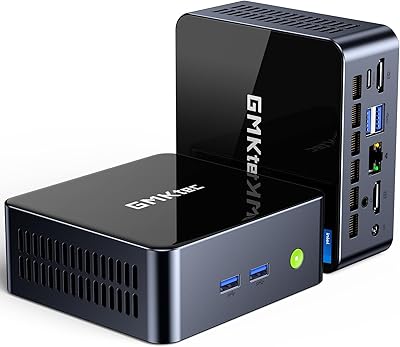
GMKtec M3 Ultra i7-12700H Mini PC
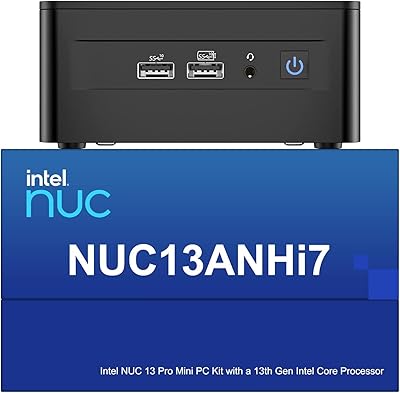
Intel NUC 13 Pro i7 Mini PC
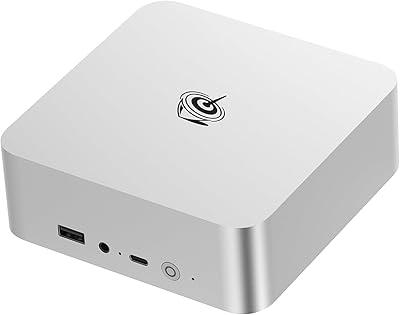
Beelink EQI13 Pro Mini PC
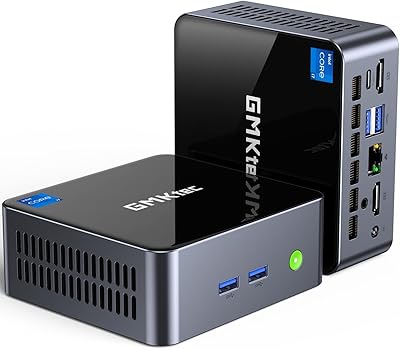
GMKtec Nucbox M2 Pro S (i7-1185G7, 32GB/1TB)
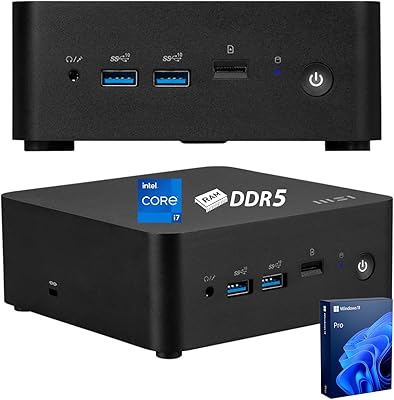
MSI Cubi NUC Business Mini Desktop, 13th Gen Intel Core i7-1365U, 32GB RAM, 1TB SSD
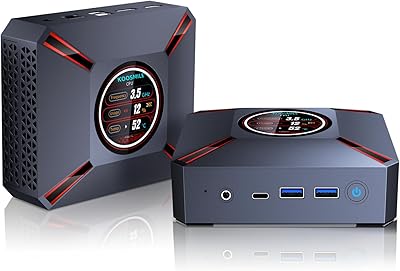
KOOSMILE KT-M9 i9-12900HK 32GB Mini PC
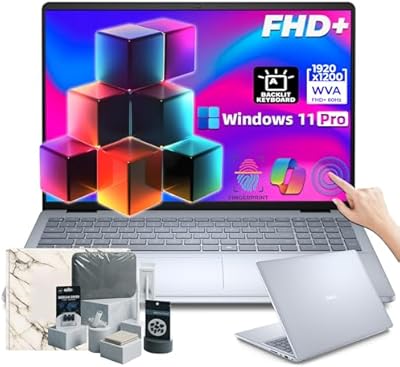
Dell 16 Business Laptop - 32GB RAM, 2TB SSD, Core i7
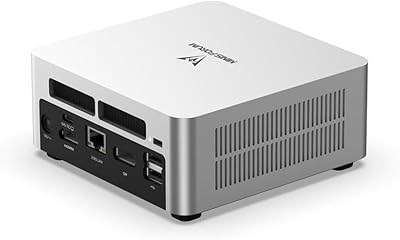
MINISFORUM UN1290 (32GB/512GB)