YOTETION MT019 19-Inch 1440x900 Monitor
Overview
The YOTETION MT019 19-Inch 1440x900 Monitor is a compact LED panel built for people who need a dependable second screen without spending much. It fits naturally into home offices, small desks, and light commercial setups where space is at a premium. One thing worth knowing upfront: this compact monitor has no built-in speakers and cannot pass audio through any connection, so plan accordingly. The 14:9 aspect ratio is slightly narrower than the 16:9 screens most people are used to, which means widescreen video will show small side bars. At under five pounds and with VESA 75x75mm support, repositioning or wall-mounting it takes almost no effort.
Features & Benefits
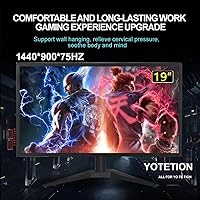
Where this 19-inch display punches above its price tier is in a handful of practical specs that actually matter for daily use. The 1440x900 resolution sits noticeably above standard 720p, so text looks crisper and spreadsheets are easier to read without squinting. A 75Hz refresh rate keeps scrolling and window transitions looking smooth — a genuine step up from the 60Hz panels that dominate the budget segment. The matte screen surface cuts down on reflections, which is a real comfort win in offices with overhead lighting. Dual HDMI and VGA inputs mean you can hook up a modern laptop or an older tower without hunting for adapters. Note: no VGA cable is included in the box.
Best For
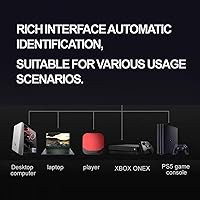
The YOTETION budget screen makes most sense for people who need a utility display rather than a primary workstation monitor. Home office workers expanding to a dual-screen setup will appreciate the compact footprint — it doesn’t crowd a desk the way larger panels do. It’s also a reasonable pick for small commercial environments: a cafe counter, a gym check-in desk, or a retail point-of-sale station where image quality is secondary to reliability and size. Students on tight budgets putting together a basic two-monitor rig will find it gets the job done. If you still run a machine with VGA output only, this is one of the few budget screens that still supports it.
User Feedback
Buyers generally report that setup is quick — plug in the included HDMI cable and it works without drivers. The most common praise centers on how good the image looks relative to expectations at this price point, with several users calling out the matte panel specifically for reducing glare. On the critical side, a handful of reviewers mention that the stand feels flimsy and offers limited tilt adjustment. A few buyers were caught off guard by the missing VGA cable, despite the listing’s note about it. No one expects a monitor at this price to have premium build quality, but most agree this compact monitor delivers solid value for basic, everyday tasks.
Pros
- Resolution sits above standard HD, making text noticeably sharper for reading and everyday office tasks.
- The 75Hz refresh rate keeps screen motion smooth — a real upgrade over most monitors in this price bracket.
- Matte screen surface handles bright room lighting well without throwing glare back at you.
- VESA 75x75mm compatibility means you can get rid of the included stand and mount it cleanly on an arm or wall.
- Supports both HDMI and VGA, so it works with modern laptops and older desktop machines without extra adapters.
- Low blue light and flicker-free technology make long work sessions noticeably easier on the eyes.
- At under five pounds, this 19-inch display is easy to move, reposition, or take between locations.
- Setup is genuinely plug-and-play — no driver installation required on most systems.
- The slim profile takes up minimal desk real estate, which matters in tighter workspaces.
- One-year replacement warranty provides a reasonable safety net for a budget-tier purchase.
Cons
- No audio output of any kind — you will need external speakers or headphones for any sound whatsoever.
- The included stand offers limited adjustability, with minimal tilt range and no height adjustment.
- No VGA cable is included in the box, which catches some buyers off guard despite the listing note.
- The 14:9 aspect ratio produces visible letterboxing when watching standard widescreen video content.
- Build quality on the stand and casing feels plasticky, which can be a concern in high-traffic commercial environments.
- Only one HDMI port means switching between two HDMI sources requires manually swapping cables.
- Color accuracy and brightness ceiling are modest — not suitable for any color-sensitive professional work.
- The brand has limited recognition and a shorter track record compared to established monitor manufacturers.
Ratings
Our AI rating engine analyzed verified global buyer reviews for the YOTETION MT019 19-Inch 1440x900 Monitor, actively filtering out incentivized, bot-generated, and duplicate submissions to surface what real users actually experience. The scores below reflect both where this compact monitor genuinely delivers and where it falls short — no spin, no omissions. Strengths and frustrations are weighted equally so you can make a clear-eyed buying decision.
Value for Money
Image Clarity
Eye Comfort
Setup & Plug-and-Play
Build Quality
Stand & Adjustability
Glare Resistance
Refresh Rate & Motion
Connectivity Options
Audio
Compatibility
Portability
Matte Finish Quality
Suitable for:
The YOTETION MT019 19-Inch 1440x900 Monitor is a practical fit for anyone who needs a no-fuss secondary screen without stretching their budget. Home office workers who want to spread out their workflow across two displays will find the compact footprint and lightweight build easy to accommodate on a crowded desk. It also works well in small commercial settings — think a cafe order display, a gym sign-in station, or a retail counter — where the screen just needs to show information reliably day after day. Students assembling a basic dual-monitor setup on a tight budget will get genuine value here, especially given the matte panel that holds up well under overhead classroom or dorm lighting. Anyone still running a machine with a legacy VGA port will appreciate that this 19-inch display covers that connection without requiring a separate adapter purchase.
Not suitable for:
The YOTETION MT019 19-Inch 1440x900 Monitor is not the right call for buyers who plan to use it as a primary display for creative or detail-intensive work. The 1440x900 resolution is adequate for general tasks but falls short for photo editing, video color grading, or any workflow where pixel density and color accuracy genuinely matter. Gamers should also look elsewhere — the panel is a utility display at heart, and while 75Hz is a step up from 60Hz, it is not designed to handle fast-paced gaming with the responsiveness or visual fidelity competitive players need. Anyone expecting a monitor with built-in speakers will be disappointed, as this compact monitor carries no audio output of any kind, meaning external speakers or headphones are a must for any media use. Finally, buyers who prefer a standard 16:9 widescreen experience should be aware that the older 14:9 aspect ratio will show narrow letterboxing on most modern video content.
Specifications
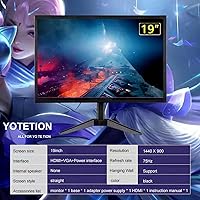
- Screen Size: The panel measures 19 inches diagonally, making it a compact option well suited for secondary display roles or space-limited desks.
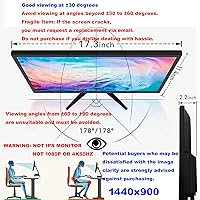
- Resolution: Native resolution is 1440x900 pixels, which delivers noticeably sharper text and detail than standard 720p HD panels.
- Refresh Rate: The display runs at 75Hz, providing smoother on-screen motion than the 60Hz ceiling common on most entry-level monitors.
- Response Time: A 5ms response time keeps up comfortably with office tasks, web browsing, and casual video playback without visible ghosting.
- Aspect Ratio: The panel uses a 14:9 aspect ratio, which is narrower than today's standard 16:9 widescreen format and will letterbox most modern video content.
- Panel Type: LED-backlit LCD panel with a matte surface finish that reduces glare and reflections in bright or overhead-lit environments.
- Eye Care: Low blue light emission and flicker-free backlight technology are built in to reduce eye fatigue during extended viewing sessions.
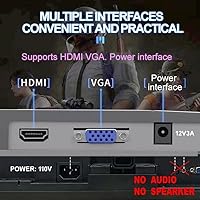
- Inputs: Connectivity includes one HDMI port and one VGA port, supporting both modern and legacy source devices without the need for additional adapters.
- Included Cables: One HDMI cable is included in the box; a VGA cable is not provided and must be purchased separately if needed.
- Audio: This monitor has no built-in speakers and does not support audio signal transmission through any of its input connections.
- VESA Mount: The rear panel supports a standard 75x75mm VESA pattern, compatible with most monitor arms and wall-mount brackets.
- Dimensions: The unit measures 17.1 inches wide, 11.2 inches tall, and 2.4 inches deep including the attached stand.
- Weight: Total weight with stand is 4.44 pounds, making this one of the lighter options in the small monitor category.
- Driver Required: No driver installation is required; the monitor is recognized automatically by Windows, macOS, and most Linux distributions upon connection.
- Warranty: YOTETION provides a one-year warranty covering manufacturing defects, with free product replacement offered for qualifying quality issues.
- Model Number: The official model designation is MT019, manufactured under the YOTETION brand by LJ.
- Date Available: This monitor was first listed for sale in June 2024, making it a relatively recent addition to the budget monitor segment.
Related Reviews
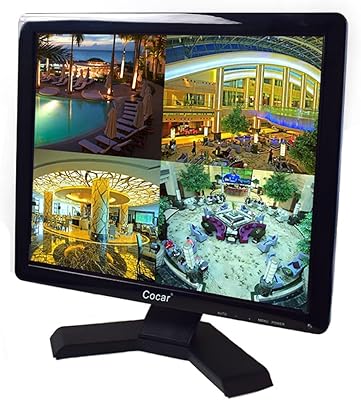
Cocar CCTVMON19 19-inch Security Monitor
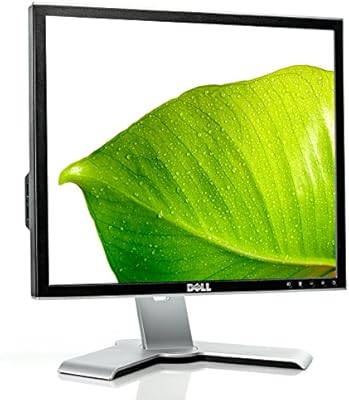
Dell 1908FP 19-Inch Flat Panel Monitor
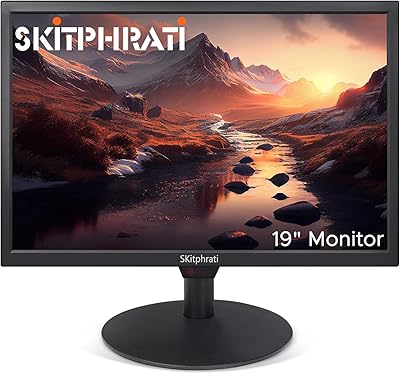
SKitphrati HD-190 19-Inch Monitor
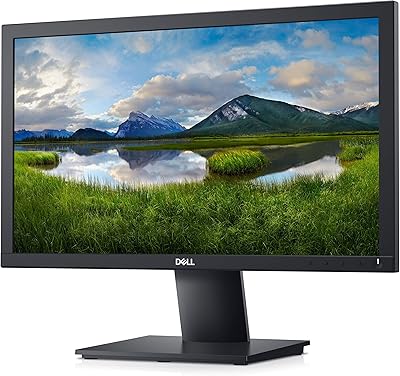
Dell E2020H 19.5-Inch Monitor
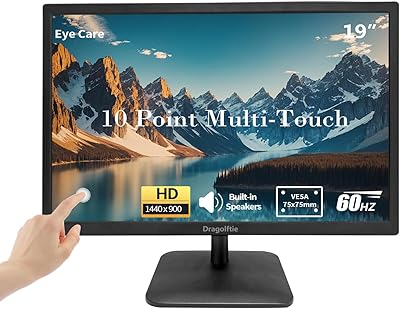
Dragolftie HD-190T 19-inch Touchscreen Monitor
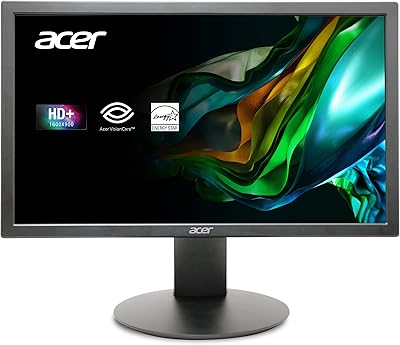
Acer K202Q bi 19.5-inch Monitor
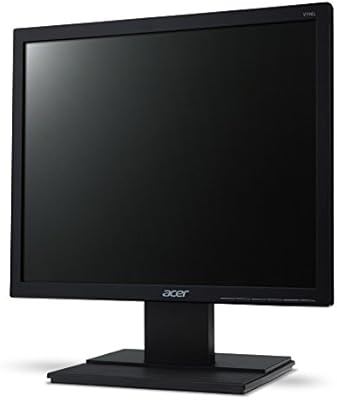
Acer V196L Bb 19-inch IPS Monitor
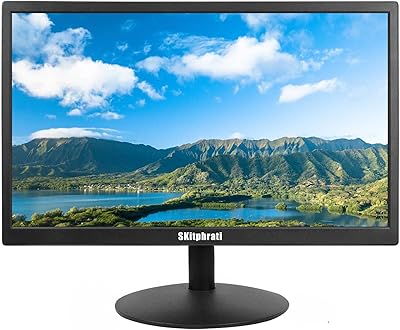
SKitphrati S-17-W 17-inch LED Monitor
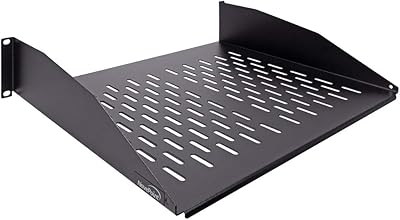
NavePoint 2U 14-Inch Rack Mount Cantilever Shelf