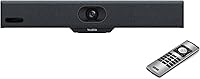
Yealink MeetingBar A10


Overview
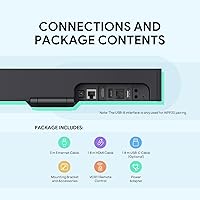
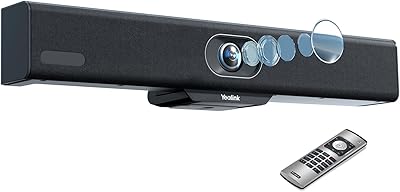
The Yealink MeetingBar A10 packs a 4K camera, eight-microphone array, speaker, and a full Android 11 computing unit into a single bar that mounts above any display. Power it up, run an HDMI cable to your screen, and you have a certified Teams Rooms or Zoom Rooms setup — no separate PC required. That simplicity is the whole pitch. One critical distinction worth knowing before you buy: the A10-010 is the core unit only and requires a separate controller tablet to function. If you want everything out of the box, the A10-020 bundle includes that controller. For IT teams building out managed conference spaces, this video bar offers a clean, consolidated approach to room AV.
Features & Benefits
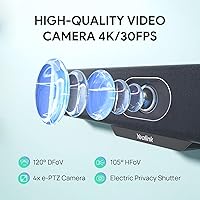
The 120° wide-angle lens captures everyone seated around a typical conference table without any manual adjustment. Pair that with 4x electronic PTZ and AI-driven Auto Framing, and the system reframes itself as people move or join the conversation. Speaker Tracking is particularly useful in active discussions — the A10 zooms toward whoever is talking, though it can take a beat to catch up during rapid back-and-forth exchanges. Audio is handled by an eight-microphone MEMS array with beamforming, which does a solid job rejecting ambient noise and room reverb. The motorized privacy cap closes automatically when calls end, a small but appreciated detail. Android 11 runs natively, so installing the Teams or Zoom app is straightforward.
Best For
This conference room system fits best in huddle rooms and boardrooms housing four to ten people. If your organization is standardizing on Teams Rooms or Zoom Rooms, the certification means less compatibility guesswork and easier IT management. It also suits companies trying to reduce legacy AV clutter — swapping out a separate camera, soundbar, and mini PC for a single bar simplifies both the install and the ongoing support burden. That said, the price point places it squarely in managed enterprise territory, so it probably is not the right call for a home office or a startup that just needs something quick and inexpensive. The payoff is a purpose-built, professionally supported setup that holds up over time.
User Feedback
Users consistently praise how fast setup goes — most report being up and running in well under thirty minutes, which matters a lot to IT teams rolling out multiple rooms. Audio clarity earns strong marks too, with remote participants reporting noticeably cleaner voice pickup compared to older systems. The most recurring frustration involves the controller requirement: buyers who purchase the A10-010 without realizing a controller tablet is sold separately often feel caught off guard. Long-term reliability feedback is mostly positive, though some users note that firmware updates, while generally stable, occasionally require a manual reboot. AI tracking draws praise for daily use but occasional criticism for hesitation in rooms with frequent speaker changes.
Pros
- Consolidates camera, microphones, speaker, and Android OS into one clean, cable-minimal bar.
- Certified for both Microsoft Teams Rooms and Zoom Rooms out of the box — no workarounds needed.
- 120-degree field of view covers an entire small conference room without any manual camera adjustment.
- AI Auto Framing and Speaker Tracking handle participant framing automatically during live meetings.
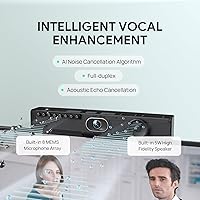
- Eight-microphone MEMS array delivers clean audio pickup even in rooms with hard surfaces and reverb.
- Motorized privacy lens cap closes automatically after calls, providing visible physical reassurance.
- Setup typically takes under 30 minutes, which IT teams deploying multiple rooms genuinely appreciate.
- Compatible with Google Meet, Cisco Webex, BlueJeans, and other platforms beyond the two primary certifications.
- Long-term reliability is strong, with most enterprise users reporting no hardware failures after a year of daily use.
Cons
- The A10-010 unit requires a separately purchased controller tablet — this is not clearly communicated at purchase.
- AI speaker tracking lags noticeably during fast back-and-forth conversations, briefly landing on the wrong person.
- The 5W built-in speaker feels underpowered when pushed to higher volumes in medium-sized boardrooms.
- Electronic 4x zoom produces softer image quality at full crop compared to optical zoom alternatives.
- Microphone pickup degrades for participants seated beyond roughly 15 feet in larger or irregularly shaped rooms.
- Some firmware updates require a manual reboot, which can disrupt rooms that were not proactively taken offline.
- Mounting bracket adjustment range is limited, requiring extra hardware for displays at non-standard heights.
- No physical indicator confirms microphones are muted — a gap that security-conscious IT teams flag in regulated environments.
Ratings
The Yealink MeetingBar A10 has been evaluated by our AI rating system after processing verified buyer reviews from enterprise IT managers, AV integrators, and office administrators across multiple global markets — with spam, incentivized, and bot-generated submissions actively filtered out. Scores reflect the full picture: where this conference room system genuinely delivers and where real users have run into friction. Both the strengths and the recurring pain points are weighted transparently into every category below.
Setup & Installation
Video Quality
Audio Clarity
AI Speaker Tracking
Build Quality
Privacy Features
Platform Compatibility
Value for Money
Firmware & Software Updates
Microphone Range
Display Integration
Wireless Connectivity
Long-Term Reliability
Physical Footprint & Cable Management
Suitable for:
The Yealink MeetingBar A10 is purpose-built for IT teams and office administrators who need a professionally managed, certification-backed video conferencing setup in small to medium conference rooms. If your organization runs Microsoft Teams Rooms or Zoom Rooms as its standard platform, this video bar slots in cleanly without the compatibility guesswork that comes with piecing together third-party components. It works especially well in huddle rooms and boardrooms hosting four to ten participants, where the 120-degree wide-angle lens and AI framing eliminate the need for a dedicated AV operator or manual camera adjustments between meetings. Companies consolidating legacy AV setups — separate webcams, speakerphones, and compute sticks — will find the single-bar approach a genuine operational simplification, both at install time and over the life of the deployment. Organizations in privacy-sensitive industries also benefit from the motorized lens cap, which provides a physical, visible privacy assurance that software-only solutions cannot match.
Not suitable for:
The Yealink MeetingBar A10 is not the right call for buyers expecting a fully operational system straight out of the box without additional purchases, because the A10-010 model requires a separate controller tablet that is sold independently — a detail that catches many buyers off guard. If your budget is tight or your conferencing needs are modest, the price tier here is difficult to justify without a genuine Teams Rooms or Zoom Rooms deployment backing it up. Home office workers, freelancers, or small teams using a simple laptop-based setup will find the complexity and cost far exceed what they actually need. The built-in speaker, while adequate for small rooms, starts to feel underpowered in medium-to-large boardrooms, so organizations with larger spaces may need supplemental audio hardware regardless. Buyers hoping for optical zoom precision will also be disappointed — the 4x zoom is electronic, and image quality at full crop does not match what a dedicated PTZ camera with optical zoom can deliver at the same price point.
Specifications
- Video Resolution: The camera captures video at 4K (3840×2160) resolution at up to 30 frames per second.
- Field of View: A 120-degree wide-angle lens covers the full width of a small to medium conference room without manual adjustment.
- Camera Sensor: An 8-megapixel 1/2.8-inch CMOS sensor handles image capture with automatic brightness optimization for dim or backlit environments.
- Digital Zoom: 4x electronic PTZ (pan-tilt-zoom) allows digital zoom without any physical camera movement.
- Microphone Array: Eight MEMS microphones arranged in an array use beamforming technology for directional voice pickup, echo cancellation, and noise reduction.
- Speaker Output: A built-in 5W speaker delivers full-duplex audio for in-room playback during video calls.
- Operating System: Android 11 runs natively on the unit, enabling direct installation of conferencing applications without an external compute device.
- Certifications: The system carries official certification for both Microsoft Teams Rooms and Zoom Rooms managed deployments.
- Connectivity: The unit connects via HDMI video output, Wi-Fi, Bluetooth, and supports wired ethernet for network-critical environments.
- Dimensions: The bar measures 2.16 × 14.96 × 2.16 inches, designed to sit cleanly above a standard display.
- Weight: The unit weighs 4 pounds, making wall or display mounting straightforward with the included bracket.
- Privacy Feature: A motorized electric lens cap closes automatically when the camera is not in active use, providing a visible physical privacy barrier.
- AI Features: On-device AI powers Auto Framing, Speaker Tracking, and Face Enhancement without relying on cloud processing.
- Audio Formats: Supported audio formats include AAC, MP3, and PCM for broad compatibility across conferencing platforms.
- Video Format: Video is captured and processed in MP4 format, compatible with standard playback and conferencing pipelines.
- Power & Cables: The system requires a power connection and a single HDMI cable to the display — no separate PC or media player needed.
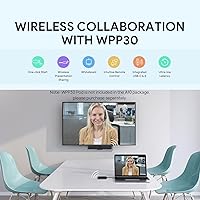
- Compatible Platforms: Beyond Teams and Zoom, the A10 supports Google Meet, Cisco Webex, BlueJeans, GoToMeeting, and several other conferencing platforms via Android app installs.
- Model Variants: The A10-010 is the core unit only; the A10-020 bundles the system with a dedicated CPT18 controller tablet for a complete out-of-the-box deployment.
Related Reviews
Yealink MeetingBar A10 Conference Room Camera System
Yealink YHS33 Headset
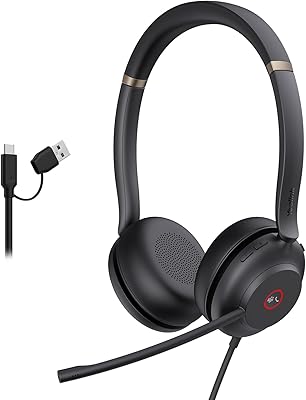
Yealink UH37
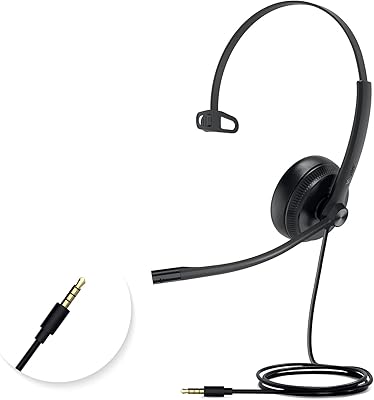
Yealink UH34 Mono Wired Headset
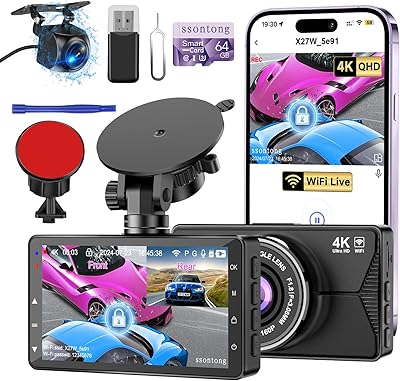
ssontong A18W 4K Dual Dash Cam
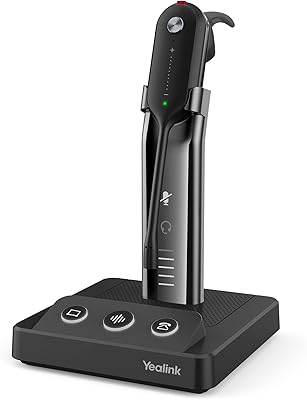
Yealink WH63 DECT Wireless Office Headset
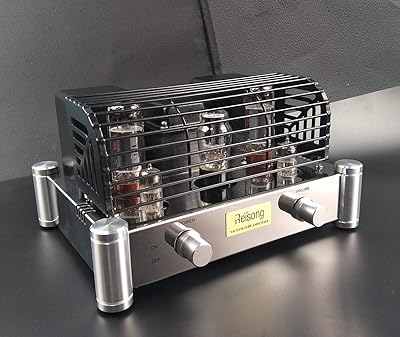
Reisong A10
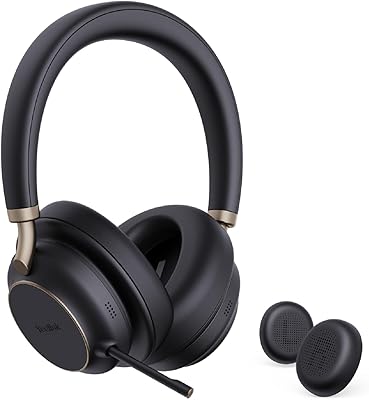
Yealink BH76 Plus Bluetooth Headset
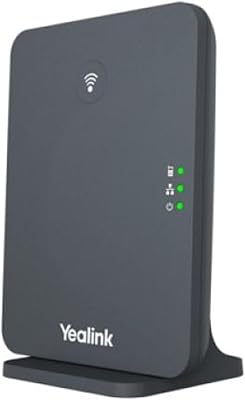
Yealink W70B Phone Base Station