

Overview
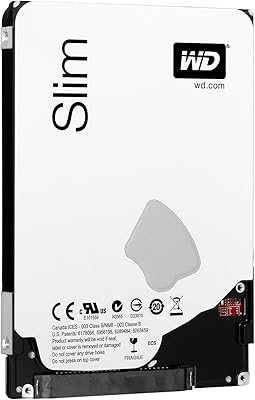
The Western Digital WD Blue 1TB Hard Drive is a practical, no-frills storage option from one of the most recognized names in the industry. Aimed squarely at everyday users, students, and anyone working within a tight budget, this 1TB internal HDD slots into most 2.5-inch laptop bays without fuss. The 5400 RPM spin speed is worth understanding upfront — it is fine for storing files, streaming local media, and general computing, but do not expect the snappy responsiveness you get from a solid-state drive. If you are replacing a dead drive or simply need more room on an aging laptop, this WD Blue drive delivers solid value where it counts.
Features & Benefits
A few technical details stand out on this laptop hard drive. The SATA 6 Gb/s interface keeps it compatible with modern systems while also working fine with older SATA 3 Gb/s laptops — handy if you are dropping it into an older machine. The NoTouch Ramp Load Technology means the read/write head parks away from the disk surface when not in use, which genuinely helps reduce wear over time. A 128 MB cache buffer smooths out typical read and write tasks like opening documents or transferring photos. The 7mm slim profile fits thin laptops, though it also works in standard 9.5mm bays. Low power draw is a real bonus, helping preserve battery life during long sessions.
Best For
This 1TB internal HDD makes the most sense in a few specific situations. The obvious one is replacing a failing original drive in an older laptop — it is an affordable fix that buys the machine more useful life without a big spend. Students who mostly handle documents, spreadsheets, and downloaded media will find 1TB of space more than adequate. It also works as secondary storage in a desktop build, or even in a NAS setup where raw speed matters less than capacity and cost. That said, if you plan to run your operating system from it or use demanding applications, a solid-state drive would serve you better. This drive is about practical, affordable storage, not raw performance.
User Feedback
Most buyers who use this WD Blue drive for basic laptop storage come away satisfied. Easy installation gets mentioned often, and the drive runs quietly enough that you will barely notice it during everyday use. The bundled Acronis cloning software earns consistent praise from people migrating from an old drive for the first time — it takes a lot of the guesswork out of the process. On the downside, users who expected desktop-like performance are sometimes caught off guard by how sluggish it feels compared to an SSD, particularly at startup. A handful of early failure reports exist, which is worth keeping in mind — though this is not unusual for mechanical drives across any brand. Overall reliability for typical workloads appears solid.
Pros
- Full 1TB of storage covers years of documents, photos, and media for most everyday users.
- Quiet operation means you will barely notice this WD Blue drive during normal laptop use.
- The free Acronis cloning software makes migrating from an old drive straightforward, even for beginners.
- Slim 7mm profile fits a wide range of laptops, including thinner modern models.
- SATA 6 Gb/s interface ensures compatibility with both recent and older laptop hardware.
- NoTouch Ramp Load Technology helps reduce long-term mechanical wear during transit and idle periods.
- Low power draw supports better battery life compared to older or higher-RPM mechanical drives.
- Physical installation is simple enough for first-time upgraders with basic tools and a little patience.
- Trusted WD brand backing offers reasonable confidence in manufacturing consistency and quality control.
- Solid value for anyone replacing a dead or undersized laptop drive on a tight budget.
Cons
- Boot times are noticeably slow — expect 40 to 60 seconds depending on your system and software load.
- Not a good choice as a primary OS drive if you want snappy, responsive everyday performance.
- A visible number of buyer reviews report early failures within the first six months of use.
- Budget SSDs have closed the price gap significantly, making the cost advantage less clear-cut than before.
- Heavy file transfers or disk scans can produce audible hum and slightly elevated drive temperatures.
- The Acronis software download and activation process feels dated and can confuse less experienced users.
- Mechanical design is vulnerable to data loss if the laptop is dropped or knocked during operation.
- 1TB fills up faster than expected for users who store large media libraries or work with video files.
- Some slim ultrabook models require a separate caddy or adapter not included in the box.
- Performance gap versus SSDs becomes painfully obvious to anyone who has used solid-state storage before.
Ratings
Our AI-generated scores for the Western Digital WD Blue 1TB Hard Drive are built by analyzing thousands of verified global buyer reviews, with spam, bot submissions, and incentivized feedback actively filtered out before scoring. Each category reflects real-world patterns — not marketing claims — so both the strengths and the frustrations you will find below are grounded in what actual users consistently reported. This 1TB laptop hard drive earns strong marks where it matters most for budget storage, but the scores do not shy away from areas where it falls short.
Value for Money
Read/Write Speed
Installation Ease
Reliability & Longevity
Noise & Vibration
Power Consumption
Physical Compatibility
Software Bundle
Build Quality
Heat Management
Capacity Adequacy
Boot & Load Times
Packaging & Arrival Condition
Suitable for:
The Western Digital WD Blue 1TB Hard Drive is a practical choice for anyone who needs affordable, spacious storage in a laptop without demanding cutting-edge performance. Students who primarily work with documents, presentations, and downloaded media will find a full terabyte more than enough breathing room for years of accumulated files. It is equally well-suited for someone replacing a failing factory drive in an older laptop — a scenario where spending heavily on an SSD may not make financial sense given the age of the machine. Budget-conscious home users who browse the web, stream video, and manage personal photo collections will get reliable, quiet everyday performance without complaints. This 1TB internal HDD also works well as a secondary drive in a desktop build or a basic NAS setup, where the priority is capacity and cost rather than raw throughput.
Not suitable for:
The Western Digital WD Blue 1TB Hard Drive is not the right call for users who care about speed, responsiveness, or a snappy computing experience. Anyone planning to run their operating system and primary applications from this drive should be prepared for noticeably slower boot times and sluggish application launches compared to even a budget SSD. Power users, content creators handling large video or audio files, and gamers with libraries requiring fast load times will likely find the 5400 RPM mechanical design a bottleneck that frustrates them daily. Professionals who rely on their laptop in high-motion or physically demanding environments should also weigh the inherent fragility of spinning-disk technology versus solid-state alternatives. If you are already using an SSD and considering this drive as an upgrade, it is not — it is a step backward in performance, even if it offers more capacity at a lower price.
Specifications
- Brand: Manufactured by Western Digital, one of the most established names in consumer and enterprise storage hardware.
- Series: Part of the WD Blue lineup, designed for reliable everyday computing in mobile and desktop applications.
- Capacity: Provides 1 TB of raw storage space, suitable for operating systems, documents, photos, and media libraries.
- Form Factor: 2.5-inch form factor, the standard size used in laptops and select compact desktop systems.
- Interface: Uses a SATA 6 Gb/s interface with full backward compatibility for systems with SATA 3 Gb/s connectors.
- Spindle Speed: Operates at 5400 RPM, a standard speed for mobile HDDs balancing power efficiency and everyday read/write performance.
- Cache Memory: Equipped with 128 MB of cache buffer to help smooth out sequential read and write operations.
- Drive Height: Measures 7mm in height, compatible with slim laptop chassis and also fits standard 9.5mm bays with an appropriate spacer.
- Installation Type: Designed for internal installation, replacing or supplementing the existing drive inside a compatible laptop or desktop.
- Head Technology: Features NoTouch Ramp Load Technology, which parks the read/write head off the disk surface when idle to reduce mechanical wear.
- Power Design: Built with low-power consumption in mind, using advanced seeking algorithms to reduce energy draw during typical laptop use.
- Compatibility: WD F.I.T. Lab certified for compatibility with a broad range of laptop configurations from major manufacturers.
- Included Software: Comes with access to free Acronis True Image WD Edition cloning software, downloadable from the WD support website.
- Compatible Devices: Primarily designed for internal laptop use, though it can also be used as secondary storage in desktop systems and basic NAS enclosures.
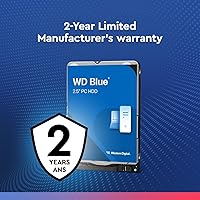
- Warranty: Backed by a 2-year limited warranty from Western Digital covering manufacturing defects under normal use conditions.
- Data Protection: Supports WD Data Recovery Services, offering an option for professional data retrieval in the event of drive failure.
- Operating Temp: Rated for operating temperatures between 0°C and 60°C, suitable for typical indoor computing environments.
- Shock Tolerance: Rated for 400 Gs of non-operating shock tolerance at 2ms, offering a degree of protection against handling impacts during transit.
Related Reviews
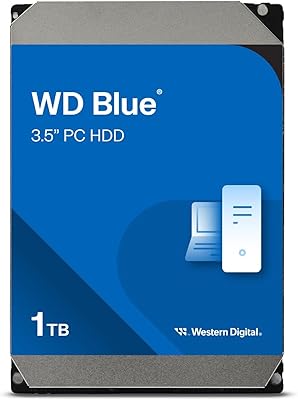
Western Digital WD Blue 1TB Hard Drive
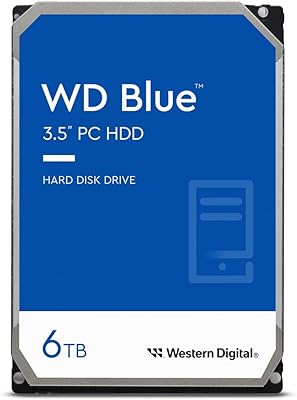
Western Digital 6TB WD Blue PC Hard Drive
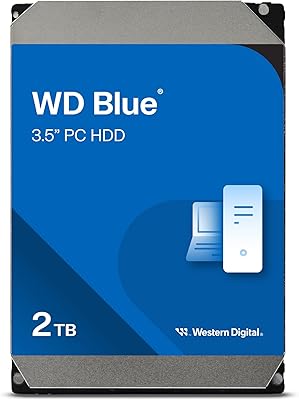
Western Digital WD Blue 2TB Hard Drive
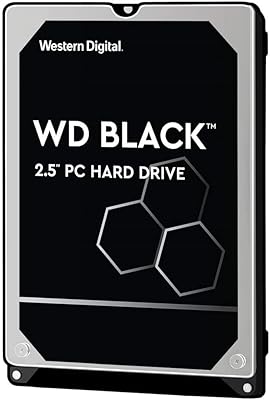
WD Black 1TB Mobile Hard Drive
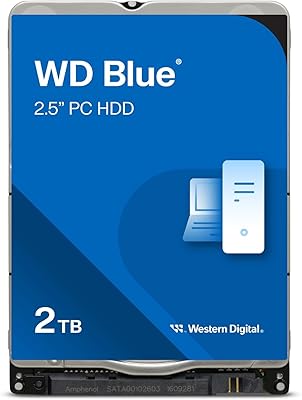
Western Digital WD Blue 2TB Hard Drive
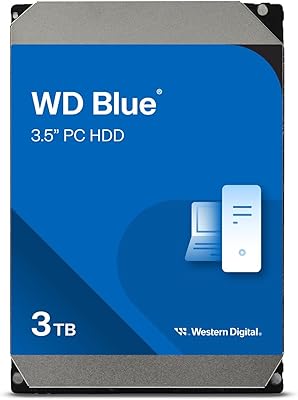
WD Blue 3TB Internal Hard Drive
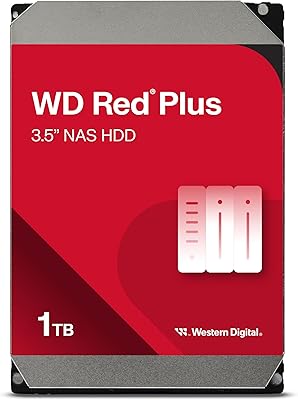
Western Digital WD Red Plus 1TB NAS Hard Drive
Western Digital 1TB WD Gold Enterprise Class Internal Hard Drive
Western Digital WD Blue 4TB Hard Drive