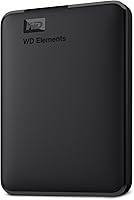
WD Elements Portable 2TB
Overview
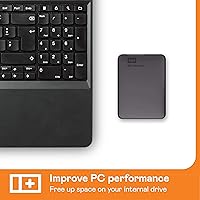
The WD Elements Portable 2TB has held a firm spot near the top of the external storage market since its 2017 launch, and its #2 bestseller ranking in External Hard Drives reflects years of consistent buyer trust. Western Digital designed this drive for simplicity above all else — no software to install, no settings to fiddle with. It draws power straight from your USB port, so there is no wall adapter to carry. Windows users get true plug-and-play recognition the moment it is connected, while Mac owners will need to reformat it before use. That caveat matters, and it catches more buyers off guard than it should.
Features & Benefits
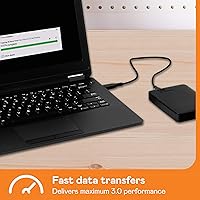
Running over a USB 3.2 Gen 1 connection at up to 5Gbps, this portable drive handles everyday transfers — photos, videos, documents — at a pace most users will find perfectly acceptable. The mechanical disk inside spins at 5400 RPM, which is honest mid-range performance; do not expect SSD speeds when moving large file collections. At just 4.6 ounces and barely half an inch thick, it genuinely disappears into a bag. The bus-powered design means one cable does everything. What it lacks — backup software, hardware encryption — is a deliberate trade-off for a cleaner, more affordable experience. For users who need those features, that absence is a real gap worth considering.
Best For
This external hard drive is a natural fit for students, everyday PC users, and anyone who finds cloud storage either too costly or too unreliable for their needs. Windows users will appreciate the zero-setup experience — plug it in and it is ready to go. Console gamers looking to expand storage on a PlayStation or Xbox will also find it works without much friction. Where it is less suited is speed-sensitive work: editing 4K footage directly off the drive or running applications from it will feel sluggish. For straightforward file backup and portable storage that requires no technical knowledge, it delivers exactly what it promises.
User Feedback
Across more than 330,000 ratings at an average of 4.6 out of 5, the pattern in buyer responses is clear. Long-term reliability is the most praised quality — plenty of owners report years of daily use with no problems. Ease of setup comes up repeatedly, especially among Windows users. The criticisms are real, though: buyers who have used SSDs find the transfer speeds noticeably slower when handling large file batches, and a small but consistent minority have reported early failures or dead-on-arrival units. Mac users, in particular, express frustration that the reformat requirement is not clearly flagged before purchase. Worth checking the warranty terms before committing.
Pros
- True plug-and-play on Windows — no drivers, no software, no setup delay.
- Bus-powered design means one cable is all you need; no power adapter to carry.
- 2TB of capacity covers years of photos, videos, documents, and backups for most users.
- Weighing just 4.6 ounces, this portable drive barely registers in a bag.
- A sustained bestseller with over 330,000 verified ratings and a 4.6-star average.
- Works with laptops, desktops, PlayStation, and Xbox without extra configuration on Windows.
- Long-term reliability is a recurring theme — many owners report years of trouble-free daily use.
- Competitive cost-per-gigabyte makes it one of the most affordable ways to add portable storage.
- No bloatware or forced software installation clutters the experience.
Cons
- Mac users must reformat the drive before use — this is not communicated clearly at point of sale.
- The 5400 RPM mechanical disk is noticeably slower than portable SSDs for large file transfers.
- No hardware encryption or password protection — a real risk if the drive is ever lost or stolen.
- The plastic casing has no drop or shock resistance rating for active or outdoor use.
- No bundled carrying pouch or protective accessory despite the portable use case.
- The Micro-USB connector feels outdated now that USB-C is standard on most new laptops.
- A small but consistent percentage of buyers report early failures or dead-on-arrival units.
- Not suitable as extended storage for native PlayStation 5 or Xbox Series X next-gen titles.
- No backup software included — users need to arrange their own backup solution from the start.
Ratings
The WD Elements Portable 2TB has been stress-tested by real-world buyers across millions of use cases since 2017, and the scores below reflect what our AI found after analyzing verified global user reviews — actively filtering out incentivized, duplicate, and bot-generated feedback. Every category captures both what this portable drive genuinely does well and where it falls short, so you get a transparent picture before committing.
Ease of Setup
Reliability & Longevity
Portability & Form Factor
Transfer Speed
Value for Money
Mac Compatibility
Build Quality
Cable & Connectivity
Gaming Console Compatibility
Software & Security Features
Noise & Heat
Cross-Device Versatility
Packaging & First Impressions
Suitable for:
The WD Elements Portable 2TB is a natural fit for anyone who wants straightforward, reliable extra storage without having to think about it. Windows PC users in particular get the most frictionless experience — plug it in and it works, full stop. Students who need a safe place to store coursework, research, and media libraries will find it hits a practical sweet spot between capacity and cost. It also suits home users who have grown skeptical of cloud storage subscriptions and prefer a physical backup they actually own and control. Console gamers on PlayStation or Xbox looking to offload older titles and free up internal drive space will find it handles that job capably. If your priority is simply having 2TB of dependable space that travels light and draws power from the USB port alone, this portable drive is built precisely for that.
Not suitable for:
The WD Elements Portable 2TB is the wrong tool for anyone who needs speed, security, or Mac compatibility straight out of the box. Creative professionals who edit 4K footage, work with large RAW photo libraries, or run applications directly from an external drive will hit a wall with the 5400 RPM mechanical disk — it is not fast enough for those workflows, and the frustration mounts quickly. Mac users should know upfront that reformatting is mandatory before the drive functions correctly, and if that sounds like an inconvenience, a Mac-formatted alternative would be a smarter starting point. Anyone storing sensitive files — business documents, financial records, personal data — should also look elsewhere, since this external hard drive has no hardware encryption and no password protection whatsoever. And if portability is critical in rugged or active environments, the unrated plastic casing offers little peace of mind against drops or rough handling.
Specifications
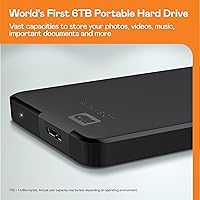
- Storage Capacity: Offers 2TB of usable storage space, sufficient for hundreds of thousands of documents, tens of thousands of photos, or large video and media libraries.
- Drive Type: Uses a traditional mechanical hard disk drive (HDD) rather than flash-based storage, which affects transfer speed but keeps cost per gigabyte low.
- Rotational Speed: The internal disk spins at 5400 RPM, a standard speed for portable HDDs suited to file storage and backup rather than high-throughput workloads.
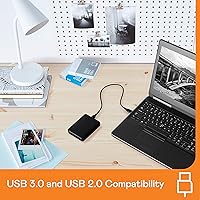
- Interface: Connects via USB 3.2 Gen 1 (formerly USB 3.0) at up to 5Gbps, with full backward compatibility for USB 2.0 ports on older devices.
- Connector Type: Uses a Micro-USB connector on the drive end, with a standard USB-A connector on the host end; cable is included in the box.
- Power Source: Entirely bus-powered through the USB connection, requiring no external power adapter or separate power cable under normal operating conditions.
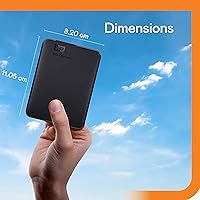
- Dimensions: Measures 4.35 x 3.23 x 0.59 inches (110.5 x 82 x 15 mm), making it slim enough to slip into a shirt pocket or the side pouch of a laptop bag.
- Weight: Weighs just 4.6 ounces (approximately 130g), light enough to carry daily without adding meaningful bulk to a bag or backpack.
- Windows Compatibility: Works as a true plug-and-play device on Windows 10 and Windows 11, requiring no driver installation or manual formatting before first use.
- Mac Compatibility: Compatible with macOS but ships pre-formatted for Windows (NTFS), requiring the user to reformat the drive to exFAT or APFS before it can be written to on a Mac.
- Console Support: Supported as external storage on PlayStation 4 and Xbox One consoles; not certified for native next-gen extended storage on PlayStation 5 or Xbox Series X.
- Encryption: Does not include hardware-level encryption or any built-in password protection; data stored on the drive is accessible without authentication if the drive is connected to any computer.
- Backup Software: No backup or sync software is bundled with the drive; users are responsible for managing their own backup solution or using third-party software.
- Color & Finish: Available in a matte black finish with a smooth plastic enclosure that resists fingerprints during everyday handling.
- Drop Resistance: The drive carries no official drop or shock resistance rating and is not designed for use in rugged or high-impact environments without a protective case.
- Manufacturer: Designed and manufactured by Western Digital Technologies, Inc., one of the longest-established and most widely recognized names in consumer storage hardware.
- Model Number: The specific model identifier for this variant is WDBU6Y0020BBK-WESN, which corresponds to the 2TB capacity in the WD Elements Portable line.
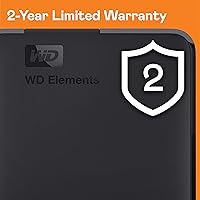
- Warranty: Western Digital typically covers this drive with a 2-year limited warranty; buyers should verify current warranty terms on the manufacturer website at time of purchase.
- First Available: This product first became available in February 2017 and has remained in continuous production and active sale since then without manufacturer discontinuation.
- Certifications: Carries standard regulatory certifications including FCC, CE, and RoHS compliance for use across North American and European markets.
Related Reviews
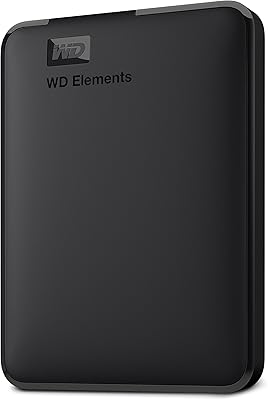
WD 6TB Elements Portable External Hard Drive
WD 4TB Elements Portable External Hard Drive
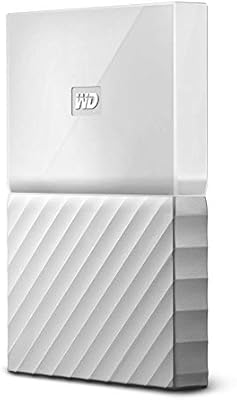
WD My Passport 2TB Portable Hard Drive
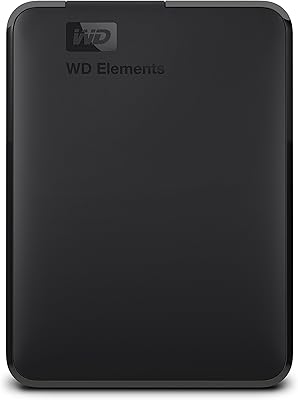
WD Elements Portable 3TB External Hard Drive
WD Elements Portable 5TB External Hard Drive
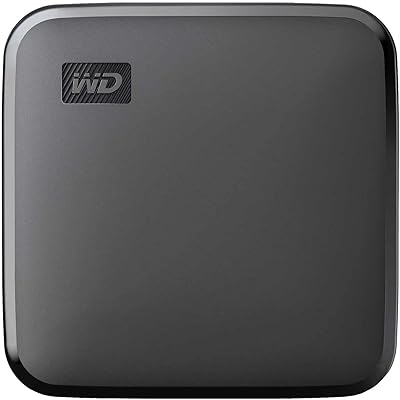
WD Elements SE 2TB Portable SSD
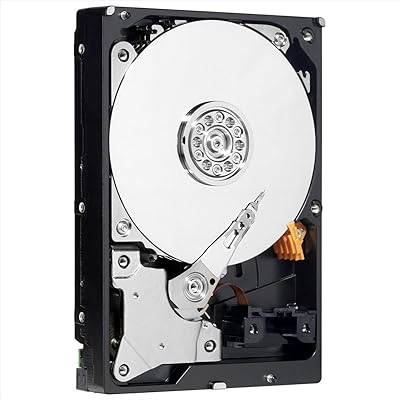
WD AV-GP WD20EURX 2TB Internal Hard Drive
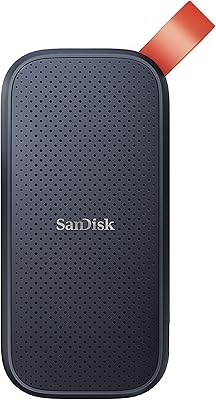
SanDisk Portable SSD 2TB External Drive
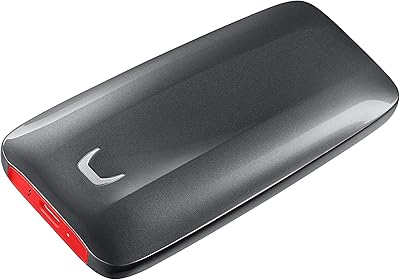
Samsung X5 2TB Thunderbolt 3 Portable SSD