ViewSonic VA2756A-MHD 27-inch IPS Monitor


Overview
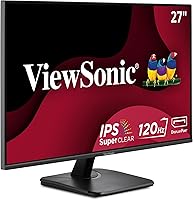
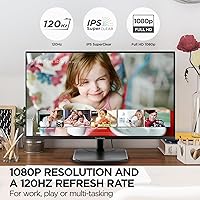
The ViewSonic VA2756A-MHD 27-inch IPS Monitor arrived in late 2024 and has quickly built a respectable reputation among budget-conscious buyers looking for a larger screen without a significant investment. The 120Hz refresh rate is genuinely uncommon at this price tier and stands out immediately. That said, one honest caveat worth stating upfront: 1080p spread across 27 inches results in a pixel density that is noticeably softer than on smaller or higher-resolution panels — if you sit close, text won't look razor-sharp. Early buyer response has been strong, with the display landing near the top of Amazon's monitor category rankings and earning a 4.6-star average from over 400 ratings.
Features & Benefits
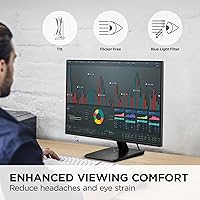
The IPS panel is where this ViewSonic monitor genuinely delivers. Colors stay accurate and consistent whether you're viewing from straight ahead or at an angle — something VA and TN panels can't reliably claim. The matte screen coating handles ambient light well, cutting glare that would otherwise make a bright room frustrating. On the connectivity front, having HDMI, DisplayPort, and VGA all available is more practical than it sounds, especially if you're pairing a newer laptop with an older desktop. The built-in eye care features — a flicker-free backlight and blue light filter — make a real difference during long writing sessions and back-to-back video calls. View presets are included but best treated as basic starting points rather than professional calibration tools.
Best For
The VA2756A-MHD fits a specific kind of buyer really well. Remote workers and students who spend most of their day reading documents, browsing, and handling video calls will find the large screen and comfortable viewing experience hard to beat at this price. Casual gamers will appreciate the 120Hz refresh — it's not a competitive gaming setup, but it makes everyday use and lighter titles feel noticeably smoother. If you're running an older desktop alongside a newer device, the inclusion of VGA alongside modern inputs saves you the hassle of adapters. It's also a solid first upgrade for anyone stepping up from a 21-inch or 22-inch monitor and wanting more breathing room on screen.
User Feedback
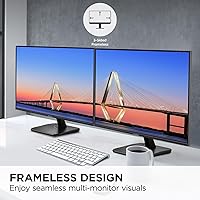
Owners of this 27-inch IPS display are largely satisfied, with most comments focusing on how accurate colors and image clarity look straight out of the box — no calibration required. The thin-bezel design earns repeated compliments for looking clean on a desk, and setup is consistently described as quick. On the critical side, buyers have flagged that the stand only tilts, with no height adjustment or pivot — a real limitation for anyone expecting ergonomic flexibility at this price. A handful of reviewers also noted that 1080p at 27 inches looks softer than expected up close. Some users also had to manually enable 120Hz in their operating system's display settings after connecting, which caught a few people off guard.
Pros
- IPS panel delivers consistent, accurate colors from wide viewing angles without washing out.
- 120Hz refresh rate is a rare and welcome inclusion at this price point.
- Flicker-free backlight and blue light filter genuinely reduce eye fatigue during long sessions.
- Matte screen coating handles bright room lighting well, keeping glare manageable.
- HDMI, DisplayPort, and VGA inputs cover virtually any device combination you might need.
- Clean, thin-bezel design looks tidy on a desk without adding visual bulk.
- Setup is quick and straightforward — most buyers report being up and running in minutes.
- Colors are well-calibrated out of the box, requiring little to no manual adjustment.
- Large 27-inch screen provides generous workspace for multitasking and side-by-side windows.
- Strong early buyer ratings suggest reliable quality consistency from the factory.
Cons
- 1080p resolution on a 27-inch panel results in noticeably softer text and images at close range.
- The stand only tilts — no height adjustment or pivot, limiting ergonomic flexibility.
- 120Hz must often be enabled manually in display settings, which trips up less technical users.
- No adaptive sync support, so light gaming can still show occasional screen tearing.
- No built-in speakers, meaning you need separate audio hardware for any sound output.
- View presets are basic software modes that add little practical value for most users.
- No HDR support, which is increasingly common even on entry-level competing panels.
- The OSD menu navigation has been described as clunky and slow by some buyers.
- At 8.8 pounds, the monitor is not particularly easy to reposition frequently on a shared desk.
Ratings
The scores below for the ViewSonic VA2756A-MHD 27-inch IPS Monitor were produced by our AI engine after systematically analyzing verified global buyer reviews, actively filtering out incentivized, bot-generated, and low-credibility submissions to reflect genuine ownership experiences. Each category score weighs both the volume and consistency of real feedback, meaning strong praise and recurring frustrations carry equal weight in the final numbers. You'll find no inflated averages here — the results transparently capture what everyday users actually love about this display and where it genuinely falls short.
Value for Money
Image & Color Quality
Sharpness & Pixel Density
Refresh Rate Performance
Eye Comfort
Glare & Screen Coating
Connectivity & Compatibility
Stand & Ergonomics
Build Quality & Design
Setup & Ease of Use
Gaming Suitability
OSD & Presets
Brightness & Contrast
Packaging & First Impression
Suitable for:
The ViewSonic VA2756A-MHD 27-inch IPS Monitor is a strong fit for remote workers, students, and home office users who spend long stretches in front of a screen and want something large, comfortable, and easy to set up without overthinking the purchase. The IPS panel means colors look consistent regardless of where you're sitting, which matters if you share your screen during video calls or do any light photo browsing. The 120Hz refresh rate is a genuine bonus for this crowd — everyday tasks like scrolling through documents or switching between browser tabs feel noticeably smoother than on a standard 60Hz panel. If you're running a mix of older and newer devices, the inclusion of VGA alongside HDMI and DisplayPort means you're unlikely to need adapters. It also makes a compelling first big-screen upgrade for anyone still on a small or aging monitor.
Not suitable for:
Buyers who sit close to their screen and care about sharp, crisp text will want to think twice — 1080p across 27 inches produces a pixel density that is noticeably lower than on a 24-inch 1080p panel or any 1440p display, and that softness becomes apparent at typical desk distances. Serious or competitive gamers should also look elsewhere; the VA2756A-MHD lacks features like a high-contrast VA panel, HDR support, or adaptive sync, which matter far more in fast-paced gaming than the 120Hz refresh rate alone. Creative professionals who need accurate color reproduction for photo editing, video work, or design should consider a factory-calibrated or higher-gamut alternative. Anyone expecting a fully adjustable ergonomic stand will be disappointed too — the stand only tilts, with no height adjustment or pivot, which is a real drawback for users with specific posture needs or multi-monitor arrangements.
Specifications
- Screen Size: The display measures 27 inches diagonally, providing a wide viewing area suited to multitasking and extended work sessions.
- Panel Type: Uses an IPS (In-Plane Switching) panel with ViewSonic's SuperClear technology for consistent color accuracy across wide viewing angles.
- Resolution: Native resolution is 1920x1080 (Full HD), delivering standard 1080p image quality across the 16:9 aspect ratio screen.
- Refresh Rate: Supports a maximum refresh rate of 120Hz, which is notably higher than the 60Hz standard common among office-tier monitors.
- Screen Surface: The matte anti-glare coating reduces reflections and diffuses ambient light, making the screen more comfortable to use in bright rooms.
- Inputs: Connectivity includes one HDMI port, one DisplayPort, and one VGA port, supporting a broad range of laptops, desktops, and legacy devices.
- Eye Care: Equipped with Flicker-Free backlight technology and a software-based Blue Light Filter to help reduce eye fatigue during prolonged use.
- View Presets: The OSD includes five display presets — Game, Movie, Web, Text, and Mono — for quick adjustments to color temperature and contrast.
- Aspect Ratio: The screen uses a standard 16:9 widescreen aspect ratio, compatible with virtually all modern video, web, and desktop content formats.
- Dimensions: The monitor measures 8.3 x 24.1 x 17 inches (depth x width x height) with the stand attached.
- Weight: Total unit weight including the stand is 8.8 pounds, making it manageable to position on a desk but not particularly lightweight.
- Stand Adjustment: The included stand supports tilt adjustment only; height adjustment, swivel, and pivot are not available on the default stand.
- Screen Color: The monitor body and stand are finished in black, providing a neutral appearance that suits most desk setups.
- Brand: Manufactured by ViewSonic, a brand with an established track record in the monitor and display market across consumer and business segments.
- Release Date: The model became available for purchase in December 2024, making it a relatively recent addition to ViewSonic's monitor lineup.
- VESA Mount: The monitor is expected to support standard VESA mounting, allowing compatibility with third-party arms and wall mounts if the default stand is removed.
- Pixel Density: At 1920x1080 on a 27-inch panel, the pixel density is approximately 82 PPI, which is lower than smaller 1080p screens and may appear softer at close range.
- Warranty: ViewSonic typically provides a 3-year limited warranty on its consumer monitors, though buyers should verify terms at time of purchase.
Related Reviews
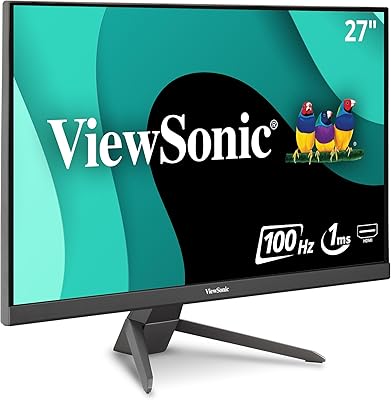
ViewSonic VX2767-MHD 27-inch Gaming Monitor

ViewSonic VG2756-4K 27-Inch 4K Docking Monitor
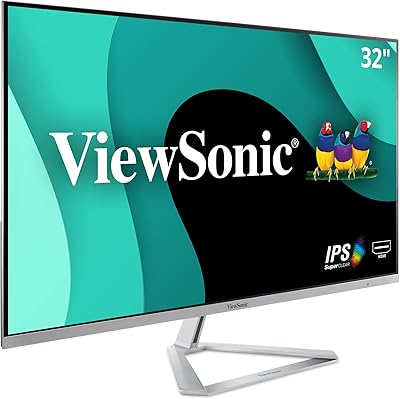
ViewSonic VX3276-MHD 32-inch 1080p IPS Monitor
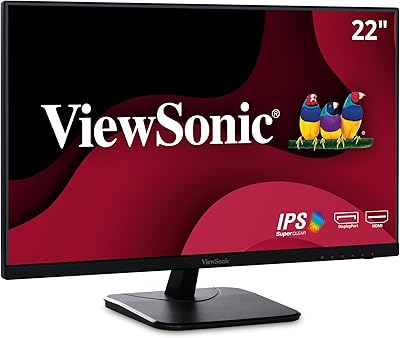
ViewSonic VA2256-MHD 22-inch IPS 1080p Monitor
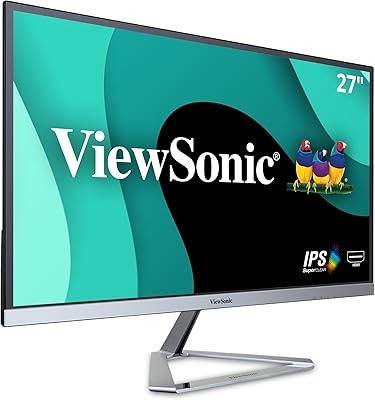
ViewSonic VX2776-SMHD 27-inch 1080p IPS Monitor
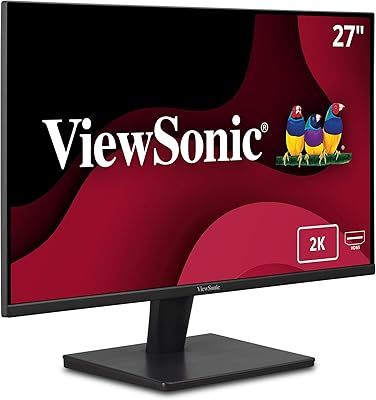
ViewSonic VA2715-2K-MHD 27-inch QHD Monitor
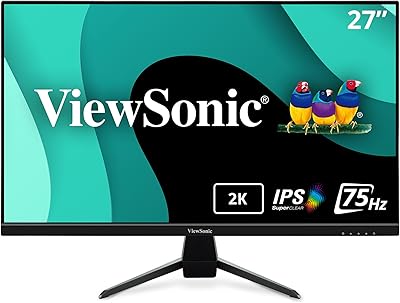
ViewSonic VX2767U-2K 27-inch 1440p IPS Monitor
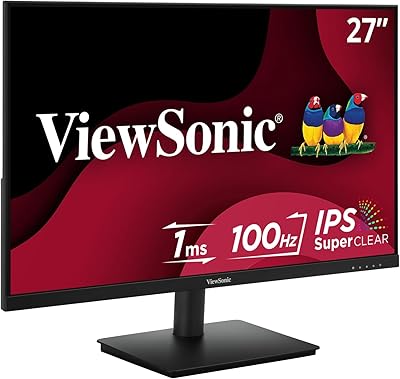
ViewSonic VS2747-H 27-inch IPS Monitor
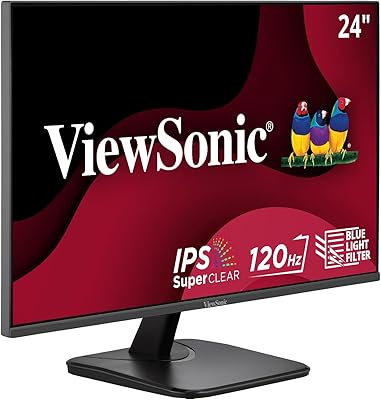
ViewSonic VA2456A-MHD 24-inch IPS Monitor
