TourBox Elite Video Editing Controller



Overview
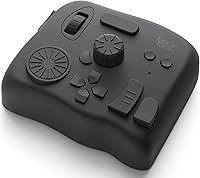
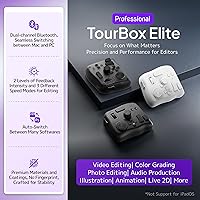
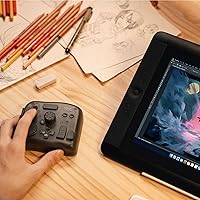
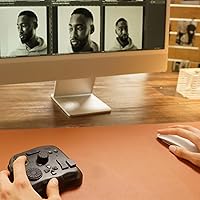
The TourBox Elite Video Editing Controller is a compact, tactile control surface built for creative professionals who spend serious hours inside editing suites and darkrooms. Where most competitors force you to choose between wired reliability and wireless freedom, this editing controller offers both Bluetooth and USB-C connectivity in the same device. The physical footprint is small enough to sit beside a keyboard without crowding your desk, yet the layout packs in enough knobs, dials, and scrolls to handle complex workflows with one hand. It covers a broad range of software — video, photo, and illustration apps alike — though it is strictly a desktop-only tool; Linux, iPad, and Android users need not apply.
Features & Benefits
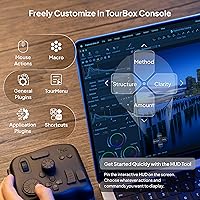
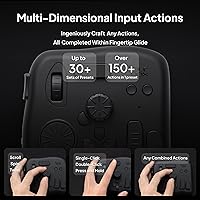
Every physical control on this creative console — knobs, dials, scrolls, buttons, and combined key inputs — can be remapped from scratch inside the free TourBox Console 5 software, with separate profiles for each application you use. The standout addition in Console 5 is its dedicated color grading panel, which lets you dial in hue, saturation, and luminance adjustments without hunting through menus. Macro support means a single button press can execute multi-step operations you would normally click through manually, which matters when you are working on a long timeline. Illustrators get knob assignments for brush size, flow, opacity, and canvas rotation — the kind of control that keeps your eyes on the canvas instead of the keyboard.
Best For
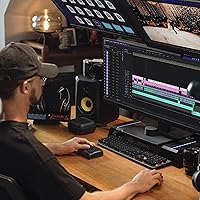
This editing controller is an obvious fit for video editors who spend real time color grading in DaVinci Resolve or Premiere Pro — the tactile dials make timeline scrubbing and color adjustments feel direct in a way keyboard shortcuts simply do not. Photographers running high-volume culling sessions in Lightroom Classic or Capture One will find the dial-based image selection and precise knob control worth the investment. Digital illustrators wanting one-handed brush control are well served too. That said, this is not a beginner tool — the customization depth is genuinely powerful, but getting there takes time. Expect a meaningful setup period before the workflow truly clicks.
User Feedback
Buyers consistently praise the build quality — the knobs and dials carry a satisfying resistance that cheaper alternatives cannot match. Color grading workflows in DaVinci Resolve and Premiere are where most reviewers report the biggest real-world payoff, calling it a genuine time-saver once profiles are dialed in. Bluetooth performance is largely reliable on Mac, though Windows users report occasional reconnection hiccups that can interrupt a session. The Console 5 software draws mixed reactions: powerful once configured, but initial setup is not intuitive, and several buyers wish for more ready-to-use presets. The asking price sits firmly in professional territory — most buyers justify it by pointing squarely to daily billable work.
Pros
- Dual Bluetooth and USB-C connectivity gives you genuine flexibility in how you set up your workspace.
- The tactile feel of the knobs and dials is consistently praised — it feels like quality hardware, not a plastic toy.
- Per-app profiles mean the controller adapts to whichever software you switch into, without manual reconfiguration.
- The dedicated color grading panel in Console 5 makes hue, saturation, and luminance adjustments faster and more intuitive.
- Macro support lets you collapse multi-step operations into a single button press, cutting down repetitive strain over long sessions.
- Compatible with an unusually wide range of creative apps — video, photo, illustration, and 3D tools are all covered.
- Drawing tablet compatibility makes this editing controller a strong companion for digital illustrators who want brush control without looking away from their work.
- The compact footprint fits comfortably beside a full-size keyboard without demanding a desk reorganization.
- Runs on AA batteries, so there is no charging cable to manage or dead-battery anxiety mid-session.
Cons
- Initial software setup in Console 5 is time-consuming and not particularly intuitive for new users.
- Out-of-the-box presets are sparse, meaning most buyers must build their profiles essentially from scratch.
- Bluetooth connectivity on Windows can drop unexpectedly, which is disruptive during focused editing sessions.
- Plastic construction feels functional but does not quite match the premium price point in terms of material prestige.
- Strictly desktop-only — no iPad, no Android tablet, no Linux support, full stop.
- The learning curve, while front-loaded, is steep enough that part-time editors may never fully recoup the setup investment.
- No wrist rest or ergonomic accessory is included, which matters during extended one-handed use sessions.
- Buyers who primarily work in a single app may find the multi-app customization depth more overhead than benefit.
Ratings
Our scores for the TourBox Elite Video Editing Controller are generated by AI after analyzing thousands of verified buyer reviews worldwide, with spam, bot activity, and incentivized submissions actively filtered out. The ratings reflect the full picture — where this creative console genuinely impresses seasoned professionals and where real frustrations surfaced in day-to-day use. Both strengths and pain points are represented transparently so you can make a clear-eyed purchase decision.
Build Quality
Tactile Control Experience
Software & Customization
Wireless Reliability
App Compatibility
Color Grading Workflow
Setup & Onboarding
Value for Money
Ergonomics & Desk Fit
Connectivity Flexibility
Drawing & Illustration Use
Battery Performance
Macro & Automation Depth
Suitable for:
The TourBox Elite Video Editing Controller is purpose-built for creative professionals who live inside their editing software for hours at a time and have genuinely outgrown what a keyboard and mouse can offer. Video editors who color grade regularly in DaVinci Resolve or Premiere Pro will get the most immediate payoff — the tactile dials and dedicated color grading panel in Console 5 turn what is usually a menu-heavy process into something that feels direct and physical. Photographers handling large culling and retouching sessions in Lightroom Classic or Capture One will appreciate how the dial-based image selection and precise knob control reduce the repetitive clicking that leads to fatigue over long sessions. Digital illustrators working with drawing tablets in Clip Studio Paint or SAI also benefit strongly, using the remappable knobs to control brush parameters without ever lifting their eyes from the canvas. In short, this editing controller rewards anyone who bills for their creative time and can absorb a short setup period in exchange for a meaningfully faster daily workflow.
Not suitable for:
The TourBox Elite Video Editing Controller is not a casual purchase, and buyers who are still building foundational editing skills are likely to find the investment hard to justify. The Console 5 software requires real configuration time — you are essentially building your own control scheme from the ground up, and out-of-the-box presets are limited enough that beginners may feel lost before they see any benefit. Linux users are completely locked out, and anyone hoping to use this creative console with an iPad or Android tablet will be disappointed; it is strictly a desktop device for macOS and Windows. Occasional Bluetooth reconnection issues on Windows mean that users in cable-averse setups should be aware the wireless experience is not entirely friction-free. If your editing work is occasional or hobbyist in nature, the premium price tier is difficult to rationalize against the learning curve required to unlock what this device can actually do.
Specifications
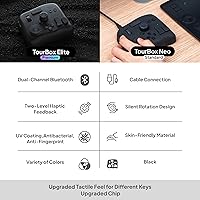
- Connectivity: Supports both Bluetooth 5.0 wireless and USB-C wired connections, allowing users to switch between cable-free and tethered setups depending on their preference.
- Dimensions: The unit measures 4.57 x 3.98 x 1.73 inches, making it compact enough to sit comfortably beside a full-size keyboard on most desks.
- Weight: Weighs 376 grams (13.3 ounces), giving it enough physical heft to stay in place during use without feeling heavy or cumbersome.
- Power Source: Powered by 2 AA batteries, which are included in the box, eliminating any need for USB charging between sessions.
- Material: The housing is constructed from plastic, keeping the overall weight low while maintaining a solid, functional feel across all controls.
- OS Compatibility: Fully supported on macOS and Windows only; Linux, iPadOS, and Android are not compatible with the device or its companion software.
- Companion Software: Works exclusively with TourBox Console 5, a free downloadable application that handles all profile creation, key mapping, macros, and the dedicated color grading panel.
- Control Layout: The surface includes a combination of dials, knobs, scrolls, and buttons, all of which can be individually remapped or assigned to combined key inputs.
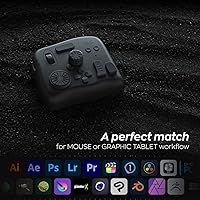
- App Compatibility: Officially supports Premiere Pro, Final Cut Pro, DaVinci Resolve, Photoshop, Lightroom Classic, Capture One, After Effects, Blender, Clip Studio Paint, SAI, AutoCAD, and additional creative applications.
- Color Grading: TourBox Console 5 includes a dedicated color grading panel that provides direct hardware control over hue, saturation, and luminance parameters within supported applications.
- Macro Support: Users can assign macros to any button, enabling complex multi-step operations to execute with a single press and reducing repetitive manual inputs over long sessions.
- Profile System: Per-application profiles allow the controller to automatically switch its button and knob assignments based on whichever software is currently active on screen.
- Drawing Tablet Use: Compatible with pen displays and drawing tablets, with knobs assignable to brush size, opacity, flow, hardness, canvas rotation, and zoom controls.
- Bluetooth Version: Uses Bluetooth 5.0 for wireless connection, which offers a stable low-latency link under normal desktop conditions, particularly on macOS.
- Release Date: The product was first made available in August 2022, positioning it as a relatively recent entry in the professional creative controller segment.
- Item Model: The official model number is TourBox Elite AMTBECA, as listed by the manufacturer TourBox Tech Inc.
- Operating Temp: The device is rated for use at a minimum operating temperature of 15 degrees Celsius, indicating it is designed for standard indoor desktop environments.
- Market Tier: Positioned in the premium professional segment, this editing controller is priced and featured for creators who use it as a core part of their daily production workflow.
Related Reviews
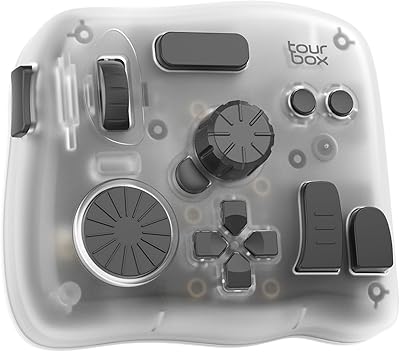
TourBox Elite Plus Bluetooth Creative Controller
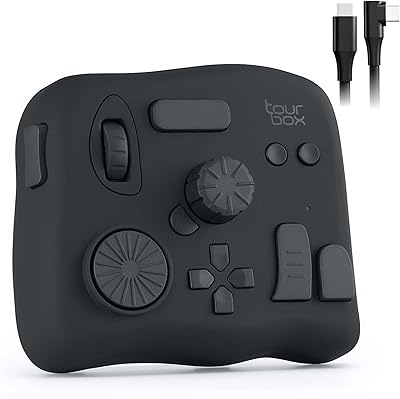
TourBox NEO Creative Editing Controller
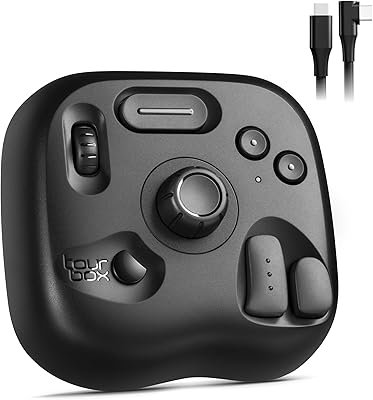
TourBox Lite Creative Controller Keypad
AOGETYO 2x2 4K Video Wall Controller
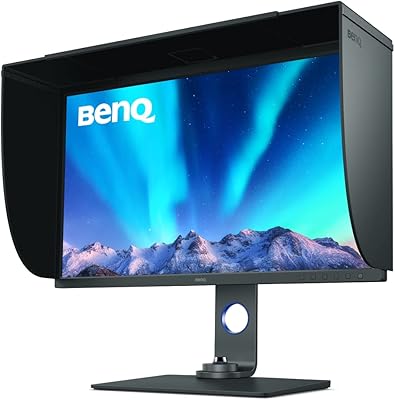
BenQ SW321C 32-inch Photo Editing Monitor

TickTalk 5 Kids Smartwatch with GPS, Video Calling, and Parental Controls
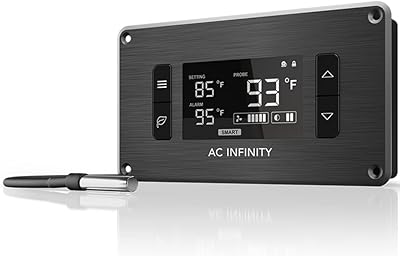
AC Infinity Controller 2 Fan Speed Controller

Intense Elite Orient Elite Woods 100ml Parfum
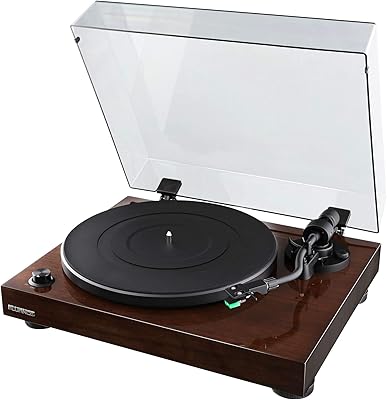
Fluance RT81