TourBox Elite Plus Bluetooth Creative Controller


Overview
The TourBox Elite Plus Bluetooth Creative Controller is TourBox's first controller built with iPad compatibility in mind, and that single addition changes who this device realistically serves. Running on Bluetooth across iPadOS, macOS, and Windows, the Elite Plus lets creatives carry one controller between their iPad and desktop without compromise. Physically, it's compact and asymmetric — a satisfying cluster of knobs, dials, and buttons powered by two AA batteries. At its price point, this is squarely aimed at serious working creatives, not casual users. One thing worth being clear about upfront: this is a workflow accelerator, not a drawing input device. It won't replace your stylus or tablet — it works alongside them.
Features & Benefits
What makes the Elite Plus worth attention is how far it goes beyond simple shortcut remapping. Every knob, dial, scroll wheel, and button is fully programmable, and through the TourBox Console app, you can configure unique layouts for each piece of software you use. Native plugins handle deep integration with Photoshop, Lightroom, Procreate, DaVinci Resolve, and Final Cut Pro — meaning these aren't just keyboard shortcut substitutes but actual parameter controls. Advanced users can build macros and use screen interaction plugins to automate multi-step workflows. Official presets come preloaded for major apps, so you're not starting from a blank slate. The layout is also ambidextrous, accommodating both left- and right-handed users equally well.
Best For
This creative console hits hardest for creatives who truly live inside their software. Digital illustrators using Procreate on iPad will notice the most immediate payoff — fast tool switching without lifting your pen hand is genuinely useful. Photo editors in Lightroom or Capture One get one-handed knob control over sliders, which is far more intuitive than reaching for a keyboard mid-edit. Video editors and colorists in DaVinci Resolve or Premiere will appreciate having timeline and grade controls at their fingertips. It's also a practical pick for cross-platform creators who split time between iPad and a Mac or Windows desktop. That said, occasional users are unlikely to use it enough to justify the investment.
User Feedback
Buyers who use this Bluetooth controller daily tend to be satisfied. Most report building muscle memory within the first week, and reduced wrist strain during long sessions is a frequently mentioned benefit. Color grading speed and smoother brush control get consistent praise. On the downside, the TourBox Console app — while capable — has a real configuration learning curve that non-technical users often find frustrating. The AA battery requirement splits opinion: some prefer it over USB-C charging, while others find it inconvenient. At this price tier, the most common pushback is value justification, especially from buyers comparing it to the more affordable TourBox Neo or standard Elite. Professional, frequent use is what makes the cost feel warranted.
Pros
- Single controller works across iPadOS, macOS, and Windows — no reconfiguring when switching devices.
- Deep native integration with Procreate, Lightroom, DaVinci Resolve, Photoshop, and Final Cut Pro out of the box.
- Official presets come preloaded, so you can start using it productively without building from scratch.
- The ambidextrous layout means left- and right-handed users are equally supported.
- Macro creation and screen interaction plugins enable complex multi-step workflow automation.
- Most users report building reliable muscle memory within the first week of consistent daily use.
- Reduced wrist and hand strain during long editing or illustration sessions is a frequently praised benefit.
- TourBox Console receives continuous updates, adding preset support and features over time.
- Compact form factor sits comfortably alongside a drawing tablet without crowding the desk.
Cons
- The TourBox Console app has a steep configuration curve that non-technical users often find off-putting.
- AA battery power is a divisive choice — no USB-C charging option for users who prefer it.
- At this price tier, the value case only holds up for creatives who use it frequently and professionally.
- No built-in screen or visual feedback makes initial setup and button mapping less intuitive.
- Buyers comparing it to the standard Elite or Neo may struggle to justify the significant price premium.
- Software setup can take several hours before the controller feels truly dialed in for your specific workflow.
- Not a practical pick for beginners who haven't yet identified which shortcuts they most need to optimize.
- Bluetooth-only connectivity may be a limitation for users in environments with wireless interference concerns.
Ratings
The scores below reflect an AI-driven analysis of verified global user reviews for the TourBox Elite Plus Bluetooth Creative Controller, with spam, incentivized posts, and bot activity actively filtered out before scoring. Each category is evaluated on the honest balance of what real buyers praised and where they ran into frustration. Both the strengths that make this creative console stand out and the pain points that give buyers pause are transparently reflected in every score.
Software Integration
Workflow Efficiency
Build Quality
iPad Compatibility
Setup & Onboarding
Bluetooth Reliability
Value for Money
Ergonomics
Customization Depth
Battery Experience
Cross-Platform Flexibility
Learning Curve
Portability
Suitable for:
The TourBox Elite Plus Bluetooth Creative Controller is purpose-built for creatives who spend serious hours inside their software and are ready to invest in tools that compound their efficiency over time. Digital illustrators working in Procreate on iPad will find real, immediate value — having tool switching, brush sizing, and layer controls mapped to physical knobs means your pen hand never has to leave the canvas. Photo editors in Lightroom or Capture One benefit from one-handed slider control that feels far more intuitive than hunting down keyboard shortcuts mid-edit. Video editors and colorists in DaVinci Resolve or Premiere will appreciate having timeline scrubbing and grade adjustments at their fingertips without breaking flow. It's also a smart pick for creators who regularly move between an iPad and a Mac or Windows desktop, since one controller covers all three platforms over Bluetooth without reconfiguring anything.
Not suitable for:
The TourBox Elite Plus Bluetooth Creative Controller is a hard sell for anyone who edits or illustrates casually or only a few times a month — the return on investment simply doesn't add up at this price point if you're not putting in consistent hours. The TourBox Console software is genuinely powerful, but it requires time and patience to configure properly, and users who aren't comfortable digging into software settings will likely find the onboarding frustrating rather than rewarding. Beginners who are still learning their creative software will also struggle to get value here, since effective use of this console depends on already knowing which shortcuts and actions you want to optimize. Buyers who were hoping for a rechargeable device may be put off by the AA battery requirement. If your budget is tight, the more affordable TourBox Neo or standard Elite models cover the core functionality at a lower entry point and are worth considering before committing to the Elite Plus tier.
Specifications
- Manufacturer: Made by TourBox, a company with over 7 years of experience designing creative workflow controllers.
- Model Number: The official model identifier is Elite Plus TBEP.
- Dimensions: The controller measures 4.57 x 3.98 x 0.04 inches, making it compact enough to sit alongside a drawing tablet without taking up significant desk space.
- Weight: It weighs 13.26 oz, giving it a solid, substantial feel without being heavy to transport.
- Connectivity: Connects to devices wirelessly via Bluetooth — no USB cable required for standard operation.
- OS Support: Compatible with iPadOS, macOS, and Windows, covering the three most common platforms used by creative professionals.
- Power Source: Runs on 2 AA batteries, which are included in the box; there is no built-in rechargeable battery or USB-C charging option.
- Control Layout: Features a programmable combination of knobs, dials, scroll wheels, and buttons arranged in an asymmetric, ambidextrous layout.
- Handedness: The button and knob arrangement is designed to be equally usable by left-handed and right-handed users.
- Companion Software: Managed through the TourBox Console app, which enables per-application custom mapping, macro creation, and firmware updates.
- Preset Support: Ships with official presets for major creative applications including Photoshop, Lightroom, Procreate, DaVinci Resolve, and Final Cut Pro.
- Advanced Features: Supports macro creation, screen interaction plugins, and mouse drag simulation for automating complex multi-step creative workflows.
- Software Integration: Offers native deep integration with Photoshop, Lightroom, Premiere, Procreate, LumaFusion, Final Cut Pro, DaVinci Resolve, and several other professional applications.
- Use Cases: Designed for digital painting, photo editing, video editing, color grading, graphic design, animation, and audio production workflows.
- Availability: First made available on Amazon in February 2025, positioning it as one of TourBox's most recent hardware releases.
- BSR Ranking: Holds a Best Sellers Rank of #32 in the Tablet Keyboards category on Amazon at the time of listing.
Related Reviews
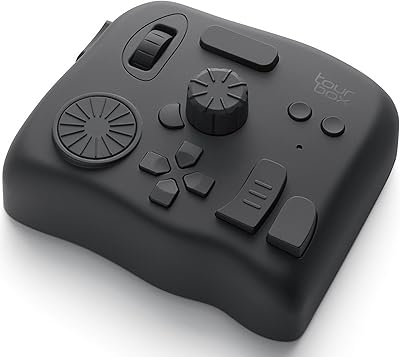
TourBox Elite Video Editing Controller
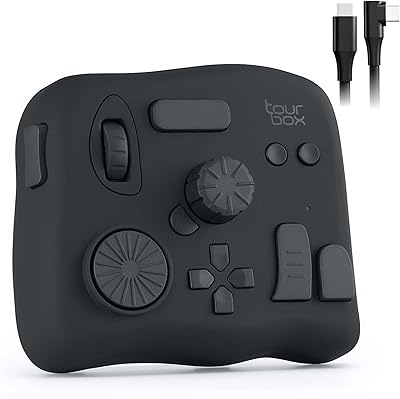
TourBox NEO Creative Editing Controller
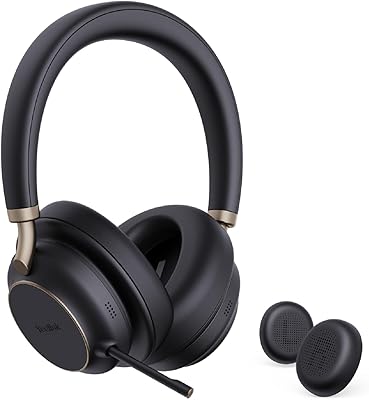
Yealink BH76 Plus Bluetooth Headset
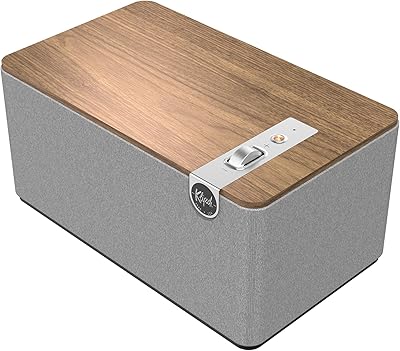
Klipsch The Three Plus Bluetooth Speaker System
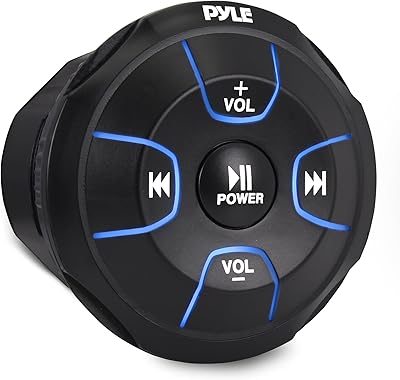
Pyle PLMRBT18 Bluetooth Audio Controller
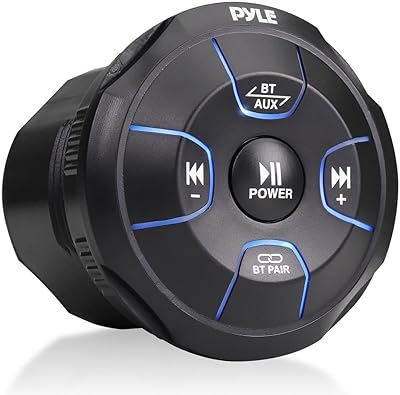
Pyle PLMRBT19 Bluetooth Audio Controller
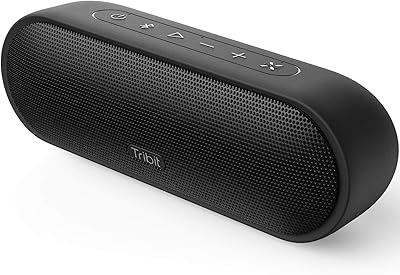
Tribit MaxSound Plus Portable Bluetooth Speaker
Klipsch The One Plus Bluetooth Speaker
DOSS SoundBox Plus Bluetooth Speaker