





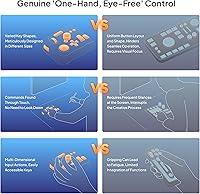
Overview
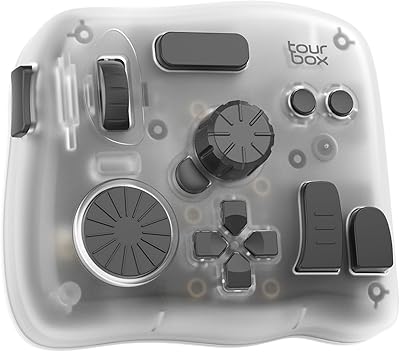
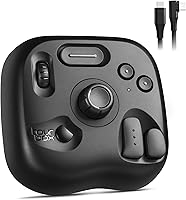
The TourBox Lite Creative Controller Keypad arrived in early 2024 as TourBox's most accessible entry point — a compact, wired left-hand controller built for digital artists, photo editors, and video editors who want faster, more intuitive workflows. Despite fitting comfortably beside a drawing tablet, it packs 8 physical buttons that, through custom combo actions, unlock over 200 programmable functions. The body is metal, solid in hand, and the shape was refined through extensive ergonomic research to keep your hand relaxed during long creative sessions. It runs on Mac OS X 10.13 or higher and Windows 7+ (64-bit), covering most creative workstations without compatibility headaches.
Features & Benefits
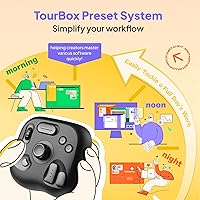
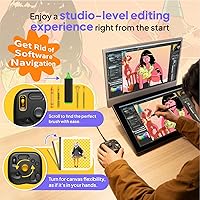
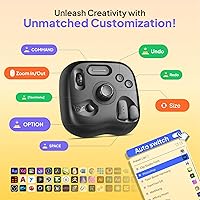
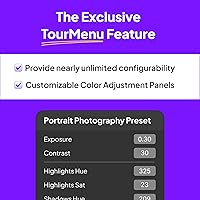
The scroll wheel and rotary knob are where this compact controller really earns its keep. The wheel handles brush swaps and layer navigation in a single roll — no need to break your stylus grip to hunt for keyboard shortcuts. The knob gives precise control over canvas rotation and sizing, with enough tactile resistance to feel deliberate rather than accidental. What makes the software side genuinely useful is the auto-switching preset library: it detects which application you are in and loads the right layout automatically. An on-screen HUD then shows your current mappings in real time. It is particularly well-tuned for Clip Studio Paint, but Photoshop, Lightroom, Premiere Pro, and Final Cut Pro users will find solid preset support too.
Best For
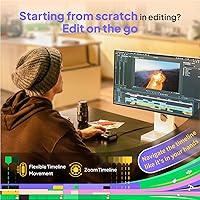
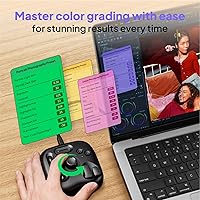
This left-hand keypad makes the most sense for illustrators and concept artists working with a drawing tablet, especially those tired of reaching across to a full keyboard mid-stroke. Photo editors — particularly those culling large batches or fine-tuning exposure and white balance in Lightroom or Capture One — will find the knob and wheel genuinely time-saving. Video editors trimming timelines can map the controls to scrubbing and clip preview without squinting at a keyboard. It is also a solid starting point for anyone new to macro controllers; most users get comfortable with the core layout within a week, though complex custom setups may take longer depending on your workflow depth. Mac and PC users are equally supported.
User Feedback
Early reception for the TourBox Lite has been strong — it holds a 4.8-star average, though with just over 100 ratings, that number is a promising signal rather than a definitive verdict. Buyers frequently praise the solid metal build, noting it feels more substantial than the price might suggest. The software setup gets generally positive marks, with most finding the auto-detect presets reduce friction considerably. The main recurring gripe is the wired-only connection — users who expected wireless capability, especially those familiar with higher-tier TourBox models, flag the cable as a limitation. A smaller number of buyers found the initial software configuration less intuitive than advertised, requiring extra time before everything clicked into place.
Pros
- The metal build feels solid and premium, especially considering this is the entry-level model in the lineup.
- Auto-switching presets are a genuine time-saver — the controller detects your active app and adjusts automatically.
- The on-screen HUD removes the need to memorize button mappings, which helps during the learning phase.
- Scroll wheel and rotary knob provide tactile, precise control over brush size and canvas rotation without touching the keyboard.
- Works across Mac and PC without compatibility issues, covering most creative workstation setups.
- Compact footprint fits comfortably beside a drawing tablet without crowding the desk.
- Deeply optimized for Clip Studio Paint, making it especially compelling for manga artists and illustrators using that software.
- Combo actions expand 8 physical buttons into a surprisingly wide range of functions for everyday creative work.
- The ergonomic shape genuinely reduces hand strain during extended sessions compared to keyboard shortcut reaching.
- Early user ratings are strong, with consistent praise for build quality and workflow improvement across art and editing use cases.
Cons
- Wired-only connectivity is a real limitation for users who prefer a clean, cable-free desk setup.
- Only 8 physical buttons may feel restrictive for power users with complex, multi-step workflows.
- Some buyers report the initial software setup requires more patience than the marketing language implies.
- Custom preset building for less mainstream software can be time-consuming with limited community resources.
- The rating pool is still relatively small — over 100 reviews is promising but not yet a large enough sample to be fully conclusive.
- No wireless or Bluetooth variant exists at this tier, unlike some competing macro pad options.
- Users upgrading from higher-end TourBox models may notice the absence of additional dials and controls they relied on.
- The USB cable, while functional, is not braided or reinforced, which could be a durability concern for heavy daily use.
Ratings
The scores below reflect our AI-powered analysis of verified global buyer reviews for the TourBox Lite Creative Controller Keypad, with spam, bot-generated, and incentivized feedback actively filtered out before scoring. Every category captures both the genuine strengths that keep buyers recommending this left-hand keypad and the real frustrations that surface after extended use. Nothing is smoothed over — where users ran into friction, the scores reflect it honestly.
Build Quality
Ease of Setup
Software Experience
Ergonomics & Comfort
Button & Control Layout
App Compatibility
Connectivity & Cable
Learning Curve
Value for Money
Clip Studio Paint Integration
Portability
Tactile Feedback
Durability Over Time
Suitable for:
The TourBox Lite Creative Controller Keypad is a natural fit for digital illustrators and concept artists who spend hours working with a stylus and want a dedicated left-hand controller to handle brush changes, layer switching, and canvas adjustments without ever breaking their drawing flow. Photo editors who regularly cull large shoots or dial in exposure and white balance adjustments in Lightroom or Capture One will find the knob and scroll wheel save real time across a long editing session. Video editors who need quick timeline scrubbing and clip preview controls without reaching across a full keyboard will also get genuine value here. It works equally well on Mac and PC, which removes a common friction point for mixed-environment studios. If you are new to macro controllers and have been hesitant about the learning curve, this is one of the more approachable entry points available — the auto-switching presets and on-screen HUD mean you spend less time configuring and more time creating.
Not suitable for:
The TourBox Lite Creative Controller Keypad is not the right pick if you need a wireless setup — this is a wired-only device, full stop, and if cable management on a tidy desk matters to you, that alone may be a dealbreaker worth considering before purchase. Users who need a large number of dedicated physical buttons for highly complex, multi-layer workflows may find that 8 buttons, even with combos, feels limiting compared to larger macro pads or higher-tier TourBox models. It is also worth noting that the software customization, while well-designed, does have a configuration depth that some users find requires more than a week to fully exploit — anyone expecting a completely plug-and-play experience with zero setup time should temper expectations. If your primary software is not among the well-supported titles like Clip Studio Paint, Photoshop, or Premiere Pro, you may need to invest extra time building presets from scratch. And if you are a casual user who only occasionally edits photos or illustrations, the value proposition may not justify the cost compared to simply learning a few more keyboard shortcuts.
Specifications
- Brand: Manufactured and sold by TOUR BOX, the company behind the full TourBox controller lineup.
- Model: TourBox Lite, model number TBL, released in March 2024 as the entry-level unit in the TourBox family.
- Dimensions: The unit measures 6.3 x 3.94 x 2.36 inches, compact enough to sit comfortably beside a drawing tablet.
- Weight: Weighs 11.6 ounces, giving it enough heft to stay put on a desk without being cumbersome.
- Material: The outer casing is metal, contributing to a solid, durable feel that holds up well during daily creative use.
- Color: Available in black only at this model tier.
- Connectivity: Connects via wired USB; there is no wireless or Bluetooth option on this model.
- Buttons: Features 8 physical buttons that, combined with combo inputs through the TourBox software, unlock over 200 mappable functions.
- Controls: Includes a scroll wheel for brush and layer navigation, plus a rotary knob for canvas rotation, resizing, and reset.
- Actions Supported: Supports 50+ distinct actions and over 200 total functions when custom button combos are configured in the software.
- OS Compatibility: Requires Mac OS X 10.13 or higher, or Windows 7 and above in 64-bit mode only; 32-bit Windows is not supported.
- Compatible Devices: Works with desktop computers, laptops, Macs, PCs, and Windows tablets; iPad and Android are not officially supported.
- Software: Runs on TourBox Console, a free companion app that handles preset management, button mapping, and automatic software detection.
- Preset Library: Ships with a ready-to-use preset library that automatically detects the active application and switches layouts without manual input.
- HUD Display: An on-screen HUD overlay shows your active button mappings in real time so you never have to guess what a control does.
- App Support: Officially optimized for Clip Studio Paint, Photoshop, Lightroom, Illustrator, Premiere Pro, After Effects, Final Cut Pro, Capture One, and others.
- Tablet Compatibility: Designed to work alongside Wacom Cintiq, Wacom Artist series, and other popular drawing tablet brands.
- Protection Rating: Rated IP00, meaning the unit has no specific protection against dust or moisture and should be kept away from liquids.
- UPC: Universal Product Code is 850040209198, useful for verifying authenticity when purchasing from third-party sellers.
Related Reviews
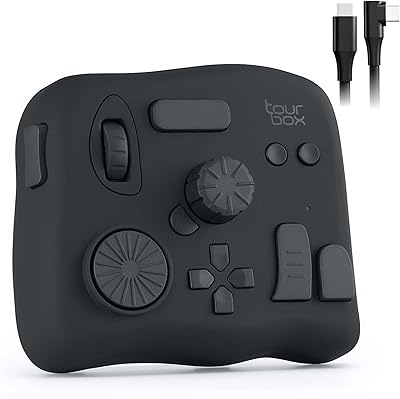
TourBox NEO Creative Editing Controller
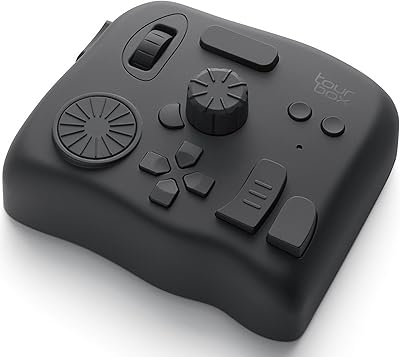
TourBox Elite Video Editing Controller
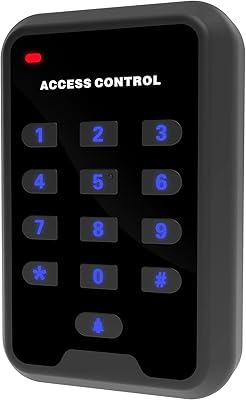
UHPPOTE HBK-A02 125KHz RFID Access Control Keypad
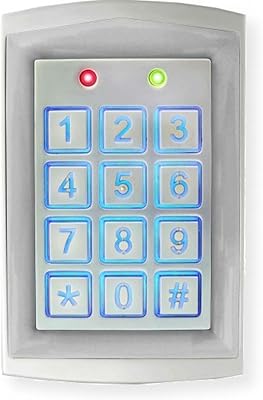
Seco-Larm SK-1323-SDQ Outdoor Access Control Keypad
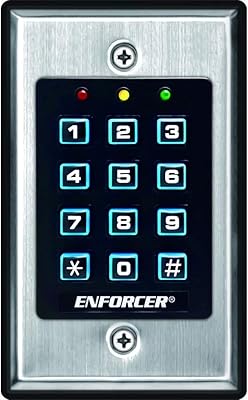
Seco-Larm SK-1011-SDQ Access Control Keypad
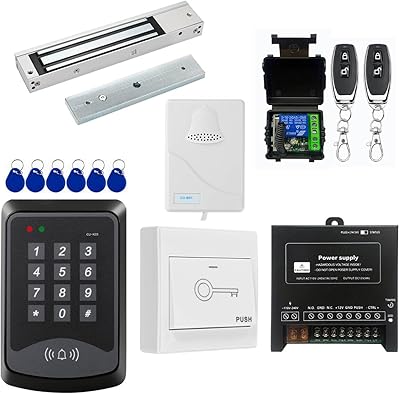
YUHANUS Door Access Control System RFID Keypad with 600LBS Lock
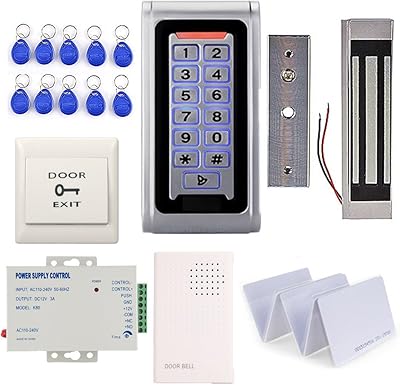
MENGQI-CONTROL Metal RFID Keypad Door Entry System
AC Infinity Controller 2 Fan Speed Controller

Ubiquiti UniFi 6 Lite Access Point