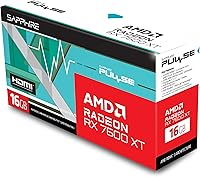
Sapphire Pulse RX 7600 XT 16GB GPU
Overview
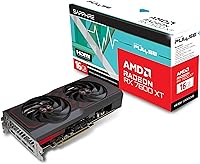
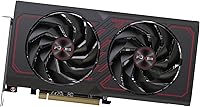
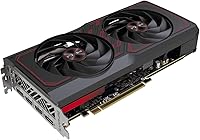
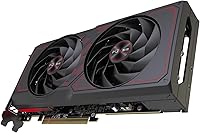
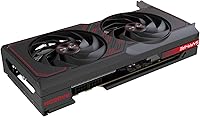
The Sapphire Pulse RX 7600 XT 16GB GPU enters the mid-range arena as Sapphire's RDNA 3 answer for 1080p and 1440p gamers who want more headroom than most cards at this price typically offer. That 16GB GDDR6 buffer is genuinely unusual here — most competitors ship with half that. Sapphire has long been considered one of AMD's most dependable board partners, and the Pulse line reflects that with solid build quality and a thoughtful cooler. Just keep expectations calibrated: rasterization performance is where this card earns its keep, while ray tracing and upscaling results tell a more nuanced story worth understanding before buying.
Features & Benefits
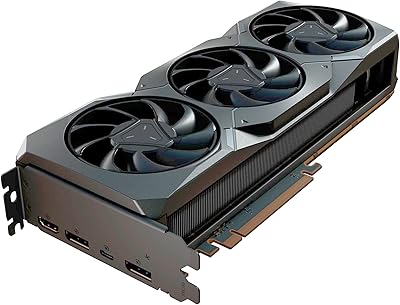
The 128-bit memory bus is the spec that deserves the most honest conversation here. Yes, 16GB of GDDR6 at 18 Gbps gives the RX 7600 XT a real advantage in texture-heavy workloads, but bandwidth remains the ceiling — pushing demanding titles at 1440p ultra can expose that limit. Beyond memory, RDNA 3 brings meaningful efficiency improvements, hardware AV1 encoding that streamers will genuinely appreciate, and FSR 3 support that recovers frame rates where you need them most. Four outputs — two HDMI, two DisplayPort — make multi-monitor setups straightforward, and the 2.2-slot form factor fits comfortably in most standard mid-tower cases.
Best For
This mid-range AMD GPU makes the most sense for 1080p high-refresh gaming — 144Hz and above — where the RX 7600 XT delivers confidently across most modern titles. The generous VRAM buffer also helps anyone running heavy mods or texture packs in open-world games where 8GB cards begin to stumble. Content creators wanting hardware-accelerated AV1 output without flagship pricing will find real utility here. Linux users benefit from AMD's mature open-source driver stack, making this a natural choice for that crowd. If you're upgrading from something like an RX 580 or GTX 1070, the efficiency gains alone make the generational jump substantial.
User Feedback
Buyers have largely settled on this Sapphire Pulse card with a 4.4-star consensus, and praise clusters around two themes: running notably cool and quiet under sustained load, and appreciating the unusually generous VRAM at this tier. Thermal performance draws consistent compliments for the Pulse cooler specifically. On the critical side, some users note the 128-bit bus shows its ceiling in bandwidth-hungry scenarios at higher resolutions — a fair and expected trade-off given the specs. A few reviewers flagged early quirks with AMD's Adrenalin software, though subsequent driver updates have largely addressed those. Value perception is split: VRAM-focused buyers feel well-served, while those cross-shopping Nvidia weigh the bandwidth gap carefully.
Pros
- 16GB of GDDR6 VRAM is genuinely rare at this price tier and future-proofs texture-heavy workloads.
- The Pulse cooler keeps thermals in check even under sustained gaming loads, running quieter than many competing designs.
- Hardware AV1 encoding support makes this a smart pick for streamers and creators working within a budget.
- Four display outputs — two HDMI and two DisplayPort — enable flexible multi-monitor configurations out of the box.
- FSR 3 support meaningfully extends frame rate headroom in supported titles without requiring expensive hardware.
- The 2.2-slot form factor installs cleanly in most standard mid-tower cases without compatibility headaches.
- AMD's open-source Linux drivers give this mid-range AMD GPU a strong edge for Linux-based builds.
- PCIe 4.0 compatibility ensures the card is not bottlenecked by most current-generation motherboards.
- RDNA 3 architecture brings real efficiency improvements over previous generations, keeping power draw reasonable.
- Sapphire's build quality and reputation as a premium AMD board partner translate into a well-finished physical product.
Cons
- The 128-bit memory bus limits bandwidth, which becomes a tangible constraint in high-resolution, high-detail scenarios.
- Ray tracing performance lags behind Nvidia competitors at a comparable price point, a real gap for RT-focused buyers.
- AMD's Adrenalin software still requires more user attention than Nvidia's experience, which frustrates some buyers.
- The RX 7600 XT can feel less competitive when cross-shopped against Nvidia alternatives offering stronger RT and DLSS support.
- Native 4K gaming at maximum settings is not a realistic use case without heavy reliance on upscaling.
- Some users have reported boost clock performance in real-world gaming falling slightly short of advertised peak figures.
- Bandwidth limitations mean 1440p ultra settings in the most demanding modern titles can expose the memory interface ceiling.
- This card offers limited headroom for GPU-compute tasks like AI inference or professional 3D rendering workloads.
Ratings
The scores below reflect our AI-driven analysis of verified global buyer reviews for the Sapphire Pulse RX 7600 XT 16GB GPU, with spam, bot-submitted, and incentivized feedback actively filtered out before scoring. Each category captures both the genuine enthusiasm and the honest frustrations real users have shared, so you get a transparent picture of where this mid-range AMD card earns its praise and where it falls short.
1080p Gaming Performance
1440p Gaming Performance
VRAM Capacity
Memory Bandwidth
Thermal Performance
Noise Level
Ray Tracing Performance
Build Quality
Driver Stability
Software Experience
Value for Money
Multi-Monitor Support
AV1 Encoding Quality
Case Compatibility
Linux Compatibility
Suitable for:
The Sapphire Pulse RX 7600 XT 16GB GPU is a strong match for 1080p gamers chasing high refresh rates — 144Hz and beyond — who want breathing room for increasingly VRAM-hungry titles without paying flagship prices. The 16GB buffer is a genuine differentiator for modded games, texture-heavy open-world titles, and anyone tired of hitting memory walls mid-generation. Content creators and streamers working on a tighter budget will also get real mileage from the hardware AV1 encoder, which competes well above its price class for recording and live output quality. Linux users in particular benefit from AMD's mature open-source driver ecosystem, making this one of the more plug-and-play options in the mid-range segment. Anyone upgrading from a card that is several generations old — say, a GTX 1060 or RX 580 era GPU — will notice an immediately meaningful performance and efficiency jump.
Not suitable for:
The Sapphire Pulse RX 7600 XT 16GB GPU is not the right call for buyers whose primary goal is native 4K gaming at high settings without leaning heavily on upscaling. The 128-bit memory bus creates a bandwidth ceiling that shows up in demanding scenarios at 1440p ultra and above, regardless of how much VRAM is available — those are simply different bottlenecks. Competitive ray tracing performance is also not where this card earns its reputation; if realistic lighting is a high priority in the titles you play most, Nvidia alternatives in a similar price range handle RT workloads more efficiently. Buyers who have had persistent frustrations with AMD's Adrenalin software suite in the past may find the experience has improved, but it still requires more active management than Nvidia's drivers for some users. If your workload is heavily GPU-compute-dependent — machine learning inference, professional visualization — this card was not designed with those priorities in mind.
Specifications
- GPU Architecture: Built on AMD's RDNA 3 architecture, delivering improved performance-per-watt over the previous RDNA 2 generation.
- GPU Model: Powered by the AMD Radeon RX 7600 XT graphics processor manufactured by AMD.
- VRAM: Equipped with 16GB of GDDR6 video memory, an unusually large buffer for this market segment.
- Memory Interface: Uses a 128-bit memory bus, which sets the bandwidth ceiling regardless of total VRAM capacity.
- Memory Speed: GDDR6 memory operates at 18 Gbps, delivering a total bandwidth of approximately 288 GB/s.
- Display Outputs: Provides four simultaneous outputs: 2x HDMI and 2x DisplayPort, supporting multi-monitor configurations.
- Max Resolution: Supports display output up to 3840x2160 (4K UHD), though native 4K gaming at max settings is demanding for this tier.
- PCI Express: Uses a PCIe 4.0 interface and is backward compatible with PCIe 3.0 motherboards at reduced bandwidth.
- Form Factor: Occupies 2.2 expansion slots in an ATX form factor, fitting comfortably in most standard mid-tower cases.
- Card Dimensions: The physical card measures approximately 12.56 x 6.5 x 3.35 inches including the cooler shroud.
- Card Weight: Weighs 2.4 pounds, which is typical for a dual-fan mid-range GPU and does not require additional PCIe slot support in most cases.
- Cooling System: Features Sapphire's Pulse dual-fan cooler, designed for efficient heat dissipation with low noise output under sustained load.
- Upscaling Support: Supports AMD FidelityFX Super Resolution (FSR 3) for frame rate recovery in compatible titles.
- AV1 Encoding: Includes a dedicated hardware AV1 encoder and decoder, useful for streaming and video production workflows.
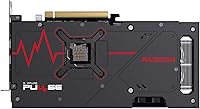
- Color: Ships in a black colorway with Sapphire's standard Pulse series shroud design.
- Model Number: Official Sapphire model number is 11339-04-20G, used to identify this exact SKU across retailers.
- Manufacturer: Designed and produced by Sapphire Technology, one of AMD's longest-standing and most respected board partners.
- Ray Tracing: Supports hardware-accelerated ray tracing via RDNA 3, though performance in RT-heavy workloads is modest relative to competing Nvidia options.
Related Reviews
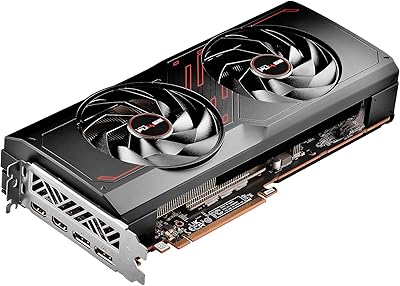
Sapphire Pulse RX 7700 XT 12GB Graphics Card
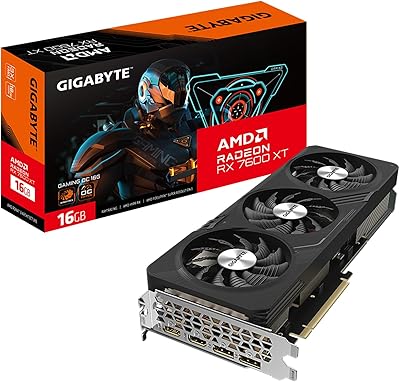
GIGABYTE RX 7600 XT 16GB Graphics Card
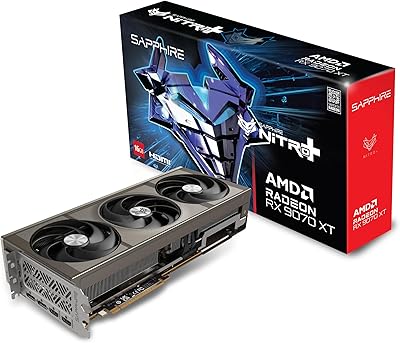
Sapphire Nitro+ RX 9070 XT 16GB
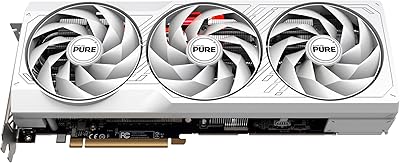
Sapphire Pure RX 7800 XT 16GB GPU
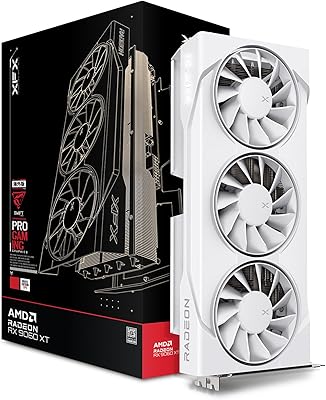
XFX RX 9060 XT 16GB
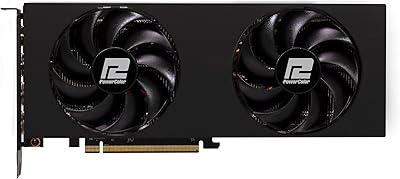
PowerColor RX 7800 XT 16GB Graphics Card
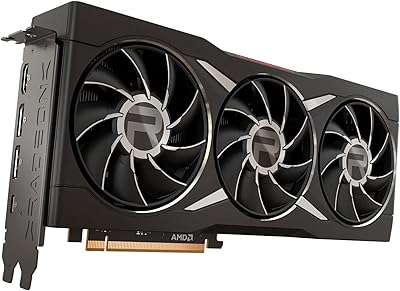
AMD Radeon RX 6950 XT Graphics Card
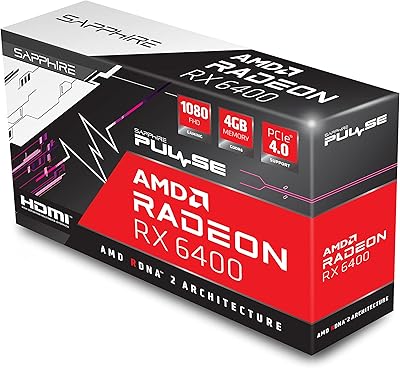
Sapphire Pulse RX 6400 4GB Graphics Card
Sapphire Radeon RX 7900 XT Graphics Card