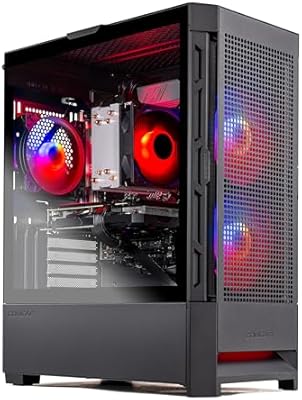
Ninkear M7 Ryzen 5 7430U Mini PC






Overview
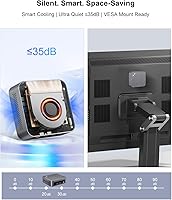
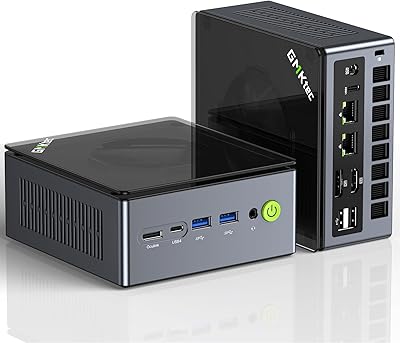
The Ninkear M7 Ryzen 5 7430U Mini PC is a small-form-factor desktop that punches above its weight for everyday computing, built for anyone who wants a capable Windows machine without sacrificing half their desk. It weighs just over two pounds and tucks neatly behind a monitor with the included VESA mount. One thing worth flagging upfront: the marketing copy is inconsistent about the GPU — the title claims Radeon Vega 7 with 7 cores, while the description states Vega 8 with 8 cores. That kind of sloppiness from a lesser-known brand warrants a raised eyebrow, even if the real-world impact on typical daily use turns out to be minor.
Features & Benefits
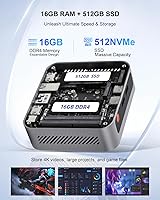
At the heart of this mini PC sits AMD's Ryzen 5 7430U, a 6-core, 12-thread chip that handles browser-heavy workloads, video calls, and large spreadsheets without breaking a sweat. The 512GB NVMe SSD delivers read speeds close to 4GB/s, so boot times and file launches feel genuinely fast. Network connectivity stands out — dual 2.5Gbps Ethernet alongside Wi-Fi 6E is rare at this price point, making it a solid fit for environments where a stable wired connection matters. The fan stays quiet under light loads, though the 15W power envelope does impose a ceiling on sustained, CPU-intensive tasks. Both RAM and storage are user-upgradeable, which gives the machine meaningful longevity.
Best For
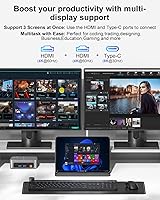
The Ninkear M7 is an easy recommend for remote workers and students who want a clean desk setup without the noise and bulk of a traditional tower. Triple-display support makes it particularly appealing for multi-monitor productivity setups — connecting two screens via HDMI and a third through DisplayPort or USB-C is straightforward. For living room use, its near-silent operation and 4K output check the right boxes. Small offices will appreciate the dual Ethernet, which provides wired network redundancy without needing an extra switch. It also works reasonably well for casual gaming — older titles and lighter 3D games run fine, though anyone expecting modern AAA performance will be disappointed.
User Feedback
Buyers consistently praise how quiet this compact desktop runs during typical use, with most reporting the fan is nearly inaudible for office tasks and video streaming. The included VESA mount and HDMI cable are appreciated as genuine value-adds that save an extra trip to the store. On the downside, a number of users note that sustained heavy workloads — like long video exports or extended rendering — can trigger throttling, a predictable side effect of the 15W design. The GPU core count inconsistency in the listing has also caused some buyer confusion. On the positive side, the 3-year warranty adds real peace of mind for a brand many buyers are trying for the first time, and the out-of-box Windows experience has been described as relatively clean.
Pros
- Ryzen 5 7430U delivers genuinely capable everyday performance for office, browsing, and video call workloads.
- Triple-display output via dual HDMI, DisplayPort, and USB-C is a rare feature at this price tier.
- Dual 2.5Gbps Ethernet ports give this mini PC unusually strong wired networking flexibility.
- The fan stays nearly silent during typical use, making it ideal for shared or quiet environments.
- Ships with Windows 11 Pro, a VESA mount, and an HDMI cable — solid out-of-box value.
- Both RAM slots and dual M.2 storage bays allow meaningful upgrades without replacing the unit.
- Wi-Fi 6E support keeps wireless connectivity future-proof for newer routers.
- At just over two pounds, it fits almost anywhere — behind a monitor, under a TV, or on a small shelf.
- A 3-year warranty provides real reassurance when buying from a less-established brand.
- 512GB NVMe SSD with fast read speeds makes boot times and app launches feel responsive.
Cons
- Sustained CPU-heavy tasks can trigger throttling due to the conservative 15W power limit.
- Marketing copy inconsistently lists either 7 or 8 Radeon GPU cores depending on where you look — a frustrating lack of clarity.
- Integrated graphics are limited to light or older games; modern titles are largely off the table.
- Only four USB-A ports total (two USB 3.0, two USB 2.0), which may not be enough for peripheral-heavy setups.
- Ninkear is a relatively unknown brand, which can make warranty service and long-term support harder to predict.
- No USB-C charging support if you need PD input rather than the proprietary DC jack.
- DDR4 RAM, while fast enough, is a generation behind the DDR5 now appearing in competing platforms.
- The spec inconsistency in the product listing may create uncertainty about exactly what hardware is inside the unit.
Ratings
Our AI rating engine analyzed verified global buyer reviews for the Ninkear M7 Ryzen 5 7430U Mini PC, actively filtering out incentivized, bot-generated, and duplicate feedback to surface what real users actually experience day to day. The scores below reflect an honest cross-section of sentiment — strengths and frustrations weighted equally — so you can make a genuinely informed decision before buying.
Everyday Performance
Noise & Thermal Management
Connectivity & Ports
Multi-Display Support
Value for Money
Build Quality
Out-of-Box Setup
Upgradeability
Wireless Performance
Gaming Capability
Software & OS Experience
Brand Trust & Support
Form Factor & Portability
Suitable for:
The Ninkear M7 Ryzen 5 7430U Mini PC is a practical pick for remote workers, students, and home office users who spend their days in browsers, video conferencing tools, and productivity suites — and want to do it all without a loud, bulky tower eating up desk space. The Ryzen 5 7430U handles that kind of workload comfortably, and the 16GB of DDR4 RAM means you can keep a lot of tabs and apps open without things grinding to a halt. Triple-display output is a genuine differentiator for users who rely on multi-monitor setups, and the dual 2.5Gbps Ethernet makes it unusually well-connected for a machine this size — a real plus for small offices or hybrid workers on wired networks. Home theater enthusiasts who want a quiet, compact 4K media player that can also handle light computing duties will find it fits naturally behind a TV with the included VESA mount. Buyers who value upgradeability on a budget will also appreciate that both RAM and storage can be expanded down the road without replacing the whole machine.
Not suitable for:
Anyone expecting desktop-class performance from sustained, heavy workloads should look elsewhere — the 15W TDP is a deliberate design choice that keeps the machine cool and quiet, but it comes at a real cost when tasks like video encoding, large dataset processing, or extended rendering runs push the chip hard for long stretches. The integrated Radeon graphics, while capable enough for casual or older games, will disappoint anyone hoping to run modern titles at playable settings — this is not a gaming machine by any meaningful definition. Buyers who are brand-sensitive may also feel uncertain about Ninkear, which lacks the name recognition of established players, and the inconsistency between the product title (claiming Vega 7 graphics) and the description (stating Vega 8) does little to build confidence. If you need more than four USB ports or want a dedicated GPU slot for future expansion, this compact desktop simply cannot accommodate that. Power users who frequently max out CPU resources and need consistent, uncapped performance over long sessions would be better served by a machine with a higher TDP and active cooling headroom.
Specifications
- Processor: AMD Ryzen 5 7430U with 6 cores, 12 threads, and a boost clock up to 4.3GHz, built on AMD's 6nm-class architecture for efficient everyday performance.
- GPU: Integrated AMD Radeon graphics running at up to 2000MHz, capable of 4K video playback and light 3D workloads but not designed for demanding modern games.
- RAM: 16GB DDR4 SDRAM installed across dual SO-DIMM slots, with support for expansion up to 64GB using standard DDR4 SO-DIMM modules.
- Storage: 512GB NVMe PCIe SSD with sequential read speeds up to 4GB/s, plus a second M.2 2280 PCIe 3.0 slot available for additional storage expansion up to 2TB total.
- Display Output: Supports up to three simultaneous displays via dual HDMI 2.0 (4K@60Hz), one DisplayPort 1.4, and one USB-C port with DisplayPort Alt Mode.
- Wireless: Wi-Fi 6E covering 2.4GHz, 5GHz, and 6GHz bands, paired with Bluetooth 5.2 for stable short-range peripheral connections.
- Wired Network: Dual RJ45 Ethernet ports each rated at 2500Mbps, providing wired network redundancy or the ability to connect to two separate networks simultaneously.
- USB Ports: Four USB-A ports in total — two USB 3.0 and two USB 2.0 — plus one USB-C port supporting power delivery, DisplayPort output, and data transfer.
- Power & Noise: 15W TDP processor with an intelligent fan control system keeps operating noise around 25dB under light loads, roughly equivalent to a quiet library environment.
- Dimensions: The unit measures 6.54 x 6.42 x 3.98 inches, making it compact enough to sit flat on a desk, mount behind a monitor, or tuck onto a media shelf.
- Weight: The main unit weighs 2.12 pounds, excluding the power adapter and accessories included in the box.
- Operating System: Ships with Windows 11 Pro pre-installed, which includes BitLocker encryption, Remote Desktop, and other business-oriented features not found in Windows 11 Home.
- Audio: One 3.5mm combo audio jack supporting both headphone output and microphone input simultaneously.
- Power Consumption: Rated at 15W TDP under typical load, making it significantly more energy-efficient than a standard desktop tower or even many mini PCs with higher-TDP chips.
- Warranty: Backed by a 3-year manufacturer warranty from Ninkear, covering defects in materials and workmanship.
- In the Box: Package includes the mini PC unit, a power adapter, a VESA mounting bracket with screws, one HDMI cable, and a printed user manual.
- Operating Range: Designed to operate in ambient temperatures between 10°C and 45°C with relative humidity between 30% and 85%, non-condensing.
- Storage Range: Can be safely stored in temperatures from -20°C to 60°C and humidity levels between 10% and 90% when powered off.
Related Reviews
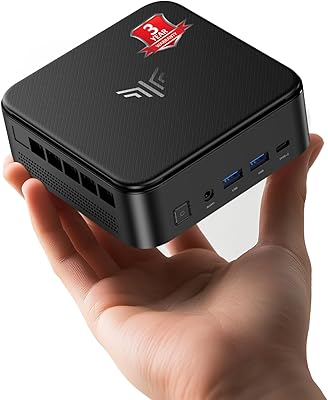
KAMRUI E3B Mini PC (Ryzen 5 7430U, 32GB RAM, 512GB SSD)
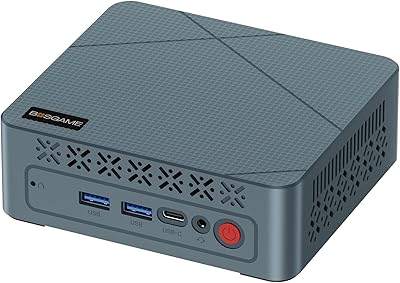
BOSGAME E2 Mini PC 16GB/512GB
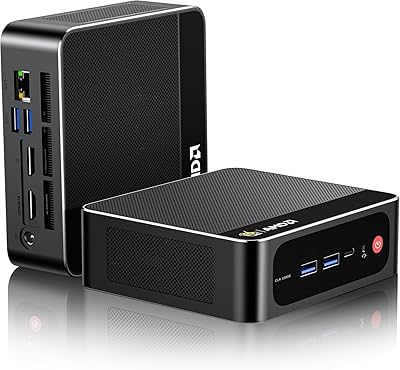
Beelink SEI Mini PC (Ryzen 5500U, 16GB/500GB)
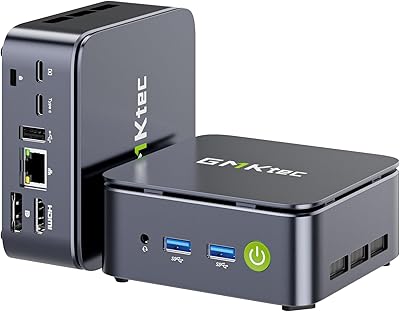
GMKtec Nucbox G10 Ryzen 5 Mini PC
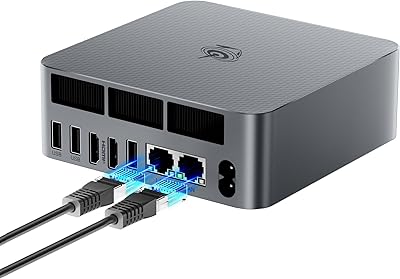
Beelink EQR6 32GB 500GB Mini PC
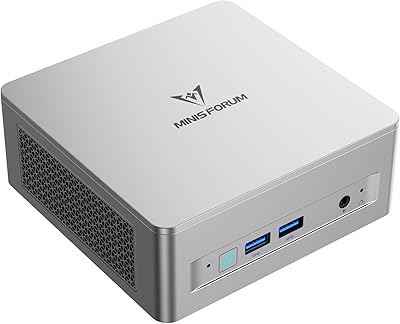
MINISFORUM UM750L Slim Mini PC
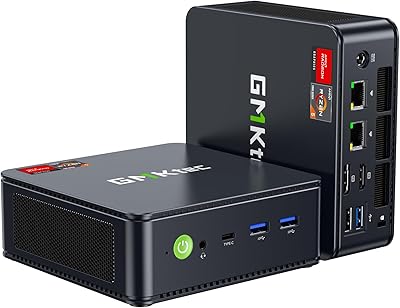
GMKtec M6 Ultra Ryzen 7640HS Mini PC
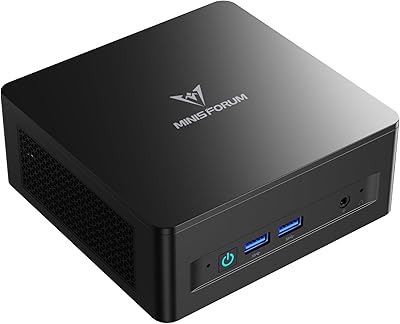
MINISFORUM DeskMini UM760 Slim Mini PC, AMD Ryzen 5 7640HS, 16GB RAM, 1TB SSD
GMKtec NucBox M7 (32GB/2TB)