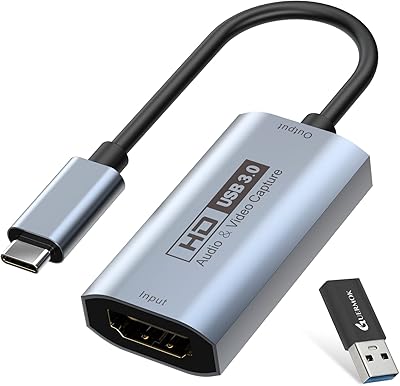
NearStream CCD10 HDMI Capture Card
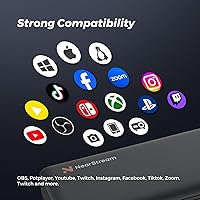
Overview
Finding a reliable way to get high-quality video into your computer doesn't have to be a technical headache, and the NearStream CCD10 HDMI Capture Card proves it. This compact bridge acts as a sturdy link between your gaming console or camera and your streaming software. It stands out for its plug-and-play nature, meaning you won't waste time hunting for drivers on Windows or Mac. By balancing 4K passthrough with a standard 1080p recording limit, it offers a practical middle ground for creators. This streaming interface is remarkably small, making it a portable option for anyone who needs to pack their setup into a bag for remote events or travel.
Features & Benefits
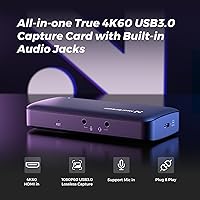
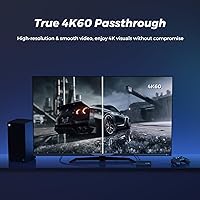
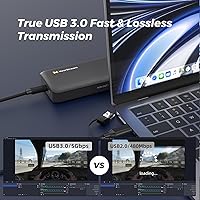
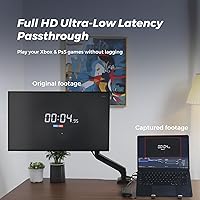
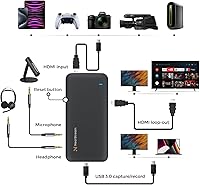
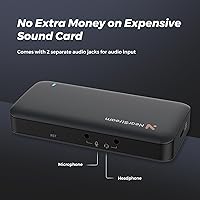
The standout utility here is the 4K 60fps passthrough, which allows you to enjoy your games in full resolution on your primary monitor while the CCD10 handles the recording at a crisp 1080p. Lag is the enemy of any broadcast, but the USB 3.0 interface helps keep latency low enough that your reactions stay sharp. Adding a 3.5mm audio port directly to the device is a thoughtful touch, letting you plug in a headset or mic without needing extra adapters. Because it is backward compatible with older HDMI sources, you can easily repurpose an old DSLR as a high-end webcam or connect older consoles without worrying about handshake issues.
Best For
If you are a Nintendo Switch streamer, this streaming interface is a perfect match since the console maxes out at 1080p anyway. It is also an excellent fit for remote professionals who want to look better on video calls by using a mirrorless camera instead of a grainy built-in laptop lens. Console gamers playing on PS5 or Xbox will appreciate that they can record their best moments without experiencing noticeable lag during intense matches. For those searching for a budget-friendly alternative to big-name brands like Elgato, this capture card delivers consistent performance without the premium price tag, making it an ideal entry point for budding content creators.
User Feedback
Those who use this streaming interface often mention how refreshing it is to have everything needed in the box, specifically highlighting the included high-quality cables. Setup is usually described as painless, with the device appearing instantly in apps like OBS or Zoom. While it remains stable during marathon streaming sessions, some people have noted that the metal casing can get quite warm when passing through a 4K signal for several hours. This is common for small hardware, but it is worth keeping in a ventilated spot. Overall, the consensus points toward a reliable experience that avoids the flickers or dropped frames often found in cheaper, generic capture devices.
Pros
- The NearStream CCD10 HDMI Capture Card works instantly without needing to install any proprietary drivers or software.
- True 4K 60fps passthrough allows you to play at full resolution while the audience sees a smooth 1080p feed.
- Integrated 3.5mm audio port provides a simple way to monitor game sound or add a dedicated microphone.
- The USB 3.0 interface maintains impressively low latency, keeping your inputs feeling responsive during fast-paced gameplay.
- Inclusion of both a high-quality HDMI cable and a USB-C cable in the box offers excellent out-of-the-box value.
- Compact and lightweight design makes it one of the most portable capture solutions for mobile setups.
- Aluminum casing helps with heat dissipation during shorter streaming sessions compared to plastic competitors.
- Wide hardware compatibility ensures it works across Windows, macOS, and even Linux systems without a hitch.
- Consistently maintains a stable 60fps frame rate for professional-looking video without micro-stuttering.
Cons
- The metal housing can get significantly hot to the touch during extended 4K passthrough sessions.
- Lacks support for HDR10, which may result in slightly duller colors for users with high-end monitors.
- Physical weight is so low that stiff HDMI cables can easily pull the device around your desk.
- Actual video capture is limited to 1080p, so it won't satisfy creators aiming for a native 4K channel.
- The audio jack can occasionally introduce a slight hiss if used with highly sensitive microphones.
- Close proximity of the input and output ports makes it difficult to use bulky or thick-headed HDMI cables.
- Does not include an internal buffer to smooth out frame drops if your computer's USB bus is overloaded.
- Linux support can be inconsistent across different distributions, sometimes requiring manual terminal commands for audio recognition.
Ratings
After analyzing hundreds of global verified purchase reviews, our AI engine has synthesized this score for the NearStream CCD10 HDMI Capture Card by filtering out suspicious patterns and focusing on long-term usage data. This report provides a transparent look at how this streaming interface holds up during real-world broadcasts, ensuring you see both the technical wins and the practical trade-offs reported by actual owners.
Setup Simplicity
Passthrough Performance
Input Latency
Value for Money
Audio Integration
Thermal Management
Build Quality
Portability
Software Compatibility
Frame Rate Stability
Suitable for:
The NearStream CCD10 HDMI Capture Card is a standout choice for Nintendo Switch players who need a straightforward way to broadcast at 1080p 60fps without complex configurations. It is also an excellent tool for remote professionals who want to repurpose a high-end mirrorless camera as a crystal-clear webcam for video conferencing. Because it handles 4K passthrough so well, console gamers on PS5 or Xbox can continue playing in high resolution on their main screen while capturing footage for their audience simultaneously. The driver-free setup makes it particularly appealing for users who want to avoid technical troubleshooting. If you are a creator on a budget looking for a reliable entry-point device, this streaming interface offers a very low barrier to entry.
Not suitable for:
Competitive enthusiasts who demand internal PCIe speeds or zero-latency sub-millisecond response times for professional tournaments might find this external USB interface slightly limiting. Since the NearStream CCD10 HDMI Capture Card is capped at 1080p for actual recording, it is not the right fit for creators who need to produce native 4K content for high-fidelity YouTube uploads. It also lacks HDR10 support, so players who refuse to compromise on high dynamic range colors while gaming will need to look toward more expensive alternatives. Finally, those with cluttered desks may find the ultra-lightweight build frustrating, as the weight of heavy HDMI cables can easily pull the device off a flat surface.
Specifications
- Capture Resolution: Supports video recording and streaming up to 1080p at 60fps.
- HDMI Passthrough: Features zero-lag HDMI output supporting up to 4K resolution at 60fps.
- Data Interface: Utilizes a USB 3.0 Type-C connection for high-speed data transfer to the host computer.
- Input Standard: Equipped with an HDMI 2.0 input port compatible with consoles, DSLRs, and PCs.
- Audio Connectivity: Includes a built-in 3.5mm jack for connecting headsets or external microphones.
- OS Compatibility: Compatible with Windows, macOS, and Linux operating systems without the need for manual driver installation.
- Physical Dimensions: The compact unit measures 4.57 × 2.2 × 0.87 inches.
- Device Weight: The total weight of the hardware is 2.68 oz, making it highly portable.
- Box Contents: Includes the CCD10 unit, one HDMI cable, and one USB 3.0 cable.
- Software Support: Works natively with OBS, Streamlabs, Zoom, Microsoft Teams, and YouTube.
Related Reviews

Bytebridges 4K HDMI Capture Card (affd05f3)
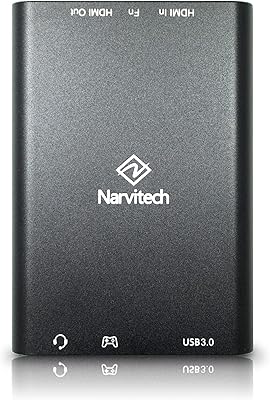
Narvitech NJ300
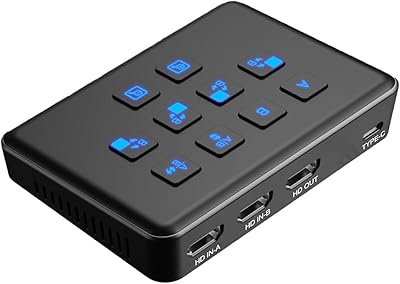
Qonakism Dual HDMI Capture Card with Switcher
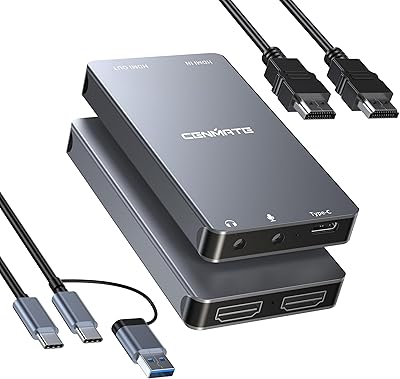
Cenmate 7324HVC-4K60 Capture Card
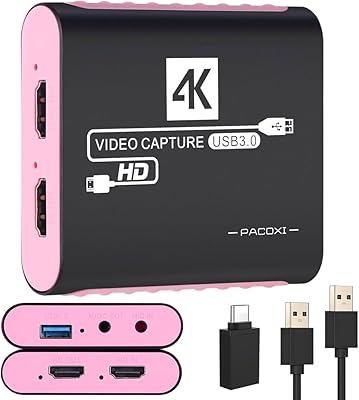
PACOXI Capture Card
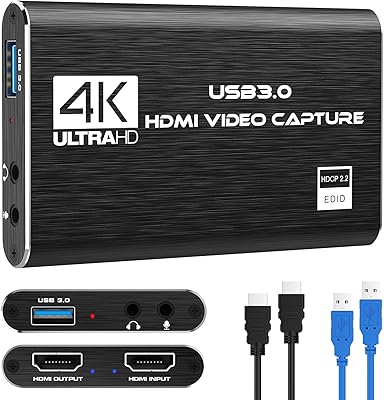
Rybozen V316B-FR Capture Card
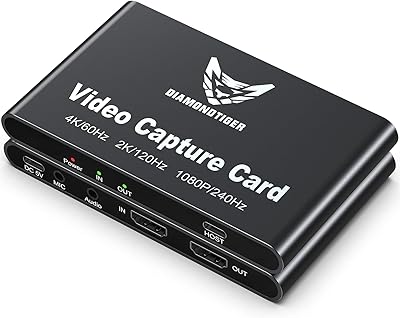
DiamondTiger YZ-F019 4K HDMI Capture Card

HeavenBird 4K HDMI Video Capture Card
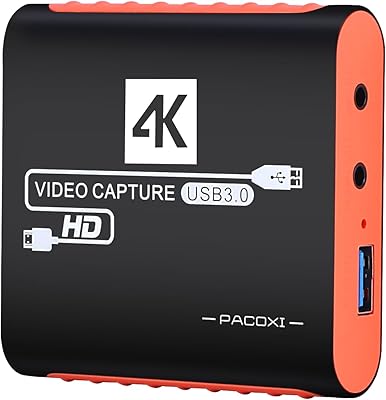
Swudloe C7-01 HDMI Video Capture Card