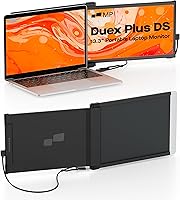
Mobile Pixels Duex Plus DS 13.3″ Portable Laptop Monitor


Overview
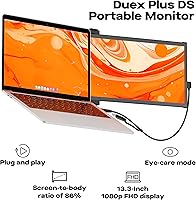
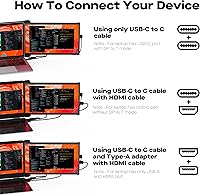
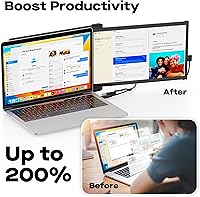
The Mobile Pixels Duex Plus DS 13.3″ Portable Laptop Monitor offers an excellent solution for those looking to expand their screen space on the go. This compact 13.3-inch monitor provides Full HD 1080p resolution with vibrant IPS display, delivering clear visuals. Compatible with a variety of devices including Windows, Mac, Android, and Nintendo Switch, it ensures broad usability across different platforms. The plug-and-play functionality via USB-C or HDMI allows for a quick setup without the need for additional software or power sources, making it ideal for professionals, students, and travelers.
Features & Benefits
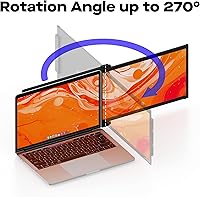
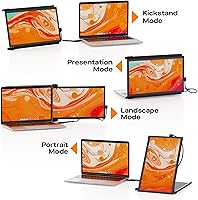
Designed with portability in mind, this portable monitor is slim, lightweight, and easy to carry. It features multiple display modes, including landscape, portrait, kickstand, and presentation, allowing users to tailor the viewing experience. The plug-and-play functionality means no external power is required, reducing clutter and making setup effortless. This laptop screen extender offers an ideal solution for multitasking, giving users an extra screen to boost productivity without needing a bulky setup. The full HD display ensures sharp and vibrant images for all tasks.
Best For
The Mobile Pixels Duex Plus DS is perfect for professionals who need a second screen while working on the go. It's ideal for students who need extra screen space for presentations or research tasks. Travelers will appreciate how lightweight and compact this portable monitor is, making it easy to set up in hotels or airports. Gamers can also benefit, as it provides a portable display for consoles like the Nintendo Switch or laptops. With its simple setup and versatile design, this monitor is a valuable addition to any mobile setup.
User Feedback
Users generally appreciate the compact design and the ease of setting up this portable monitor. The quality of the display and the color accuracy are frequently praised, especially for such a small form factor. However, some note occasional issues with the auto-rotation feature, which may not always function smoothly. While it performs well indoors, a few users have mentioned that the brightness could be improved for outdoor use. Despite these minor drawbacks, many find it a reliable tool for increasing productivity while traveling or working remotely.
Pros
- The 13.3-inch screen size provides a solid balance between portability and usable workspace.
- Users appreciate the lightweight design, making it easy to carry during travel or commuting.
- Plug-and-play functionality eliminates the need for additional software or external power sources.
- The high-definition IPS display ensures vibrant colors and sharp visuals for both work and entertainment.
- This portable monitor is compatible with a wide range of devices, including Windows, Mac, Android, and Nintendo Switch.
- Multiple display modes (landscape, portrait, kickstand, and presentation) offer flexibility for different use cases.
Cons
- Some users find the auto-rotation feature unreliable, occasionally requiring manual adjustments.
- The brightness is not sufficient for use in direct sunlight or brightly lit outdoor settings.
- The stand design may feel flimsy for those seeking a more robust or durable mounting solution.
- A few buyers report occasional connectivity issues, especially with older devices or using third-party adapters.
- The monitor’s screen size may be too small for users who need a large workspace for complex multitasking.
- Although lightweight, some users find the monitor’s construction to be somewhat fragile for heavy daily use.
Ratings
After analyzing a diverse set of verified user reviews from around the world, we’ve compiled a balanced assessment of the Mobile Pixels Duex Plus DS 13.3″ Portable Laptop Monitor. Our findings reflect authentic, high-quality feedback from multiple platforms and languages, while excluding any spam, bot-generated, or incentivized reviews. Both strengths and weaknesses have been considered, providing a well-rounded look at how this product performs for real users across various use cases.
Display Quality
Portability & Design
Ease of Setup
Compatibility with Devices
Build Quality
Brightness in Outdoor Use
Battery Life
Multi-Tasking Performance
Display Modes Flexibility
Auto-Rotation Functionality
Value for Money
Customer Support
Suitable for:
The Mobile Pixels Duex Plus DS 13.3″ Portable Laptop Monitor is ideal for professionals, students, and travelers who need a reliable second screen in compact form. With its easy plug-and-play setup and compatibility with Windows, Mac, Android, and Switch devices, it's perfect for anyone needing extra screen space while on the go. For instance, a student working on a research project can seamlessly expand their workspace during study sessions, while a business professional can use the monitor for virtual meetings or presentations. Gamers can also benefit from the monitor’s versatility by connecting it to their console or laptop for a better gaming experience, especially when traveling or attending gaming events.
Not suitable for:
However, this portable monitor may not be the best fit for users who require high brightness for outdoor or bright environments. Several users reported that the screen becomes difficult to view under direct sunlight, making it less suitable for outdoor work or frequent use in well-lit spaces. Additionally, while the device is compatible with many platforms, some users experienced occasional connectivity issues, particularly with older devices or when using specific adapters. Those who need a more durable and robust stand for long-term use may find the current design a bit flimsy for their needs, especially in settings where stability is crucial.
Specifications
- Screen Size: The monitor features a 13.3-inch display, providing a compact yet spacious screen for increased productivity.
- Resolution: It offers Full HD 1080p resolution (1920 x 1080), delivering sharp and clear visuals.
- Display Type: The monitor uses an IPS display for vibrant colors and wide viewing angles.
- Aspect Ratio: The screen has a 16:9 aspect ratio, ideal for standard content like videos, games, and documents.
- Weight: Weighing only 1.3 pounds, the monitor is highly portable and easy to carry around.
- Dimensions: The monitor measures 12.67 x 8.85 x 0.62 inches, making it slim and compact for travel.
- Power: It is powered via USB, eliminating the need for an external power source.
- Connectivity: The monitor supports both USB-C and HDMI connections, ensuring compatibility with a wide range of devices.
- Compatibility: The monitor is compatible with Windows, Mac, Android devices, and Nintendo Switch, offering versatile use across platforms.
- Display Modes: Supports multiple display modes, including landscape, portrait, kickstand, and presentation modes.
- Color Accuracy: The monitor features an IPS panel, providing accurate color reproduction for professional and entertainment use.
- Auto-Rotation: It includes an auto-rotation feature, allowing the display to adjust based on orientation changes.
- Plug-and-Play: Setup is simple with plug-and-play functionality, requiring no additional drivers or software installation.
- Outdoor Visibility: Some users have reported that the monitor may not be bright enough for outdoor use, particularly in direct sunlight.
- Use Case: This monitor is ideal for professionals, students, travelers, and gamers who need a portable secondary screen.
- Material: The monitor features a slim, lightweight design that is constructed from durable materials for everyday use.
Related Reviews
Trio 13.3″ Mobile Pixels Portable Laptop Monitor 2025 Version
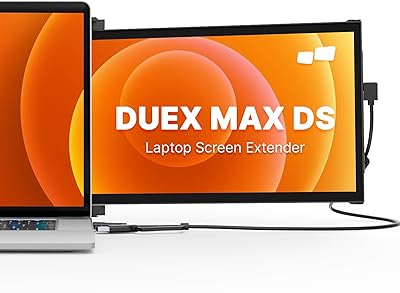
Mobile Pixels Duex Max DS 14.1″ Monitor
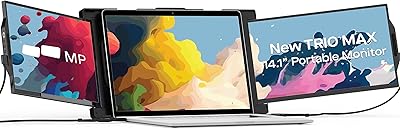
Mobile Pixels Trio Max 14.1″ Portable Monitor
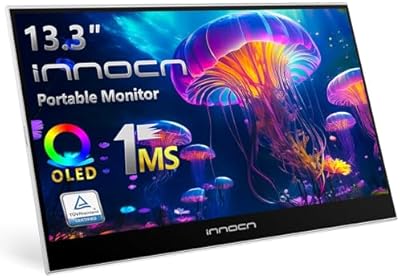
INNOCN 13K1F 13.3″ OLED Portable Monitor
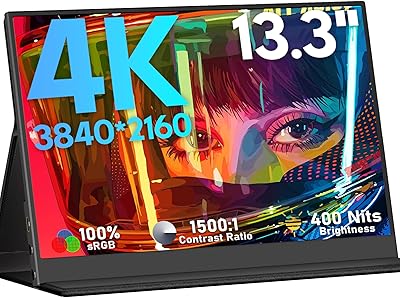
KEEPTIME M133 13.3″ 4K Portable Monitor
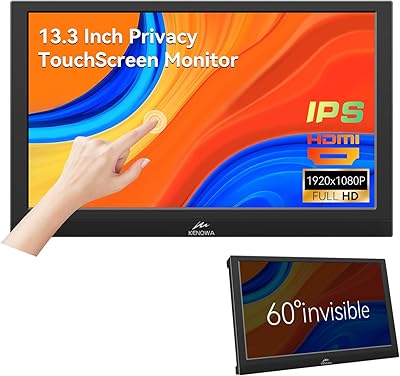
Kenowa 13.3-inch Touchscreen Portable Monitor
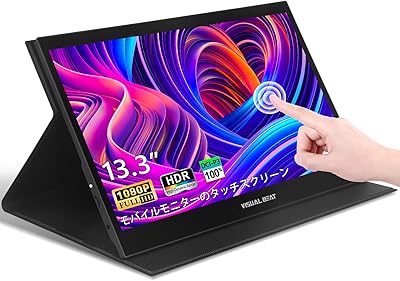
Visual Beat R13PMT101 13.3-inch Portable Touchscreen Monitor
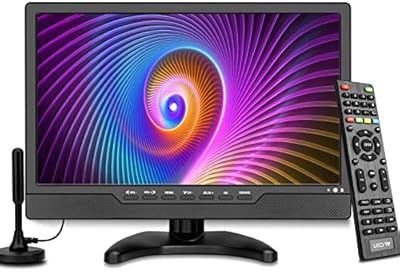
OAKCHA 13.3-Inch Portable Battery TV
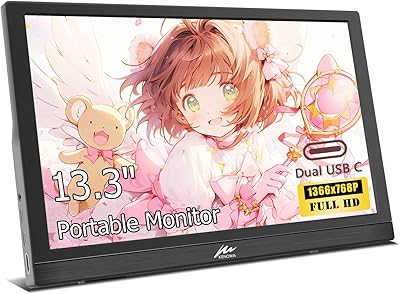
Kenowa HD-133 13.3-inch Portable Monitor