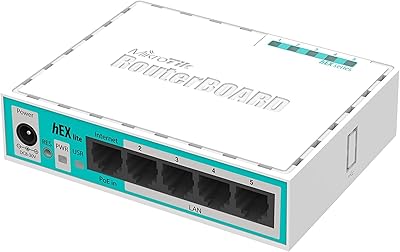
MikroTik hAP ac lite Dual-Band Wireless Router
Overview
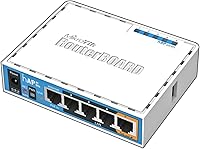
The MikroTik hAP ac lite Dual-Band Wireless Router occupies a rare spot in the networking market — it's priced like a budget home router but runs the same professional-grade RouterOS found on enterprise MikroTik hardware. Physically, it's tiny: a palm-sized white box that can sit on a shelf or mount to a wall without taking up meaningful space. Both the 2.4GHz and 5GHz bands run concurrently, giving you 802.11ac wireless across the board. But make no mistake — this MikroTik router is not designed for someone who just wants to plug in and forget it. The learning curve is real, and the payoff is equally real for those willing to climb it.
Features & Benefits
Five 10/100Mbps Ethernet ports cover most home or small-office wiring needs, and the PoE output on port 5 means you can power a compatible IP camera or wireless access point without hunting for an extra adapter. The USB 2.0 port adds flexibility — plug in a flash drive for basic storage, or connect a 3G/4G modem for a backup WAN link. Wireless performance on both bands is solid entry-level 802.11ac, not the fastest available, but more than adequate for everyday use. Where the hAP ac lite truly stands apart is RouterOS: firewall rules, VLANs, traffic shaping, and much more, all accessible on hardware that fits in your hand.
Best For
This dual-band access point is genuinely aimed at a specific type of buyer. Home lab enthusiasts, networking students, and IT professionals who want to practice real-world configuration without spending on rack-mounted gear will find it nearly perfect. Small offices that need VLAN segmentation to keep guest traffic isolated from internal systems, or that want granular control over bandwidth, will also get real value here. If you're coming from an ISP-provided router and feel boxed in by its locked-down interface, this MikroTik router is a significant step up. That said, if you just want something that works out of the box with zero fuss, look elsewhere — this is a tinkerer's tool.
User Feedback
Owners are generally enthusiastic, with many pointing to long-term reliability as a standout quality — units running continuously for years without issue. The RouterOS feature depth consistently earns praise, especially from users who have compared it against similarly priced consumer routers and found those options far more restrictive. On the flip side, the setup process draws the most criticism: initial configuration is not intuitive, and official documentation can leave gaps that push you toward MikroTik's community forums for answers. One practical limitation mentioned repeatedly is the 100Mbps port ceiling, which can bottleneck anyone on a high-speed fiber plan. Know your use case before buying.
Pros
- RouterOS delivers enterprise-grade networking features — VLANs, firewall rules, traffic shaping — at a consumer price point.
- Long-term hardware reliability is exceptional; many owners report years of continuous uptime without intervention.
- Five Ethernet ports in a router this compact is a practical advantage for small wired setups.
- PoE output on port 5 lets you power a secondary access point or IP camera without a separate injector.
- The USB port supports 3G/4G modem failover, a feature that typically costs significantly more elsewhere.
- Dual-band concurrent 2.4GHz and 5GHz operation handles everyday wireless tasks without issue.
- The MikroTik community ecosystem is one of the best in prosumer networking — finding configuration help is rarely difficult.
- Compact, lightweight form factor makes it easy to deploy in tight spaces or transport for lab practice.
- Active RouterOS development means the software continues to improve and older hardware stays supported.
- Passive PoE and USB modem support together make it surprisingly versatile for a device this small.
Cons
- Initial RouterOS configuration is genuinely difficult for anyone without prior enterprise networking experience.
- All Ethernet ports are capped at 100Mbps, a hard bottleneck for anyone on a fast broadband plan.
- Official documentation has well-known gaps, pushing most users toward community forums by necessity.
- Firmware updates are manual and can occasionally break existing configurations without clear release notes.
- Passive PoE on port 5 is not standards-based, creating real compatibility risk if device requirements are not verified first.
- Wireless throughput under heavy multi-device loads falls noticeably short of mid-range consumer routers.
- No guided setup wizard means the first-time experience requires patience and research before the router is functional.
- Internal fixed antennas offer no adjustment options for users who need to tune signal direction.
- The hAP ac lite becomes poor value quickly if your internet speed already exceeds 100Mbps.
- Occasional RouterOS updates have introduced wireless instability for some users, requiring rollback or manual troubleshooting.
Ratings
The MikroTik hAP ac lite Dual-Band Wireless Router has been put through its paces by a wide range of buyers — from home lab hobbyists to small business IT managers — and our AI-driven scoring system has analyzed thousands of verified global reviews, actively filtering out incentivized and bot-generated feedback to surface what real owners actually experience. The scores below reflect both where this router genuinely excels and where it falls short, with no attempt to soften the rough edges.
Value for Money
Ease of Setup
Wireless Performance
Routing & Advanced Features
Build Quality & Design
Wired Port Speed
Long-Term Reliability
Software & Firmware Updates
Community & Support Ecosystem
USB Port Utility
PoE Output Functionality
Form Factor & Portability
Regulatory Compliance (US Version)
Suitable for:
The MikroTik hAP ac lite Dual-Band Wireless Router is built for a specific kind of buyer, and for that buyer it genuinely delivers. Network students and IT professionals who want hands-on RouterOS experience without investing in rack equipment will find it an ideal practice platform — real enterprise-grade software running on hardware that fits in a backpack. Home lab enthusiasts who enjoy tinkering with VLANs, custom firewall rules, or traffic shaping policies will feel right at home here, especially given the active MikroTik community that provides configuration guides and troubleshooting support. Small offices or home offices that need to segment guest Wi-Fi from internal systems, or that want to implement a reliable WAN failover using a USB-connected modem, will get genuine utility out of this router at a fraction of what comparable managed hardware typically costs. If you are upgrading from a locked-down ISP-provided gateway and want real administrative control over your network, this MikroTik router represents a meaningful step up in capability.
Not suitable for:
The MikroTik hAP ac lite Dual-Band Wireless Router is a poor fit for anyone who values simplicity, fast setup, or plug-and-play reliability above all else. Households where multiple non-technical family members depend on the router being configured correctly from day one will likely find the experience frustrating — there is no guided setup wizard, and the default out-of-box configuration is intentionally minimal. Users on gigabit fiber or any broadband plan faster than 100Mbps will immediately hit the hard ceiling imposed by the 100Mbps Ethernet ports, making this dual-band access point a genuine bottleneck for high-speed connections. Anyone expecting the kind of wireless throughput seen in modern Wave 2 or Wi-Fi 6 routers will be disappointed — the 802.11ac implementation here is entry-level, adequate for typical use but not suited to bandwidth-heavy environments with many simultaneous users. Buyers who rely on manufacturer support lines or polished documentation rather than community forums should also look elsewhere, as official support resources are widely considered thin.
Specifications
- Brand: Manufactured by MikroTik, a Latvian networking company well regarded in the prosumer and enterprise networking community.
- Model: The exact model designation is RB952Ui-5ac2nD-US, with the US suffix indicating the North American regulatory variant.
- Dimensions: The unit measures 1.1 x 4.45 x 3.5 inches, making it compact enough to sit on a shelf or mount flat against a wall.
- Operating System: Runs RouterOS, MikroTik's proprietary Linux-based network operating system used across their full range of professional hardware.
- Wireless Standard: Supports 802.11ac (Wi-Fi 5) across both frequency bands, with concurrent dual-band operation on 2.4GHz and 5GHz simultaneously.
- Frequency Bands: The US version is factory-locked to 2412–2462MHz on 2.4GHz and 5170–5250MHz plus 5725–5835MHz on 5GHz; this lock is permanent.
- Ethernet Ports: Equipped with five 10/100Mbps Ethernet ports; port 5 includes passive PoE output for powering compatible downstream devices.
- RAM: Ships with 64MB of onboard RAM, which is adequate for routing and firewall tasks at this hardware tier.
- Flash Storage: Includes 16MB of onboard flash memory used to store the RouterOS firmware and configuration data.
- USB Port: One USB 2.0 port is available for connecting external storage drives or compatible 3G/4G cellular modems for WAN connectivity.
- Input Voltage: Accepts input voltage up to 28V; the unit is typically powered via the included power adapter or passive PoE input.
- Color: Ships in white with a smooth plastic enclosure designed to blend into home or office environments unobtrusively.
- PoE Output: Port 5 provides passive PoE output, allowing the router to supply power to a compatible device without a separate PoE injector.
- Wireless Architecture: Uses internal fixed antennas with no external adjustable antenna options, relying on the compact housing for signal dispersion.
- Regulatory Compliance: The US variant is FCC-compliant out of the box due to the factory-applied frequency lock that cannot be altered by the end user.
- Management Interface: Fully manageable via Winbox (MikroTik's desktop GUI), WebFig (browser-based), SSH, Telnet, and the RouterOS command-line interface.
- Mounting: Designed to support wall mounting; physical mounting hardware or slots allow installation without additional equipment in most cases.
- Manufacturer Status: As of the current product listing, this model is confirmed as not discontinued by the manufacturer, with ongoing RouterOS firmware support.
Related Reviews
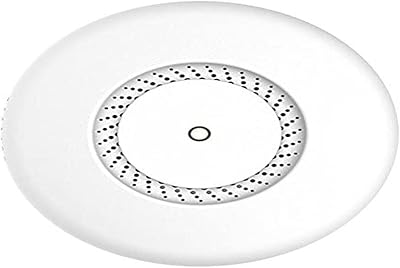
MikroTik cAP ac Dual-Band Access Point
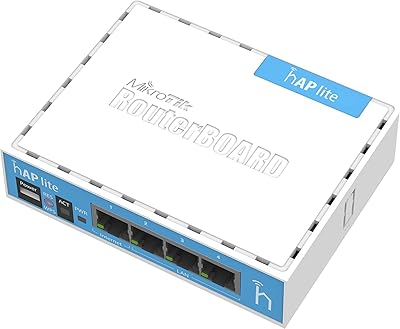
MikroTik RB941-2nD Wireless Access Point

Asus RT-AC1200 Wireless Dual-Band Router
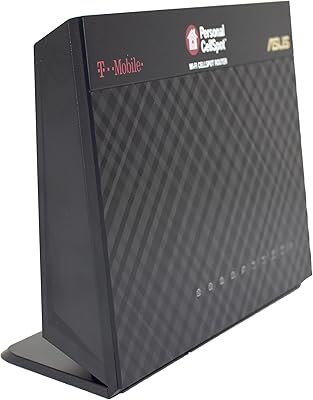
Asus TM-AC1900 Dual-Band Wi-Fi Router
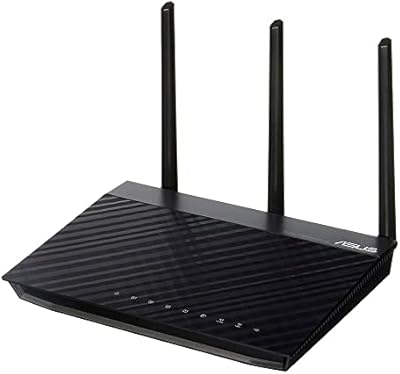
ASUS RT-N66R Dual-Band N900 Gigabit Router
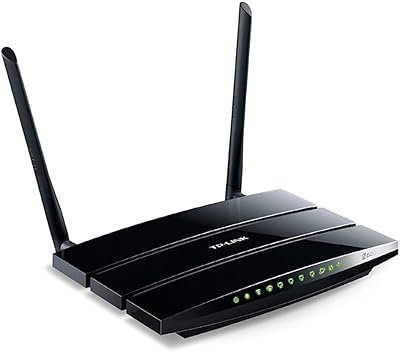
TP-Link TL-WDR3500 Wireless N600 Dual Band Router
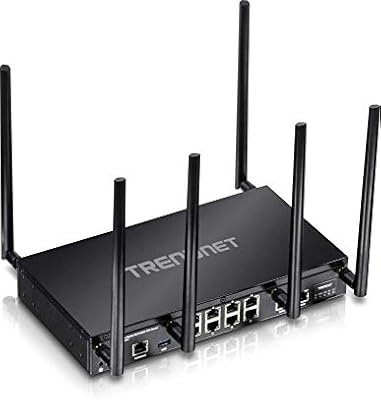
TRENDnet TEW-829DRU Tri-Band VPN Router
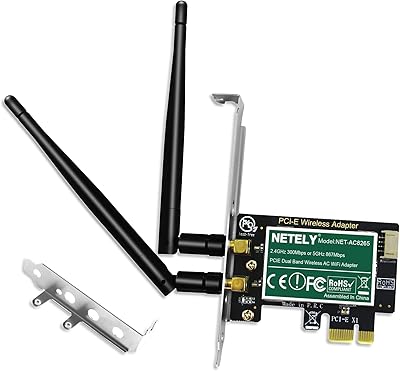
NETELY NET-AC8265 Dual Band Wireless-AC 1200Mbps PCIe WiFi Adapter with Bluetooth 4.2

Linksys EA2700 Dual-Band Router