Overview
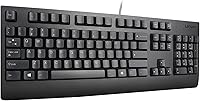
The Lenovo Preferred Pro II Wired USB Keyboard is exactly what it looks like: a no-fuss, full-size keyboard built for people who just need to type. Lenovo originally designed this class of peripheral for corporate environments, and that heritage shows in the build quality — it feels sturdy without being heavy. Plug it into any USB port and it works immediately, with no driver downloads or software setup required. It weighs just one pound and sits comfortably on a standard desk. If you are shopping for RGB lighting, programmable macros, or mechanical switches, look elsewhere. This Lenovo keyboard is purely about reliable daily performance, nothing more.
Features & Benefits
The full-size QWERTY layout with a dedicated numpad is the centerpiece here — useful for spreadsheet work, accounting tasks, or any job involving heavy number entry. Typing on the rubber dome switches is quiet and consistent; they will not satisfy a mechanical keyboard enthusiast, but they are genuinely comfortable for long office sessions. The three status LEDs — Num Lock, Caps Lock, Scroll Lock — sit neatly in the upper right corner and are easy to read at a glance. Adjustable tilt legs let you find a comfortable wrist angle, and the configurable key count means it can be adapted for different regional layouts if needed.
Best For
This Lenovo keyboard makes the most sense for office workers and students who need something dependable that just works every day. It is also a natural pick for anyone replacing a broken keyboard on a Lenovo desktop — the form factor and key feel will be immediately familiar. Home office users who share a space or work on calls will appreciate how quietly it operates. Linux users in particular tend to have a smooth experience, since the Preferred Pro II needs no proprietary drivers. If you do not care about backlighting or wireless convenience, this wired USB keyboard covers all the basics without compromise.
User Feedback
With over a thousand verified ratings averaging 4.6 out of 5 stars, buyer satisfaction skews notably positive. People consistently highlight the quiet typing experience as a standout, especially in shared workspaces. Durability comes up often too — many buyers report daily use for years without any issues. That said, a couple of real complaints do surface: the cable is on the shorter side, which can be awkward with tower-style desktop placements, and the tilt legs feel a bit lightweight. Neither issue is a dealbreaker, but both are worth knowing before you buy. Repeat purchases are common, which reflects the long-term trust buyers place in it.
Pros
- Plug-and-play USB setup means zero installation time on Windows or Linux.
- Quiet rubber dome switches are comfortable during long typing sessions without disturbing coworkers.
- The dedicated numpad makes spreadsheet and data entry work noticeably faster.
- Rated for 10 million keystrokes, so daily use for several years is a realistic expectation.
- Lightweight at just one pound, making it easy to reposition or pack up when needed.
- Clear status LEDs for Num Lock, Caps Lock, and Scroll Lock are easy to spot at a glance.
- Adjustable tilt legs let you dial in a comfortable wrist angle without extra accessories.
- Broad OS compatibility covers Windows versions going back to XP as well as Linux.
- Over 1,300 verified buyers give it 4.6 out of 5 stars, reflecting consistent real-world satisfaction.
- The familiar Lenovo key layout is an immediate comfort for anyone switching from a Lenovo desktop.
Cons
- No backlighting makes this a poor choice for dim or low-light work environments.
- The cable length is on the shorter side, limiting placement flexibility with tower desktops.
- Rubber dome switches will feel mushy and imprecise to anyone used to mechanical keyboards.
- No wireless option means you are always tethered to your desk.
- The tilt legs feel lightweight and a little fragile, even if they function adequately.
- No media keys, volume controls, or shortcut buttons for modern productivity workflows.
- Linux users lose hotkey functionality, which can be a real inconvenience depending on the workflow.
- No wrist rest included, which matters during extended typing sessions.
- The all-black, utilitarian design offers no personalization options for style-conscious buyers.
- Not ideal for shared multi-device setups since there is no Bluetooth or multi-device pairing support.
Ratings
The scores below reflect our AI-driven analysis of verified global buyer reviews for the Lenovo Preferred Pro II Wired USB Keyboard, with spam, incentivized, and bot-generated feedback actively filtered out before scoring. Each category is rated based on patterns found across thousands of real-world usage reports, capturing both what buyers genuinely appreciate and where frustrations consistently surface. The result is a transparent, balanced picture of exactly what this keyboard delivers — and where it falls short.
Typing Comfort
Build Quality
Typing Noise
Setup & Compatibility
Value for Money
Key Layout & Numpad
Cable Length & Management
Ergonomics
Key Durability
Status Indicators
Aesthetics & Design
Portability & Weight
Linux & Cross-Platform Use
Suitable for:
The Lenovo Preferred Pro II Wired USB Keyboard is a strong fit for anyone who values straightforward, no-drama typing over flashy features. Office workers who spend hours entering data or drafting documents will find the full-size layout with a dedicated numpad genuinely practical for day-to-day tasks. Students setting up a budget-conscious desk will appreciate getting a quality brand name without overpaying. It is also an easy recommendation for IT managers or home users replacing a broken Lenovo desktop keyboard, since the familiar key feel and form factor make the transition immediate. Linux users in particular will be relieved by the plug-and-play simplicity — no hunting for drivers, no compatibility headaches. If you share a workspace or take calls from your desk, the quiet rubber dome switches keep things professional without disturbing those around you.
Not suitable for:
Buyers with specific performance or customization needs will likely find the Lenovo Preferred Pro II Wired USB Keyboard underwhelming. If you are a gamer, a programmer who relies on tactile or clicky mechanical feedback, or someone who types in low-light conditions and needs a backlit keyboard, this is simply not designed for you. There are no programmable keys, no macro support, no wireless option, and no media controls — features that many modern workers now consider standard. The cable length is adequate for most desktop setups, but if your tower sits far from your desk surface, you may find yourself needing an extension. Enthusiasts who have grown accustomed to premium typing experiences will also find rubber dome switches too soft and imprecise by comparison. This keyboard does one thing well — reliable, quiet, wired typing — and anything beyond that is outside its scope.
Specifications
- Connection: The keyboard connects via USB 2.0, compatible with any standard USB-A port on a desktop or laptop.
- Layout: Full-size QWERTY layout includes a dedicated numeric keypad on the right side for efficient number entry.
- Key Count: The key layout is configurable between 104 and 109 keys to support various regional and language setups.
- Switch Type: All alphanumeric and numpad keys use rubber dome switches, which produce a soft, quiet keystroke.
- Switch Durability: Each key is rated for approximately 10 million actuations under normal operating conditions.
- Status Indicators: Three LED indicators for Num Lock, Caps Lock, and Scroll Lock are located in the upper right corner of the keyboard.
- Tilt Adjustment: Two-position fold-out legs on the underside allow the user to raise the back of the keyboard for a more angled typing posture.
- Dimensions: The keyboard measures 19.09 x 6.65 x 1.34 inches, fitting comfortably on a standard office or home desk.
- Weight: At one pound, this wired USB keyboard is light enough to reposition or transport without effort.
- OS Compatibility: Fully compatible with Windows 10, 8.1, 7, and XP in both 32-bit and 64-bit versions, as well as Linux (hotkey functions not supported on Linux).
- Plug-and-Play: No driver or software installation is required; the keyboard is recognized automatically when plugged in.
- Language: Keycaps are printed in English (US) QWERTY format.
- Color: The keyboard is finished in a matte black color with standard gray keycap legends.
- Model Number: The official Lenovo part number for this keyboard is 4X30M86879.
- Manufacturer: Designed and sold by Lenovo, a globally recognized enterprise hardware manufacturer.
- Backlight: This keyboard does not include any key backlighting or illumination features.
- Wireless Option: This model is wired only; no Bluetooth or wireless receiver variant is available under this part number.
- Cable Type: The attached cable terminates in a standard USB-A connector and is fixed to the keyboard body.
- Discontinued Status: As of the most recent product data, this keyboard is not discontinued and remains available through authorized sellers.
- Replaces Part: This model is a direct replacement for Lenovo part number 73P5220, making it suitable for legacy Lenovo desktop users.
Related Reviews
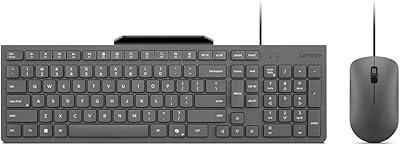
Lenovo 310 Keyboard and Mouse Combo
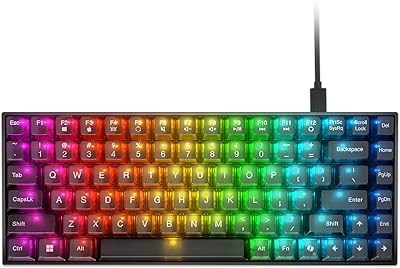
Lenovo Legion K510 Mini Pro Mechanical Keyboard
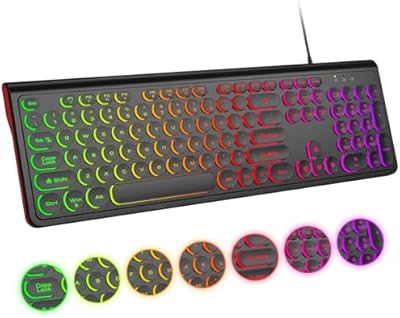
Atelus Full Size Retro Backlit Wired Keyboard
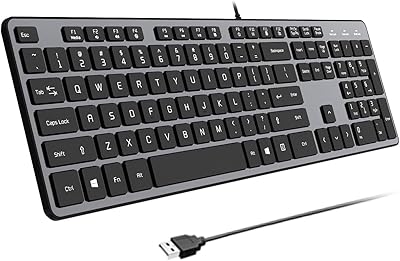
B.Friend KB1430 Wired Keyboard
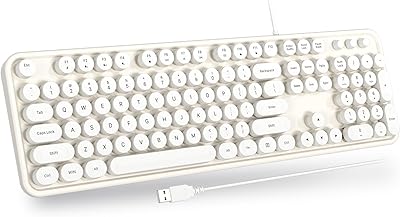
Atelus Retro Typewriter Keyboard
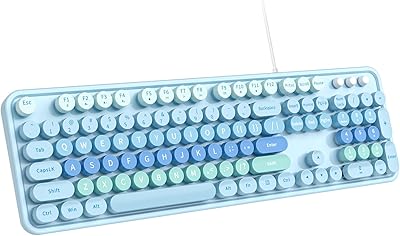
Dilter Large Print Wired USB Keyboard
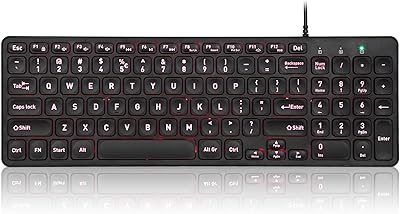
Perixx PERIBOARD-333RGB Wired Backlit USB Keyboard
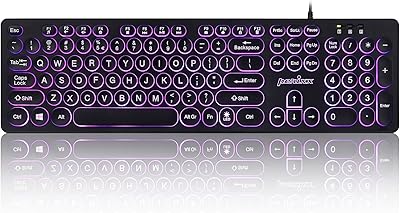
Perixx PERIBOARD-317R Wired Backlit Keyboard
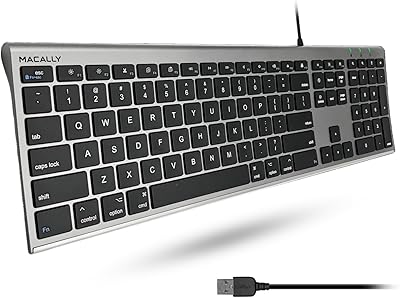
Macally ACEKEYSG