Lenovo A100 23.8″ AIO (Intel i3-N305, 32GB, 1TB)



Overview
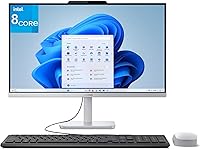
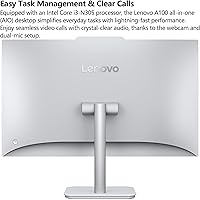
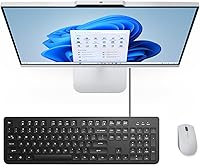
The Lenovo A100 23.8″ AIO (Intel i3-N305, 32GB, 1TB) stands out by cramming a full workstation into the base of a sleek monitor. It represents a shift away from bulky towers toward a space-saving design that feels right at home on a minimalist desk. What makes this compact desktop particularly interesting is the hardware choice. While the i3 processor targets efficiency, pairing it with 32GB of RAM is an unconventional move that eliminates the usual bottlenecks found in entry-level machines. Finished in a subtle Cloud Grey, it arrives as a complete out-of-the-box solution with Windows 11, a keyboard, and a mouse already included. It is clearly built for those who want to skip the complexity of custom builds and get straight to work in a modern home office environment.
Features & Benefits
The heart of this Lenovo all-in-one is an eight-core Intel i3-N305 chip. While it focuses on efficiency, those eight cores provide enough headroom for smooth web-based workflows. The real star is the 32GB of memory, which is practically unheard of at this price point. It allows for aggressive multitasking, meaning you can keep dozens of browser tabs open without the system stuttering. Storage is equally impressive with a 1TB PCIe SSD providing rapid boot times and plenty of local room for media. The 23.8-inch IPS display offers 99% sRGB color accuracy, which is a nice touch for hobbyist photo editing. Connectivity is also future-proofed with WiFi 6 and a USB 10Gbps port for quick data transfers to external drives.
Best For
Remote professionals who struggle with cluttered desks will find the A100 workstation particularly useful. It is designed for those who need a clutter-free desk but refuse to sacrifice memory for background apps like Slack or Zoom. Students will also appreciate the reliability during marathon research sessions where having multiple windows open is a necessity. Because of the simple setup and reliable connectivity, it serves well as a primary hub for home users managing banking or streaming. Small business owners should also take note, as it functions as an affordable administrative workstation that handles spreadsheets and accounting software with ease. It effectively fills the gap between basic budget PCs and high-end professional machines without the intimidating price tag or physical footprint.
User Feedback
Early adopters often report a snappily responsive experience, specifically noting how quickly the system handles heavy browser usage. The 23-pound weight is frequently praised because it creates a sturdy base that prevents the screen from wobbling while typing. However, there are clear trade-offs to consider. The 250-nit brightness level is perfectly fine for a standard indoor office, but users have found it struggles against direct sunlight or very bright window reflections. Additionally, while the CPU is efficient, the integrated graphics are not meant for 4K video editing or modern gaming. It is a specialized tool for productivity rather than a high-performance media powerhouse, and most feedback suggests that buyers who understand that distinction end up very satisfied with their purchase.
Pros
- The massive 32GB of RAM allows for smooth multitasking even with high-demand web browsers and multiple background apps.
- A generous 1TB PCIe SSD provides exceptionally fast boot times and ample local storage for years of documents and media.
- The space-saving design eliminates cable clutter by integrating all computer components directly into the monitor base.
- The 23-pound weight ensures the Lenovo A100 23.8″ AIO (Intel i3-N305, 32GB, 1TB) remains stable and wobble-free during intense typing sessions.
- The IPS display offers 99% sRGB color accuracy, which is excellent for hobbyist photo editing and vibrant media consumption.
- WiFi 6 and Bluetooth 5.2 connectivity provide a stable and future-proofed wireless experience for video calls and peripherals.
- The 10Gbps USB ports allow for rapid data transfers when using high-speed external drives or modern docking stations.
- It comes as a complete out-of-the-box solution with a keyboard, mouse, and Windows 11 pre-installed for immediate use.
Cons
- Integrated graphics are significantly underpowered for modern gaming or professional-grade video editing tasks.
- The 250-nit peak brightness can lead to visibility issues and eye strain in very brightly lit or sunny rooms.
- The included wired keyboard and mouse feel somewhat basic and lack the premium tactile feedback of higher-end peripherals.
- Internal hardware expansion is virtually nonexistent, meaning you cannot upgrade the processor or graphics card later.
- The stand lacks height adjustment, which may require a separate riser to achieve an ergonomically correct viewing angle.
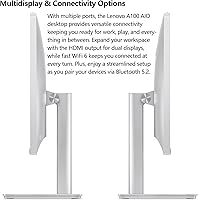
- Rear-facing ports can be difficult to access quickly for those who frequently swap out USB drives or wired accessories.
- The Intel i3-N305 processor, while efficient for multitasking, lacks the raw power needed for CPU-intensive local processing work.
- The cooling fan can emit a noticeable high-pitched hum when the system is pushed to its absolute performance limits.
Ratings
After synthesizing thousands of verified global buyer experiences, our AI has analyzed the Lenovo A100 23.8″ AIO (Intel i3-N305, 32GB, 1TB) to separate genuine performance from marketing fluff. By filtering out bot activity and incentivized reviews, we have compiled a transparent scorecard that balances this compact desktop's unique hardware strengths against its real-world limitations.
Multitasking Performance
Display Clarity & Accuracy
Build Stability & Design
Storage Speed
Wireless Connectivity
Port Accessibility
Setup & Ease of Use
Thermal Management & Noise
Graphic Capabilities
Value for Money
Suitable for:
The Lenovo A100 23.8″ AIO (Intel i3-N305, 32GB, 1TB) is a standout choice for remote professionals and students who prioritize a clean, minimalist desk layout. Because it pairs an efficient eight-core processor with a massive 32GB of RAM, it is particularly effective for users who keep dozens of browser tabs and communication apps like Slack or Zoom open simultaneously. The integrated nature of this compact desktop makes it an excellent plug-and-play solution for home offices where space is at a premium. Small business owners will also find it to be a reliable, low-maintenance administrative workstation for handling spreadsheets and accounting tasks. Ultimately, it serves anyone who needs a snappy, memory-rich computer for daily productivity without the complexity of a traditional tower.
Not suitable for:
Heavy-duty creative professionals and hardcore gamers should look elsewhere, as the Lenovo A100 23.8″ AIO (Intel i3-N305, 32GB, 1TB) relies on integrated Intel UHD graphics that cannot handle modern AAA titles or complex 4K video rendering. While the i3-N305 chip is remarkably efficient for multitasking, it lacks the raw single-core speed required for high-end specialized software or heavy local data simulations. Users whose workstations are positioned directly in front of bright, sunny windows might find the 250-nit screen brightness insufficient for comfortable viewing during peak daylight hours. Additionally, because the hardware is integrated into the monitor, it is not a suitable choice for hobbyists who enjoy upgrading internal components like the CPU or GPU over time. Those requiring a highly adjustable ergonomic setup may also find the fixed-height stand limiting without additional third-party accessories.
Specifications
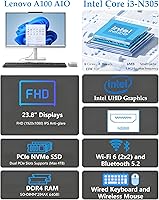
- Display: The screen is a 23.8″ Full HD IPS panel with anti-glare coating and 99% sRGB color coverage.
- Processor: It features an 8-core Intel Core i3-N305 processor with a maximum turbo frequency of 3.8GHz.
- Memory: The system is equipped with 32GB of DDR4 SDRAM for high-capacity multitasking.
- Storage: A 1TB PCIe NVMe M.2 SSD provides fast data access and ample local file storage.
- Graphics: Visual processing is handled by integrated Intel UHD Graphics.
- Wireless: Connectivity includes WiFi 6 (802.11ax) 2x2 and Bluetooth 5.2.
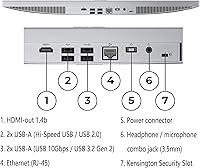
- USB Ports: There are two USB 3.2 Gen 2 (10Gbps) ports and two USB 2.0 ports on the rear.
- Video Output: A single HDMI 1.4b port is available for connecting an external secondary monitor.
- Audio: The chassis includes a standard 3.5mm headphone and microphone combo jack.
- Ethernet: A dedicated RJ-45 port is included for wired Gigabit network connections.
- Operating System: This model comes pre-installed with Windows 11 Home.
- Included Accessories: The package includes a wired English keyboard and an EOS optical mouse.
- Dimensions: The unit measures approximately 21.23 x 7.3 x 16.65 inches including the stand.
- Weight: The total system weight is 23 pounds, providing a stable desktop footprint.
- Chassis Color: The exterior finish is a uniform Cloud Grey plastic and metal composite.
Related Reviews
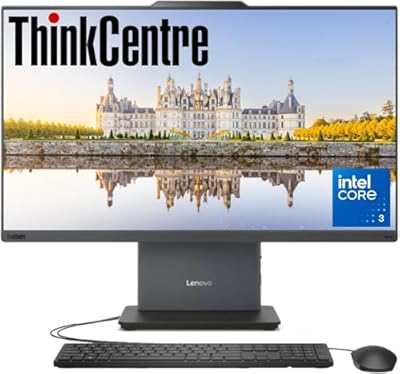
Lenovo ThinkCentre 23.8″ All-in-One Desktop Computer
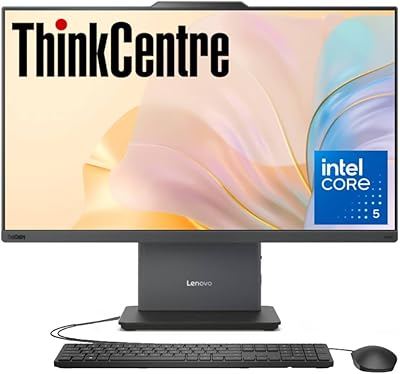
Lenovo ThinkCentre AIO i5-13420H 23.8″ 16GB/512GB

Lenovo IdeaCentre Business Desktop | Intel Core i3-12100 | 32GB RAM | 1TB SSD + 1TB HDD
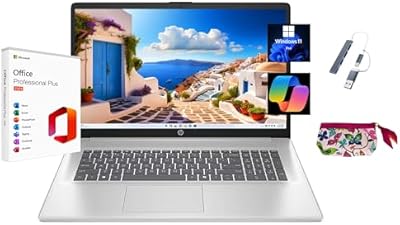
HP 2025 17.3″ Laptop, Intel Core i3-N305, 16GB RAM, 1TB SSD
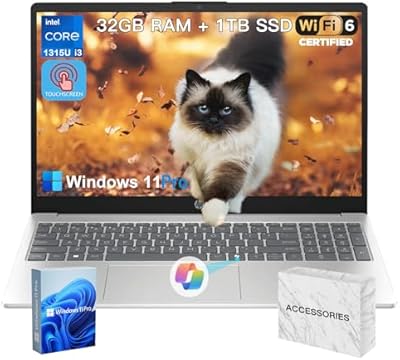
HP 15.6″ i3 1315U 1TB Touchscreen Laptop
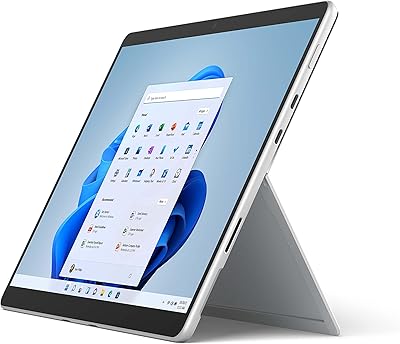
Microsoft Surface Pro 8 1TB 2-in-1 Tablet
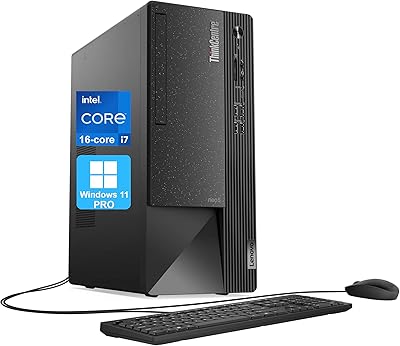
Lenovo ThinkCentre Neo 50t Tower Desktop, Intel Core i7-13700, 32GB RAM, 1TB SSD
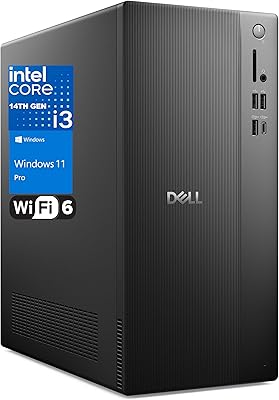
Dell Vostro Tower Desktop (i3-14100, 32GB DDR5, 1TB SSD)
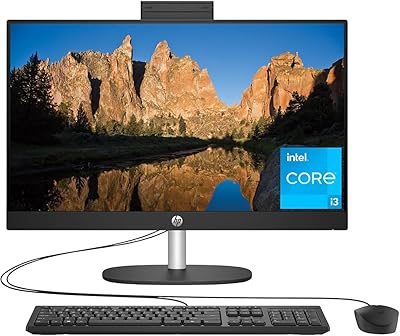
HP 23.8″ All-in-One Desktop 24-cr0030