
Overview
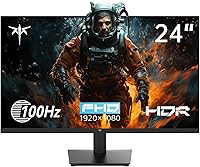
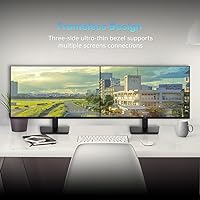
The KTC H24V13 24-Inch FHD Gaming Monitor lands squarely in the value tier, where specs-per-dollar matters more than brand prestige. KTC isn't a household name — it's a Chinese manufacturer that most buyers discover while hunting for a capable budget display. And that's fine. What this 24-inch VA display brings to the table is something many IPS rivals at the same price can't match: deeper blacks and contrast that actually holds up in a dark room. The three-sided frameless design looks clean on any desk, and the 100Hz refresh rate hits a practical sweet spot — noticeably smoother than 60Hz without paying the premium that 144Hz panels demand.
Features & Benefits
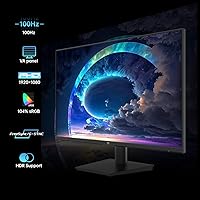
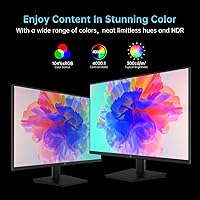
The VA panel is the H24V13's strongest argument. That 4000:1 contrast ratio is roughly double what most IPS monitors at this price deliver, which means shadows in games actually look like shadows rather than washed-out grey. The 100Hz refresh rate pairs with AMD FreeSync to keep things smooth even on mid-range GPUs. Color coverage sits at 104% sRGB — perfectly adequate for everyday content and light photo editing, though professional colorists will want to look elsewhere. The HDR10 label deserves an honest mention: this is software-processed HDR, not a hardware-backed implementation, so don't expect dramatic highlights. Eye-care modes and dual HDMI/VGA inputs round out a practical, well-considered spec sheet.
Best For
This 24-inch VA display makes the most sense for a few specific buyers. If you're moving up from an older 60Hz monitor and want a tangible improvement in smoothness without spending aggressively, this hits that mark. Students and work-from-home setups will appreciate the compact footprint and eye-care modes during longer sessions. Casual gamers playing story-driven titles or older competitive games will find 100Hz with FreeSync more than adequate. It also works well as a second screen in a dual-monitor arrangement, handling reference material or chat windows alongside a higher-spec primary display. What it isn't built for: competitive esports at high frame rates or serious color-critical work.
User Feedback
Buyers generally praise the H24V13 for punching above its weight on image quality — particularly how rich the colors look straight out of the box for a display in this category. The setup experience draws consistent approval; the five-way joystick for navigating menus is a thoughtful touch that cheaper monitors often skip. That said, the stand attracts some criticism: no height adjustment is possible, and a few users find it less rigid than expected. VA ghosting gets mentioned occasionally in fast-paced game scenarios — not a dealbreaker, but worth knowing going in. Customer service feedback is largely positive, with KTC's team responding quickly to warranty issues.
Pros
- The VA panel delivers a 4000:1 contrast ratio that makes dark scenes in games and films look genuinely rich.
- 100Hz with AMD FreeSync keeps gameplay smooth and tear-free on mid-range GPUs without extra cost.
- Color vibrancy out of the box impresses most buyers, especially given the budget price point.
- The three-sided frameless design looks noticeably cleaner than older monitors cluttered with thick bezels.
- Flicker-free backlight and low blue light mode make long work or study sessions more comfortable on the eyes.
- VGA and HDMI ports together mean this 24-inch VA display connects easily to both newer PCs and older laptops.
- VESA compatibility opens up wall-mount and arm options, adding real flexibility for different desk setups.
- The five-way joystick for OSD navigation is a small but genuinely useful touch that many rivals skip.
- KTC's customer support is responsive, and the warranty terms are reasonable for a value-tier product.
- For anyone upgrading from a 60Hz screen, the jump in smoothness is immediately and clearly noticeable.
Cons
- The stand offers no height or swivel adjustment, which creates ergonomic problems for taller users or shared setups.
- VA panel ghosting can appear in fast-paced games — not severe, but present enough to notice if you look for it.
- HDR10 support is software-processed only; do not expect any meaningful high dynamic range performance from this display.
- Only one HDMI port limits flexibility when connecting multiple modern devices simultaneously.
- The stand feels less rigid than expected, with some wobble noticeable when adjusting or bumping the desk.
- KTC has limited brand history outside of Amazon, which makes long-term reliability harder to assess with confidence.
- The 9ms response time is acceptable for casual use but lags behind faster IPS panels in motion-heavy scenarios.
- No built-in speakers means you will need separate audio hardware from day one.
- The matte coating reduces glare well but slightly softens fine text detail compared to glossy or semi-glossy alternatives.
- Resolution stays at 1080p, which on a 24-inch screen looks fine but shows its limits on sharp UI-heavy workflows.
Ratings
The scores below for the KTC H24V13 24-Inch FHD Gaming Monitor were generated by our AI system after analyzing verified global buyer reviews, with spam, bot submissions, and incentivized feedback actively filtered out. Each category reflects the honest distribution of real user experiences — strengths and frustrations alike — weighted by review recency and purchase verification. Nothing has been softened to protect the brand, and nothing has been inflated to reward the price point.
Image Clarity
Contrast & Black Levels
Color Accuracy
Gaming Performance
HDR Experience
Refresh Rate & Smoothness
Build Quality
Ergonomics & Adjustability
Eye Comfort
Connectivity
OSD & Menu Navigation
Setup & Assembly
Value for Money
After-Sales Support
Suitable for:
The KTC H24V13 24-Inch FHD Gaming Monitor is a strong pick for anyone who needs a capable, no-fuss display without spending heavily. Students setting up a first workstation will find the screen size, eye-care features, and connectivity options cover everything they need for long study sessions. Remote workers who want a secondary monitor to extend their workspace will appreciate the compact footprint and VESA mount compatibility, which keeps desk or wall setup flexible. Casual gamers who play story-driven games, older titles, or slower-paced multiplayer will get genuine value from the 100Hz refresh rate and FreeSync — it's a real, visible upgrade over any 60Hz panel they're replacing. Anyone building a dual-monitor setup on a tight budget will also find the H24V13 holds its own as a reliable secondary screen.
Not suitable for:
Buyers with more demanding requirements will likely find the KTC H24V13 24-Inch FHD Gaming Monitor falls short in key areas. Competitive esports players who rely on fast response times and high frame rates should look at 144Hz or 165Hz IPS panels, where motion clarity is noticeably better and VA ghosting is not a concern. Professional photographers, video editors, or anyone doing color-critical work will need a monitor with factory calibration, wider color space coverage, and ideally a hardware-level HDR implementation — none of which this display provides. The stand's limited adjustability, with no height or swivel options, can be a real ergonomic problem for taller users or shared workstations where multiple people use the same desk. Anyone who places significant weight on brand reliability and long-term service track records may also feel uneasy with a lesser-known manufacturer.
Specifications
- Screen Size: The active display area measures 23.8 inches diagonally, commonly marketed as a 24-inch panel.
- Panel Type: Uses a VA (Vertical Alignment) panel, which provides stronger contrast and deeper blacks than IPS panels at the same price tier.
- Resolution: Native resolution is 1920x1080 (Full HD), delivering a pixel density appropriate for a 24-inch display at typical desk viewing distances.
- Refresh Rate: Runs at a maximum of 100Hz, offering a noticeable improvement in motion smoothness over standard 60Hz displays.
- Response Time: Rated at 9ms, which is adequate for casual and moderate gaming but slower than the 1ms or 4ms figures seen on faster IPS and TN panels.
- Contrast Ratio: The static contrast ratio is 4000:1, roughly double the typical contrast output of IPS monitors in this price category.
- Color Gamut: Covers 104% of the sRGB color space, making it suitable for everyday media consumption and light creative work.
- HDR Support: The monitor carries an HDR10 label, but this is software-processed HDR rather than a hardware-backed implementation with local dimming.
- Sync Technology: Supports AMD FreeSync, which synchronizes the display refresh rate to the GPU output to reduce tearing and stuttering during gameplay.
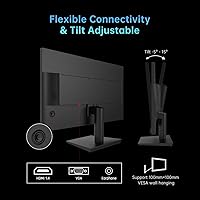
- Connectivity: Offers one HDMI 1.4 port and one VGA port, covering both modern devices and older hardware without an adapter.
- VESA Mount: Compatible with standard 100x100mm VESA mounting patterns, allowing use with third-party monitor arms or wall brackets.
- Tilt Adjustment: The stand supports tilt adjustment from -5° forward to +15° backward; no height, swivel, or pivot adjustment is available.
- Surface Finish: The screen uses a matte anti-glare coating that reduces reflections in bright environments while slightly softening fine detail.
- Aspect Ratio: Standard 16:9 widescreen aspect ratio, compatible with virtually all modern content formats and operating systems.
- Eye Care: Includes a low blue light mode and flicker-free backlight technology to reduce eye strain during extended use.
- Dimensions: The assembled monitor measures approximately 24.4 inches wide, 18.7 inches tall, and 4.53 inches deep including the stand.
- Weight: Total unit weight with stand is 9.63 pounds, making it light enough for straightforward repositioning on a desk.
- OSD Navigation: Menu settings are controlled via a five-way joystick on the rear of the monitor, which is more intuitive than traditional button arrays.
- Power Input: Operates on DC power at 12 volts, supplied via an external adapter included in the box.
- Warranty: KTC provides a 12-month manufacturer warranty alongside a 30-day money-back policy and a 60-day free return upgrade option through Amazon.
Related Reviews

Viewedge USC2412FDA-P 24-inch FHD 144Hz Gaming Monitor
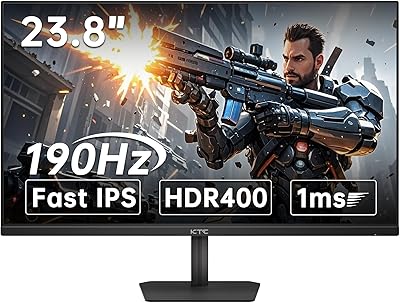
KTC 24-inch 190Hz Gaming Monitor
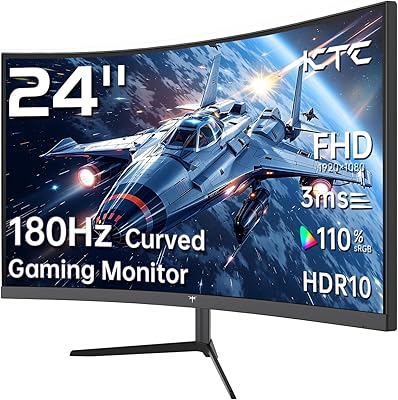
KTC 24-inch 1500R Curved Gaming Monitor
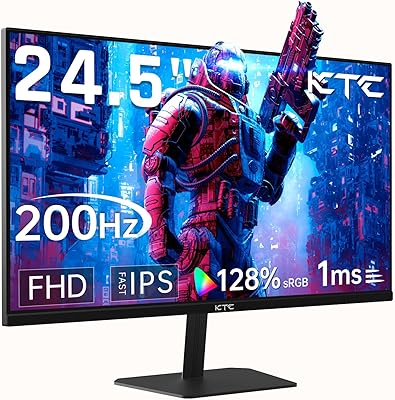
KTC 24.5″ Gaming Monitor 180Hz FHD

ReHisk 241KV2 24-inch Gaming Monitor
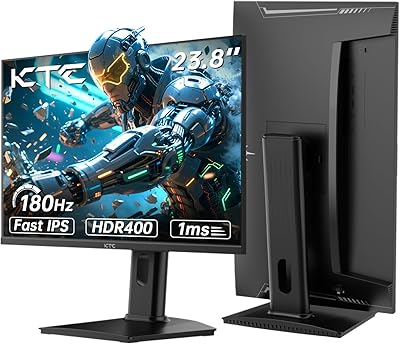
KTC H24T7 24-inch QHD Gaming Monitor
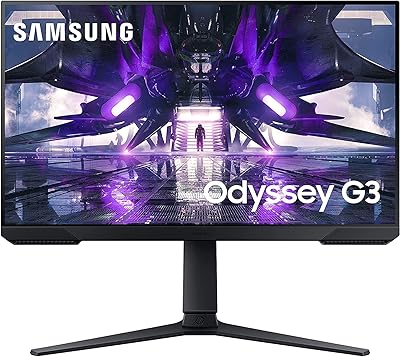
Samsung Odyssey G3 24-Inch Gaming Monitor
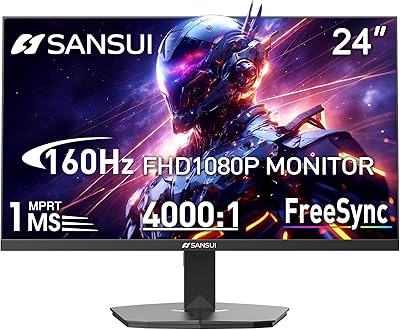
SANSUI ES-G24F4M 24-inch Gaming Monitor
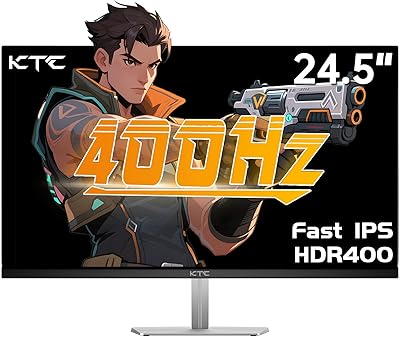
KTC H25X7 24.5-inch 400Hz Gaming Monitor