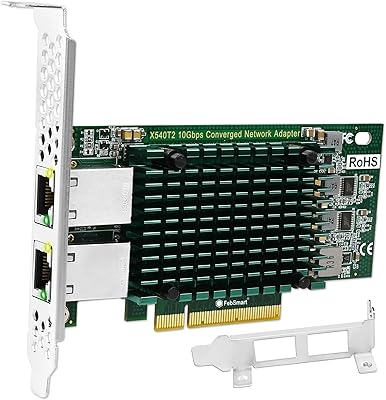
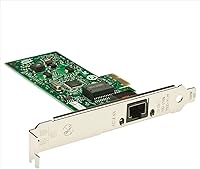
Intel EXPI9301CTBLK Gigabit PCI-E Network Adapter
Overview
The Intel EXPI9301CTBLK Gigabit PCI-E Network Adapter has been a fixture in the desktop networking space since 2008, and the fact that it is still manufactured and sold today says something. When your onboard LAN port gives out — or you are building a machine that simply lacks one — reaching for a brand-name card rather than a no-name alternative is a reasonable instinct. The bulk packaging strips away the retail box and any extras, which is a straightforward cost trade-off: you get the hardware and nothing else. At a mid-range price point, that deal holds up well when Intel's reputation for consistent, well-supported silicon is factored in.
Features & Benefits
Drop this gigabit adapter into any available PCI-E slot and you have an immediate full-gigabit connection — 1 Gbps of throughput that keeps pace with modern routers and NAS drives without creating a bottleneck. The Intel chipset is the real differentiator here. Unlike budget cards built around generic controllers, Intel's silicon comes with mature, broad driver support baked into Windows 10, Windows 11, and most major Linux distributions straight out of the box. In most cases, the OS recognizes it on first boot with no manual driver hunting required. For home-lab or small-office use, that kind of zero-hassle setup is worth more than the spec sheet suggests.
Best For
This Intel NIC is an obvious pick for anyone whose motherboard's built-in ethernet port has died — a more common failure than people expect. It also suits home lab builders and small server setups where Intel's driver longevity and chipset stability matter more than shaving a few dollars with a generic card. Linux users in particular benefit from native kernel recognition, no obscure driver downloads required. Gamers and streamers who want to eliminate their network card as a source of lag or packet loss will find it a quiet, dependable choice. It is not the only option in this space, but it is one of the consistently reliable ones.
User Feedback
Across more than 1,500 ratings, the Intel network card holds a 4.6-star average — a score that is hard to sustain at that volume without genuine quality behind it. The most common praise centers on plug-and-play reliability, with buyers on both Windows and Linux reporting smooth, immediate recognition. On the critical side, the bulk packaging draws predictable complaints: no retail box, no extras, and sometimes no low-profile bracket for compact cases. A handful of reviewers also note that cheaper alternatives exist. That is fair. But the telling detail is the pattern of buyers who tried a budget card first, had issues, and then switched to this one — and stopped looking around after that. That experience comes up often enough to be meaningful.
Pros
- Recognized instantly by Windows 10, Windows 11, and most Linux distros with zero driver setup required.
- Intel chipset provides long-term driver support, meaning the card stays usable years after purchase.
- Full gigabit throughput keeps pace with modern routers and NAS devices without creating a bottleneck.
- A track record dating back to 2008 with over 1,500 ratings gives genuine confidence in reliability.
- Holds a 4.6-star average across a large review base, not a small sample that skews easily.
- Linux users consistently call out native kernel recognition as a major practical advantage.
- Lightweight and compact, it installs in minutes with no tools beyond a screwdriver.
- Buyers who tried cheaper cards first frequently report switching to this Intel NIC and staying with it.
- Still actively manufactured, so finding a unit is not a matter of hunting down old stock.
- Suits both home and small-office environments without requiring any configuration expertise.
Cons
- Bulk packaging means no retail box, no low-profile bracket, and no accessories of any kind.
- Buyers needing a low-profile card for slim or compact cases may need to source a bracket separately.
- Priced higher than generic no-name alternatives, which may be hard to justify for very light network use.
- Tops out at 1 Gbps, so anyone moving to a 2.5 Gbps or faster network will need a different card.
- Only compatible with desktop PCs, leaving out anyone working with a laptop or all-in-one system.
- Single port only, offering no redundancy or multi-port options for more demanding setups.
- For purely casual home use where the onboard NIC still works, the cost-benefit case is thin.
- No bundled software or management utilities, which may disappoint buyers expecting a full package.
Ratings
Our AI rating engine analyzed verified global buyer reviews for the Intel EXPI9301CTBLK Gigabit PCI-E Network Adapter, actively filtering out incentivized, bot-generated, and low-signal feedback to surface what real desktop users actually experienced. The scores below reflect both the genuine strengths that keep this card consistently well-regarded and the honest pain points that a subset of buyers ran into — nothing is glossed over.
Driver Reliability
Installation Ease
Network Stability
Linux Compatibility
Value for Money
Build Quality
Packaging & Unboxing
Windows Compatibility
Throughput Performance
Motherboard Compatibility
Long-Term Reliability
Home Lab Suitability
Form Factor Flexibility
Suitable for:
The Intel EXPI9301CTBLK Gigabit PCI-E Network Adapter is the kind of purchase that makes immediate sense for a specific set of buyers, and those buyers will likely not regret it. If your desktop motherboard's built-in ethernet port has died — a frustrating but common problem — this card slots in quickly and restores full-gigabit wired connectivity without drama. Home lab enthusiasts and self-hosted server builders who have learned the hard way that chipset quality matters will appreciate Intel's long track record of kernel-level Linux support, which means no hunting for obscure drivers or community workarounds. Gamers and content streamers who want to rule out their network card as a variable in lag or dropped connections will find this adapter quietly dependable over months of use. Small offices needing a reliable, manageable wired NIC without paying for enterprise hardware will also find it sits comfortably in a practical mid-range tier.
Not suitable for:
The Intel EXPI9301CTBLK Gigabit PCI-E Network Adapter is not the right call for every buyer, and it is worth being clear about that. If your priority is spending as little as possible and you are comfortable troubleshooting driver issues on a no-name card, cheaper alternatives exist and may work fine for basic browsing or low-demand tasks. Laptop users are simply out of luck, as this is strictly a desktop PCI-E card. Anyone building or upgrading a compact small-form-factor PC should verify upfront whether their case includes a low-profile bracket option, since the bulk packaging typically omits accessories like that. Users who need multi-port networking, 2.5 Gbps speeds, or any kind of advanced traffic management features will need to look at more capable hardware, as this card covers the fundamentals and nothing beyond them.
Specifications
- Brand: Manufactured by Intel, one of the most established names in desktop networking silicon.
- Model Number: The official model identifier is EXPI9301CTBLK, where BLKK denotes bulk packaging.
- Interface: Uses a PCI Express (PCI-E) slot, compatible with virtually all modern and legacy desktop motherboards.
- Network Speed: Delivers full gigabit throughput at 1 Gbps, suitable for saturating most home and small-office internet connections.
- Data Transfer Rate: Rated at 1024 Mbps, keeping pace with gigabit routers, NAS devices, and fast local network transfers.
- Data Protocol: Operates on the Gigabit Ethernet standard, ensuring interoperability with all standard network switches and routers.
- Compatible Devices: Designed exclusively for desktop PCs; not compatible with laptops, all-in-ones, or systems without an available PCI-E slot.
- OS Support: Natively supported on Windows 10, Windows 11, and recognized by the Linux kernel without manual driver installation in most distributions.
- Item Weight: Weighs just 2.46 ounces, making it easy to handle and install without stressing the motherboard slot.
- Packaging: Sold in bulk (non-retail) packaging, which reduces cost but means no accessories, manual, or retail box are included.
- Availability: First introduced in September 2008 and still actively manufactured, making it straightforward to source new units.
- Seller Rank: Holds a top-200 position in the Internal Computer Networking Cards category on Amazon as of current listings.
- Average Rating: Carries a 4.6-out-of-5-star average across more than 1,591 verified customer ratings.
- Port Type: Equipped with a single RJ-45 Ethernet port for a direct wired connection to a router or network switch.
- Form Factor: Standard full-height PCI-E card; buyers with slim or small-form-factor cases should verify bracket compatibility before purchasing.
Related Reviews
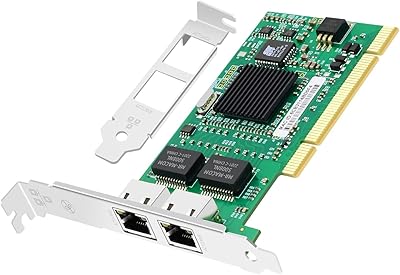
Jeirdus Intel 82546 Dual-Port Gigabit NIC
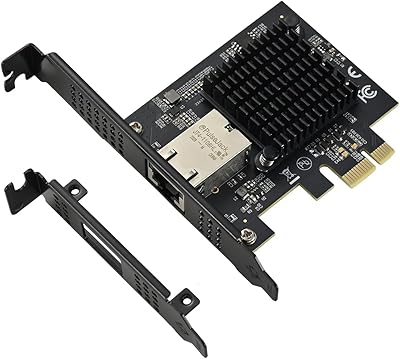
IO CREST AQC113 10Gbps PCIe Network Card
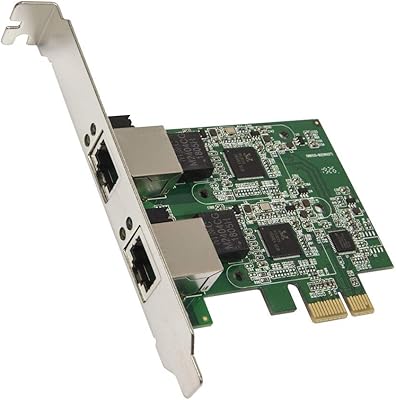
Syba SD-PEX24066 Dual 2.5GbE PCIe Adapter
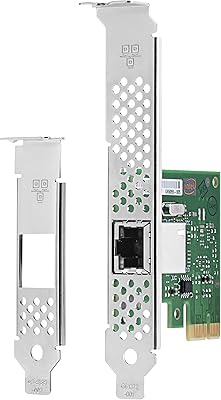
Intel I210-T1 Gigabit Ethernet Network Adapter
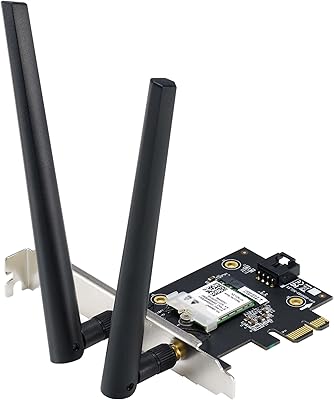
ASUS PCE-AXE5400 WiFi 6E PCIe Adapter
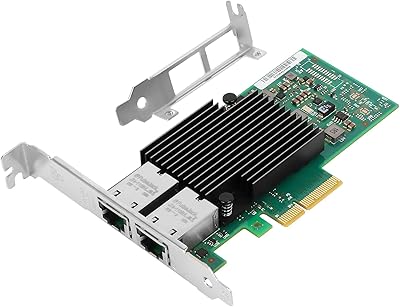
Vogzone X550-T2 Dual-Port 10GbE PCIe Network Card
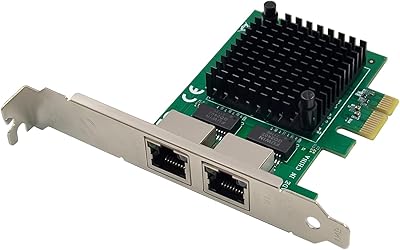
ULANSeN Dual I226-V 2.5GbE PCIe Network Card
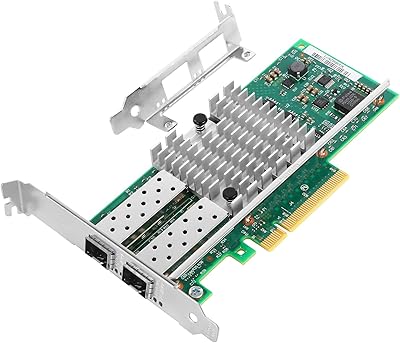
Vogzone 10Gb PCI-E NIC Network Card X520-DA2-10G
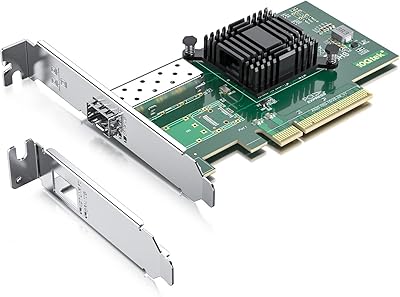
10Gtek 10Gb PCI-E NIC Network Card X520-10G-1S