Inland QN446 2TB M.2 2230 NVMe SSD


Overview
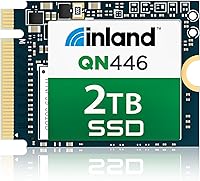
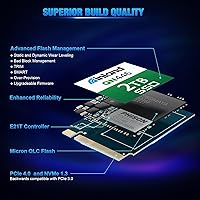
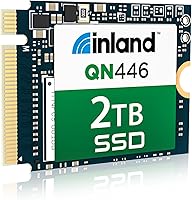
The Inland QN446 2TB M.2 2230 NVMe SSD is a compact Gen 4 drive built specifically for handheld gaming devices and small-form-factor PCs where space is the primary constraint. The M.2 2230 single-sided design is the whole point — without it, the drive simply would not fit inside a Steam Deck or Surface Pro. Under the hood, it pairs a Phison E21T controller with Micron 3D QLC NAND and relies on Host Memory Buffer rather than onboard DRAM to manage cache. Inland backs it with a six-year warranty, which is genuinely unusual at this price tier. Just know upfront: QLC has its limits, and sustained writes will eventually hit them.
Features & Benefits
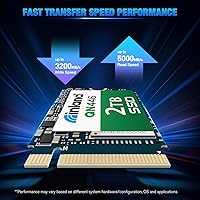
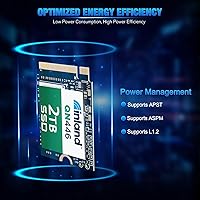
At the spec level, the Inland QN446 delivers 5,000 MB/s sequential reads and 3,200 MB/s writes — solid numbers for a Gen 4 drive in the 2230 class. The DRAM-less design uses HMB to keep random I/O respectable, though performance can dip on systems with limited RAM or older firmware that does not properly allocate the buffer. The single-sided PCB is a hard requirement for devices with physically constrained slots, not a marketing detail. Power management is thoughtfully implemented — APST, ASPM, and L1.2 support mean the drive is not quietly draining your handheld battery. Drop it into a PCIe 3.0 system and it will still work fine, just capped to that bandwidth ceiling.
Best For
This 2230 NVMe drive is an obvious fit for Steam Deck upgrades, where the 2230 form factor is non-negotiable and 2TB opens up enough room for a meaningful game library without constant juggling. ROG Ally and other Windows-based handhelds benefit in the same way. Mini PC and NUC builders running tight chassis will find the single-sided design a practical necessity rather than a preference. Surface Pro and Surface Laptop users looking to stretch internal storage will feel right at home. Where it is less suited is demanding workloads involving heavy sustained writes — video editing or large database operations — where a TLC-based drive would hold up more reliably over time.
User Feedback
Buyers have settled on a 4.6-star consensus, with praise centering on installation ease and tangible speed improvements — especially on the Steam Deck, where users report noticeably faster game loads and boot times. Thermally, this compact Gen 4 SSD runs cooler than expected inside passively cooled enclosures. The criticisms are real, though. Users installing large games have encountered the familiar QLC cache cliff, where write speeds drop sharply once the SLC buffer is exhausted. A subset of mini PC builders also flagged that some motherboards need a BIOS update before the drive is detected — a genuine friction point worth verifying ahead of time. Long-term reliability data remains limited given the 2023 launch date.
Pros
- Sequential read speeds up to 5,000 MB/s are competitive for any Gen 4 drive in the compact 2230 class.
- The single-sided M.2 2230 design physically fits where most other NVMe drives cannot.
- Six-year warranty coverage is rare at this price point and adds genuine long-term confidence.
- Power management features keep battery drain low on handhelds like the Steam Deck and ROG Ally.
- Backward compatibility with PCIe 3.0 slots makes it a flexible upgrade across older and newer systems.
- Runs notably cool inside passively cooled devices, avoiding thermal throttling concerns.
- Installation on the Steam Deck is straightforward, with SteamOS recognizing the drive without extra steps.
- 450 TBW endurance is reasonable for gaming use cases on a QLC-based drive.
- The 2TB capacity is large enough for substantial game libraries without constant storage management.
Cons
- QLC write speeds fall sharply once the SLC cache is exhausted during large, sustained transfers.
- DRAM-less design means random I/O performance depends heavily on the host system allocating HMB correctly.
- Older systems or those with limited RAM may not fully benefit from HMB, reducing real-world responsiveness.
- Some motherboards will not detect this compact Gen 4 SSD without a BIOS update, which can catch builders off guard.
- Long-term reliability data is still thin since the drive only launched in mid-2023.
- Not well-suited for write-intensive professional workloads where TLC or MLC NAND would hold up better.
- No onboard DRAM means the drive is more dependent on host system quality than traditional cached SSDs.
- Buyers on PCIe 3.0 systems will not see the headline Gen 4 speeds advertised on the packaging.
Ratings
The Inland QN446 2TB M.2 2230 NVMe SSD has been evaluated by our AI rating system after analyzing hundreds of verified global user reviews, with spam, incentivized submissions, and bot activity actively filtered out. Scores reflect the full picture — where this compact Gen 4 drive genuinely impresses and where real buyers have run into friction. Both strengths and recurring pain points are weighted transparently into every category below.
Sequential Read Speed
Sustained Write Performance
Form Factor Compatibility
Random I/O Performance
Thermal Management
Power Efficiency
Installation Experience
Endurance & Longevity
Warranty Coverage
Value for Money
OS & Software Compatibility
Build & Physical Quality
Real-World Gaming Performance
Suitable for:
The Inland QN446 2TB M.2 2230 NVMe SSD was built with a very specific buyer in mind, and if you fall into that group, it delivers well. Steam Deck owners are the most obvious fit — the 2230 single-sided form factor is a physical requirement, not a preference, and bumping up to 2TB means you can finally stop uninstalling games to make room. ROG Ally and other Windows-based handheld users get the same benefit with the added upside of Gen 4 throughput. Mini PC and NUC builders working with tight chassis constraints will appreciate that the single-sided design clears space that a dual-sided drive simply cannot. Surface Pro and Surface Laptop users who need more internal storage without paying a significant premium will find this a practical, well-warranted option.
Not suitable for:
If your workflow involves heavy sustained writes — think large video exports, bulk RAW photo transfers, or frequent multi-gigabyte file operations — the Inland QN446 2TB M.2 2230 NVMe SSD is not the right tool. QLC NAND is efficient and affordable, but once the SLC write cache fills up, transfer speeds drop considerably, and that matters in production environments. This is also not a drive for systems with limited RAM or outdated firmware: the DRAM-less design relies on Host Memory Buffer, and if your system does not allocate it properly, random I/O performance takes a real hit. DIY mini PC builders should verify BIOS compatibility before purchasing, as some motherboards require a firmware update before the drive is even detected. And if you are running a PCIe 3.0 system and expect Gen 4 speeds, you will be disappointed — backward compatibility is a convenience, not a performance bridge.
Specifications
- Capacity: This drive offers 2TB of usable storage, making it one of the larger options available in the M.2 2230 form factor.
- Form Factor: M.2 2230 single-sided PCB measuring 1.18 x 0.87 x 0.08 inches — physically compatible with slot-restricted devices like the Steam Deck and Surface Pro.
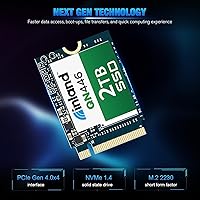
- Interface: Connects via PCIe Gen 4.0 x4 with NVMe 1.4 protocol, and is backward compatible with PCIe 3.0 slots.
- Sequential Read: Rated sequential read speed reaches up to 5,000 MB/s under optimal Gen 4 conditions.
- Sequential Write: Rated sequential write speed reaches up to 3,200 MB/s, subject to SLC cache availability during sustained transfers.
- Random I/O: Rated at up to 480K IOPS random read and 750K IOPS random write, with performance dependent on HMB allocation from the host system.
- NAND Type: Uses Micron 3D QLC NAND flash, which prioritizes storage density and cost efficiency over the write endurance of TLC or MLC alternatives.
- Controller: Powered by the Phison E21T controller, a well-established entry-to-mid-range Gen 4 SSD controller optimized for low power and compact designs.
- DRAM: DRAM-less design that relies on Host Memory Buffer (HMB) to borrow system RAM for caching operations, rather than using dedicated onboard memory.
- Endurance: Rated at 450 TBW (terabytes written), which is adequate for typical gaming and general consumer use over the warranty period.
- MTBF: Mean time between failures is rated at 1,500,000 hours, reflecting Inland's confidence in the drive under normal operating conditions.
- Shock Resistance: Rated to withstand 1500G of force at 0.5ms, offering solid resilience against physical impacts during transport or handling.
- Power Management: Supports APST, ASPM, and L1.2 low-power states, reducing idle power draw — an important consideration for battery-dependent handhelds.
- OS Support: Compatible with Windows 8, 10, and 11, as well as SteamOS, covering the primary operating systems used in handheld gaming and small-form-factor PCs.
- Warranty: Covered by a 6-year limited warranty from Inland, which is notably long for a drive in this price and capacity tier.
- Weight: The drive weighs just 0.634 ounces, adding virtually no measurable mass to the devices it is installed in.
Related Reviews
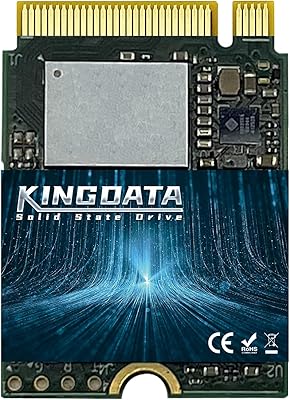
KINGDATA 2TB M.2 2230 NVMe SSD
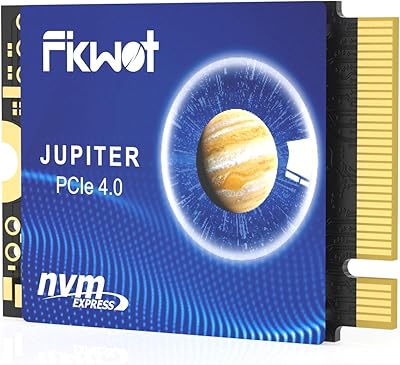
Fikwot FX953 2TB M.2 2230 NVMe SSD
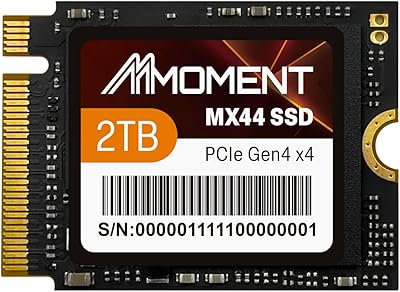
MMOMENT 2TB MX44 M.2 2230 NVMe SSD
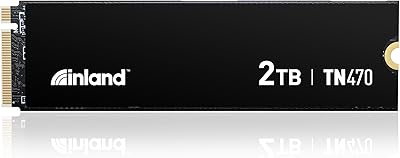
Inland TN470 2TB Gen4 NVMe M.2 SSD
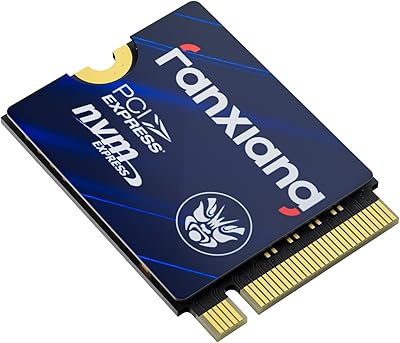
fanxiang S630 2TB M.2 2230 NVMe SSD
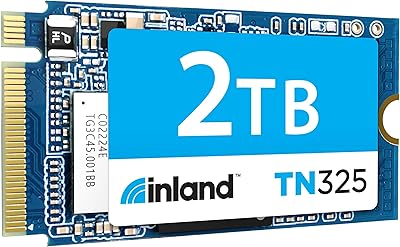
Inland TN325 2TB M.2 2242 NVMe SSD
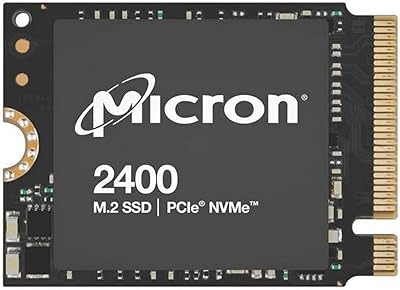
Micron 2400 2TB M.2 2230 NVMe SSD
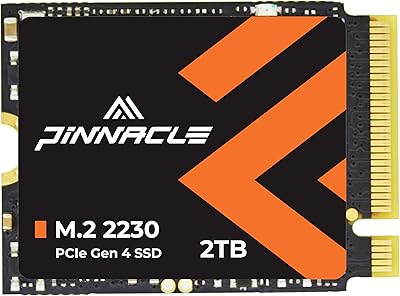
Timetec 2TB M.2 2230 NVMe Gen4 SSD
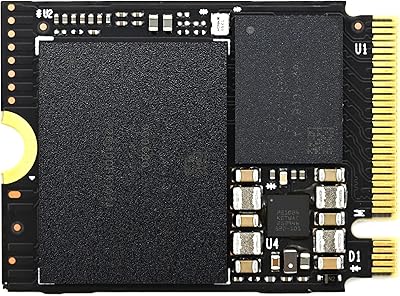
XPC Technologies SN740 2TB M.2 2230 NVMe SSD
