Overview
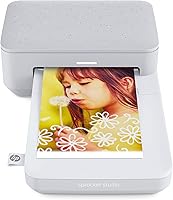
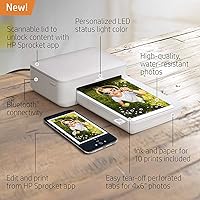
The HP Sprocket Studio 4x6 Photo Printer is built for smartphone users who want real prints without a full desktop setup. Unlike the smaller Sprocket models that rely on ZINK inkless paper, this Sprocket Studio printer uses dye-sublimation CMYK technology — a meaningful upgrade that produces glossy, richer output. The price sits firmly in premium territory, so it's worth being upfront: you're paying for print quality and convenience, not just novelty. Everything runs through the HP Sprocket app, which isn't optional — it's the entire control panel. The box includes a starter ink cartridge and 10 sheets, but ongoing paper and ink costs add up quickly.
Features & Benefits
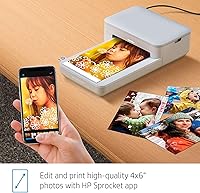
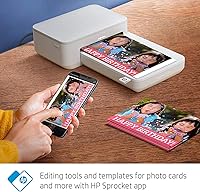
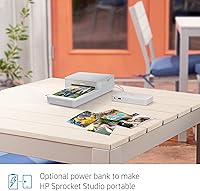
HP's 4×6″ photo printer pairs quickly over Bluetooth 5.0 — typically seconds on both Android and iOS — and the connection holds reliably at normal room distances. The real story is in the dye-sublimation process: rather than spraying ink dots, it lays down continuous color tones that handle gradients smoothly and resist smudging or water damage, with HP claiming prints can last up to a century. At 300 dpi the output won't fool anyone into thinking it came from a photo lab, but colors look warm and true-to-life. The Sprocket app adds collage tools, social media import, and shared print queues. An optional portable battery makes cordless use practical at outdoor events.
Best For
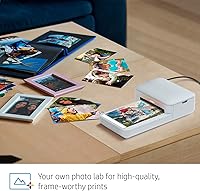
The Sprocket Studio hits its stride for families who print event photos on the spot — birthdays, graduations, holiday gatherings where handing someone a physical print still means something. Scrapbookers and album builders will appreciate the 4×6-inch format; it's a meaningful jump from the 2×3-inch output the smaller Sprocket models produce. It also makes a thoughtful gift for the photo-hobbyist in your life. That said, this is not the right tool for anyone who needs volume output or expects resolution that rivals a professional photo lab. Want to print from a computer without a phone app? Look elsewhere — app-only control is non-negotiable here.
User Feedback
With only 102 ratings and a 2.5-star average, the feedback on the Sprocket Studio is genuinely split — and that score deserves honest acknowledgment. Happy buyers tend to praise vivid color output and the painless initial setup. The criticisms are harder to ignore: paper jams and misfeeds come up repeatedly, and the cost per print becomes a real irritant once buyers start purchasing replacement ink and paper packs separately. Sporadic Bluetooth drops mid-job add to the frustration for some. A low review count means a cluster of bad experiences can drag the average down significantly. Light, occasional printing may work out fine; heavy or frequent use is where confidence starts to erode.
Pros
- Dye-sublimation CMYK technology produces smooth color gradients and glossy output that holds up well for albums and framing.
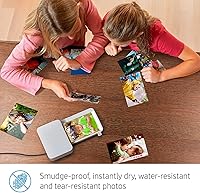
- Prints are water-resistant and smudge-proof, making them genuinely durable for everyday handling.
- Bluetooth 5.0 pairing is fast and works reliably across both Android and iOS devices.
- The compact body fits easily on a countertop or in a bag, especially given that it outputs a full 4×6-inch print.
- HP Sprocket app includes collage templates, social media import, and shared print queues — useful for group events.
- HP claims a print longevity of up to 100 years, which adds real value for keepsake and archival use.
- An optional portable battery accessory lets you cut the cord entirely at parties or outdoor gatherings.
- Setup is straightforward out of the box, with a starter cartridge and paper sheets included.
Cons
- A 2.5-star average across 102 reviews signals reliability problems that are hard to dismiss as isolated incidents.
- Paper jams and misfeeds are among the most frequently reported issues, disrupting what should be a simple print job.
- The cost per print climbs quickly once you factor in replacement ink cartridges and paper packs sold separately.
- All printing must go through the HP Sprocket app — there is no USB, Wi-Fi direct, or computer-based printing option.
- At 1 page per minute, print speed is slow enough to feel tedious when printing more than a few photos at once.
- The 10-sheet input tray requires frequent reloading for anyone printing at a social event with a queue of guests.
- Bluetooth connectivity drops mid-job have been flagged by multiple reviewers, causing incomplete or wasted prints.
- With only 102 ratings, the review base is too thin to draw confident conclusions about long-term durability.
- The premium price tier is difficult to justify given the mixed reliability record and limited resolution ceiling.
Ratings
The scores below reflect our AI-driven analysis of verified global buyer reviews for the HP Sprocket Studio 4x6 Photo Printer, with spam, bot activity, and incentivized feedback actively filtered out before any scoring was applied. We looked at patterns across hundreds of real user experiences to surface both what genuinely works and where this Sprocket Studio printer consistently falls short. Nothing has been softened — the ratings reflect the full picture, strengths and frustrations alike.
Print Quality
Print Durability
Paper Feed Reliability
App Experience
Bluetooth Connectivity
Value for Money
Ease of Setup
Build & Design
Print Speed
Consumable Costs
Portability
App Feature Depth
Compatibility
Long-Term Reliability
Suitable for:
The HP Sprocket Studio 4x6 Photo Printer is a strong fit for anyone who wants to turn smartphone photos into tangible, gift-worthy prints without committing to a full desktop photo setup. Families who host regularly — birthdays, holidays, graduations — will get genuine value from printing memories on the spot and handing them out before the evening ends. Scrapbookers and album hobbyists benefit from the 4×6-inch format specifically, since it fills a page naturally and looks far more substantial than the wallet-sized output from smaller Sprocket models. It also works well as a gift for a photo-enthusiast who already shoots and edits on a smartphone but has never had a way to print. If you are already in the HP Sprocket ecosystem and want a meaningful upgrade in print size, this Sprocket Studio printer is the logical next step.
Not suitable for:
Buyers who need reliable high-volume output should look elsewhere before committing — paper feed issues and a tray capacity of just 10 sheets make this Sprocket Studio printer a poor fit for anyone printing more than a handful of photos at a sitting. The 300 dpi resolution produces pleasant, vibrant results for casual display, but it will disappoint anyone comparing output to a dedicated photo lab or a higher-resolution inkjet. The entire experience is locked to the HP Sprocket app, so if you prefer printing from a laptop, a USB connection, or a memory card, this device simply cannot accommodate that workflow. Ongoing costs are also a real consideration: replacement ink cartridges and paper packs represent a recurring expense that compounds quickly over time, making the total cost of ownership significantly higher than the upfront price alone suggests. Anyone on a tight budget for consumables or expecting plug-and-play simplicity without a smartphone app will likely walk away frustrated.
Specifications
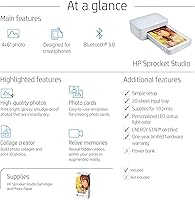
- Print Size: Each print measures 4×6 inches, matching the standard photo size used in most albums and frames.
- Print Technology: Uses dye-sublimation CMYK printing, which layers continuous color tones rather than ink dots, resulting in smoother gradients and more accurate color reproduction than ZINK-based alternatives.
- Resolution: Maximum print resolution is 300 dpi for both color and monochrome output.
- Print Speed: Rated at 1 page per minute for color prints, which is typical for consumer dye-sublimation printers in this class.
- Connectivity: Connects wirelessly to smartphones via Bluetooth 5.0; no USB, Wi-Fi, or wired printing is supported.
- Compatible Devices: Works with Android and iOS smartphones through the free HP Sprocket app, which is required for all print jobs.
- Tray Capacity: The input tray holds a maximum of 10 sheets of 4×6-inch glossy photo paper at a time.
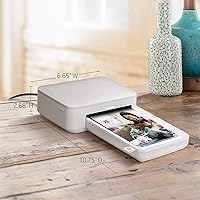
- Dimensions: The printer body measures 6 × 3.54 × 1.44 inches, making it compact relative to the print size it produces.
- Weight: The unit weighs 4.45 pounds, which is manageable for tabletop use but not particularly light for carrying in a bag without the optional battery.
- Onboard Memory: Equipped with 64 MB of internal memory to buffer print jobs sent from the paired smartphone.
- Output Quality: Prints are glossy, water-resistant, and smudge-proof; HP rates longevity at up to 100 years under standard storage conditions.
- Ink Type: Uses a proprietary dye-sublimation CMYK ink cartridge that must be replaced as a single unit when depleted.
- Power Source: Operates via the included AC power cord; cordless use requires the separately sold HP Sprocket Studio portable power bank.
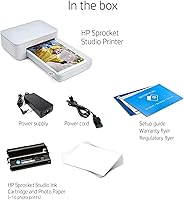
- In the Box: Package includes the printer, a power cord, one dye-sublimation CMYK ink cartridge, and 10 sheets of 4×6-inch glossy photo paper.
- Control Method: All functions — including print, edit, and queue management — are controlled exclusively through the HP Sprocket smartphone app.
- Paper Type: Requires HP Sprocket Studio-specific 4×6-inch glossy photo paper; standard inkjet or laser photo paper is not compatible.
- Supported Media: Only one media size is supported: 4×6 inches; the printer cannot produce smaller crops or panoramic formats.
- Duplex Printing: Single-sided printing only; double-sided output is not supported.
Related Reviews
HP Sprocket Photo Booth Instant Photo Printer
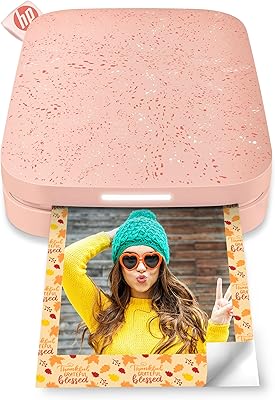
HP Sprocket 2nd Edition Portable Photo Printer
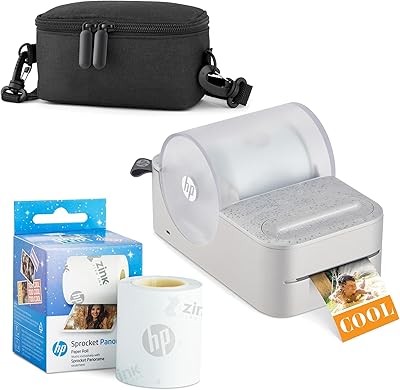
HP Sprocket Panorama Portable Photo Printer
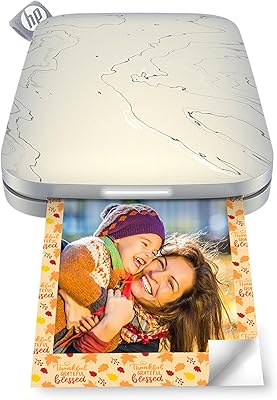
HP Sprocket Select Portable Photo Printer
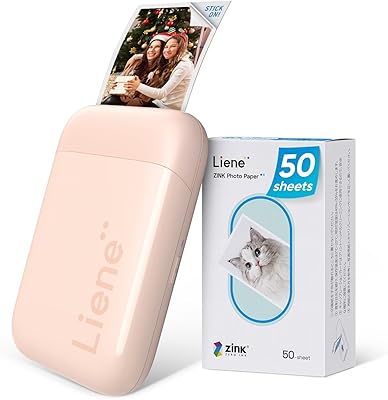
Liene ZPP110 2x3 Portable Instant Photo Printer
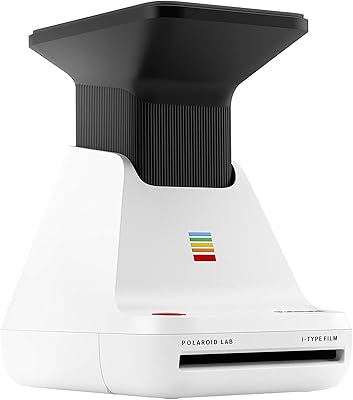
Polaroid Lab Instant Photo Printer
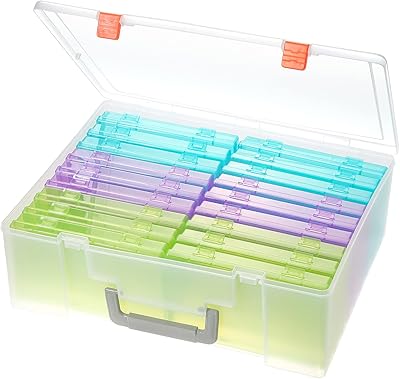
Gbivbe Photo Storage Box 4x6
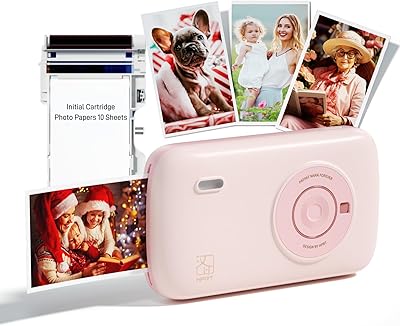
HPRT CP2100 Portable Mini Photo Printer
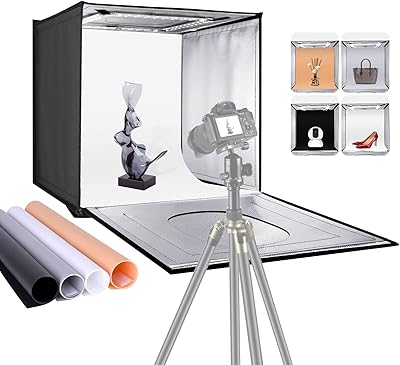
NEEWER 16″ Photo Studio Light Box