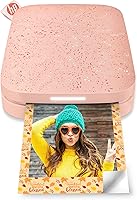
HP Sprocket 2nd Edition Portable Photo Printer
Overview
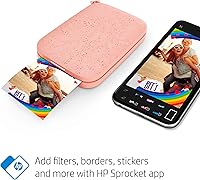
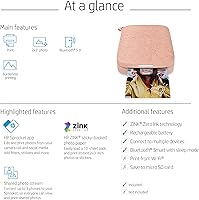
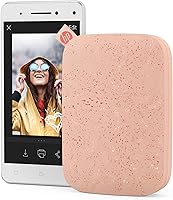
The HP Sprocket 2nd Edition Portable Photo Printer is a palm-sized Bluetooth device that prints 2×3″ sticky-back photos directly from your smartphone — no cables, no cartridges, no fuss. It runs on Zink zero-ink technology, meaning the color dyes are baked right into the paper itself, so there is nothing to replace between prints. A free companion app for iOS and Android lets you tweak your shots with filters, frames, and stickers before anything hits paper. At roughly the weight of a deck of cards, this pocket photo printer fits in a jacket pocket or small purse without any effort, making it genuinely portable rather than just marketed as such.
Features & Benefits
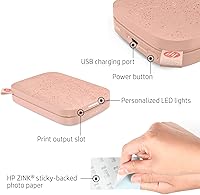
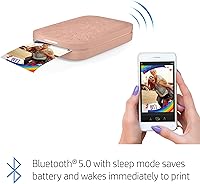
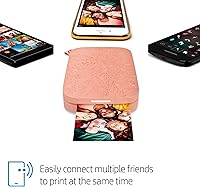
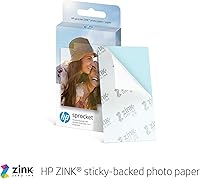
What makes the Sprocket 2nd Edition stand out in a crowded field of mini printers is how thoughtfully the small details come together. The Zink paper is inherently glossy, borderless, and sticky-backed — peel and stick without tape or glue. Print resolution sits at 300 dpi color, which is plenty sharp for fun photos and keepsakes, though it will not replace a professional lab print. Bluetooth 5.0 lets multiple phones stay connected at once, and a personalized LED indicator tells you exactly which device is currently printing — genuinely handy at a birthday party when five people are queued up. The battery handles about 35 prints per charge.
Best For
This mini Bluetooth printer is an especially strong fit for teenagers and college students who enjoy decorating notebooks, phone cases, or bedroom walls with custom photos. Travelers will appreciate the near-weightless form factor — it slips into a day bag without a second thought. If you are hosting a gathering, it doubles as instant entertainment: guests print their own keepsakes to take home, which beats a generic party favor every time. It also makes a reliable gift choice for birthdays and graduations. If you live mostly inside digital photo albums and want a physical connection to your memories without buying a full-size printer, this fits that gap well.
User Feedback
Across tens of thousands of ratings, a few consistent themes emerge. Setup speed is a frequent highlight — most buyers say the printer pairs with a phone in under a minute, which matters when handing it to someone at a party. Print colors are well-liked overall, though a notable number of reviewers mention that images print darker than they appear on screen, so adjusting brightness beforehand helps. The ongoing cost of Zink paper refills comes up regularly as a drawback; it is not ruinously expensive, but it is worth budgeting for. Bluetooth drops are an occasional irritant. Despite those caveats, overall satisfaction is high, with gift-givers especially reporting positive reactions.
Pros
- Pairs with a smartphone in under a minute — setup is genuinely that fast.
- No ink cartridges or ribbons means zero messy replacements between prints.
- Sticky-back Zink prints are water and smudge resistant right out of the printer.
- At 6.1 ounces, this pocket photo printer fits in a jacket pocket without any bulk.
- The LED indicator showing whose device is printing is a practical, crowd-friendly feature at parties.
- The free HP app adds real creative value with filters, frames, stickers, and text tools.
- Bluetooth 5.0 lets multiple phones stay connected at the same time — no passing a device around.
- Glossy, borderless 2×3″ prints look sharp and vibrant for everyday fun and keepsake use.
- Battery easily handles a casual outing or party without needing a power source nearby.
- Consistently strong reviews as a gift — recipients tend to actually use it.
Cons
- Zink paper refill costs accumulate quickly for anyone printing more than occasionally.
- Colors print noticeably darker than they appear on screen, requiring brightness adjustments beforehand.
- At 1 print per minute, batch printing a large stack becomes a slow, tedious process.
- The paper tray holds only 10 sheets — frequent reloading interrupts the flow at busy events.
- Spontaneous Bluetooth drops are a recurring minor irritant, especially at greater distances.
- The app has stability issues on older phones, including occasional crashes and slow load times.
- Micro USB charging feels dated, and charge time is not fast enough for urgent top-ups.
- The glossy plastic casing scratches easily when carried loose in a bag without protection.
- Buying refill paper from third-party sellers can produce inconsistent color results.
- The adhesive backing does not hold reliably on rough or textured surfaces over time.
Ratings
The HP Sprocket 2nd Edition Portable Photo Printer has been evaluated by our AI system after analyzing thousands of verified global buyer reviews, with spam, incentivized, and bot-generated feedback actively filtered out. The scores below reflect honest, real-world sentiment — strengths and frustrations weighted equally — so you get a clear picture before buying. Both the things people love and the recurring complaints are transparently baked into every number.
Ease of Setup
Print Quality
Portability & Form Factor
Zink Paper Technology
Ongoing Running Costs
Battery Life
Bluetooth Connectivity
App Experience
Print Speed
Build Quality & Durability
Gift Suitability
Sticky-Back Photo Usability
Multi-Device Group Use
Value for Money
Suitable for:
The HP Sprocket 2nd Edition Portable Photo Printer is a natural fit for anyone whose photo printing needs are casual, social, and on the go rather than professional or high-volume. Teenagers and college students who enjoy personalizing their spaces with sticky-back photos — on journals, lockers, laptop lids, or dorm walls — will get the most out of it day to day. Travelers who want a lightweight way to bring physical memories home from a trip, without packing anything bulky, will appreciate how little space and weight this pocket photo printer demands. It also shines as a party accessory: the ability to connect multiple phones simultaneously, combined with the LED indicator that shows whose print is running, turns it into shared entertainment rather than a personal gadget. Gift buyers looking for something genuinely exciting to give a photo-loving teen or young adult will find that this mini Bluetooth printer consistently lands well — it is one of those rare tech gifts that gets used rather than shelved.
Not suitable for:
If your expectations lean toward professional-grade output or high-volume printing, the HP Sprocket 2nd Edition Portable Photo Printer will disappoint you. The 300 dpi resolution is fine for fun, small-format prints, but it is not a substitute for a dedicated photo lab or even a mid-range inkjet when it comes to color accuracy and fine detail. The ongoing cost of Zink paper refills is a real consideration — buyers who print frequently will find the per-print expense adding up faster than the hardware price suggests, and there is no third-party paper alternative to keep costs down. The 35-prints-per-charge battery and 10-sheet paper tray also make it impractical for extended high-output sessions like covering a full wedding reception or a multi-day event. Anyone who needs prints larger than 2×3 inches, or who values USB-C charging and fast battery replenishment, should look at other options before committing.
Specifications
- Print Size: Each print measures 2×3 inches, produced on glossy, borderless, sticky-back Zink photo paper.
- Print Technology: Uses Zink Zero Ink technology, where color dye crystals are embedded directly inside the paper and activated by heat during printing.
- Print Resolution: Produces full-color output at 300 dpi, delivering vibrant, photo-quality results suitable for personal and decorative use.
- Print Speed: Prints at approximately 1 page per minute for both color and monochrome output.
- Connectivity: Connects to smartphones and tablets via Bluetooth 5.0, supporting simultaneous connections from multiple devices.
- Compatibility: Works with iOS 10 and later, and Android 5.0 and later, controlled through the free HP Sprocket mobile app.
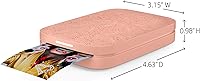
- Dimensions: The printer body measures 3.15″ deep × 4.63″ wide × 0.98″ high, making it genuinely pocket-sized.
- Weight: Weighs 6.1 ounces, light enough to carry in a purse, jacket pocket, or small backpack without noticeable bulk.
- Battery Yield: The built-in rechargeable lithium polymer battery supports approximately 35 prints per full charge under normal conditions.
- Charging: Charges via a Micro USB cable, which is included in the box.
- Paper Capacity: The internal paper tray holds up to 10 sheets of Zink sticky-back photo paper at one time.
- Memory: Includes 64 MB of internal memory for managing print jobs and app connectivity.
- Power Consumption: Draws up to 32 watts during active printing operation.
- Output Type: Produces full-color, borderless, glossy prints with a peel-and-stick adhesive backing on every sheet.
- Control Method: All print functions, editing, and device management are handled through the free HP Sprocket app on iOS or Android.
- LED Indicator: A personalized LED light on the printer changes to identify which connected device is currently sending a print job.
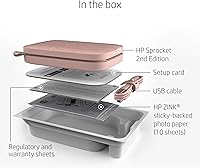
- Included Contents: The box includes the printer unit, a Micro USB charging cable, 10 sheets of HP Zink sticky-back photo paper, and warranty documentation.
- Warranty: Covered by a limited manufacturer warranty; specific terms and duration are outlined in the included warranty sheet.
Related Reviews
HP Sprocket Select Portable Photo Printer
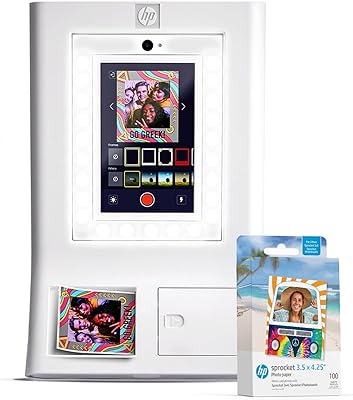
HP Sprocket Photo Booth Instant Photo Printer
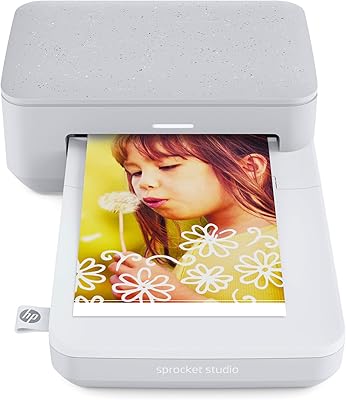
HP Sprocket Studio 4x6 Photo Printer
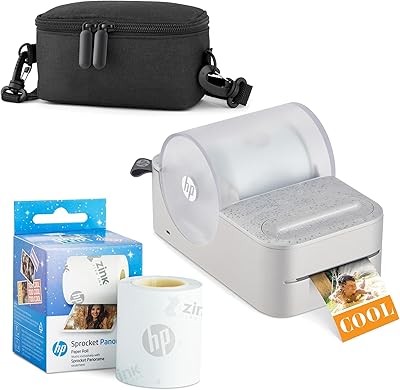
HP Sprocket Panorama Portable Photo Printer
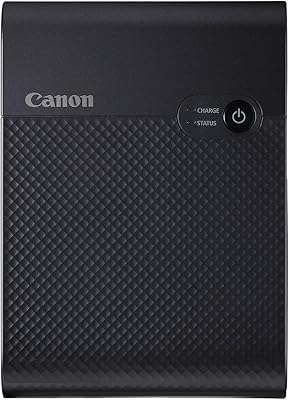
Canon SELPHY Square QX10 Portable Photo Printer
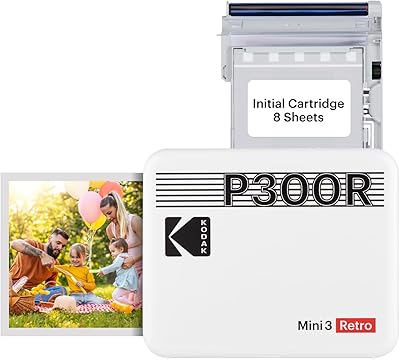
Kodak Mini 3 Retro Portable Photo Printer
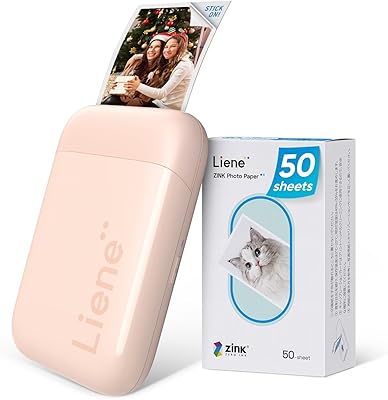
Liene ZPP110 2x3 Portable Instant Photo Printer
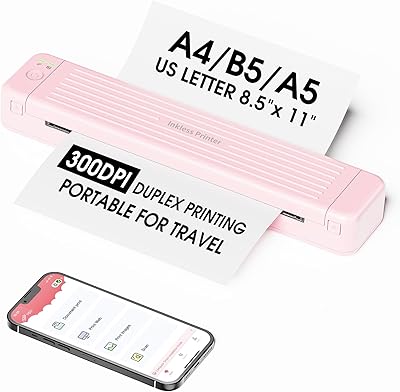
Zoolion P831 Portable Printer
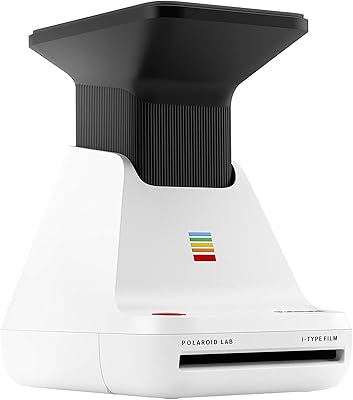
Polaroid Lab Instant Photo Printer