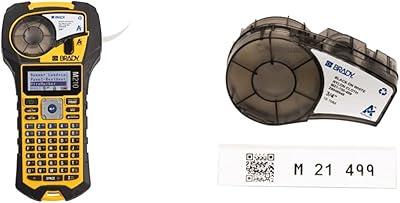
HP Sprocket Panorama Portable Photo Printer
Overview
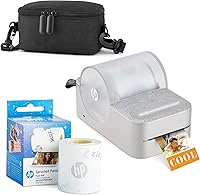
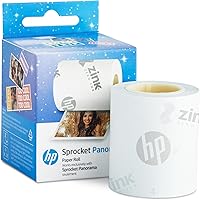
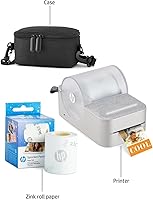
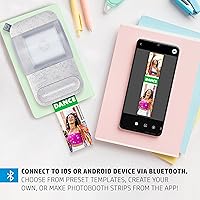
The HP Sprocket Panorama Portable Photo Printer is a palm-sized instant printer that trades ink cartridges for Zink Zero Ink technology, making it genuinely fuss-free to use anywhere. It prints on sticky-backed paper in variable lengths — anywhere from half an inch to a full 9 inches — so you can create photobooth strips, labels, or mini prints on demand. Everything runs through a Bluetooth connection to the companion app on iOS or Android. The starter bundle ships with a carrying case and a Zink paper roll, so you can start printing the moment it's charged. Think of it as a creative toy, not a document printer.
Features & Benefits
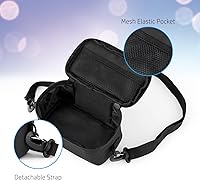
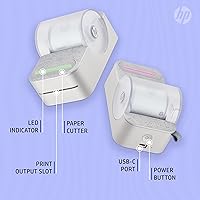
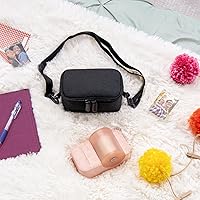
The real appeal of this pocket printer is that you never touch an ink cartridge. Zink paper has color crystals built right into its layers, activated by heat during printing, so the only consumable you manage is the paper roll itself. Prints come out glossy, smudge-resistant, and peel-and-stick ready — handy for decorating journals, personalizing notebooks, or just putting a photo somewhere it wouldn't normally live. The companion app adds a creative layer with filters, text, frames, and sticker overlays before you send anything to print. A USB-C port handles charging, and the bundled case keeps the roll, cable, and fresh prints organized in one spot.
Best For
This instant photo gadget really clicks with a specific crowd. Teens and young adults who are deep into bullet journaling, scrapbooking, or crafting will get the most mileage out of it — the strip format and sticky backing fit naturally into those hobbies. It also works surprisingly well as a party activity; hand it around at a birthday or sleepover and people immediately want to use it. Parents or teachers looking for a low-mess creative project for kids will appreciate how little setup it requires. If you want spontaneous printed memories without hauling a full-sized printer anywhere, this pocket printer punches above its weight for casual everyday fun.
User Feedback
With 330 ratings and a 3.8-star average, the Sprocket Panorama lands in that honest middle ground — people enjoy it, but it has real limitations. The most consistent praise centers on how fun and easy it is to get started; the app pairs quickly and the whole experience feels approachable even for kids. Where buyers push back is on print quality. At 300 dpi on 2-inch paper, outputs are fine for stickers and casual keepsakes but won't satisfy anyone expecting sharp, photo-realistic results. The other recurring friction is ongoing paper costs — Zink rolls aren't cheap, and that adds up. A handful of users also reported occasional Bluetooth pairing hiccups, though these appear minor rather than widespread.
Pros
- No ink cartridges ever — Zink technology keeps the whole experience clean and maintenance-free.
- Sticky-backed paper means every print is instantly usable as a sticker, label, or journal decoration.
- Variable print lengths up to 9 inches make photobooth-style strips easy to produce at home.
- The companion app is fast to set up and accessible enough for younger users to figure out independently.
- At just one pound, this pocket printer disappears into a bag without adding noticeable weight.
- The starter bundle includes a case and paper roll, so it is genuinely ready to use out of the box.
- USB-C charging means one less proprietary cable cluttering your bag.
- Prints are smudge-resistant and hold up well for casual decorative use in journals and scrapbooks.
- The photobooth strip format is a crowd-pleaser at parties and group hangouts with almost zero learning curve.
Cons
- Zink paper rolls are a recurring cost that many buyers underestimate before purchasing.
- 300 dpi resolution produces soft, low-detail prints that disappoint anyone used to standard photo quality.
- Bluetooth connection can drop or fail to re-pair after sleep mode, disrupting print sessions unexpectedly.
- The 2-inch paper width is a hard constraint — standard photo sizes are simply not possible.
- Battery life under heavy continuous use is shorter than most buyers expect, with no on-device indicator.
- Replacement Zink rolls for this specific format are not easy to find in physical retail stores.
- The app's creative template library feels thin after a few sessions and does not receive frequent updates.
- Prints can yellow or fade noticeably faster when exposed to direct sunlight over time.
- Paper jams occur when the Zink roll is loaded slightly off-center, which the included instructions do not warn against clearly.
Ratings
The HP Sprocket Panorama Portable Photo Printer earns a well-rounded but nuanced score based on AI analysis of verified global buyer reviews, with spam, bot activity, and incentivized feedback actively filtered out. Across hundreds of real-world experiences, this pocket printer consistently delights casual crafters while drawing measured criticism from anyone expecting professional-grade output. Both the genuine strengths and the recurring frustrations are reflected transparently in the scores below.
Portability & Form Factor
Print Quality
Zink Ink-Free Convenience
App Experience
Bluetooth Connectivity
Value for Money
Paper & Consumable Costs
Build Quality & Durability
Battery Life
Ease of Setup
Creative Versatility
Companion App Creative Tools
Portability of Supplies
Gifting Appeal
Suitable for:
The HP Sprocket Panorama Portable Photo Printer is genuinely well-suited to creative teens and young adults who treat printing as part of a hobby rather than a practical necessity — think bullet journalers who want custom stickers, scrapbookers who need variable-length photo strips, or craft-minded students decorating school projects. Party hosts will find real value here too; passing this pocket printer around at a birthday gathering or sleepover creates an instant activity that most guests find entertaining without any complicated setup. It also makes a strong gift for anyone aged roughly 10 to 25 who is into DIY aesthetics, since the bundle arrives complete enough to use immediately and the learning curve is nearly flat. Parents or teachers looking for a low-mess, low-stakes creative tool for group activities will appreciate how approachable the whole experience is. If your goal is fun, spontaneous, peel-and-stick photo memories rather than archival-quality prints, this instant photo gadget fits that niche comfortably.
Not suitable for:
Buyers expecting sharp, photo-realistic output will likely walk away disappointed — the Sprocket Panorama prints at 300 dpi on a 2-inch wide strip, and that ceiling becomes obvious the moment you compare results side by side with a Canon SELPHY or even a Fujifilm Instax printer. If you want standard wallet-sized or 4-by-6-inch prints, this format simply does not support them, and no app update will change that hardware constraint. Anyone who prints in high volume should also do the math on Zink paper roll costs upfront, because the per-sheet price adds up faster than most buyers anticipate, especially after a busy party where a group burns through a roll quickly. Users who need rock-solid wireless reliability for professional demonstrations or time-sensitive situations may find the occasional Bluetooth drop frustrating. And if the recipient is not genuinely interested in crafting or decorating, the novelty tends to wear off once the first paper roll runs out, leaving an underused gadget on a shelf.
Specifications
- Print Technology: Uses Zink Zero Ink technology, where color crystals are embedded directly into the paper and activated by heat, eliminating the need for ink cartridges, ribbons, or toners entirely.
- Paper Width: Prints exclusively on 2-inch wide Zink sticky-backed paper rolls, which is a fixed hardware constraint.
- Print Length: Supports variable print lengths ranging from 0.5 inches up to 9 inches, allowing everything from small sticker labels to full photobooth-style strips.
- Resolution: Maximum color and monochrome print resolution is 300 dpi, suitable for casual decorative use but not professional photo reproduction.
- Print Speed: Rated at 1 page per minute for both color and monochrome output, which reflects the thermal printing process rather than inkjet mechanics.
- Connectivity: Connects to smartphones and tablets exclusively via Bluetooth; there is no Wi-Fi or NFC pairing option.
- Compatibility: The companion HP Sprocket Panorama app is available for both Android and iOS devices.
- Hardware Interface: Charges via a USB Type-C port, compatible with modern universal cables and chargers.
- Internal Memory: Includes 64 MB of built-in memory for storing print jobs and app data directly on the device.
- Paper Capacity: The paper roll compartment holds a maximum of 10 sheets at a time before requiring a reload.
- Dimensions: The printer body measures 5.5″ deep by 3.25″ wide by 3.13″ tall, making it genuinely pocket- or purse-sized.
- Weight: The device weighs 1 pound, light enough to carry in a bag throughout a full day without inconvenience.
- Battery: Powered by a built-in Lithium Metal battery, which is included in the box and charged via USB-C rather than replaced.
- Print Finish: All Zink output is glossy and described by the manufacturer as smudge-proof and fade-resistant under normal indoor conditions.
- Paper Backing: Every print produced by this pocket printer features a peel-and-stick adhesive backing, making each output immediately usable as a sticker or label.
- Duplex Printing: Single-sided printing only; duplex or double-sided output is not supported by this device.
- Included Components: The starter bundle includes the printer itself, a protective carrying case with a mesh accessory pocket, and one Zink paper roll.
- Warranty: Covered by a limited manufacturer warranty from HP; specific duration and terms should be confirmed directly with HP support at the time of purchase.
- App Features: The companion app supports creative tools including filters, custom text overlays, decorative frames, and sticker designs prior to sending a print job.
- Output Type: Designed for print-only operation with no scanning, copying, or fax functionality of any kind.
Related Reviews
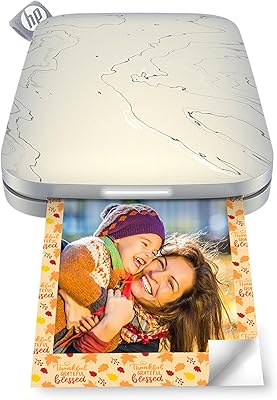
HP Sprocket Select Portable Photo Printer
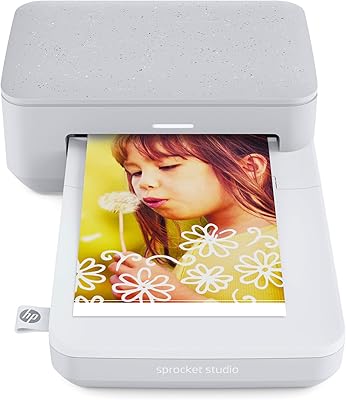
HP Sprocket Studio 4x6 Photo Printer
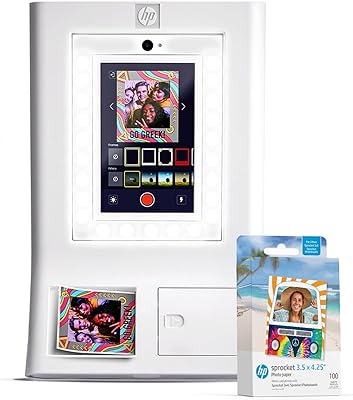
HP Sprocket Photo Booth Instant Photo Printer
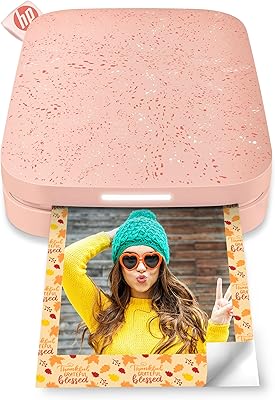
HP Sprocket 2nd Edition Portable Photo Printer
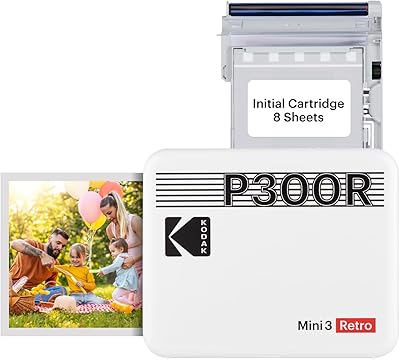
Kodak Mini 3 Retro Portable Photo Printer
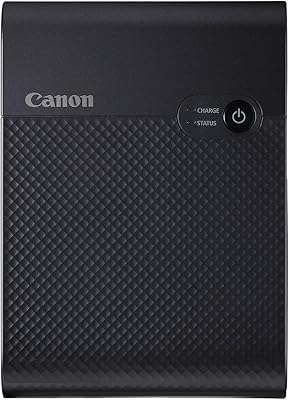
Canon SELPHY Square QX10 Portable Photo Printer
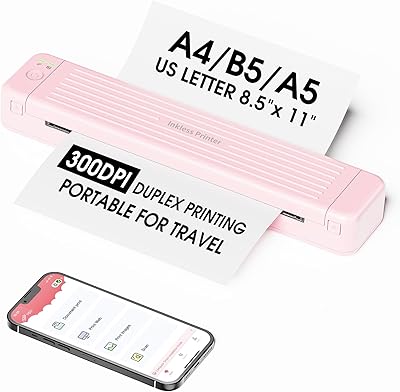
Zoolion P831 Portable Printer
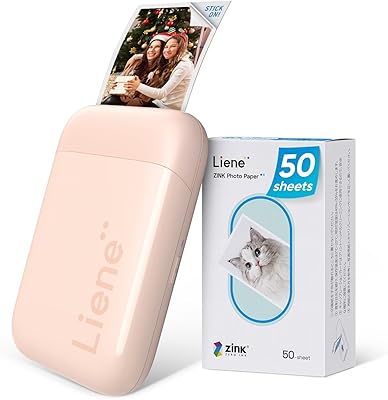
Liene ZPP110 2x3 Portable Instant Photo Printer
Rongta PN81 A4 Portable Thermal Printer