Overview
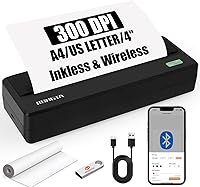
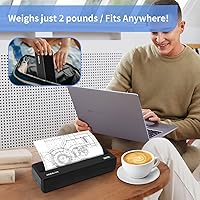
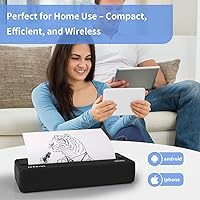
The Rongta PN81 A4 Portable Thermal Printer is one of those rare devices that actually delivers on its core promise: full-size document printing without the bulk of a traditional office printer. It runs entirely on thermal paper rolls — no ink cartridges, no toner, no ribbons to replace ever. That alone changes the ownership experience significantly. Bluetooth keeps things wireless for most use cases, while a USB-C port covers laptop and desktop users who prefer a wired connection. At a mid-range price, it sits in a sweet spot for students, remote workers, and anyone who needs occasional printing without committing to a full desktop setup.
Features & Benefits
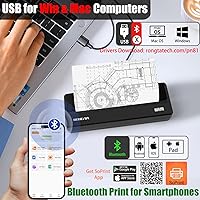
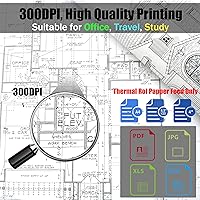
At 300 DPI resolution, the PN81 prints noticeably crisper text than the cheaper 203 DPI alternatives flooding the market — the difference is visible on anything with fine print or small fonts. The physical footprint is genuinely compact: roughly 10.6 inches wide and just over 2 inches tall, light enough to slide into a laptop bag without a second thought. Paper flexibility is a real plus, with support for widths ranging from narrow 2-inch receipt-style rolls up to full A4. The companion SoPrint app handles scanning, templates, and basic design work, though Bluetooth pairing must route through the app — direct OS-level printing is not supported.
Best For
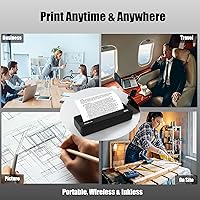
This inkless travel printer is a natural fit for students who need occasional hard copies of notes or assignments but refuse to deal with ink-related headaches. Remote workers printing contracts, invoices, or reference documents while away from a fixed office will appreciate how easily it packs. Space-constrained home users — think small apartments or shared desks — benefit from its slim profile too. Keep in mind, though, that output is strictly monochrome. If you regularly print photographs, color graphics, or marketing materials, this is simply not the right tool. It shines for text-heavy document printing where eliminating ongoing ink costs is the priority.
User Feedback
With a 4.3-star average across roughly 200 ratings, the PN81 earns mostly positive marks — buyers consistently praise the compact size and the relief of never purchasing ink again. Print clarity gets favorable mentions, particularly for documents and study notes. Where things get nuanced: some users report that the SoPrint app feels clunky during initial setup, and a handful note inconsistent Bluetooth pairing on first connection. Thermal paper sourcing is also worth factoring in — rolls are widely available and affordable, but it is an ongoing cost that plain-paper printer owners do not face. Print speed is acceptable for light use, though no one should expect office-grade throughput.
Pros
- Never buy an ink cartridge again — thermal technology eliminates that recurring cost and frustration entirely.
- Fits in a backpack or drawer without taking over your space, weighing just around 2 pounds.
- 300 DPI resolution prints sharp, legible text that holds up well on contracts and study documents.
- Works across Android, iOS, Windows, and macOS, so mixed-device households are fully covered.
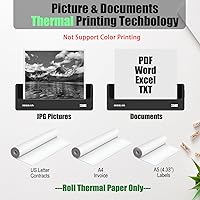
- Supports paper widths from 2-inch narrow rolls all the way up to full A4, adding real versatility.
- No warm-up time or maintenance cycles — the PN81 is ready to print the moment you need it.
- USB-C wired connection provides a reliable fallback when wireless pairing feels like too much friction.
- The SoPrint app includes scan-to-print functionality, which is a genuinely useful bonus for on-the-go use.
- No ink drying out during periods of inactivity — pick it up after weeks unused and it prints just fine.
Cons
- Bluetooth setup through SoPrint can be inconsistent, especially on first pairing with iOS devices.
- Print speed is modest — printing several pages back-to-back requires patience rather than urgency.
- Thermal paper rolls are an ongoing purchase that adds up, particularly for higher-volume users.
- The SoPrint app feels dated and has reported stability issues on certain Android versions.
- Output is strictly black and white — there is absolutely no color printing under any setting.
- No sheet-feed option; roll-only paper loading limits the paper types you can use.
- The plastic casing shows cosmetic wear relatively quickly for a device that travels frequently.
- Direct OS-level printing is not supported via Bluetooth — the app dependency is non-negotiable.
- Sourcing correct A4-width thermal rolls locally can be difficult depending on your region.
Ratings
The Rongta PN81 A4 Portable Thermal Printer has been scored across 12 key categories after our AI systems analyzed verified purchase reviews from buyers worldwide, actively filtering out incentivized, bot-generated, and spam feedback to surface what real users actually experience. Scores reflect both the genuine strengths that keep repeat buyers satisfied and the friction points that cause frustration — nothing is glossed over. The result is a balanced, data-driven picture of where this inkless travel printer earns its place and where it falls short.
Portability & Form Factor
Print Quality
Ink-Free Running Costs
Bluetooth Connectivity
App Experience (SoPrint)
Paper Compatibility & Flexibility
Setup & Ease of Use
Print Speed
Build Quality & Durability
Color Output
Value for Money
Device Compatibility
Suitable for:
The Rongta PN81 A4 Portable Thermal Printer is a genuinely practical choice for anyone whose printing needs are light, text-focused, and tied to a lifestyle that values mobility over volume. Students who want to print lecture notes, assignment drafts, or study materials without keeping a bulky inkjet on a cramped desk will find it fits naturally into their setup. Remote workers and digital nomads who occasionally need a hard copy of a contract, invoice, or reference document while working from hotels, co-working spaces, or client sites will appreciate how easily it slides into a laptop bag. Home users with limited desk or storage space also benefit — this is the kind of printer you can stash in a drawer and pull out when needed, rather than one that dominates a corner of the room permanently. Small business owners printing receipts, basic labels, or short internal documents will find the ongoing ink-free operation a welcome relief compared to the recurring cost and maintenance demands of traditional printers.
Not suitable for:
The Rongta PN81 A4 Portable Thermal Printer is a poor match for anyone who needs color output, high-volume printing, or a completely app-free experience. If your work regularly involves printing color presentations, marketing materials, product photos, or anything where visual fidelity matters, thermal monochrome printing will fall well short of your expectations — this is a hard technological limit, not a firmware issue that future updates can fix. Offices or households that print dozens of pages daily will find the modest print speed a real operational bottleneck, and the per-roll paper cost becomes less economical at higher volumes compared to a basic laser printer. Users who prefer printing directly from their operating system's native print dialog, without a third-party app in the middle, will also run into friction — Bluetooth printing is entirely dependent on the SoPrint app, which has received mixed reliability feedback. Anyone who needs duplex printing, color scanning, or copy functionality should look elsewhere entirely, as this device handles printing only.
Specifications
- Brand & Model: Manufactured by Rongta under the model designation PN81, part of the PN series of portable thermal printers.
- Print Technology: Uses direct thermal printing, which requires no ink, toner, or ribbons — only compatible thermal paper rolls.
- Print Resolution: Delivers 300 x 300 DPI monochrome output, providing sharper text clarity than the 203 DPI standard found in many competing portable printers.
- Max Paper Size: Supports full-size A4 and US Letter (8.5 x 11 inch) thermal paper rolls as its maximum printable width.
- Paper Widths: Compatible with multiple roll widths including 2-inch, 3-inch, 4-inch, and full A4 thermal paper, offering flexibility for receipts, labels, and full-page documents.
- Paper Style: Accepts roll paper only — there is no sheet-feed tray or cut-sheet paper support of any kind.
- Color Output: Prints in black and white only; thermal technology used in this device does not support color printing under any configuration.
- Connectivity: Supports wireless Bluetooth for smartphone and tablet use, plus a USB Type-C wired interface for connection to laptops and desktop computers.
- Compatible OS: Works with Windows, macOS, iOS, and Android operating systems, covering the majority of consumer devices in current use.
- Companion App: Pairs with the SoPrint application, available free on both Google Play and the Apple App Store, which is required for Bluetooth printing.
- Dimensions: Measures 10.63 inches wide, 3.78 inches deep, and 2.09 inches tall — slim enough to fit inside a standard laptop bag side pocket.
- Weight: Weighs approximately 2 pounds (946 g), making it light enough for regular transport without adding meaningful bulk to a travel bag.
- Duplex Printing: Supports simplex (single-sided) printing only; double-sided output is not available on this device.
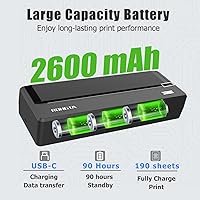
- Power Source: Powered by a 12V rechargeable battery, which is included in the box — no separate power purchase is required at setup.
- Input Capacity: Accepts up to 50 sheets worth of roll paper per load, with an output capacity rated at 100 sheets.
- Hardware Interface: Uses a USB Type-C port for wired data transfer and charging, consistent with modern device standards.
- Print Functions: Supports print-only operation; copying, scanning, and faxing are not built-in hardware functions on this device.
- Warranty: Covered under a limited manufacturer warranty, the specific duration of which should be confirmed directly with Rongta or the point of purchase.
Related Reviews
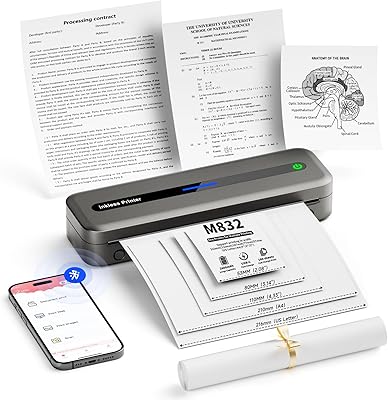
PhoFuta M832 Portable Wireless Thermal Printer
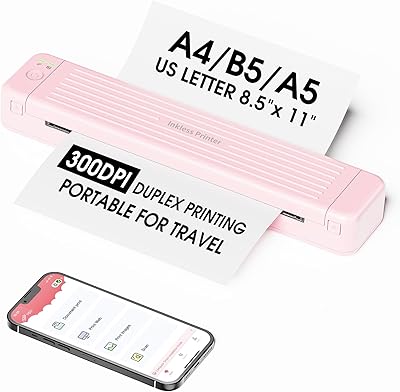
Zoolion P831 Portable Printer
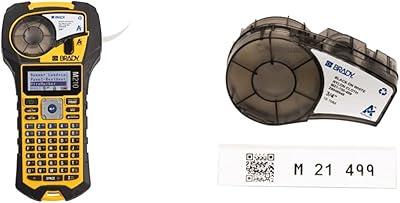
Brady M210 Portable Label Printer
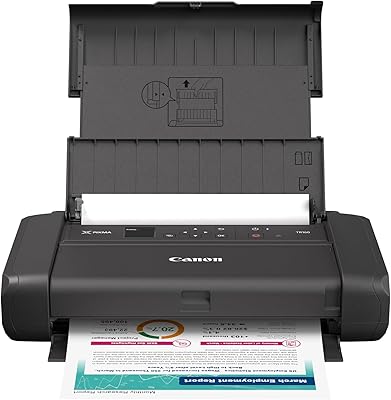
Canon PIXMA TR160 Portable Inkjet Printer
Canon SELPHY Square QX10 Portable Photo Printer
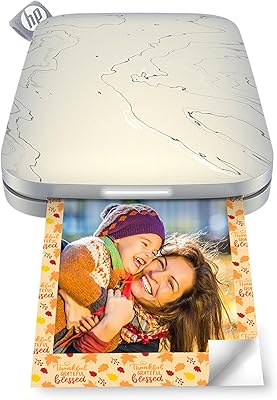
HP Sprocket Select Portable Photo Printer
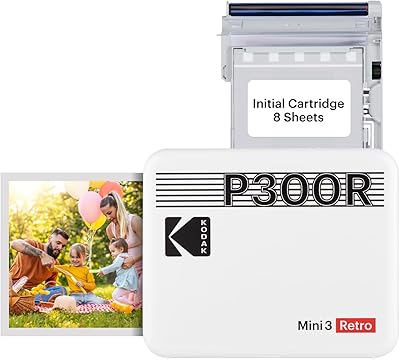
Kodak Mini 3 Retro Portable Photo Printer
Aiolo Innovation A4 2TB External Hard Drive
SereneLife Portable Massage Table