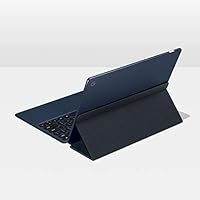
Google Pixel Slate 12.3-Inch 2-in-1 Tablet Intel Core m3 8GB RAM 64GB


Overview
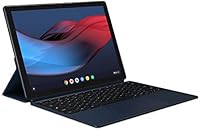
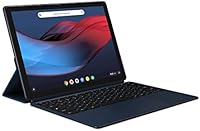
The Google Pixel Slate 12.3-Inch 2-in-1 Tablet Intel Core m3 8GB RAM 64GB is a versatile device designed to blend the best of a tablet and a laptop. This 12.3-inch display offers vibrant visuals with a high resolution of 3000x2000 pixels, making it an excellent choice for both work and entertainment. Powered by an Intel Core m3 processor, the tablet is equipped with 8GB of RAM and 64GB of storage, ensuring solid performance for most productivity tasks. It runs on Chrome OS, giving you seamless integration with Google's ecosystem. With up to 10 hours of battery life, it’s a reliable device for all-day use.
Features & Benefits
The Google Pixel Slate delivers an impressive set of features tailored for multitaskers and entertainment enthusiasts. Its 12.3-inch touch screen makes navigating through apps and content a joy, providing sharp and vibrant visuals. Dual front-firing speakers enhance the audio experience, perfect for streaming or video calls. The device also supports advanced multitasking with split-screen and multi-window functionalities. Automatic updates ensure the tablet stays secure and up-to-date. Plus, the integrated wide-angle webcam is ideal for clear video chats, even in less-than-ideal lighting conditions.
Best For
This 2-in-1 tablet is best suited for users looking for a portable, lightweight device with the versatility of both a tablet and a laptop. It’s an excellent choice for those who rely on Google’s suite of productivity apps, like Docs and Sheets, while enjoying casual entertainment like streaming and browsing. The Pixel Slate is a solid option for students and professionals in need of a compact, all-day work companion. Its long battery life and easy portability make it perfect for on-the-go use, though it may not be the ideal fit for power users who need more robust software support.
User Feedback
Users generally praise the Google Pixel Slate for its sharp display and smooth performance, especially for light to moderate tasks like browsing and document editing. The vibrant screen and solid speakers are often highlighted as standout features. However, the lack of a keyboard and stylus in the package is a common complaint, as these are essential for some users. Battery life tends to be more than adequate for casual use but can drain faster with intensive tasks. While Chrome OS provides a smooth experience, some users note that it lacks compatibility with traditional desktop software, limiting its use for certain workflows.
Pros
- This 2-in-1 tablet offers a crisp 12.3-inch 3000x2000 resolution display, making it great for productivity and casual entertainment.
- The Intel Core m3 processor combined with 8GB RAM ensures smooth performance for everyday tasks like browsing, document editing, and streaming.
- Battery life is impressive, lasting up to 10 hours for typical usage, making it ideal for full-day work or study sessions without needing to recharge.
- Dual front-firing speakers provide decent sound quality, making it enjoyable for watching videos or listening to music.
- Weighing only 1.59 pounds, this device is light and portable, perfect for on-the-go users who need something compact.
- Chrome OS offers seamless integration with Google apps, making this tablet ideal for users who rely on Google Docs, Sheets, and Drive.
Cons
- The absence of a keyboard and stylus in the package may require additional purchases for users seeking a full laptop replacement.
- Chrome OS lacks support for some traditional desktop software, limiting compatibility with non-Google applications.
- While performance is suitable for light to moderate tasks, this device may struggle with more demanding applications like video editing or gaming.
- Some users report that the battery drains quicker when using more power-intensive apps, especially during extended periods of heavy use.
- The limited 64GB storage may not be sufficient for users who need to store large files or run many apps simultaneously.
- This device lacks a traditional operating system, which might be an issue for users who prefer more flexibility and control over their software environment.
Ratings
After analyzing verified user reviews from multiple platforms and languages, the ratings for the Google Pixel Slate 12.3-Inch 2-in-1 Tablet Intel Core m3 8GB RAM 64GB reflect a balanced mix of strengths and areas for improvement. Only high-quality, authentic feedback has been included, ensuring a genuine representation of this device's performance. Both the positive aspects and the challenges users face with this product are captured in these scores, offering a comprehensive view for potential buyers.
Display Quality
Battery Life
Performance for Productivity
Build Quality
Multitasking Experience
Audio Quality
Webcam Performance
Software & OS Experience
Portability & Weight
Value for Money
Compatibility with Apps
Keyboard & Stylus Availability
Suitable for:
The Google Pixel Slate 12.3-Inch 2-in-1 Tablet Intel Core m3 8GB RAM 64GB is ideal for students and professionals who need a compact, portable device for everyday productivity tasks. Its lightweight design, long-lasting battery, and smooth integration with the Google ecosystem make it an excellent choice for users who rely on Google Docs, Sheets, and other cloud-based tools. The 12.3-inch touch screen also makes it a great option for casual entertainment, such as streaming videos or browsing the web. With its multitasking features and up to 10 hours of battery life, this device suits individuals who prioritize mobility and ease of use without requiring heavy computing power.
Not suitable for:
This device may not be the best choice for users who need robust performance for demanding applications. While it handles everyday tasks well, those who require high-end computing power for video editing, graphic design, or gaming may find it lacking. The absence of a traditional laptop operating system and limited software compatibility, especially with non-Google apps, can also be a significant downside for professionals accustomed to desktop environments. Additionally, the lack of a keyboard and stylus in the package may be a deal-breaker for users looking for a complete all-in-one solution right out of the box.
Specifications
- Display: 12.3-inch molecular display with a resolution of 3000x2000 for sharp, vibrant visuals.
- Processor: Powered by an Intel Core m3 processor, offering efficient performance for everyday tasks.
- RAM: 8GB of RAM to handle multiple applications and browsing tabs smoothly.
- Storage: 64GB of SSD storage, providing fast data access and space for essential apps and files.
- Battery Life: Up to 10 hours of battery life for general tasks like browsing, streaming, and productivity.
- Operating System: Runs Chrome OS, designed for a seamless Google ecosystem experience.
- Audio: Dual front-firing speakers for enhanced sound quality during media consumption.
- Webcam: Integrated 2MP front webcam with a wide-angle lens for clear video calls.
- Rear Camera: 8MP rear camera for taking high-quality photos and videos.
- Ports: Equipped with two USB-C ports for fast data transfer and charging.
- Weight: Weighs 1.59 pounds, making it highly portable and easy to carry.
- Dimensions: Measures 11.45 x 7.95 x 0.28 inches, providing a compact form factor.
- Keyboard and Stylus: Keyboard and stylus are sold separately, allowing for customization based on user needs.
- Connectivity: Supports Wi-Fi and Bluetooth for wireless connectivity to networks and peripherals.
- Multitasking: Supports split-screen and multi-window features for efficient multitasking.
- Security Updates: Automatic updates ensure improved functionality and security over time.
- Software Compatibility: Runs Chrome OS, which may not support some traditional desktop software.
- Build Quality: Lightweight and durable construction, suitable for everyday use and portability.
- Camera Features: The 8MP rear camera and 2MP front camera offer high-quality imaging for both photos and video calls.
Related Reviews
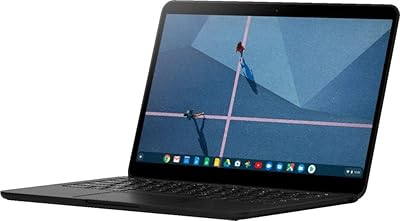
Google Pixelbook Go 13.3″ Chromebook
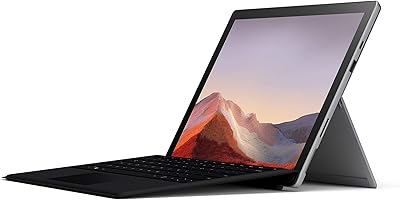
Microsoft Surface Pro 7 2-in-1 Tablet
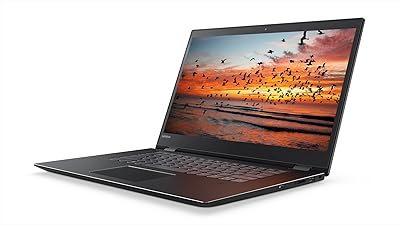
Lenovo Flex 5 15.6-inch 2-in-1 Laptop
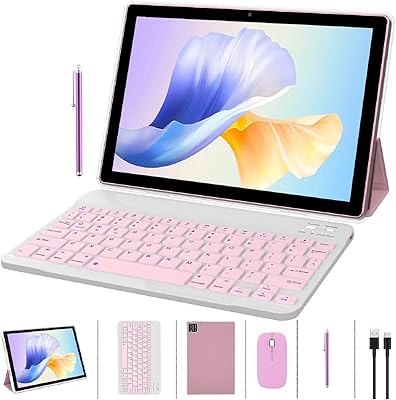
ZZB CP20 10-inch Android Tablet
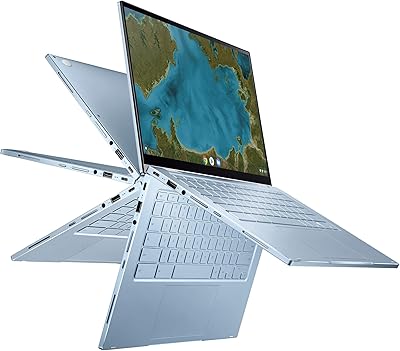
ASUS Chromebook Flip C433 14″ 2-in-1 Laptop
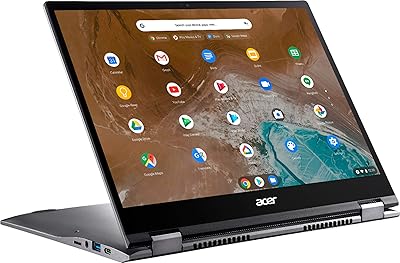
Acer Chromebook Spin 713 2-in-1, Intel Core i5-10210U, 8GB RAM, 128GB SSD
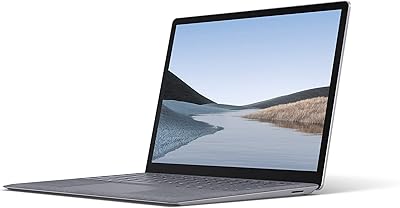
Microsoft Surface Laptop 3 13.5″ Laptop
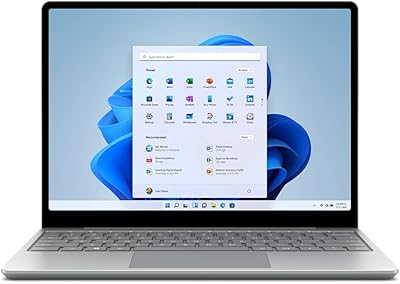
Microsoft Surface Laptop Go 2 - 12.4″, Intel Core i5, 8GB RAM, 256GB SSD
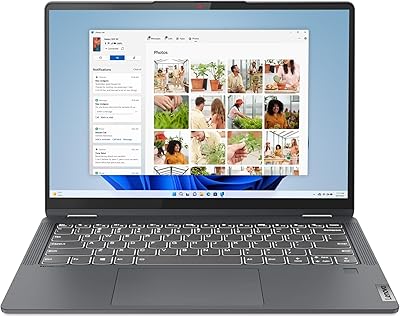
Lenovo IdeaPad Flex 5i 14″ 2-in-1 Laptop, Intel Core i3, 8GB RAM, 256GB SSD