Overview
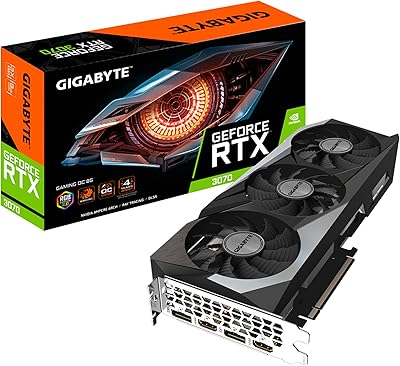
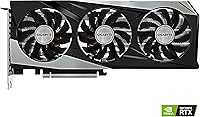
The GIGABYTE RTX 3060 Ti Gaming OC GPU occupies a genuinely interesting position in the RTX 30-series lineup — capable enough for serious 1440p gaming, yet not priced at the stratospheric level of NVIDIA's top-tier cards. The Ti distinction matters here; it pushes well past the base 3060 in raw raster throughput, closing the gap with the 3070 without quite matching it. This REV3.0 revision carries the LHR designation, which throttles mining performance — irrelevant for most gamers but worth knowing if you had other plans. The triple-fan WINDFORCE cooling setup immediately differentiates it from reference designs. Expectations should stay grounded: this is a strong mid-to-high performer, not a flagship.
Features & Benefits
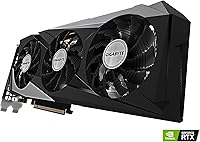
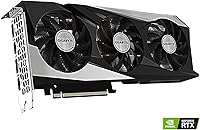
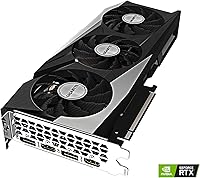
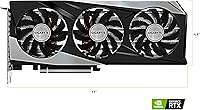
The 3X WINDFORCE cooling is arguably the most tangible upgrade over reference RTX 3060 Ti cards. GIGABYTE alternates fan spin direction to cut turbulence and improve airflow across the heatsink, and users consistently report the card runs quiet even under sustained loads. The 8GB of GDDR6 memory on a 256-bit bus at 14,000 MHz is genuinely adequate for high-texture 1440p workloads — not excessive, but not a bottleneck either. Ampere's 2nd-gen RT Cores bring ray tracing into reach, though enabling it at high resolutions will cost frames; DLSS helps recover some of that loss. At 11.06 inches long, it slots into standard mid-tower cases without drama, and the factory overclock adds a small but real edge out of the box.
Best For
This RTX 3060 Ti is built for the 1440p sweet spot — anyone chasing high frame rates in demanding titles without committing to a flagship-tier budget will find it delivers where it counts. It also works well for prosumer creators doing GPU-accelerated video encoding or light 3D rendering, where VRAM and CUDA core count matter more than bragging rights. Upgraders moving from aging GTX 10-series or RX 580-era hardware will feel the generational jump immediately. One practical note worth flagging: make sure your power supply is rated for at least 650W, because this card draws real wattage under load. If your case accommodates an 11-inch card, installation should be painless.
User Feedback
Across roughly 180 ratings, the GIGABYTE Gaming OC card holds a 4.4-star average — a number that reflects broad, genuine satisfaction rather than a cluster of outliers. Buyers frequently praise its thermal performance, noting it stays cool and impressively quiet during extended sessions, which tracks with what the triple-fan design is designed to do. The stable factory overclock also earns consistent mention as an effortless bonus. On the downside, some owners flag higher power draw than they anticipated, and a handful express frustration with the LHR cap when attempting compute tasks beyond gaming. Long-term reliability feedback skews positive, with RMA mentions being rare, though opinions on GIGABYTE's AORUS Engine companion software remain noticeably mixed.
Pros
- Handles 1440p gaming at high settings with genuine competence across a wide range of modern titles.
- The 3X WINDFORCE cooling system keeps temperatures in check even during extended gaming sessions.
- Runs noticeably quieter under load than many competing dual-fan designs at this tier.
- Factory overclock delivers a real-world edge over reference cards without any manual tuning required.
- DLSS support meaningfully extends performance headroom in supported titles at higher resolutions.
- Fits comfortably in standard mid-tower cases at just over 11 inches in length.
- Strong generational leap for anyone upgrading from GTX 10-series or RX 500-series hardware.
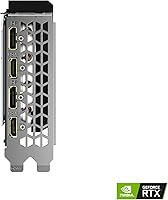
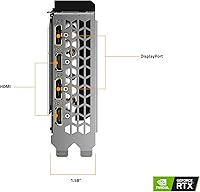
- HDMI and DisplayPort outputs support multi-monitor setups without needing an adapter.
- Holds a 4.4-star average across 180 ratings, reflecting consistently positive long-term ownership experiences.
- 2nd-gen RT Cores bring ray tracing into reach for titles where moderate quality settings are acceptable.
Cons
- 8GB of VRAM starts to feel limiting in the most texture-heavy games at high resolutions.
- Ray tracing at 1440p or above comes with a steep frame rate penalty that DLSS only partially offsets.
- Requires a quality PSU of at least 650W — an additional cost many builders underestimate.
- LHR restrictions make this card a poor fit for GPU compute tasks outside of gaming.
- Pricing relative to newer-generation alternatives has made value harder to justify as the market shifts.
- GIGABYTE AORUS Engine software receives consistently mixed feedback and occasional stability complaints.
- No future VRAM upgrade path — 8GB is the ceiling, and some modern titles are already pushing against it.
- Heavier than compact single or dual-fan alternatives at 2.9 pounds, which may affect vertical GPU mount setups.
Ratings
The scores below reflect an AI-driven analysis of verified global buyer reviews for the GIGABYTE RTX 3060 Ti Gaming OC GPU, with spam, incentivized submissions, and bot activity actively filtered out before scoring. Each category captures both the consistent praise and the recurring frustrations real owners have reported, so you get an honest picture rather than a curated highlight reel. Strengths are credited where earned, and pain points are surfaced without being softened.
Gaming Performance
Thermal Performance
Noise Level
Ray Tracing Capability
VRAM Adequacy
Factory Overclock
Build & Construction
Installation Ease
Power Efficiency
DLSS Quality
Value for Money
Software Experience
Long-term Reliability
Multi-Monitor Support
Suitable for:
The GIGABYTE RTX 3060 Ti Gaming OC GPU is squarely aimed at gamers who want to play demanding titles at 1440p with high settings and smooth frame rates, without spending flagship money to get there. If you are coming from a GTX 1060, GTX 1070, or an RX 580-era card, the performance jump here is substantial and immediately felt across virtually every game in your library. Prosumer content creators who do GPU-accelerated video encoding, light 3D rendering, or photo editing will also find this Ampere-based GPU punches well above what older mid-range cards could offer. DLSS support is a genuine bonus — in titles that implement it well, you recover meaningful frame rates at higher resolutions without a visible quality penalty. PC builders working with standard mid-tower cases will appreciate that the card fits without requiring case modifications, and the triple-fan cooling means you are not sacrificing thermals for that fit.
Not suitable for:
The GIGABYTE RTX 3060 Ti Gaming OC GPU is not the right pick for buyers whose primary goal is running games at native 4K with ray tracing enabled — the 8GB VRAM ceiling and the real-world frame rate cost of RT at that resolution make it a frustrating experience rather than an impressive one. Anyone planning to use their GPU for heavy compute workloads — including certain machine learning tasks or GPU-accelerated simulations — should know the LHR designation limits throughput in those scenarios, which may be a dealbreaker depending on the workload. Power-conscious builders or those running a budget PSU under 650W should factor in an upgrade to their power supply before committing to this card. If you are already gaming on a capable RTX 30-series card like a 3070 or higher, this RTX 3060 Ti represents a step down, not a lateral move worth making. Finally, buyers hoping to use GIGABYTE's AORUS Engine companion software as a core part of their experience should temper expectations — user sentiment around that software is decidedly mixed.
Specifications
- GPU: Powered by the NVIDIA GeForce RTX 3060 Ti, built on the Ampere architecture for strong raster and ray tracing performance.
- VRAM: Equipped with 8GB of GDDR6 memory running at 14,000 MHz on a 256-bit interface.
- Architecture: NVIDIA Ampere architecture featuring 2nd-generation RT Cores and 3rd-generation Tensor Cores.
- Cooling System: Triple WINDFORCE fans with alternating spin directions to minimize turbulence and improve heat dissipation across the heatsink.
- Form Factor: Standard ATX form factor, measuring 11.06 x 4.61 x 1.57 inches and compatible with most mid-tower PC cases.
- Weight: The card weighs 2.9 pounds, which is typical for a triple-fan design of this class.
- Display Outputs: Includes HDMI and DisplayPort outputs, supporting multi-monitor configurations at resolutions up to 7680x4320.
- Max Resolution: Officially supports up to 7680x4320 (8K), though practical gaming performance is best targeted at 1080p or 1440p.
- Factory OC: Ships with a factory overclock applied out of the box, providing a modest but genuine boost over NVIDIA reference clock speeds.
- Revision: This is the REV3.0 revision of the Gaming OC PRO model, reflecting a hardware update from earlier production runs.
- Hash Rate Limiter: Includes NVIDIA's Lite Hash Rate (LHR) limiter, which reduces performance in cryptocurrency mining workloads.
- Power Requirement: A quality power supply rated at a minimum of 650W is strongly recommended to ensure stable operation under full load.
- Memory Bus: Uses a 256-bit memory bus, enabling sufficient bandwidth for high-texture workloads at 1440p resolution.
- Brand: Manufactured by GIGABYTE, a well-established Taiwanese hardware brand with a broad global GPU lineup.
- Model Number: The official model designation is GV-N306TGAMINGOC PRO-8GD REV3.0.
- Amazon Rating: Holds a 4.4 out of 5 star average across 180 customer ratings on Amazon as of the time of this review.
Related Reviews
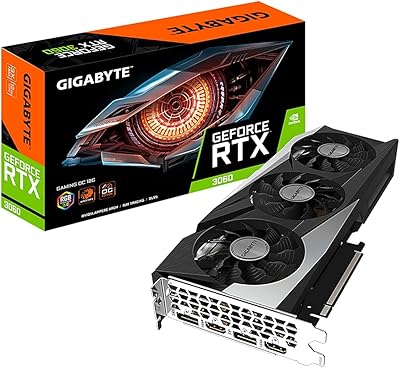
GIGABYTE GeForce RTX 3060 Gaming OC 12G
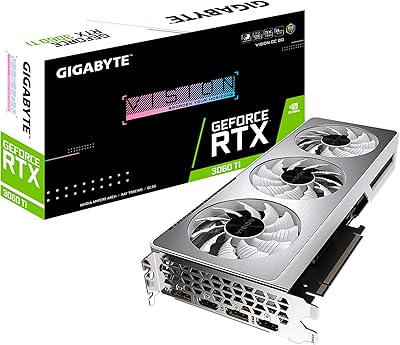
GIGABYTE RTX 3060 Ti Vision OC GPU
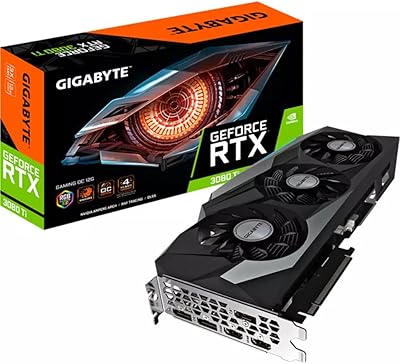
Gigabyte RTX 3080 Ti Gaming OC Graphics Card
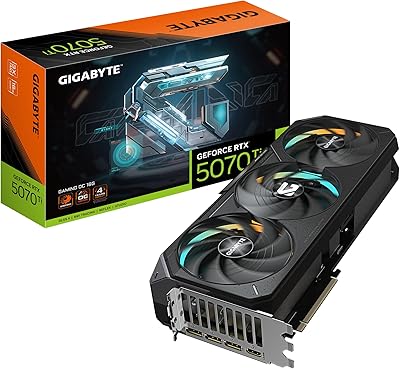
GIGABYTE GeForce RTX 5070 Ti Gaming OC 16G

GIGABYTE GeForce RTX 4060 Ti Gaming OC 8GB Graphics Card
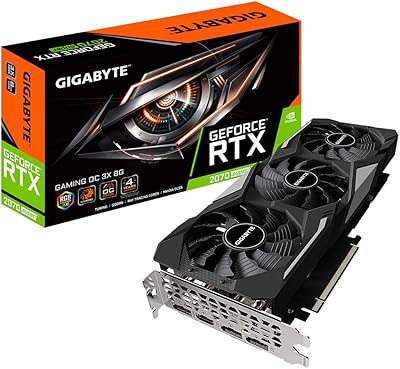
Gigabyte RTX 2070 Super Gaming OC Graphics Card
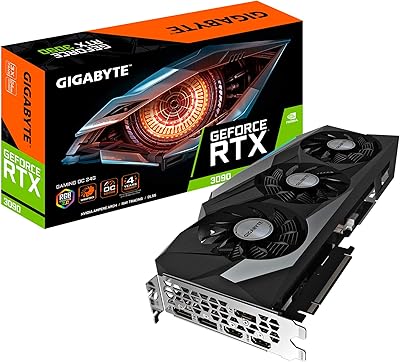
Gigabyte GeForce RTX 3090 Gaming OC 24GB Graphics Card
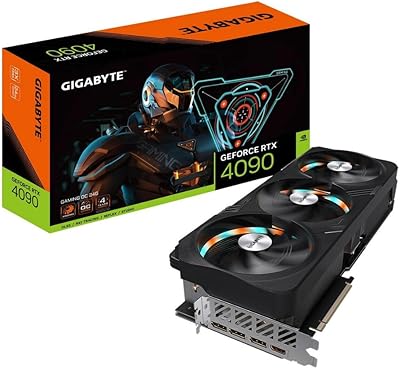
Gigabyte GeForce RTX 4090 Gaming OC 24GB
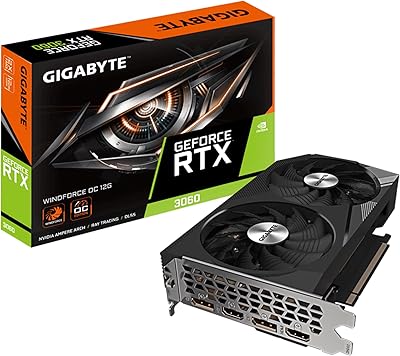
GIGABYTE GeForce RTX 3060 WINDFORCE OC 12GB Graphics Card