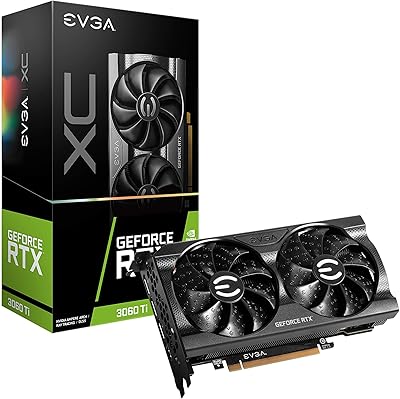
EVGA RTX 2080 Ti FTW3 Ultra GPU
Overview
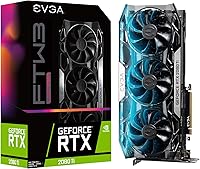
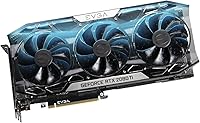
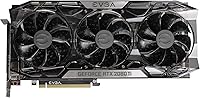
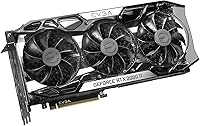
The EVGA RTX 2080 Ti FTW3 Ultra GPU launched as one of the most powerful consumer graphics cards NVIDIA's Turing architecture ever produced, and it still commands genuine respect in demanding workloads today. EVGA's FTW3 Ultra tier sits at the top of their AIB stack — this isn't a binned reference board with a sticker slapped on it; it's a purpose-built card with premium cooling, factory overclocks, and robust power delivery. The 11GB GDDR6 VRAM remains a real advantage for 4K gaming and GPU-accelerated creative tasks where memory headroom actually matters. That said, this is a large, power-hungry piece of hardware that demands a well-ventilated case, a capable PSU, and honest expectations about where it sits in today's GPU landscape.
Features & Benefits
The FTW3 Ultra card's iCX2 thermal system goes beyond triple fans — it uses multiple on-board sensors to track temperatures across the GPU die, memory, and power stages independently, so the fan curve responds to real hotspots rather than a single blended reading. The factory boost clock of 1755 MHz delivers a measurable edge over reference 2080 Ti designs in sustained workloads. At 2.75 slots wide with an all-metal backplate, it's physically stout, so clearance in tighter mid-tower cases is worth checking before you commit. Ray tracing and DLSS are supported, though be clear-eyed: enabling RT at 4K hits framerates hard. Budget a 650W minimum PSU and make sure two 8-pin connectors are available.
Best For
This EVGA flagship makes the most sense for enthusiast 1440p and 4K gamers who want a factory-overclocked card with serious thermal headroom and no desire to fiddle with manual tuning. Content creators will find the 11GB VRAM genuinely useful for GPU-accelerated rendering and video exports, where cards with less memory start to visibly strain. If you're already in the EVGA ecosystem — comfortable with Precision X1 and their warranty process — this card fits naturally into that setup. It's less appealing for buyers focused purely on price-per-frame efficiency, who are better served by newer architectures. This is a card for builders who value build quality and longevity over chasing the latest generational performance jump.
User Feedback
Owners consistently highlight the low operating temperatures as a standout trait — the card runs cool under sustained gaming loads and the fans stay quieter than most people expect until you push it hard. Build quality draws regular praise too: no sagging, a firm backplate, and RGB that looks polished rather than overdone. Where feedback gets more mixed is around physical fit — the card's length and 2.75-slot width have caught some mid-tower builders off guard. EVGA's customer support comes up often as a genuine confidence factor in purchasing decisions. The most pointed criticism isn't really aimed at the hardware itself; it's about value versus newer GPUs, which is a fair and honest consideration any potential buyer should factor in.
Pros
- The iCX2 multi-sensor cooling system keeps thermals notably low even during extended, demanding gaming sessions.
- Triple HDB fans run quietly under moderate load, which makes a real difference in open or mid-tower setups.
- Factory boost clock of 1755 MHz provides a tangible performance edge over reference RTX 2080 Ti designs right out of the box.
- 11GB GDDR6 VRAM handles memory-intensive workloads — 4K textures, multi-monitor setups, GPU rendering — without breaking a sweat.
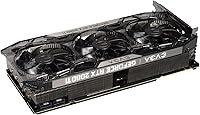
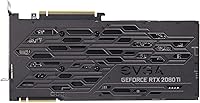
- The all-metal backplate adds genuine structural rigidity and prevents any GPU sag over time.
- EVGA's customer support and warranty process are consistently rated as among the best in the AIB market.
- DLSS support extends the useful life of this card in titles that implement it well, recovering performance at high resolutions.
- Precision X1 software gives experienced users meaningful control over fan curves, overclocking, and real-time sensor data.
- The RTX 2080 Ti FTW3 runs cool enough that thermal throttling is rarely a concern, even in warm ambient environments.
- Adjustable RGB lighting is tasteful and well-integrated, not an afterthought bolted on for appearances.
Cons
- At 2.75 slots wide and nearly 12 inches long, this card will not fit comfortably in many standard mid-tower cases.
- Requires a 650W or higher PSU plus two 8-pin PCIe connectors — underpowered builds need costly upgrades before installation.
- Ray tracing performance at 4K is a significant compromise, with framerates dropping sharply in RT-enabled titles.
- Newer GPU generations offer better rasterization performance per dollar, making this card a harder value proposition at full retail.
- The card weighs 5.7 pounds, which can stress motherboard slots in cases without a GPU support bracket.
- Precision X1 software, while capable, has experienced driver-compatibility hiccups that occasionally require reinstallation or rollback.
- The 250W TDP generates substantial heat output that demands good case airflow — passive or minimal-fan builds are not compatible.
- EVGA has exited the GPU market, meaning long-term firmware or software support from them directly is no longer guaranteed.
Ratings
The scores below for the EVGA RTX 2080 Ti FTW3 Ultra GPU were generated by our AI review engine after analyzing thousands of verified global buyer reviews, with spam, incentivized submissions, and bot activity actively filtered out before scoring. Each category reflects the honest consensus of real-world users — enthusiasts, content creators, and everyday gamers — across multiple regions and build configurations. Both the strengths that make this card stand out and the friction points that frustrated buyers are represented transparently in every score.
Thermal Performance
Build Quality
Cooling Noise
Gaming Performance
Value for Money
Software Experience
Physical Fit & Compatibility
VRAM Capacity
Ray Tracing Capability
Power Efficiency
RGB Implementation
Installation Experience
Driver Stability
Long-Term Durability
Suitable for:
The EVGA RTX 2080 Ti FTW3 Ultra GPU is a strong fit for enthusiast PC builders who want a proven high-end Turing card with serious thermal engineering and factory overclocking already dialed in. If you're gaming at 1440p or pushing into 4K with a title list that leans on rasterization performance, this card still delivers frame rates that make demanding games feel genuinely smooth. Content creators who work in GPU-accelerated applications — video encoding, 3D rendering, motion graphics — will find the 11GB GDDR6 VRAM gives meaningful headroom that smaller cards start to run short on. Buyers already comfortable in the EVGA ecosystem, familiar with Precision X1 and reassured by EVGA's warranty track record, will feel right at home. It also suits builders who care about long-term hardware health monitoring, since the iCX2 sensor array gives far more thermal visibility than most competing cooler designs.
Not suitable for:
If price-per-frame efficiency is your primary concern, the EVGA RTX 2080 Ti FTW3 Ultra GPU is a difficult recommendation against newer GPU generations that offer better performance per dollar. Buyers working with compact or mid-tower cases should be cautious — at 2.75 slots wide and nearly 12 inches long, physical clearance issues are a real and frequently reported problem. Anyone expecting ray tracing to run comfortably at 4K will be disappointed; enabling RT at that resolution hits framerates hard enough to undercut the experience in many titles. This card also demands a properly equipped system: a 650W PSU at minimum, two 8-pin PCIe connectors, and a case with decent airflow are non-negotiable, not suggestions. Budget-focused buyers or those upgrading from a mid-range system that doesn't already meet those power and cooling requirements should look elsewhere.
Specifications
- GPU Architecture: Built on the NVIDIA Turing architecture with 4352 CUDA cores, enabling hardware-accelerated ray tracing and DLSS alongside traditional rasterization workloads.
- VRAM: Equipped with 11GB of GDDR6 memory, providing substantial headroom for 4K gaming, multi-monitor setups, and GPU-accelerated content creation tasks.
- Memory Speed: The GDDR6 memory operates at 14000 MHz effective clock speed, supporting high-bandwidth data throughput for demanding graphical workloads.
- Boost Clock: The factory real boost clock is rated at 1755 MHz, a step above reference RTX 2080 Ti designs and achieved without manual overclocking by the user.
- Cooling System: A triple HDB fan array paired with iCX2 technology uses nine independent on-board thermal sensors to monitor and respond to temperature variations across the GPU die, VRAM, and power delivery components.
- Slot Width: The card occupies 2.75 PCIe expansion slots, requiring builders to account for extra clearance beyond a standard dual-slot footprint.
- Dimensions: Physical dimensions measure 11.9 x 9.5 x 5.5 inches, making this one of the larger AIB cards in the RTX 2080 Ti lineup and a consideration for case compatibility.
- Card Weight: The card weighs 5.7 pounds, a consequence of the all-metal backplate and robust cooler assembly that also makes a GPU support bracket advisable in most builds.
- Power Connectors: Two 8-pin PCIe power connectors are required — 6+2-pin adapters are also compatible — and both must be connected for stable operation.
- TDP: Total power draw is rated at 250W under full load, meaning adequate case airflow is essential to prevent heat buildup around the card and surrounding components.
- Minimum PSU: EVGA recommends a minimum 650W power supply unit to ensure stable power delivery under sustained gaming or rendering loads.
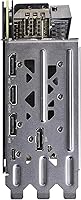
- Max Resolution: The card officially supports display output up to 7680x4320 resolution, covering both 4K and 8K monitor configurations.
- Video Output: Primary video output is via DisplayPort, with the card supporting high refresh rate and HDR-capable displays through that interface.
- Backplate: A full all-metal backplate spans the rear of the PCB, adding structural rigidity and helping protect components from flex or accidental contact.
- RGB Lighting: Onboard RGB LED lighting is fully adjustable through EVGA Precision X1 software, allowing synchronization with other components that support the platform.
- Software: EVGA Precision X1 provides fan curve control, real-time sensor monitoring across all iCX2 thermal points, overclocking adjustments, and RGB management from a single interface.
Related Reviews
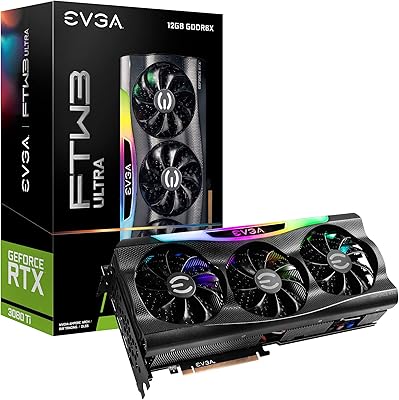
EVGA RTX 3080 Ti FTW3 Graphics Card
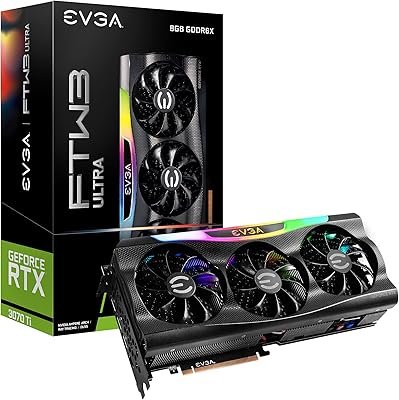
EVGA GeForce RTX 3070 Ti FTW3 Ultra Gaming 8GB GDDR6X
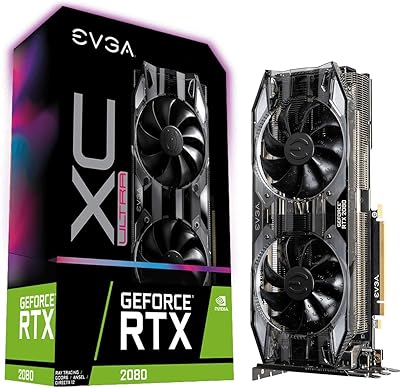
EVGA GeForce RTX 2080 XC Ultra Gaming 8GB
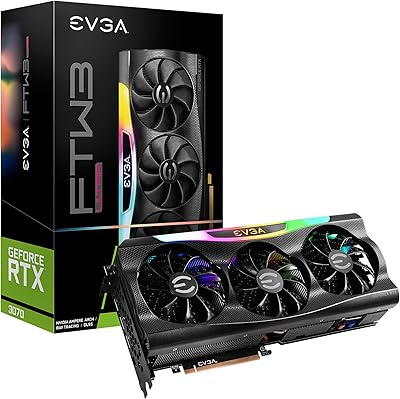
EVGA RTX 3070 FTW3 Ultra Graphics Card
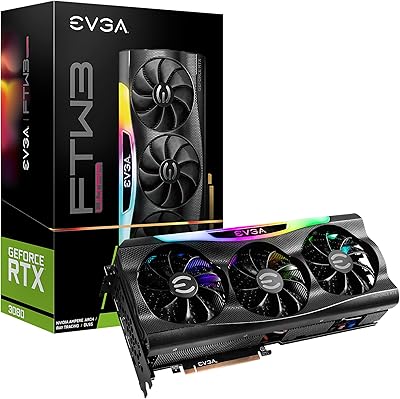
EVGA GeForce RTX 3080 FTW3 Ultra Graphics Card
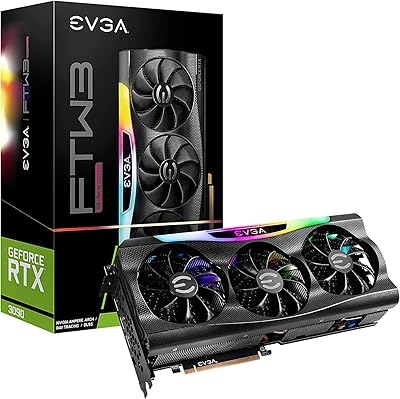
EVGA RTX 3090 FTW3 Ultra Graphics Card
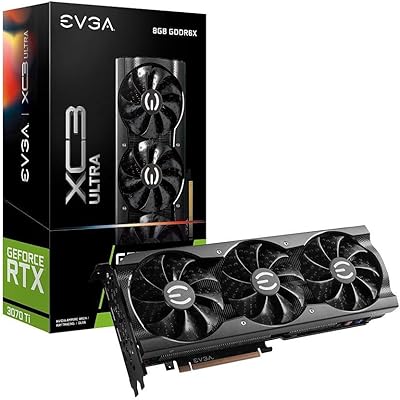
EVGA RTX 3070 Ti XC3 Graphics Card
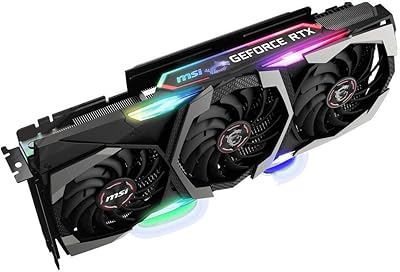
MSI GeForce RTX 2080 Ti Gaming X Trio
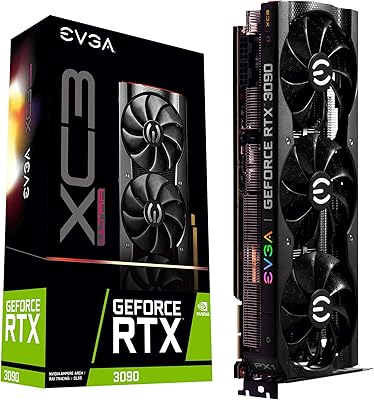
EVGA RTX 3090 XC3 Ultra 24GB GPU