Elgato Stream Deck Neo Macro Keypad

Overview
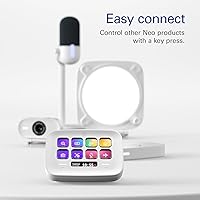
The Elgato Stream Deck Neo Macro Keypad is Elgato's answer to a growing crowd of professionals who want hardware automation without committing to a full-size, streamer-centric panel. It sits at an accessible price point — squarely mid-range — and its compact white design fits quietly on a cluttered desk without demanding attention. This is not a gaming peripheral dressed up for office work; it was built from the ground up with productivity in mind. The packaging is plastic-free, which is a small but genuine touch. Think of it as a workflow accelerator: a way to reclaim the seconds lost to repetitive clicks and keyboard shortcuts every single day.
Features & Benefits
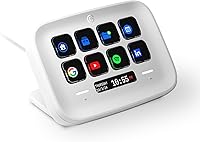
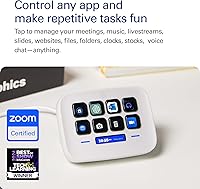
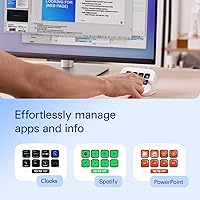
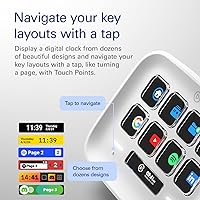
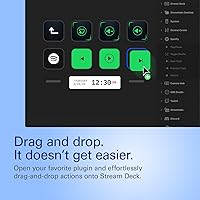
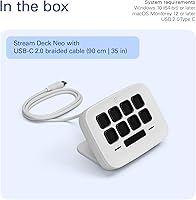
The Stream Deck Neo packs eight customizable LCD keys that display live icons reflecting whatever action is assigned — launch a Zoom call, mute your mic, trigger a Spotify playlist, or switch a smart light. Below the keys sits the Info Bar, a strip with two touch points for swiping between pages of key profiles, which is how you stretch eight keys into far more actions than the hardware count suggests. Setup runs entirely through the free Stream Deck app using drag-and-drop, so there is no scripting involved. Worth noting: the device requires Windows 11 or macOS 14.2 or later, which has caught more than a few buyers off guard.
Best For
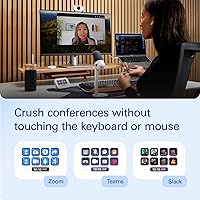
This macro keypad is a strong fit for remote and hybrid workers who spend their days toggling between Zoom calls, Microsoft 365 apps, and communication tools — one-touch muting, switching documents, and triggering meeting links adds up quickly. It also works well for creators dipping into stream automation without the price jump of a larger panel. Home office users with limited desk space will appreciate how little footprint it demands. And for anyone managing smart home devices — lights, audio, plugs — the one-button control is genuinely useful. It is less ideal if you need more than eight simultaneous shortcuts without frequently swiping through profiles.
User Feedback
Across nearly 850 ratings, Elgato's productivity pad holds a 4.6-star average — and the praise is fairly consistent. Buyers keep coming back to how painless the initial setup is and how much the Stream Deck software ecosystem improves over time as you add plugins and refine profiles. The critical notes, though, are worth taking seriously. Several users hit a wall when they realized the key count of eight fills up faster than expected; the profile-switching workaround helps, but it adds friction. The macOS version requirement is another recurring complaint — if you are on an older system, check compatibility before purchasing. Info Bar responsiveness gets mixed marks: most find it adequate, a few find it finicky.
Pros
- Setup takes minutes — the drag-and-drop Stream Deck app requires zero scripting or technical knowledge.
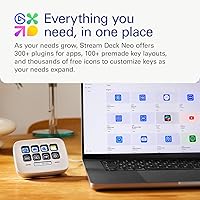
- The software plugin library is extensive, covering hundreds of apps well beyond what is listed on the box.
- Eight LCD keys display live, context-aware icons so you always know exactly what each button does.
- At just 210 grams and smaller than a paperback, this macro keypad barely registers on a packed desk.
- Profile-switching via the Info Bar lets you multiply the effective number of shortcuts across different apps.
- The Stream Deck app is free and receives regular updates, adding value long after the initial purchase.
- One-touch smart home control — lights, audio, plugs — works reliably without needing a separate hub app.
- Plastic-free packaging is a straightforward commitment, not a marketing angle dressed up as sustainability.
- A 4.6-star average across nearly 850 real-world ratings signals consistent, broad satisfaction rather than a niche fan base.
- Micro USB connectivity means the cable is cheap and easy to replace if it ever wears out.
Cons
- Eight keys fill up faster than most buyers anticipate, especially once they start building out multiple profiles.
- macOS 14.2 and Windows 11 are hard requirements — users on older operating systems cannot use the device at all.
- Swiping through Info Bar pages to reach secondary shortcuts adds friction that partially undermines the speed benefit.
- Info Bar touch responsiveness has drawn mixed reactions in real-world use — some find it inconsistent.
- There is no wireless or Bluetooth option; the Micro USB cable is the only way to connect.
- Users who grow into heavy automation will almost certainly feel the pull toward a larger, pricier panel within months.
- The white color, while clean-looking, shows smudges and desk grime more visibly than darker alternatives.
- No onboard memory means profiles and settings live in the software — reinstalling or switching computers requires reconfiguration.
- The companion app requires an account and internet access during initial setup, which surprises some buyers.
- At eight keys, it is difficult to share the device effectively between two users with very different workflows.
Ratings
The scores below for the Elgato Stream Deck Neo Macro Keypad were generated by our AI rating engine after analyzing verified purchase reviews from buyers worldwide, with spam, bot activity, and incentivized feedback actively filtered out before scoring. Each category reflects the honest distribution of praise and frustration across nearly 850 real-world ratings, weighted by review depth and recency. Where the device genuinely impresses, the scores show it — and where real buyers ran into friction, that is reflected just as transparently.
Software Ecosystem
Setup & Ease of Use
Key Functionality
Info Bar & Touch Points
Build Quality
App Compatibility
OS Compatibility
Value for Money
Form Factor & Desk Fit
Smart Home Integration
Connectivity & Cable
Profile Management
Packaging & Unboxing
Upgrade Path Clarity
Suitable for:
The Elgato Stream Deck Neo Macro Keypad is a strong fit for professionals whose daily work revolves around a fixed set of apps and repetitive actions — think remote workers who bounce between Zoom calls, Microsoft Teams, and Office documents dozens of times a day. For that type of user, shaving even a few seconds off repeated tasks compounds into real time savings over a week. Beginner content creators who want to dip into stream automation without the investment of a larger, more complex panel will also find this a comfortable entry point. The small footprint — just over 4 inches wide — means it slides onto a crowded desk without displacing anything, which matters more than most buyers expect. Anyone already invested in Elgato's smart home ecosystem, or who wants one-tap control over lights, audio, and plugs, will find the integration genuinely useful rather than gimmicky.
Not suitable for:
Buyers who expect eight keys to cover everything they need without any extra management will likely hit a wall fairly quickly — the Elgato Stream Deck Neo Macro Keypad is better understood as a starting point than a complete solution for complex workflows. If your work demands 20 or more readily accessible shortcuts at any moment, the constant need to swipe between profiles on the Info Bar will start to feel like friction rather than efficiency. Users running macOS older than 14.2, or Windows 10, cannot use this device at all — the system requirements are firm and non-negotiable, and that alone disqualifies the hardware for a meaningful portion of buyers. Those hoping for a wireless or Bluetooth option will be disappointed, as the Micro USB tether is fixed. And if you are primarily a gamer looking for a macro pad built around fast-response gaming inputs, this device is oriented toward office and creative workflows, not low-latency gaming commands.
Specifications
- Key Count: The device features 8 fully customizable LCD keys, each capable of displaying a unique icon or label that updates dynamically based on the assigned action.
- Touch Inputs: Two capacitive touch points form the Info Bar along the bottom edge, used to swipe between pages of key profiles.
- Dimensions: The unit measures 107 x 26 x 78 mm (4.2 x 1.0 x 3.1 in), making it one of the more compact macro pads in its category.
- Weight: The device weighs 210 g (0.46 lb), light enough to reposition easily but substantial enough to stay put during use.
- Connectivity: Connection to a host computer is made via Micro USB, and the cable is not proprietary, so replacements are widely available.
- OS Requirements: Full functionality requires Windows 11 or macOS 14.2 (Sonoma) or later; the device does not support older operating system versions.
- Software: The Stream Deck desktop app is free to download, handles all configuration, and supports drag-and-drop action assignment with no coding required.
- App Compatibility: Natively integrates with Zoom, Microsoft Teams, Word, Excel, PowerPoint, Google Suite, Spotify, Photoshop, and the broader Adobe Creative Suite, with hundreds of additional plugins available.
- Smart Home Control: The device can trigger smart lights, smart plugs, and audio devices directly through compatible Stream Deck plugins, without requiring a separate hub interface.
- Color: Available in white only; the finish is matte-adjacent and shows fingerprints and desk grime more readily than darker surfaces.
- Manufacturer: Designed and sold by Elgato, a brand owned by Corsair, which handles warranty support and firmware updates.
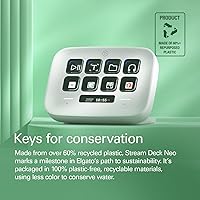
- Packaging: The product ships in zero-plastic packaging, using paper-based materials throughout the box and internal components.
- USB Standard: The device connects via USB 2.0 Micro USB; no USB-C or wireless connection option is available on this model.
- Market Ranking: As of its listing data, the Stream Deck Neo holds a Best Sellers Rank of #213 in the Computer Keyboards category on Amazon.
- Release Date: The product was first made available in August 2024, positioning it as a relatively recent addition to Elgato's Stream Deck lineup.
- User Rating: It holds a 4.6-out-of-5-star average rating based on nearly 850 customer reviews at the time of evaluation.
- Profile Pages: The Info Bar touch navigation allows users to swipe between multiple pages of key assignments, effectively expanding the 8-key layout into a larger virtual set of shortcuts.
- System Interface: The device requires the Stream Deck app to be running on the host computer; it does not function as a standalone or programmable HID device without the software.
Related Reviews
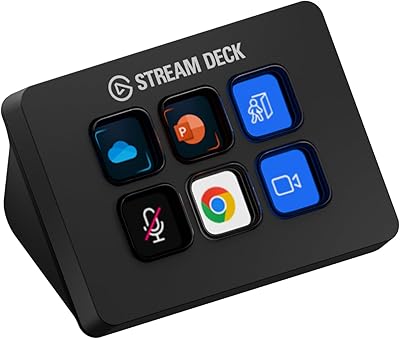
Elgato Stream Deck Mini
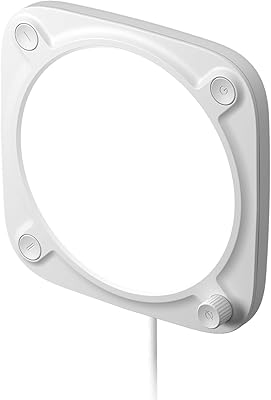
Elgato Key Light Neo LED Panel Light
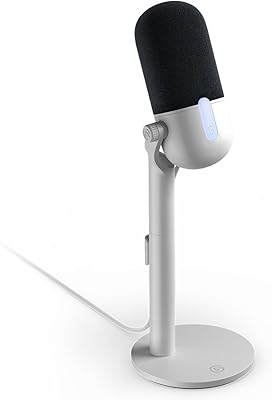
Elgato Wave Neo
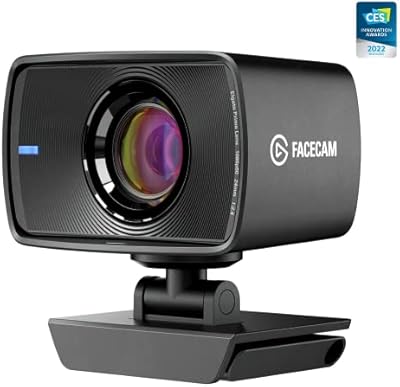
Elgato Facecam 1080p60 Webcam
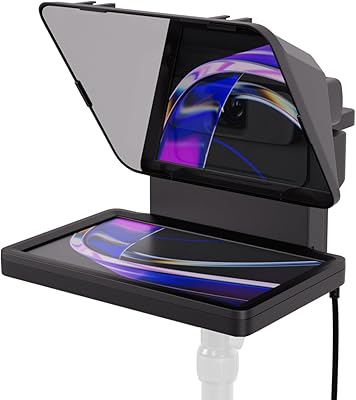
Elgato Prompter

Travel9to5 The Photography Deck
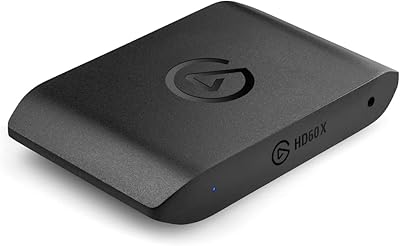
Elgato HD60 X
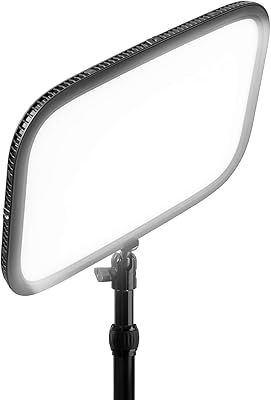
Elgato Key Light
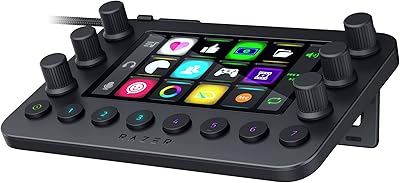
Razer Stream Controller Streaming Keypad