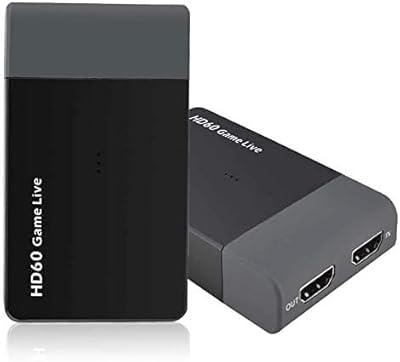
Overview
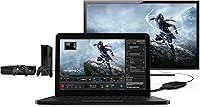
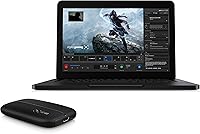
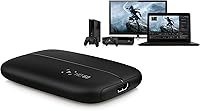
The Elgato HD60 Game Capture Card arrived at a time when console creators were hungry for a recording solution that didn't require cracking open their PC. This external recorder connects via USB 2.0, which means setup takes minutes rather than an afternoon, and it works with PS4, Xbox One, Xbox 360, and select Nintendo consoles through HDMI passthrough. Your TV feed stays uninterrupted while the card pulls a clean signal to your computer. It sits comfortably in the mid-to-upper segment of the external capture card market — not the cheapest option, but far less intimidating than a PCIe internal card.
Features & Benefits
The standout quality here is 1080p at 60fps capture — footage comes out smooth and detailed enough for YouTube or Twitch without additional processing. The Flashback Recording feature is genuinely useful: it buffers your gameplay continuously, so if something incredible happens before you remembered to hit record, you can still save it. Stream Command adds webcam support and custom overlays directly inside Elgato's software, keeping your streaming workflow contained in one place. The unit is bus-powered over USB with no wall adapter required, and at under 4 ounces it slips easily into a bag. Note that encoding is software-based, not hardware, so your CPU carries that load.
Best For
This capture card is the right pick if you're a console gamer who wants respectable recording quality without the hassle of installing an internal PCIe card. Beginner and intermediate streamers tend to get the most value out of it — the software is approachable, and one-click uploads to YouTube or Twitter mean less time managing files and more time playing. Mac users will also find it worth considering, since macOS-compatible USB capture cards at this quality level are a shorter list than most people expect. If you play in competitive, low-latency modes, though, be aware that HDMI passthrough can introduce a small delay on some setups.
User Feedback
Across thousands of reviews, consistent praise lands on easy setup and the reliability of 1080p60 output — most buyers say it simply works, which counts for a lot. On the critical side, users who have compared it with internal PCIe cards notice that USB 2.0 has a real bitrate ceiling, and that gap becomes more obvious when encoding fast-motion games. A smaller group has flagged software compatibility hiccups after OS updates, particularly on newer Windows builds. Competitive players occasionally mention passthrough lag as a friction point. Overall the card earns its strong aggregate score, but it is best approached as a capable, convenient recorder rather than a pro-grade broadcast solution.
Pros
- Setup takes minutes out of the box — no PC disassembly or driver headaches for most users.
- Stable 1080p60 output produces smooth, sharp footage that holds up well for YouTube uploads.
- Flashback Recording passively buffers gameplay so you never lose a highlight reel moment.
- Bus-powered over USB means one less cable and no wall adapter cluttering your desk.
- Works on both Windows and Mac, which is a genuine differentiator in this product category.
- The bundled Stream Command software covers overlays and webcam integration without extra software.
- At under 4 ounces, this external recorder is light enough to toss in a bag for LAN events.
- One-click sharing to YouTube, Facebook, and Twitter cuts post-session clip management down significantly.
- Compatible with PS4, Xbox One, Xbox 360, and Nintendo consoles via standard HDMI passthrough.
- Thousands of verified buyers back a strong aggregate rating, reflecting broad, consistent satisfaction.
Cons
- USB 2.0 bandwidth limits maximum recording bitrate, which is noticeable compared to PCIe internal cards.
- No 4K capture support, so this external recorder will feel limiting as consoles push higher resolutions.
- Software-based encoding puts the full CPU load on your computer during recording or streaming sessions.
- Some users report driver or software compatibility issues after major Windows and macOS updates.
- HDMI passthrough can introduce small display latency, which frustrates players in competitive or timing-sensitive games.
- No hardware encoder on board means performance depends heavily on how capable your PC or Mac is.
- The Elgato HD60 Game Capture Card is aging, and its feature set trails newer models in the same lineup.
- Occasional reports of dropped frames or instability when using USB hubs instead of a direct port connection.
Ratings
The Elgato HD60 Game Capture Card has been evaluated by our AI rating system after deep analysis of thousands of verified global buyer reviews, with spam, bot-generated feedback, and incentivized posts actively filtered out before scoring. Ratings reflect the full picture — what this external recorder genuinely does well and where real users hit friction — so you can make a confident, eyes-open decision.
Ease of Setup
Video Quality
Software Experience
Flashback Recording
Build Quality
Compatibility
Passthrough Performance
CPU Load
Value for Money
Portability
Social Sharing
Driver Stability
Unboxing Experience
Suitable for:
The Elgato HD60 Game Capture Card is a strong match for console gamers who want to start recording or streaming without dealing with the complexity of an internal PCIe card installation. If you play on PS4, Xbox One, or Xbox 360 and want clean 1080p60 footage sent straight to your PC or Mac, this external recorder delivers that with very little setup friction. Mac users in particular will appreciate it, since macOS-compatible capture cards at this quality level are genuinely hard to find. Content creators who run long sessions will get real value from Flashback Recording, which acts as a passive safety net when you forget to hit record before something clip-worthy happens. It also suits casual-to-intermediate streamers who want a tidy, self-contained workflow — the bundled software handles overlays, webcam integration, and social uploads without requiring third-party tools right away.
Not suitable for:
The Elgato HD60 Game Capture Card is not the right tool for creators who are serious about maximizing recording bitrate or future-proofing for 4K content — USB 2.0 imposes a hard bandwidth ceiling that internal PCIe cards simply do not have. If you are a competitive player who relies on the lowest possible display latency, the HDMI passthrough on this unit has been known to introduce a small but noticeable delay on certain setups, which can be a real problem in fast-reaction games. PC gamers looking to capture desktop gameplay will also find this capture card unnecessary, since software-only solutions handle that scenario more efficiently. Users on the latest versions of Windows or macOS should check current driver compatibility before purchasing, as some have reported friction after OS updates. Anyone expecting hardware-accelerated encoding will be disappointed — all encoding falls to the CPU, which matters if your machine is already under load during a stream.
Specifications
- Capture Resolution: Records gameplay at up to 1080p and 60 frames per second for smooth, detailed footage.
- Interface: Connects to your PC or Mac via USB 2.0, requiring no internal installation or PCIe slot.
- Video Passthrough: HDMI passthrough routes your console signal to the TV so you can play normally while recording.
- Compatible Consoles: Supports PS4, Xbox One, Xbox 360, and select Nintendo consoles using a standard HDMI connection.
- PC OS Support: Compatible with Windows 10 64-bit; older Windows versions are not officially supported.
- Mac OS Support: Compatible with macOS Sierra and later versions at the time of the product launch.
- Dimensions: Measures 4.41 x 2.95 x 0.75 inches, making it compact enough to fit in a small gear bag.
- Weight: Weighs 3.74 ounces, light enough to carry without adding meaningful bulk to a travel setup.
- Power Source: Draws power directly from the USB connection at 5V, eliminating the need for an external power adapter.
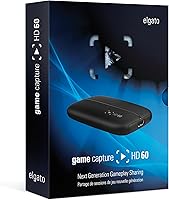
- In the Box: Package includes the capture unit, one USB cable, and one HDMI cable ready for immediate use.
- Software: Ships with Elgato Game Capture software, which includes the Stream Command overlay and webcam integration feature.
- Flashback Recording: Continuously buffers gameplay in the background so footage can be saved retroactively even if recording was not manually started.
- Encoding Method: Uses software-based encoding, meaning your computer CPU handles the encoding workload rather than dedicated hardware on the card.
- Social Sharing: Supports one-click upload directly to YouTube, Facebook, and Twitter from within the Elgato software.
- 4K Support: Does not support 4K capture; maximum output resolution is capped at 1080p.
- Color: Available in black with a matte finish and a low-profile rectangular housing.
- Hardware Encoder: No dedicated hardware encoder is included; all processing is handled by the host computer.
- Max Bitrate: USB 2.0 interface imposes a bandwidth ceiling that limits achievable recording bitrate compared to PCIe-based capture cards.
Related Reviews
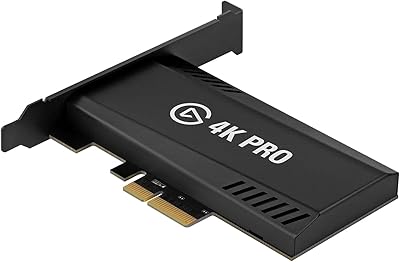
Elgato Game Capture 4K Pro
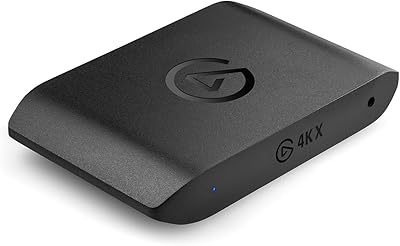
Elgato 4K X Game Capture Card
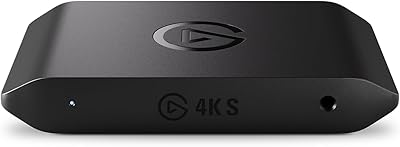
Elgato 4K S
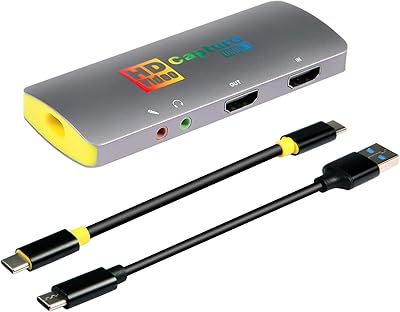
Mirabox HSV3217 4K Capture Card
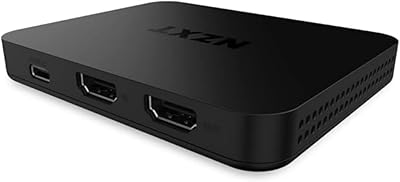
NZXT Signal HD60
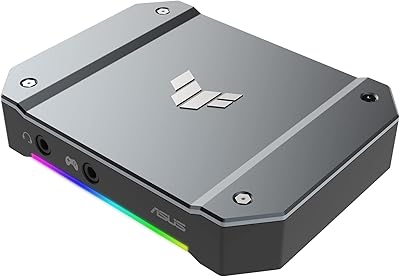
ASUS TUF Gaming Capture Box CU4K30
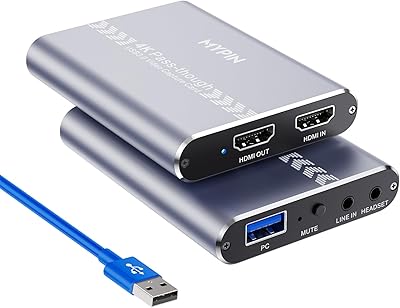
MYPIN MYPIN-4K60-AVGC Capture Card
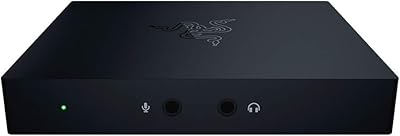
Razer Ripsaw HD Game Streaming Capture Card
UNISHEEN UC2500H USB 3.0 Game Capture Card