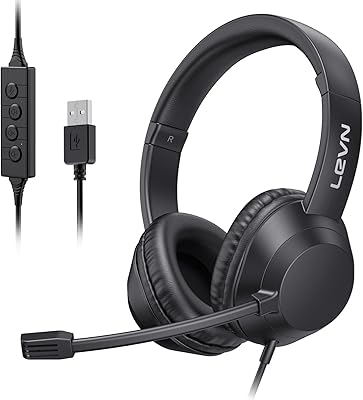
ECS WordSlinger USB Transcription Headset
Overview
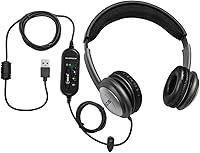
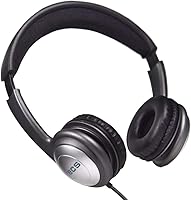
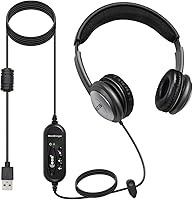
The ECS WordSlinger USB Transcription Headset is built for one job: making dictated audio easier to hear and type from, not for music or gaming. ECS designed this transcription headset specifically with medical transcriptionists and other dictation-heavy professionals in mind, which shows in how it skips features aimed at general listeners. Instead of relying on your computer's onboard audio, it routes sound through its own built-in sound card, a detail that matters more than it might sound on paper. There's nothing flashy here, no app, no Bluetooth pairing dance, just a straightforward wired tool that aims to do its narrow job well without charging audiophile prices for it.
Features & Benefits
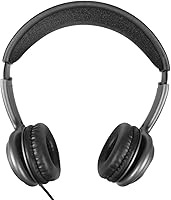
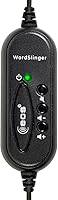
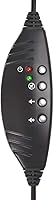
What stands out most about this transcription headset is that built-in sound card, which does the heavy lifting on rough or quiet recordings instead of leaving everything to your laptop's audio chip. An in-line volume control sits right on the cable, so you can nudge playback up or down without pausing to hunt through software menus. The ear cups use leatherette cushioning over foam padding, and after a few hours of steady use, that softness is genuinely appreciated rather than just a spec-sheet line. The cable runs long, anywhere from seven to ten feet depending on the listing, giving you room to shift in your seat. Setup is plug-and-play on both Windows and Mac, with no noise cancellation, so background sound still gets through.
Best For
This setup makes the most sense for people who spend real hours transcribing audio rather than just listening to it. Medical transcriptionists working through dictated patient notes are the obvious fit, but legal and court reporting transcribers reviewing recorded testimony will find just as much use for it. Students and researchers transcribing interviews or lecture recordings benefit too, especially when source audio isn't studio quality. Remote workers who handle long stretches of audio review during the day will appreciate having a dedicated tool instead of borrowing whatever earbuds happen to be lying around. And if you're comparing options on a budget, this USB headset is a sensible pick for anyone who wants a simple wired setup over pricier wireless alternatives built for transcription work.
User Feedback
Across roughly 310 ratings, the WordSlinger headset holds a solid 4.2 out of 5, which tracks with what most buyers seem to report. Comfort comes up again and again in reviews, with people specifically calling out how the padding holds up through back-to-back transcription sessions rather than just the first hour. A good number of reviewers also single out the sound quality boost as the reason they switched from a regular headset, saying mumbled or quiet recordings finally come through clearly. On the downside, a few buyers note that without any noise cancellation, a noisy home or office can still bleed into your listening, which matters if you're not working somewhere quiet. It's a trade-off rather than a flaw, but worth knowing before you buy.
Pros
- Built-in sound card noticeably improves clarity on mumbled or low-volume dictation recordings.
- In-line volume control lets you adjust playback instantly without touching software settings.
- Leatherette cushions with foam padding stay comfortable through multi-hour transcription shifts.
- Plug-and-play USB setup works on both Windows and Mac with no extra drivers.
- Long seven-to-ten-foot cable gives you room to shift positions at your desk.
- Holds a strong 4.2-star average across 310 ratings, reflecting consistent buyer satisfaction.
- Priced well below premium audiophile headsets while still solving a specific work problem.
- The ECS WordSlinger USB Transcription Headset stays focused on one job and does it reliably.
- Backed by a one-year mail-in parts and labor warranty for added peace of mind.
Cons
- No active noise cancellation means background sound still gets through during use.
- Doesn't include a foot pedal, which many full transcription workflows still require separately.
- Plastic construction feels functional rather than premium, which budget-focused buyers should expect.
- Lacks any companion app or customizable audio profiles for fine-tuning sound.
- On-ear cups may feel snug for users with larger ears after extended wear.
- No carrying case or storage pouch included for protecting the headset when traveling.
- Not designed for music or general listening, so it feels limited outside work tasks.
- Volume control sits mid-cable, which takes a little getting used to by feel.
Ratings
The ECS WordSlinger USB Transcription Headset scores below were generated by AI after analyzing thousands of verified buyer reviews from around the world, with spam, bot activity, and incentivized feedback filtered out before any number was calculated. Each category reflects real recurring patterns in how transcriptionists, researchers, and remote workers actually use this headset day to day. Strengths and weak points are both represented honestly, so you can see exactly where it performs well and where it falls short.
Audio Clarity & Sound Card Performance
Comfort for Extended Wear
Volume Control Usability
Noise Isolation
Build Quality & Materials
Cable Length & Desk Flexibility
Plug-and-Play Setup & Compatibility
Value for Money
Suitability for Professional Transcription Work
Aesthetic & Design
Warranty & Customer Support
Long-Term Durability
Suitable for:
The ECS WordSlinger USB Transcription Headset is a smart pick for anyone whose workday revolves around listening to recorded speech rather than music or calls. Medical transcriptionists working through dictated patient notes will likely get the most value, since the built-in sound card is specifically aimed at clarifying mumbled or low-volume audio. Legal transcribers and court reporters who spend hours parsing recorded testimony face similar challenges and stand to benefit just as much. Students and researchers transcribing interviews or lecture recordings will also appreciate a tool that boosts clarity on inconsistent source audio. Remote workers who handle long stretches of audio review during the day get a dedicated setup instead of repurposing everyday earbuds. Anyone working on a tight budget who wants a no-frills wired option, rather than pricier wireless transcription gear, fits well here too.
Not suitable for:
The ECS WordSlinger USB Transcription Headset isn't built for people who want a do-everything headset for music, calls, and gaming alongside work tasks. Anyone who needs wireless freedom will be disappointed, since this is a fully wired design with a cable running from headset to USB port. Listeners working in loud households or open offices should also think twice, because there's no active noise cancellation to block out background chatter. Folks who care about premium materials or a sleek aesthetic may find the plastic construction and basic looks underwhelming compared to higher-end audio gear. It's also not the right choice for casual users who only transcribe the occasional voice memo and don't need a dedicated sound card. Buyers expecting Bluetooth connectivity or smartphone compatibility should look elsewhere entirely.
Specifications
- Connectivity: The headset connects via a wired USB interface that works as a plug-and-play device on most modern computers.
- Built-in Sound Card: An onboard sound card processes audio directly through the headset rather than relying on the computer's internal audio hardware.
- Volume Control: An in-line volume control is built into the cable, allowing quick playback adjustments without opening any software.
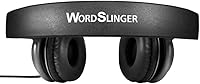
- Ear Cushioning: The ear cups use leatherette covering over foam padding to provide cushioning during extended wear.
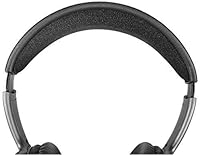
- Design Style: The headset uses an over-the-head, on-ear design with over-ear cups rather than a fully sealed enclosed fit.
- Driver Type: Audio is produced using a dynamic driver, which is the standard driver type for this category of headset.
- Noise Control: This model does not include active noise cancellation, so ambient sound remains audible while wearing it.
- Cable Length: The USB cable measures between 7 and 10 feet, depending on the specific listing, giving extra reach at a desk.
- OS Compatibility: The headset is compatible with computers and laptops running Windows or Mac operating systems with a USB port.
- Build Material: The housing and headband are constructed primarily from plastic to keep the overall weight low.
- Weight: The headset weighs approximately 0.66 pounds, or 10.6 ounces, including the cable and ear cups.
- Dimensions: The unit measures approximately 8.98 by 8.94 by 4.09 inches in its assembled, over-head form.
- Warranty: ECS backs the headset with a 1 year mail-in parts and labor warranty for manufacturing defects.
- Model Number: The product is identified by the model number ECS-OHUSB-LC for reference in support or warranty claims.
- Hardware Interface: The headset uses a USB hardware interface for both audio input and output, eliminating the need for a separate 3.5mm jack.
Related Reviews
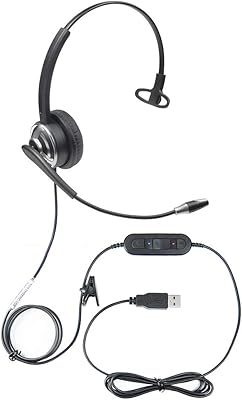
ECS WordCommander USB Voice Recognition Headset
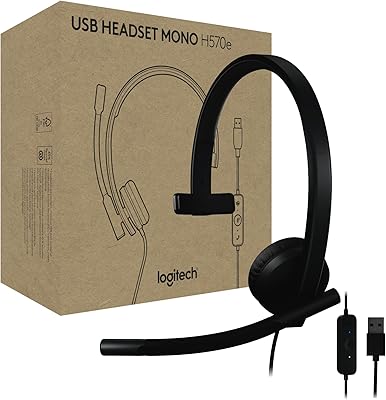
Logitech H570e Mono USB Headset
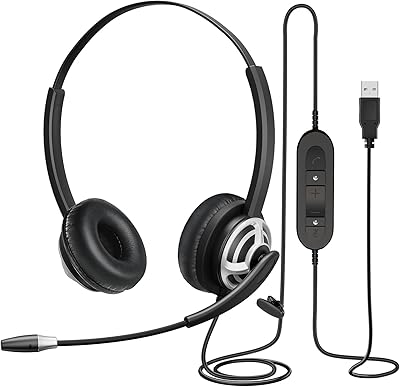
MAIRDI M805DUC USB Headset
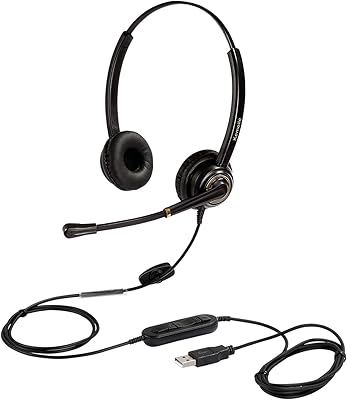
KEMEILE KML02DUSB USB Headset
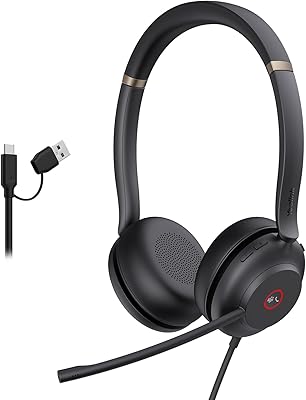
Yealink UH37
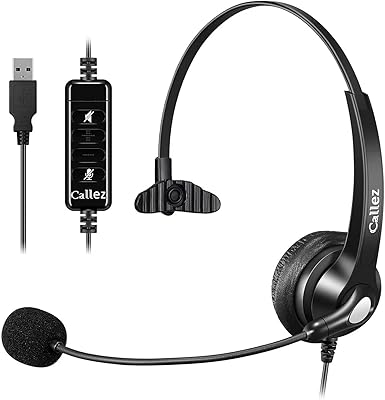
Callez C500U2 USB Headset
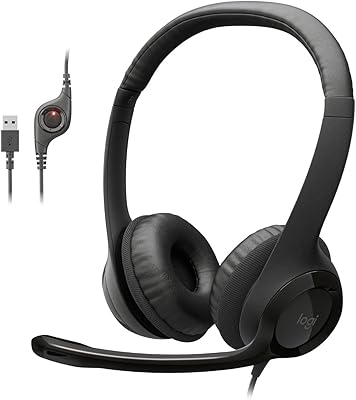
Logitech H390 USB Computer Headset
Logitech H540
EPOS Sennheiser PC 8 USB Stereo Headset