


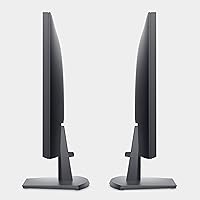
Overview
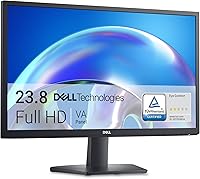
The Dell SE2425H 24-Inch Full HD Monitor is a straightforward, no-nonsense display that covers the essentials without asking much from your wallet. Built around a 23.8-inch VA panel, it delivers Full HD resolution that holds up well for daily office tasks, web browsing, and casual media consumption. Dell's track record for build quality and customer support adds a layer of confidence — you're not rolling the dice on an unfamiliar brand. The TÜV Rheinland 3-star certification for eye comfort is a genuine differentiator at this price tier. Just set realistic expectations: this is a productivity-first screen, not something built for color grading or competitive gaming.
Features & Benefits
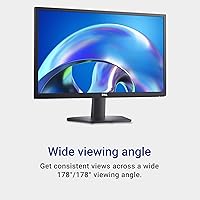
The VA panel inside the SE2425H is what sets it apart from similarly priced IPS alternatives. Its high contrast ratio means darker on-screen content actually looks dark — a noticeable difference when reading at night or watching videos with shadowed scenes. The built-in ComfortView Plus low blue light filter works silently in the background without requiring you to toggle special modes, which matters when you're staring at the screen for six or more hours. Wide viewing angles keep colors consistent even when someone nearby glances at your screen. The matte anti-glare surface handles overhead lighting well, and the 75Hz refresh rate keeps everyday scrolling feeling pleasantly smooth.
Best For
This 24-inch office display is a natural fit for anyone who spends the bulk of their day reading, writing, or managing spreadsheets. Remote workers and students will appreciate the eye comfort features, especially during back-to-back video calls or late-night study sessions. If you're upgrading from a smaller or older screen, the jump to Full HD at this size feels meaningful without overcomplicating your setup. It's less ideal for photo editors or video creators who need precise color accuracy, and competitive gamers will want something faster. For everyday productivity use, though, the SE2425H hits a sweet spot that's genuinely difficult to argue with.
User Feedback
With nearly 3,000 ratings averaging 4.6 stars, this Dell monitor has earned strong word-of-mouth. Buyers frequently praise how good the image looks straight out of the box, the solid build quality, and how quick and painless setup is. Eye strain relief gets specific mentions from users who work long hours, with several noting a real improvement over their previous displays. The criticism that comes up most consistently is the tilt-only stand — no height adjustment, no pivot — which is a genuine limitation for users who need precise ergonomic positioning. A handful of negative reviews point to shipping damage rather than product defects, which is worth keeping in mind.
Pros
- VA panel delivers noticeably deeper blacks and richer contrast than typical budget IPS screens.
- ComfortView Plus works in the background all day without any manual toggling or color trade-offs.
- TÜV Rheinland 3-star eye comfort certification adds credibility beyond mere marketing claims.
- Wide viewing angles keep colors consistent whether you are working alone or showing your screen to someone beside you.
- Matte anti-glare coating handles bright office and home lighting without distracting reflections.
- Setup is genuinely fast and uncomplicated — most buyers report being up and running in minutes.
- Full HD at 24 inches hits a practical sweet spot for productivity without feeling cramped or overly large.
- Dell's established reputation means warranty support and replacement parts are not hard to come by.
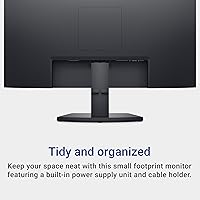
- Lightweight and compact enough to fit comfortably on smaller desks or in dual-monitor arrangements.
- Strong owner satisfaction consensus across a large number of verified purchases speaks to consistent quality control.
Cons
- Tilt-only stand offers no height or swivel adjustment, which is a real ergonomic gap for many users.
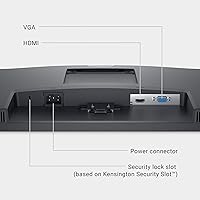
- Port selection is minimal, making it awkward for users who regularly switch between multiple devices.
- Not suitable for color-critical creative work — the panel prioritizes comfort and contrast over accurate color reproduction.
- 75Hz refresh rate, while fine for office tasks, will feel limiting to anyone coming from a faster display.
- No built-in speakers, so users without external audio will need a separate solution.
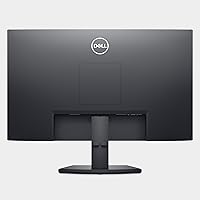
- The base footprint is wider than it looks in photos, which can eat into desk space more than expected.
- HDR support is absent, so content specifically mastered for HDR will look flat compared to capable displays.
- Some buyers have reported inconsistent packaging that led to transit damage — worth inspecting carefully on arrival.
- VESA mount compatibility should be verified before purchasing a third-party arm if you plan to ditch the stand.
- No USB hub functionality, which is increasingly common on competing monitors in this price range.
Ratings
The scores below reflect an AI-driven analysis of verified global user reviews for the Dell SE2425H 24-Inch Full HD Monitor, with spam, incentivized, and bot-generated submissions actively filtered out. Both the consistent praise and the recurring frustrations found across thousands of real buyer experiences are transparently represented — nothing is glossed over. Whether this display earns a place on your desk depends on what you actually need it for, and these ratings are designed to help you make that call clearly.
Value for Money
Eye Comfort
Image Quality
Ergonomics
Build Quality
Setup & Ease of Use
Glare & Reflections
Port Selection
Refresh Rate & Smoothness
Color Accuracy
Viewing Angles
Packaging & Unboxing
Brand Trust & Support
Suitable for:
The Dell SE2425H 24-Inch Full HD Monitor is built for people who need a dependable, comfortable screen for daily work — not for pushing visual boundaries. Remote workers and office professionals who spend hours in documents, spreadsheets, or video calls will find the always-on blue light filtering a quiet but meaningful benefit over time. Students on a tight budget get a full-sized, brand-name display that won't cause eye fatigue during late-night study sessions. Home users upgrading from a smaller or aging monitor will notice a real improvement in screen real estate and image clarity without dealing with a complicated setup. Anyone who values the peace of mind that comes with a reputable manufacturer's support and warranty will also feel right at home here.
Not suitable for:
The Dell SE2425H 24-Inch Full HD Monitor is not the right choice for buyers who need serious ergonomic flexibility — the stand only tilts, with no height, swivel, or pivot adjustment, which can be a real problem for users with specific posture or accessibility needs. Graphic designers, photographers, and video editors should look elsewhere, as the color accuracy and panel type are not tuned for precise creative work. Competitive or enthusiast gamers will find the refresh rate and response time adequate for casual play at best, but underwhelming compared to dedicated gaming displays available at similar or slightly higher price points. Those who need a wide selection of input ports for a multi-device setup may also feel constrained by the basic connectivity on offer.
Specifications
- Screen Size: The display measures 23.8 inches diagonally, offering a comfortable viewing area for productivity and everyday use.
- Panel Type: Uses a VA (Vertical Alignment) panel, which produces deeper blacks and higher contrast than most IPS panels at a comparable price.
- Resolution: Native resolution is 1920x1080 (Full HD), delivering sharp, clear text and images for standard office and home tasks.
- Aspect Ratio: Standard 16:9 widescreen aspect ratio, compatible with virtually all modern content formats and operating systems.
- Refresh Rate: Runs at 75Hz, providing slightly smoother motion than a standard 60Hz display for scrolling, video, and light multitasking.
- Response Time: Rated at 5ms response time, which is suitable for office work and casual use, though not optimized for fast-paced gaming.
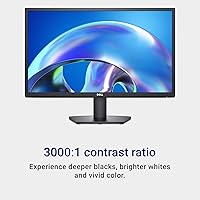
- Contrast Ratio: Static contrast ratio of 3000:1 enables noticeably richer dark tones and brighter highlights compared to budget IPS alternatives.
- Viewing Angles: Horizontal and vertical viewing angles of 178 degrees each ensure consistent color and brightness across a wide range of off-axis positions.
- Screen Surface: Matte anti-glare coating reduces reflections from ambient lighting, making it practical in bright office or home environments.
- Eye Comfort: Certified by TÜV Rheinland at the 3-star level for eye comfort, reflecting verified low flicker and reduced harmful blue light emission.
- Blue Light Filter: ComfortView Plus is a hardware-level, always-on low blue light solution that requires no software toggle or manual mode switching.
- Ergonomics: The stand supports tilt adjustment only, with no height, swivel, or pivot functionality included in the base configuration.
- Dimensions: Overall unit measures 21.76 x 7.04 x 16.55 inches (L x W x H) with the stand attached.
- Weight: The monitor weighs approximately 2.8 pounds, making it lightweight and easy to reposition on a desk or during setup.
- Color: Available in a clean matte black finish that blends with most desk setups and does not show fingerprints as readily as gloss surfaces.
- Brand & Model: Manufactured by Dell under the SE series; the specific model identifier is SE2425H, part of Dell's entry-level productivity display lineup.
- Date Available: This model became available for purchase in April 2024, making it a relatively recent addition to Dell's monitor lineup.
Related Reviews
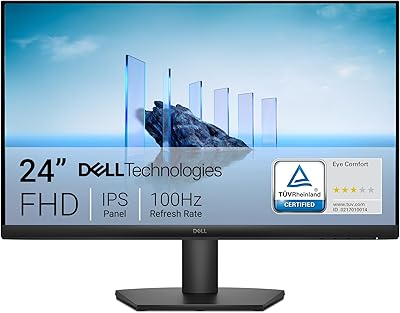
Dell SE2425HM 24-inch IPS Monitor
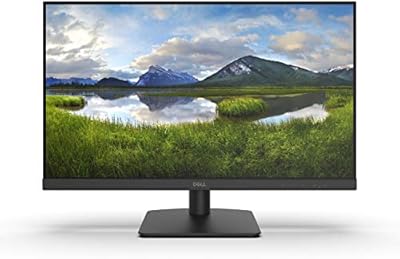
Dell D2421H 24-inch Full HD IPS Monitor
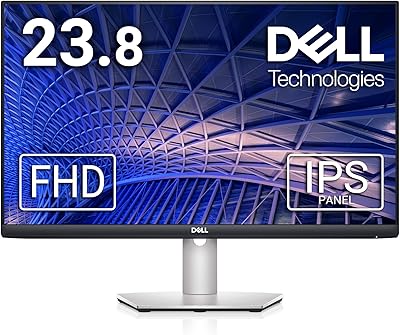
Dell S2421HS 24-Inch FHD IPS Monitor
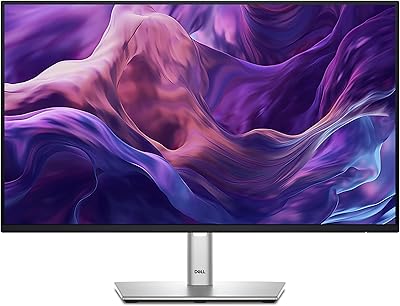
Dell P2425H 24-inch FHD IPS Monitor
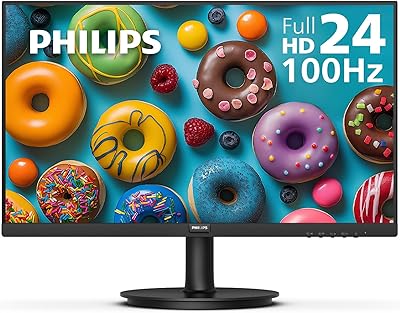
Philips 241V8LB 24-inch Full HD Monitor
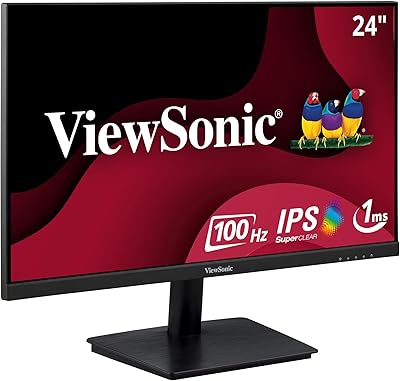
ViewSonic VA2409M 24-inch IPS Monitor
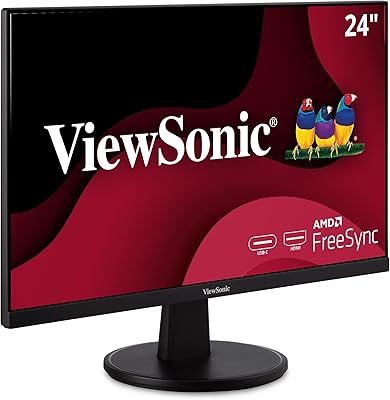
ViewSonic VA2447-MHU 24 Inch Full HD Monitor
Dell S2721HS 27-inch Full HD IPS Monitor
Acer K243Y 24-inch Full HD IPS Monitor