Cooler Master Q300L





Overview
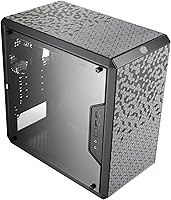
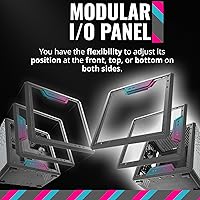
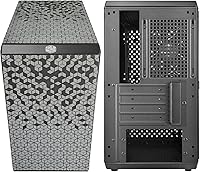
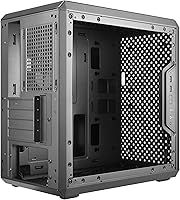
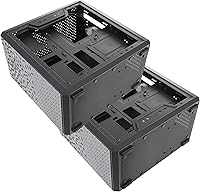
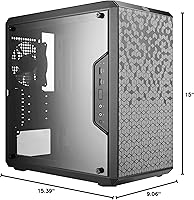
The Cooler Master Q300L has been quietly holding its ground as one of the better budget tower cases since its 2017 launch, and it's not hard to see why. Where most cases at this price cut corners on airflow, this compact tower takes the opposite approach — perforated panels on all sides keep thermals in check without demanding a premium. The transparent acrylic side panel lets you show off your build without paying for tempered glass. What really surprises people, though, is the modular I/O panel — a feature you rarely find at this tier, letting you reposition it to suit your desk setup or mounting preference.
Features & Benefits
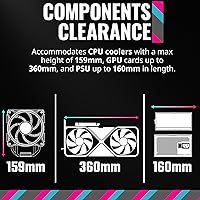
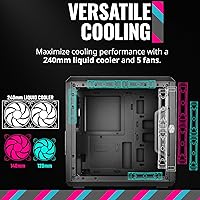
The fully perforated exterior is the headline here — air flows in from the front, top, bottom, and sides, which keeps temperatures manageable even with a demanding GPU. Speaking of GPUs, the Q300L clears up to 360mm, meaning most current cards fit without issue. CPU cooler clearance sits at 159mm, comfortable for large air coolers, and there's radiator support up to 240mm if you want to run liquid cooling down the road. The magnetic dust filters snap off in seconds for cleaning, which sounds minor but saves real frustration over months of use. Five fan slots give you room to build serious airflow when the build calls for it.
Best For
This budget Micro-ATX case makes the most sense for builders who need to stretch their budget toward the CPU and GPU rather than the chassis. First-time builders will appreciate the interior — cable routing is clean, component access is uncomplicated, and there's little to trip you up during assembly. Compact gaming rigs pair naturally with this compact tower, since the generous GPU clearance means no compromise on your graphics card choice. It also suits a quiet home office setup where desk space is limited but adequate cooling still matters. Anyone planning incremental upgrades over time will find the clearances generous enough to accommodate better parts without swapping the case.
User Feedback
Across thousands of reviews, airflow and thermal performance come up repeatedly as the standout strengths — buyers feel the open mesh design earns its keep even when other aspects fall short. The most consistent criticism is the chassis itself: the steel is thin, and the overall build can feel lightweight in a way that some read as cheap. The acrylic side panel divides opinion too — it looks good out of the box but picks up scratches with regular handling. Assembly earns strong marks, particularly from newer builders. A minority of users report occasional fitment issues with non-standard PSUs or specific radiator configs. Still, overall satisfaction remains remarkably high for a case in this tier.
Pros
- Exceptional airflow for the price — perforated panels on all sides keep thermals in check without added cost.
- Fits GPUs up to 360mm, covering virtually every mainstream and enthusiast graphics card on the market.
- The modular I/O panel can be repositioned front, top, or bottom — rare at this price tier.
- Magnetic dust filters pull off and rinse clean in seconds, making routine maintenance genuinely painless.
- Spacious interior makes first-time assembly far less stressful than more cramped budget alternatives.
- Supports up to a 240mm AIO radiator, leaving a real upgrade path beyond basic air cooling.
- CPU cooler clearance of 159mm handles most popular tower coolers, including larger dual-tower designs.
- All-black, understated exterior ages well and does not look dated as quickly as flashy alternatives.
- Strong long-term sales rank and community familiarity mean build guides and troubleshooting resources are widely available.
Cons
- Thin-gauge steel makes the chassis feel noticeably lightweight and insubstantial when empty or during handling.
- Acrylic side panel scratches with minimal contact and loses clarity over time with regular cleaning.
- Zero acoustic dampening — fan and component noise passes through the open mesh without any attenuation.
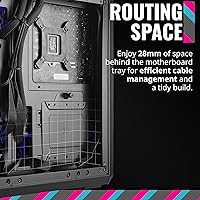
- Cable management space behind the tray is tight, especially with non-modular power supplies.
- Dust infiltration is above average despite the filters, since the open design allows ingress through unfiltered gaps.
- Some PSU and radiator combinations near the maximum clearance limits require extra research and fitment workarounds.
- Only two USB 3.0 ports on the I/O panel, which feels limiting for users with multiple peripherals.
- Plastic clips and panel fasteners show wear with repeated opening, becoming noticeably looser over time.
- No front panel lighting or visual personality beyond the mesh pattern — purely utilitarian in appearance.
Ratings
The Cooler Master Q300L has earned its place as a perennial top-seller, and our AI-driven scoring reflects exactly why — and where — it earns that reputation. These scores were generated by analyzing thousands of verified global buyer reviews, with spam, bot activity, and incentivized feedback actively filtered out before any scoring was applied. Both the genuine strengths and the real frustrations buyers encountered are transparently reflected in every category below.
Airflow & Thermal Performance
Build Quality & Materials
Value for Money
Ease of Assembly
Cable Management
Side Panel & Visibility
Cooling Upgrade Potential
GPU Compatibility
Dust Filtration
I/O Panel Flexibility
Noise Levels
Compact Footprint
Aesthetics & Exterior Design
Long-Term Durability
Suitable for:
The Cooler Master Q300L is built for builders who need to stretch every dollar toward actual components rather than the chassis holding them. First-time builders will find the interior genuinely approachable — the layout is logical, cable routing is manageable, and the generous clearances mean most common components drop in without compatibility drama. Gamers on a tighter budget who still want to run a full-length discrete GPU will appreciate that the case does not force them to compromise on their graphics card choice. Home office and media center builders who need a smaller desktop footprint without throttling airflow will also find the open mesh design a reliable thermal solution. The repositionable I/O panel is a surprisingly practical bonus for anyone who mounts their system under a desk or in an unconventional orientation. Incremental upgraders benefit too — the clearances for both CPU coolers and radiators leave room to improve the build over time without needing a new case.
Not suitable for:
Buyers who prioritize build rigidity, premium materials, or a polished fit-and-finish should look elsewhere — the thin steel and plastic accents on this budget Micro-ATX case will feel underwhelming compared to mid-range alternatives that cost only modestly more. Anyone building a LAN party rig or a system that travels and gets handled regularly should factor in the chassis fragility, since repeated transport puts stress on components that were not designed with portability in mind. Noise-sensitive users, such as those in quiet home studio or bedroom environments, will find the fully open mesh design offers zero acoustic dampening — under load, fan noise exits the case freely. Builders with ambitious cooling plans involving 280mm or 360mm AIO radiators will hit a hard limit here. The acrylic side panel is also a meaningful downgrade for anyone who invests heavily in interior aesthetics and expects that to remain pristine over years of use — it scratches easily and does not age as gracefully as tempered glass alternatives.
Specifications
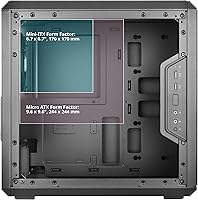
- Form Factor: Micro-ATX mini-tower designed to support Micro-ATX and Mini-ITX motherboards.
- Dimensions: The case measures 387 x 230 x 381mm (L x W x H), giving it a compact desktop footprint.
- Weight: The chassis weighs approximately 1.06 pounds unloaded, reflecting its lightweight steel and plastic construction.
- Materials: Built from a combination of alloy steel for the frame and plastic for panel accents and the I/O module.
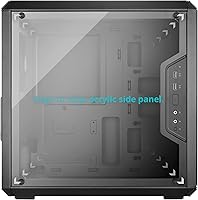
- Side Panel: Features a transparent acrylic side panel providing a full view of internal components without a tempered glass premium.
- GPU Clearance: Accommodates graphics cards up to 360mm in length, covering the vast majority of current consumer GPUs.
- CPU Cooler Clearance: Supports CPU air coolers up to 159mm in height, fitting most popular single and dual-tower designs.
- PSU Clearance: Bottom-mounted PSU bay accepts power supplies up to 160mm in length.
- Radiator Support: Front intake supports liquid cooling radiators up to 240mm, enabling AIO cooler upgrades beyond basic air solutions.
- Fan Support: The chassis accommodates up to five 120mm fans across front, top, and bottom mounting positions.
- Dust Filters: Magnetic removable dust filters are included and cover primary intake areas for easy tool-free maintenance.
- I/O Panel: The front I/O module is fully repositionable, mountable at the front, top, or bottom of the chassis on either side.
- USB Ports: I/O panel includes two USB 3.0 Type-A ports alongside standard 3.5mm headphone and microphone jacks.
- Expansion Slots: Provides four expansion slots to support multi-slot GPU configurations and add-in cards common to Micro-ATX builds.
- Drive Bays: Supports two 3.5-inch or 2.5-inch drive mounts for storage configuration flexibility within the compact interior.
- PSU Mount Type: Power supply is bottom-mounted with a shroud-free layout, keeping the PSU cables accessible during and after assembly.
- Color: Available in black with a uniform matte finish across the exterior panels and frame.
- Wireless: The case does not include built-in wireless connectivity; networking is determined by the installed motherboard or expansion card.
Related Reviews
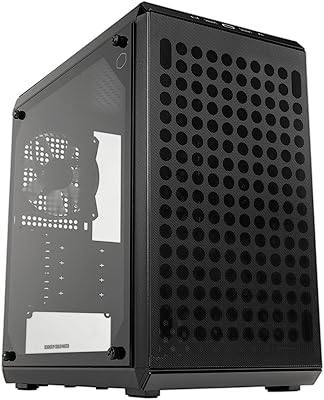
Cooler Master Q300L V2 Micro-ATX Tower Case
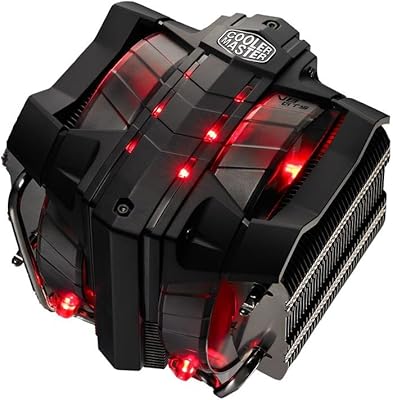
Cooler Master V8 GTS High Performance CPU Cooler
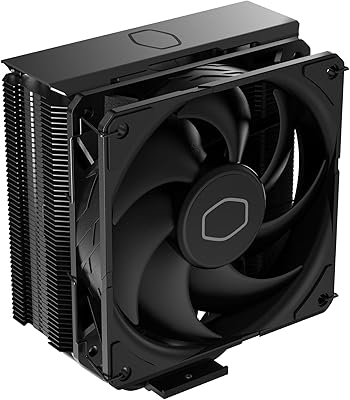
Cooler Master Hyper 212 Black CPU Cooler
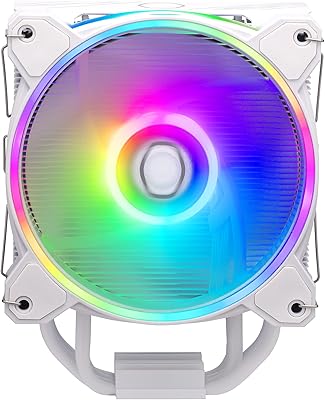
Cooler Master Hyper 212 Halo CPU Air Cooler
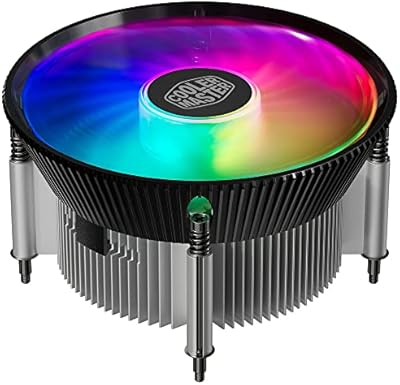
Cooler Master i70C Low-Profile CPU Cooler
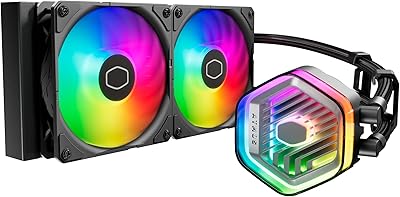
Cooler Master MasterLiquid Atmos 240 Liquid Cooler
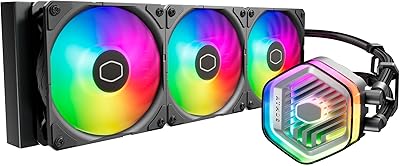
Cooler Master MasterLiquid Atmos 360 AIO Cooler
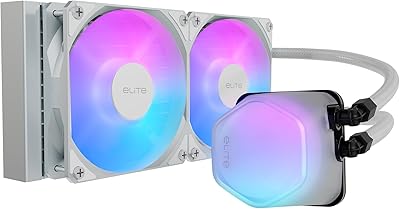
Cooler Master 240 Elite Liquid CPU Cooler
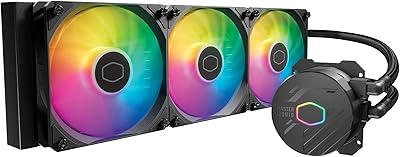
Cooler Master MasterLiquid 360L Core 360mm