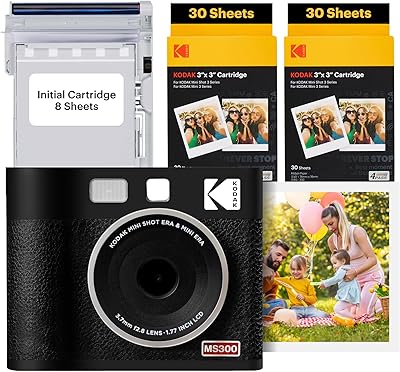
Canon IVY 2 Mini Photo Printer






Overview
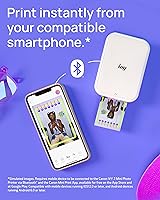
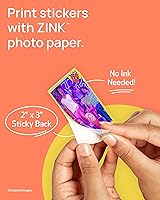
The Canon IVY 2 Mini Photo Printer is about as small and fuss-free as portable printing gets — a pocket-sized device that turns smartphone photos into physical prints in under a minute. What sets it apart from older compact printers is the ZINK zero-ink technology, which means no cartridges to replace, no ink spills, and nothing to reorder except the paper itself. The prints come with a peel-and-stick backing, so they feel less like traditional photos and more like functional little stickers. Canon's reputation in imaging brings real credibility here, and the IVY 2 targets a clear audience: teens, travelers, crafters, and anyone who wants to give their digital photos a physical life.
Features & Benefits
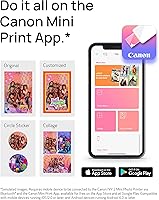
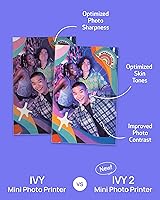
At the core of the IVY 2 is ZINK technology — the paper itself contains heat-activated dye crystals, so there are no cartridges, no toner, and no ongoing ink costs to worry about. That said, ZINK paper packs do add up over time, which is worth factoring into your budget upfront. Bluetooth 5.0 makes pairing noticeably quicker and more reliable than the previous generation. The Canon Mini Print App handles everything from basic editing to collage templates on both iOS and Android. Print quality has genuinely improved over its predecessor — skin tones look warmer, contrast is crisper — though at 313x512 dpi, these are fun lifestyle prints, not gallery-quality enlargements.
Best For
Canon's pocket printer really shines as a gift. Hand one to a teenager decorating their dorm or locker and it clicks immediately — the sticky prints turn any surface into a mini photo wall. For travelers who want to keep bags light, this mini photo printer delivers without the bulk of a traditional device. Crafters and scrapbookers will appreciate the 2x3-inch format for journaling and project work. It also hits a sweet spot for social media users who want their favorite digital moments printed and displayed rather than buried in a camera roll. Lightweight at 145 grams, it slips into any bag without a second thought.
User Feedback
Buyers consistently praise how quickly the IVY 2 gets up and running — most report pairing it and printing within minutes of unboxing. The app earns positive marks for being intuitive, and the peel-and-stick feature draws genuine enthusiasm, though a few users note adhesion can weaken on textured or dusty surfaces. The honest criticism centers on print resolution limits and the recurring cost of paper packs, which some find adds up faster than expected. A handful of reviewers mention occasional app glitches on older phones. Compared to rivals like the Polaroid Hi-Print or Fujifilm Instax Link, most buyers feel the Canon brand quality justifies the choice.
Pros
- Weighing just 145 grams, the IVY 2 is genuinely pocketable for everyday carry.
- Zero-ink ZINK technology means no cartridges, no mess, and no ink-related maintenance.
- Bluetooth 5.0 delivers noticeably faster, more reliable pairing than older portable printers.
- Peel-and-stick backing turns every print into a functional sticker usable on most smooth surfaces.
- The Canon Mini Print App is intuitive enough that most users are printing within minutes of setup.
- Print quality is a real improvement over the original IVY, especially for skin tones and contrast.
- USB-C charging fits into modern charging setups without requiring a dedicated or proprietary cable.
- Works with both iOS and Android, covering nearly all smartphone users without compatibility headaches.
- Strong gift appeal — compact size, Canon branding, and sticky prints make for a memorable unboxing.
- Collage templates and editing tools in the app add creative value beyond simple one-tap printing.
Cons
- ZINK paper packs are a recurring cost that adds up quickly for frequent users.
- Print resolution caps at 313x512 dpi, leaving fine details and dark scenes looking noticeably soft.
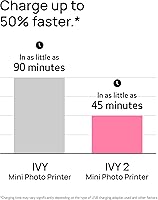
- Battery cannot be used while charging, making it impractical during long group printing sessions.
- Peel-and-stick adhesion weakens on textured or dusty surfaces and does not recover well after removal.
- Android users encounter more app instability and pairing issues than iOS users.
- Paper tray holds only 10 sheets at a time, requiring frequent reloading during busy sessions.
- ZINK prints fade or discolor when exposed to prolonged heat or direct sunlight.
- No Wi-Fi support limits group use, since only one paired device can print at a time.
- Printing a batch of photos back-to-back is slow, with cool-down intervals needed between runs.
- Cool-tone and high-contrast images often lose color depth compared to the original digital photo.
Ratings
The Canon IVY 2 Mini Photo Printer has been evaluated by our AI system after processing thousands of verified global user reviews, with spam, bot-generated, and incentivized submissions actively filtered out. The scores below reflect the full picture — what buyers genuinely love and where real frustrations surface — so you can make an informed decision before purchasing.
Portability & Form Factor
Print Quality
Ease of Setup & Use
App Experience
ZINK Ink-Free Technology
Peel & Stick Backing
Connectivity & Bluetooth Performance
Battery Life
Paper Cost & Ongoing Value
Build Quality & Materials
Color Accuracy
Gift Appeal & Packaging
Compatibility & Device Support
Print Speed
Suitable for:
The Canon IVY 2 Mini Photo Printer is a natural fit for anyone whose printing needs are casual, creative, and on the move. Teens and college students who like personalizing their spaces will get the most out of it — sticky 2x3 prints on dorm walls, journals, and lockers are exactly the use case this device was built around. Travelers who want a lightweight way to document trips without carrying bulky equipment will appreciate how easily it slips into a daypack. It also works well as a gift, particularly for younger audiences who live on their phones and enjoy turning digital memories into something tangible. Scrapbookers and crafters who need small-format prints for project work, cards, or collages will find the format and app tools genuinely useful. If your goal is fun, spontaneous, and low-maintenance printing rather than archival-quality output, this mini photo printer delivers comfortably on that promise.
Not suitable for:
Anyone expecting professional or near-professional print quality should look elsewhere before purchasing the IVY 2. At 313x512 dpi, the output is noticeably softer than drugstore photo prints, and dark or highly detailed images rarely translate well onto ZINK paper. Buyers who print frequently should also do the math on paper pack costs upfront — the ongoing expense adds up faster than most people anticipate, and it is a recurring frustration among long-term owners. If you want to print in batches quickly, the one-at-a-time pace and need for cool-down intervals between prints will likely test your patience. Users without a compatible smartphone or who prefer printing from a laptop or desktop are also out of luck, since the Canon IVY 2 Mini Photo Printer is app-only with no wired or Wi-Fi computer connectivity. And if you need prints that will hold up to sunlight, humidity, or outdoor conditions over time, ZINK technology is simply not the right medium for that purpose.
Specifications
- Print Technology: Uses ZINK zero-ink technology, where heat-activated dye crystals embedded in the paper produce full-color prints without any ink cartridges or toner.
- Print Size: Produces 2x3-inch glossy color prints with a peel-and-stick backing on every sheet.
- Print Resolution: Maximum color and monochrome print resolution is 313x512 dots per inch.
- Connectivity: Connects to smartphones and tablets via Bluetooth 5.0 for wireless printing.
- Compatible OS: Works with iOS and Android devices through the Canon Mini Print App, available on both platforms.
- Weight: The device weighs 145 grams (5.1 ounces), making it one of the lightest options in its category.
- Battery: Powered by a built-in rechargeable lithium-ion battery included in the box.
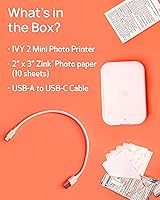
- Charging Port: Charges via USB-C using the included USB-A to USB-C cable.
- Paper Capacity: The paper tray holds up to 10 sheets of ZINK photo paper at a time.
- Internal Memory: Equipped with 64 MB of internal memory to support app communication and print job processing.
- Output Type: Prints color-only, glossy-finish photos; monochrome output is not a standalone mode.
- Control Method: All print functions, editing, and settings are managed exclusively through the Canon Mini Print App — there are no physical control buttons beyond power.
- Duplex Printing: Supports simplex (single-sided) printing only; duplex output is not available.
- In the Box: Package includes the printer, a 10-sheet ZINK Photo Paper Pack with one Smart Sheet, and a USB-A to USB-C charging cable.
- Printer Functions: This is a print-only device with no scanning, copying, or fax capabilities.
- Paper Type: Requires Canon ZINK Photo Paper (2x3 inches), which is sold separately in multipacks after the included starter pack is used.
- Smart Sheet: Each paper pack includes one Smart Sheet that calibrates the printer to that specific batch of paper for optimized color output.
- Warranty: Covered by Canon's limited warranty; specific terms and duration vary by region and should be confirmed at point of purchase.
Related Reviews
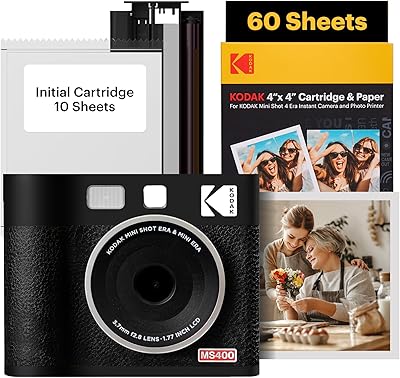
KODAK Mini Shot 4 ERA Instant Camera
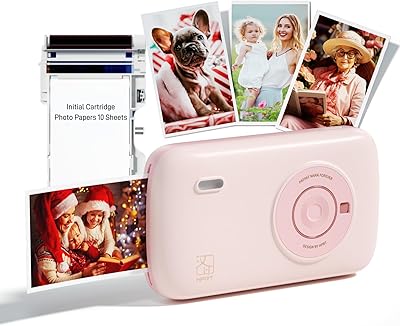
HPRT CP2100 Portable Mini Photo Printer
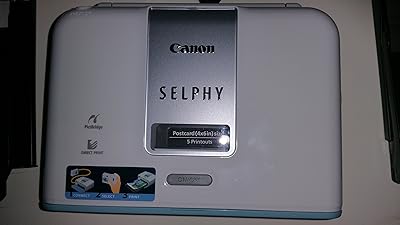
Canon SELPHY CP510 Compact Photo Printer
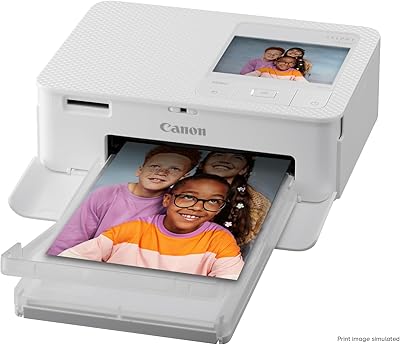
Canon SELPHY CP1500 Compact Photo Printer
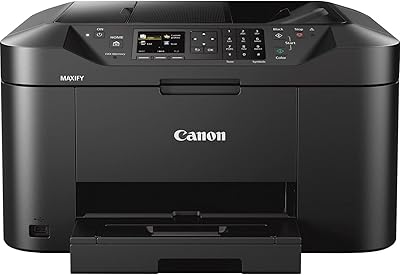
Canon MAXIFY MB2120 All-in-One Inkjet Printer
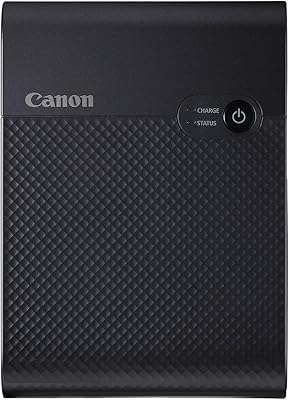
Canon SELPHY Square QX10 Portable Photo Printer
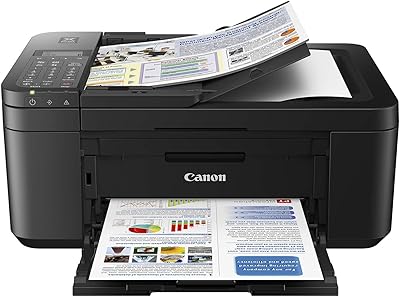
Canon PIXMA TR4527 All-in-One Inkjet Printer
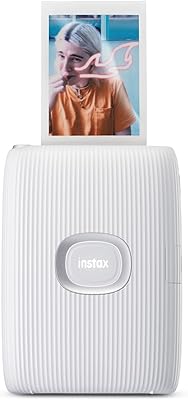
Fujifilm Instax Mini Link 2 Smartphone Printer
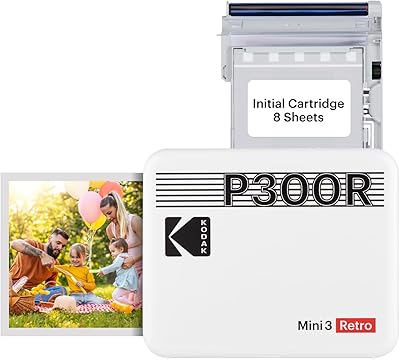
Kodak Mini 3 Retro Portable Photo Printer