ASUS TUF RX 9070 XT Graphics Card
Overview
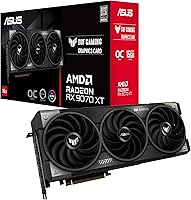
The ASUS TUF RX 9070 XT Graphics Card is ASUS's durability-hardened take on AMD's RDNA 4 architecture, landing squarely in the premium tier where it trades blows with Nvidia's RTX 5070-class offerings. Launched in March 2025, it carries real weight for anyone still running an RX 6800 XT or RTX 3080 — the generational gap here is substantial. The 16GB GDDR6 frame buffer is arguably the headline spec, giving it breathing room at 4K and future-proofing it against VRAM-hungry titles down the road. This isn't a card you buy on impulse; it sits at an enthusiast price point, and buyers should go in knowing exactly what they're paying for.
Features & Benefits
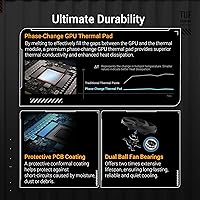
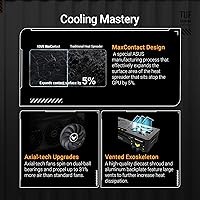
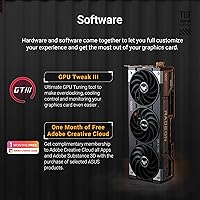
The OC Edition designation isn't just a sticker — the boost clock hits 2670MHz through GPU Tweak III, which translates to tangible headroom in GPU-limited scenarios without manual tuning. Cooling is handled by three axial fans spread across a 3.125-slot footprint, backed by a phase-change thermal pad that optimizes heat transfer at the GPU die itself, keeping sustained load temperatures in check. ASUS also coats the PCB against moisture, dust, and debris — a practical touch that matters in humid or dusty environments. The dual ball bearing fans are rated to last roughly twice as long as sleeve-bearing alternatives, and the included GPU Guard bracket prevents sag on this 2.42-pound card.
Best For
The RX 9070 XT OC Edition is a natural fit for 1440p and 4K gamers who want high frame rates with room to push ray tracing without immediately hitting a wall. Content creators doing GPU-accelerated rendering or heavy video work will appreciate the 16GB of headroom — enough buffer to handle large assets without VRAM spill slowing things down. If you're upgrading from an RX 5700 XT or an RTX 3080, the generational leap is hard to ignore. Enthusiasts who prefer AMD's open ecosystem will also value FSR 4 support without being locked into a proprietary upscaling stack. One practical note: at nearly 13 inches long, check your case clearance before ordering.
User Feedback
Across 125 ratings, this TUF Gaming card holds a 4.6 out of 5 — a strong early signal for a card this new. Buyers consistently praise the out-of-box cooling performance and a build quality that feels more substantial than the spec sheet alone conveys; the thick shroud and solid bracket leave a good first impression. On the critical side, a handful of users flagged the card's length as a tight fit in smaller mid-tower cases, and some noted the power connector placement can be awkward depending on cable routing. Buyers drawing comparisons to the RTX 4080 generally land favorably for AMD here. Driver stability earned positive mentions, though GPU Tweak III divides opinion.
Pros
- Substantial generational performance leap over RTX 3080 and RX 6800 XT-era cards at 4K.
- 16GB GDDR6 provides meaningful headroom for texture-heavy games and GPU-accelerated creative work.
- Phase-change thermal pad and triple axial cooling keep sustained load temperatures well-controlled.
- PCB protective coating is a practical durability feature rarely seen at this tier.
- Dual ball bearing fans are built to outlast most competing cooler designs by a wide margin.
- Out-of-box OC stability is frequently praised by early buyers — no manual tuning required.
- GPU Guard bracket prevents sag and protects the PCIe slot in both standard and vertical mounts.
- DisplayPort 2.1 output supports 4K at high refresh rates and even 8K display configurations.
- FSR 4 support offers open, hardware-agnostic upscaling without proprietary ecosystem lock-in.
- Strong early buyer satisfaction rating across a meaningful number of reviews for a newly launched card.
Cons
- At nearly 13 inches long, it requires careful case compatibility checks before purchasing.
- Power connector placement can make cable management awkward in certain case layouts.
- Premium AIB pricing means buyers pay a noticeable premium over reference or budget AIB models.
- GPU Tweak III software divides opinion — some find it useful, others consider it bloat.
- Not a practical choice for 1080p gaming where mid-range cards offer far better value per dollar.
- AMD driver maturity still lags behind Nvidia for certain professional and compute-heavy workloads.
- The 3.125-slot width can conflict with adjacent PCIe slots in tighter motherboard layouts.
- No DLSS or Nvidia-exclusive feature support limits appeal for users in those-specific ecosystems.
Ratings
The scores below were generated by AI after analyzing verified buyer reviews worldwide for the ASUS TUF RX 9070 XT Graphics Card, with spam, incentivized, and bot-flagged submissions actively filtered out before scoring. Each category reflects the honest distribution of praise and frustration found across real ownership experiences — nothing is softened to protect the product's image. Where buyers were divided, the score reflects that split transparently.
Gaming Performance
Thermal Management
Build Quality
Noise Levels
Case Compatibility
Value for Money
Overclocking Headroom
Software Experience
VRAM Capacity
Display Output Options
Installation Experience
Long-Term Durability
Ray Tracing Performance
Upscaling & FSR Support
Suitable for:
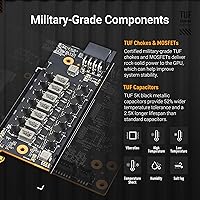
The ASUS TUF RX 9070 XT Graphics Card is the right call for enthusiasts who game at 1440p or 4K and don't want to compromise on frame rates or ray tracing quality. The 16GB GDDR6 buffer gives it a comfortable margin for texture-heavy titles and high-resolution assets, making it equally appealing to content creators who do GPU-accelerated rendering or video production on the side. Builders who think in terms of years rather than upgrade cycles will appreciate the military-grade components, PCB protective coating, and dual ball bearing fans — these aren't marketing checkboxes, they're practical longevity features. If you're coming from an RX 5700 XT, RX 6800 XT, or an RTX 3080, the performance delta here is meaningful enough to justify the investment. AMD's open upscaling ecosystem via FSR 4 is also a draw for anyone who doesn't want to be locked into a proprietary feature set.
Not suitable for:
The ASUS TUF RX 9070 XT Graphics Card is not the right fit for buyers on a tight budget or anyone who games primarily at 1080p — the price-to-performance ratio simply doesn't work in those scenarios, and cheaper AIB cards or last-gen options would serve them better. At nearly 13 inches long and over 3 slots wide, it's also a poor match for compact mini-ITX builds or smaller mid-tower cases without careful measurement first. Buyers who rely heavily on Nvidia-exclusive features like DLSS 3 Frame Generation or CUDA-dependent professional software workflows will find AMD's ecosystem a frustrating substitute, regardless of raw rasterization performance. Those who prefer a set-and-forget experience with minimal software involvement may find GPU Tweak III adds unnecessary complexity compared to simpler alternatives. Finally, anyone expecting a reference-tier price from an OC Edition AIB variant with this level of build quality will likely be disappointed.
Specifications
- GPU Architecture: Built on AMD's RDNA 4 architecture using the Radeon RX 9070 XT chip, representing AMD's latest generation of consumer graphics silicon.
- VRAM: Equipped with 16GB of GDDR6 memory running at 20 Gbps, providing ample headroom for 4K gaming and GPU-accelerated creative workloads.
- Boost Clock: In OC Mode via GPU Tweak III, the boost clock reaches up to 2670MHz, with a game clock of up to 2190MHz under typical sustained gaming loads.
- PCIe Interface: Uses a PCIe 5.0 x16 interface, ensuring maximum bandwidth compatibility with current and near-future motherboard platforms.
- Display Outputs: Offers one HDMI port and multiple DisplayPort 2.1 outputs, supporting resolutions up to 7680x4320 (8K) and high-refresh-rate 4K displays.
- Slot Width: Occupies 3.125 expansion slots, requiring sufficient clearance in the case and on the motherboard for adjacent components.
- Card Length: Measures 12.99 inches (approximately 33cm) in length, which requires case compatibility verification before installation.
- Card Weight: Weighs 2.42 pounds (approximately 1.1kg), making the included GPU Guard anti-sag bracket a practical necessity rather than a cosmetic addition.
- Cooling System: Cooled by three axial fans paired with a phase-change GPU thermal pad that improves heat transfer efficiency at the die level compared to standard thermal pads.
- Fan Bearings: All three fans use dual ball bearings, which are rated to last roughly twice as long as conventional sleeve-bearing designs under continuous use.
- PCB Coating: The circuit board is treated with a protective conformal coating designed to resist short circuits caused by moisture, dust, and airborne debris.
- GPU Brace: Ships with both a GPU Guard metal brace and an ASUS mounting bracket to prevent PCIe slot stress and physical sag in horizontal and vertical builds.
- Monitoring Software: Compatible with ASUS GPU Tweak III, which provides real-time monitoring, fan curve adjustment, and OC profile management on Windows.
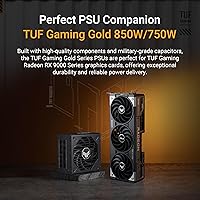
- TDP & Power: As an OC Edition card based on the RX 9070 XT, expect a typical board power draw in the range of 300W or above; verify PSU headroom before purchasing.
- Launch Date: First made available in March 2025, making it one of the earliest AIB partner cards based on AMD's RDNA 4 platform to reach retail.
- Warranty: ASUS typically covers TUF Gaming series graphics cards with a 3-year limited manufacturer warranty, though regional terms may vary.
Related Reviews
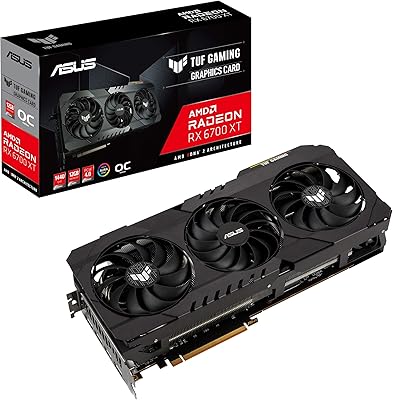
ASUS TUF RX 6700 XT Graphics Card
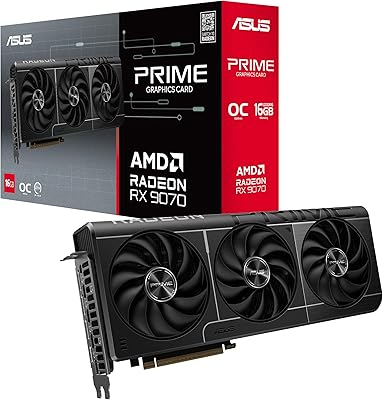
ASUS Prime RX 9070 OC Graphics Card
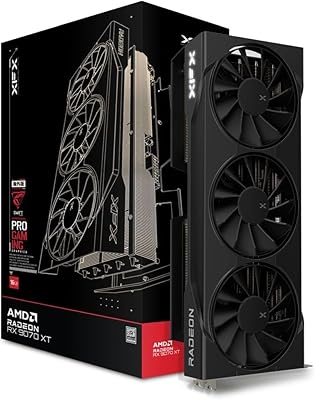
XFX Swift RX 9070 XT 16GB Graphics Card
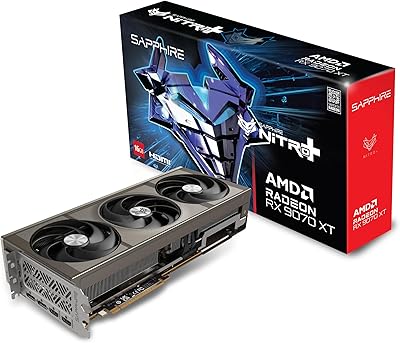
Sapphire Nitro+ RX 9070 XT 16GB
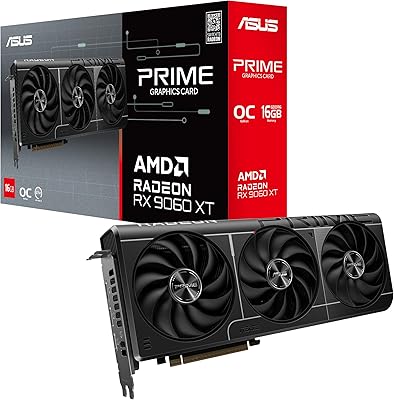
ASUS RX 9060 XT 16GB Graphics Card
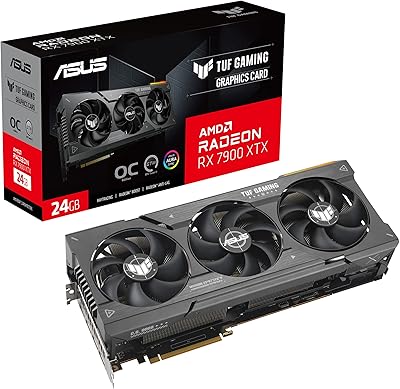
ASUS TUF RX 7900 XTX Graphics Card
AMD Radeon RX 6950 XT Graphics Card
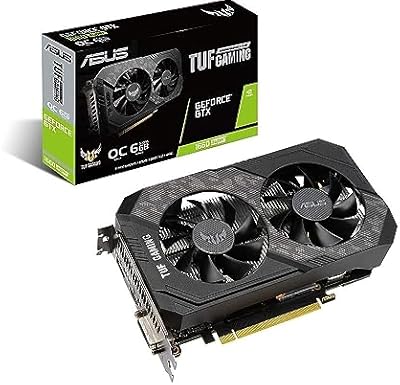
ASUS TUF GTX 1660 Super 6GB GPU
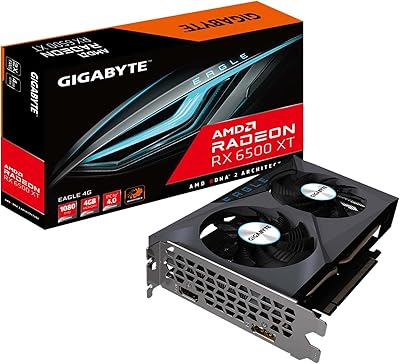
GIGABYTE Radeon RX 6500 XT Eagle 4GB Graphics Card