
Overview
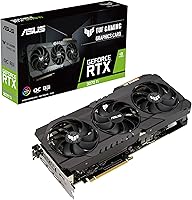
The ASUS TUF RTX 3070 Ti Graphics Card sits at an interesting crossroads in the GPU market — it's not the fastest Ampere card NVIDIA ever made, but the TUF OC Edition brings a level of build quality and thermal engineering that reference designs simply don't match. Built around NVIDIA's Ampere architecture, it remains a genuinely capable card for 1440p gaming and handles entry-level 4K without breaking a sweat in most titles. Enthusiast gamers and content creators who want reliable daily performance will find it compelling. That said, it's a large card — nearly 12 inches long and weighing over 3 pounds — so case compatibility deserves a careful check before buying.
Features & Benefits
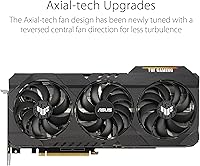
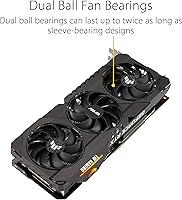
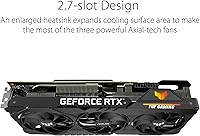
The cooling setup on the ASUS TUF OC edition is where things get genuinely interesting. ASUS redesigned the Axial-Tech fans with a reversed center rotation on the middle fan, which improves static pressure and keeps things running cooler under sustained load. The dual ball-bearing fans are rated for a significantly longer lifespan than sleeve bearings — a real difference for anyone who runs their rig hard daily. On the memory side, 8GB of GDDR6X at 14 Gbps handles high-resolution textures well at 1440p, though 4K with heavy texture packs will push that buffer. The 2nd-gen RT Cores and 3rd-gen Tensor Cores make ray tracing and DLSS viable options, though enabling RT at maximum settings does carry a noticeable performance cost worth knowing upfront.
Best For
This Ampere-based card is squarely built for 1440p gamers chasing high refresh rates in demanding titles — it handles that workload confidently. Content creators running local AI inference, video encoding with NVENC, or real-time 3D rendering will also get genuine mileage from the Tensor Cores. Builders upgrading from a GTX 1070 or older Turing cards will feel a sharp generational jump. One group to consider carefully: compact-case builders. At nearly 12 inches long and occupying close to three expansion slots, this TUF 3070 Ti demands a full-size ATX or large mid-tower chassis — check your clearance carefully before committing to the purchase.
User Feedback
With a 4.6-star rating across hundreds of verified buyers, the ASUS TUF OC edition earns its reputation primarily through thermal performance and build quality. Owners consistently report low fan noise even during extended sessions, with temperatures staying well-managed under hours of sustained gaming. The factory overclock holds up reliably in real-world conditions, which buyers appreciate versus cards that throttle under heat. On the downside, some owners flag the power draw as higher than expected — adequate PSU headroom is not optional here. A handful of reviews mention shipping damage, which appears to be a transit issue rather than a product flaw, and driver-related complaints surface occasionally but remain scattered rather than systemic.
Pros
- Handles 1440p gaming at high refresh rates confidently across a wide range of demanding titles.
- The Axial-Tech triple-fan cooler keeps temperatures well-managed even during multi-hour gaming sessions.
- Dual ball-bearing fans are built to last significantly longer than the sleeve-bearing designs found on competing cards.
- DLSS support meaningfully recovers frame rates when ray tracing is enabled, making the feature practically usable.
- The factory overclock is stable out of the box — no manual tuning required to get above-reference performance.
- GPU Tweak II gives users straightforward access to fan curves, voltage offsets, and real-time monitoring without complexity.
- HDMI 2.1 output makes this Ampere-based card a solid choice for users connecting to newer high-refresh TVs or monitors.
- Component quality under sustained workloads holds up better than reference or budget-tier alternatives in the same class.
- PCIe 4.0 interface ensures the card is not bottlenecked on bandwidth even in forward-looking platform builds.
- Verified buyers consistently rate real-world noise levels as low, even when the card is working hard under load.
Cons
- 8GB of VRAM is already feeling tight in some modern titles and will only become more limiting over time.
- The card draws significant power under load, making a quality 750W or higher PSU a non-negotiable requirement.
- At nearly 12 inches long and close to three slots wide, fitting this TUF 3070 Ti into smaller cases is often impossible.
- Ray tracing at maximum quality settings comes with a real and noticeable frame rate penalty in demanding games.
- A small number of buyers have reported units arriving damaged during shipping, suggesting packaging could be more robust.
- Occasional driver-related issues surface in user feedback, though these tend to be isolated rather than widespread.
- The card's weight — over 3 pounds — puts strain on PCIe slots in cases without dedicated GPU support brackets.
- Buyers in markets where newer-generation cards are similarly priced may find the value proposition harder to justify.
Ratings
The scores below were generated by our AI system after analyzing hundreds of verified global buyer reviews for the ASUS TUF RTX 3070 Ti Graphics Card, with spam, bot-submitted, and incentivized feedback actively filtered out before scoring. Each category reflects the full picture — not just what buyers loved, but where this Ampere-based card genuinely fell short in real-world use. The result is an honest, balanced breakdown designed to help you decide whether this GPU fits your specific setup and expectations.
Gaming Performance
Thermal Management
Noise Levels
Build Quality
VRAM Capacity
Ray Tracing Performance
DLSS Quality
Overclocking Headroom
Software Experience
Power Efficiency
Physical Footprint
Display Connectivity
Value for Money
Long-term Reliability
Suitable for:
The ASUS TUF RTX 3070 Ti Graphics Card is an excellent fit for gamers who have settled on 1440p as their primary resolution and want to push high refresh rates in demanding AAA titles without constantly hitting a performance ceiling. If you're still running a GTX 1070, 1080, or even an RTX 2070, the generational leap in rasterization, DLSS quality, and memory bandwidth will feel substantial and immediately noticeable in everyday use. Content creators who lean on GPU-accelerated workflows — think Blender renders, DaVinci Resolve exports, or local AI inference tasks — will also put the Tensor Cores and fast GDDR6X memory to genuine practical use. Builders who prioritize long-term hardware reliability over chasing the absolute latest silicon will appreciate that ASUS built this card with industrial-grade capacitors and ball-bearing fans designed to outlast typical consumer-grade components by a meaningful margin. It's also a strong choice for anyone who wants a capable card that runs quietly under extended load, since the thermal solution here is genuinely well-engineered rather than just adequately sized.
Not suitable for:
Buyers focused on native 4K gaming at high settings should think carefully before committing, because the ASUS TUF RTX 3070 Ti Graphics Card carries only 8GB of VRAM — and that ceiling becomes a real constraint when modern titles start loading high-resolution texture packs or when multiple demanding assets compete for buffer space simultaneously. Anyone building inside a compact or mini-ITX case should also look elsewhere; at nearly 12 inches long and close to three slots wide, this card physically won't fit in a wide range of smaller enclosures regardless of how appealing the performance numbers look. Buyers who want to future-proof a rig for the next four to five years of AAA gaming at maximum settings will find that 8GB VRAM ages faster than the GPU compute performance itself, making newer alternatives worth the consideration. If ray tracing at maximum quality settings is a priority, manage expectations carefully — enabling full RT in titles like Cyberpunk 2077 or Alan Wake 2 carries a steep performance cost that this card handles, but not without visible compromise. Finally, systems running older or undersized power supplies will need an upgrade before installation, as this card's power draw under load is not forgiving of marginal PSU headroom.
Specifications
- GPU Chip: Powered by the NVIDIA GeForce RTX 3070 Ti built on the Ampere architecture, delivering strong rasterization and AI-accelerated rendering performance.
- VRAM: Equipped with 8GB of GDDR6X memory running at 14 Gbps across a 256-bit memory interface for fast texture streaming at high resolutions.
- Memory Interface: The 256-bit memory bus provides substantial bandwidth headroom for 1440p workloads and moderate 4K gaming scenarios.
- Max Resolution: Supports a maximum digital output resolution of 7680x4320 (8K) when connected to a compatible display.
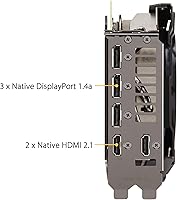
- Video Outputs: Includes one HDMI 2.1 port and three DisplayPort 1.4a connectors, supporting multiple simultaneous display configurations.
- PCIe Interface: Uses a PCIe 4.0 x16 interface, ensuring full bandwidth compatibility with current-generation motherboards and backward compatibility with PCIe 3.0 platforms.
- Card Length: Measures 11.81 inches (300mm) in length, requiring a full-size ATX or large mid-tower case with adequate GPU clearance.
- Slot Width: Occupies approximately 2.7 expansion slots in practice, using a dual-slot bracket but with a heatsink body that encroaches on a third slot.
- Card Weight: Weighs approximately 3.1 pounds (1.4 kg), which places meaningful stress on the PCIe slot and may require a GPU support bracket in some builds.
- Cooling System: Uses ASUS Axial-Tech triple-fan cooling with a reversed center-fan rotation direction to improve static pressure and reduce heat buildup under sustained load.
- Fan Bearings: All three fans use dual ball-bearing designs, which are rated for a significantly longer operational lifespan than standard sleeve-bearing fans.
- RT Cores: Features 2nd-generation RT Cores that deliver roughly twice the ray tracing throughput of the previous Turing generation, enabling real-time RT in supported titles.
- Tensor Cores: Includes 3rd-generation Tensor Cores supporting DLSS with structural sparsity, boosting AI-rendered frame rates and enabling DLSS quality and ultra-quality modes.
- Component Grade: Built with military-grade certified capacitors and selected TUF components designed to maintain stable electrical performance under high temperature and load cycling.
- Tuning Software: Bundled with GPU Tweak II, ASUS's desktop utility for adjusting clock offsets, fan curves, voltage targets, and monitoring real-time sensor data.
- Brand / Series: Manufactured by ASUS under the TUF Gaming product line, which focuses on component durability and sustained thermal performance over extended use periods.
- Model Number: The official model designation is TUF-RTX3070TI-O8G-GAMING, with the O indicating the factory overclocked variant above NVIDIA's reference specification.
- Availability Date: This card was first made available in June 2021, coinciding with the broader launch of the RTX 3070 Ti product family.
Related Reviews
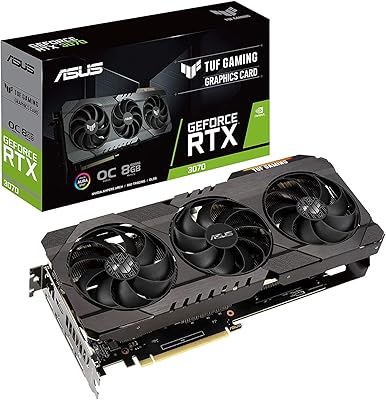
ASUS TUF RTX 3070 OC Graphics Card
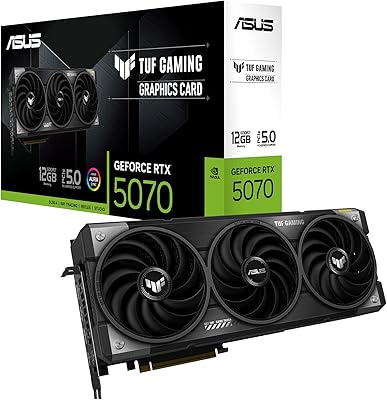
ASUS TUF Gaming RTX 5070 12GB GPU
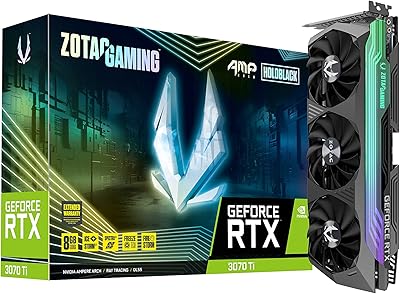
ZOTAC GeForce RTX 3070 Ti AMP Holo Graphics Card
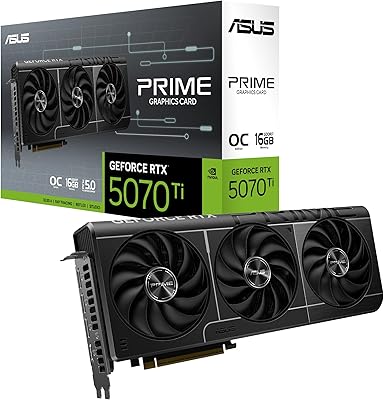
ASUS Prime RTX 5070 Ti 16GB Graphics Card
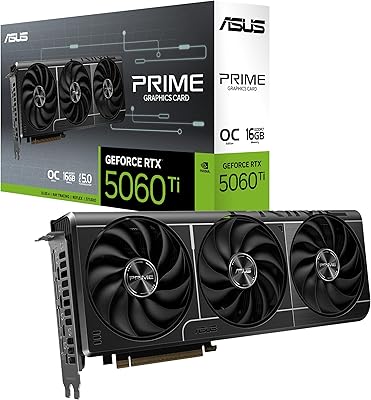
ASUS PRIME GeForce RTX 5060 Ti 16GB GDDR7 OC Edition Graphics Card
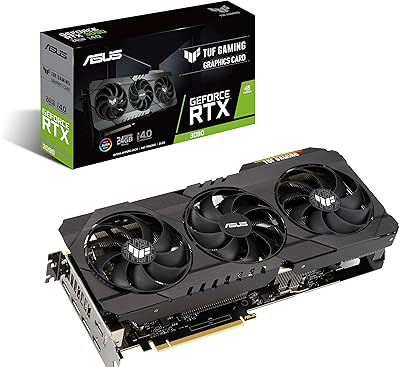
ASUS TUF RTX 3090 OC Graphics Card
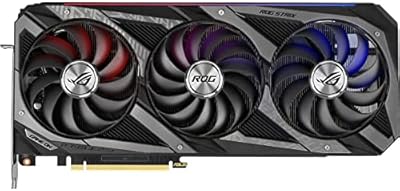
ASUS ROG Strix RTX 3070 V2 OC Graphics Card
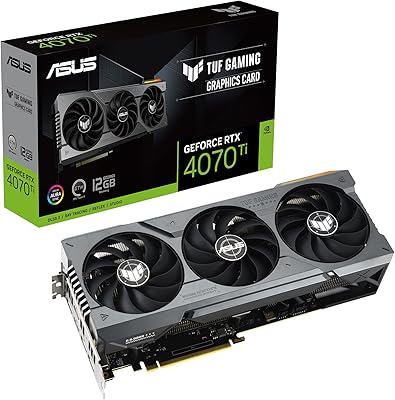
ASUS TUF RTX 4070 Ti Graphics Card
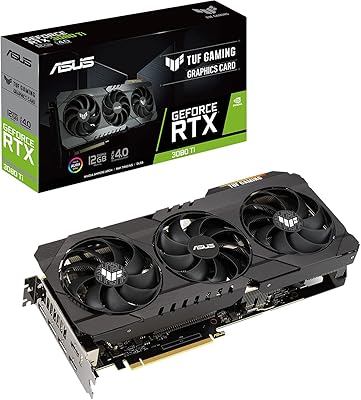
ASUS TUF Gaming RTX 3080 Ti Graphics Card