Overview

The Asus TUF RTX 4090 OC Graphics Card sits firmly at the top end of what a desktop GPU can do right now. Built on NVIDIA's Ada Lovelace architecture, it's aimed squarely at people chasing 4K gaming and high refresh rates without compromise. ASUS leaned on its TUF lineage here, which has always been about toughness rather than flash, so you get components rated for long-term use rather than just a pretty shroud. Out of the box it ships factory-overclocked, and a dual BIOS setup lets you toggle between quiet and performance modes depending on what you need that day. This is not a budget card, and it doesn't pretend to be.

Features & Benefits

Where this graphics card earns its keep is in the architecture under the hood. The Ada Lovelace design delivers a real jump in shading and ray tracing work compared to older generations, and the 4th-gen Tensor Cores give a noticeable lift to AI-driven tricks like DLSS frame generation. Add in 3rd-gen RT Cores and ray-traced scenes look sharper without tanking your frame rate the way older hardware would. The 24GB of GDDR6X memory is generous enough for large textures and creator workloads, not just gaming. ASUS also fitted axial-tech fans with dual ball bearings, which push more airflow and are built to last longer than typical sleeve-bearing setups under daily heat cycles.

Best For

This GPU makes the most sense for a fairly specific kind of buyer. Gamers who want every setting maxed out at 4K resolution, or who run high-refresh monitors and don't want to compromise on detail, will get real value here. It's also a strong fit for content creators tackling video editing, 3D rendering, or AI-assisted workflows where extra memory and compute genuinely speed things up. If you like tinkering with overclocks but don't want to mess with aftermarket cooling, the stock thermal solution gives you decent headroom already. On the other hand, builders working with tighter budgets or smaller cases focused purely on reliability over raw power should probably look elsewhere.

User Feedback

Owners consistently mention that thermals hold up well even during long gaming or rendering sessions, which lines up with the cooling design ASUS put into it. That said, a few real-world tradeoffs show up repeatedly in feedback. The card is large and heavy, so checking case clearance before buying is worth the extra five minutes. Power draw is another recurring note, with several buyers pointing out they needed a beefier PSU than expected to run it comfortably. Despite those caveats, the general sentiment leans positive, with most people who upgraded to it for 4K gaming saying it was a worthwhile move rather than a regret.

Pros

  • Handles 4K gaming at max settings without breaking a sweat
  • Ada Lovelace architecture brings a real generational leap in ray tracing
  • DLSS frame generation noticeably smooths out demanding, ray-traced titles
  • 24GB of GDDR6X memory is plenty for creative and AI workloads
  • Axial-tech fans keep thermals impressively stable under sustained loads
  • Factory overclock and dual BIOS modes add useful flexibility out of the box
  • Dual ball bearing fans are built with longevity in mind
  • Feels genuinely future-proof for several years of demanding use

Cons

  • Physically large and heavy, so case clearance needs checking beforehand
  • Power draw is significant and may require a PSU upgrade
  • Premium pricing puts it out of reach for casual gamers
  • Overkill for anyone gaming at 1080p or standard 1440p
  • Runs warm enough that case airflow becomes a real consideration
  • Not a practical pick for small form factor builds
  • Overclocking headroom matters less if you're not chasing every extra frame

Ratings

Our scores for the Asus TUF RTX 4090 OC Graphics Card are generated by AI after analyzing thousands of verified buyer reviews from around the world, with spam, bot activity, and incentivized feedback filtered out before any number is calculated. The goal is to reflect what real owners experience day to day, both the wins and the frustrations, rather than a polished marketing pitch. Every category below is meant to give you an honest, practical read before you spend the money.

Gaming Performance
94%
Owners running 4K or high-refresh monitors consistently report maxed-out settings without the stutter they dealt with on previous cards. For demanding, ray-traced titles especially, the jump feels significant rather than incremental, which is exactly what buyers in this price bracket expect.
A handful of users gaming at 1080p or 1440p admit the extra power goes largely unused in their setups. The performance ceiling is high, but it only really shows itself at resolutions and settings most casual gamers don't push toward.
Ray Tracing Quality
91%
The 3rd-gen RT Cores get specific praise for making reflections and lighting look noticeably more realistic in supported titles, with less of a frame-rate penalty than older ray tracing setups. Creators dabbling in real-time rendering preview tools mention similar improvements.
A few reviewers note that ray tracing gains are entirely dependent on game support, so older or less-optimized titles don't show much difference. It's a feature you have to actively seek out to benefit from.
Thermal Performance
88%
The axial-tech fan design and dual ball bearing setup get repeated praise for keeping temperatures stable during marathon gaming sessions or long render jobs. Several users specifically mention being surprised by how composed the card stays under sustained, heavy loads.
The card still runs warm in absolute terms, and a few owners with poor case airflow report higher temps than expected. It rewards a well-ventilated build rather than working well in any case.
Build Quality
89%
Buyers frequently mention that the TUF series feels noticeably sturdier than typical consumer cards, with a shroud and backplate that feel substantial rather than hollow. The military-grade component messaging seems to actually translate into a card that feels built to last.
The size and weight that come with that sturdiness mean some owners worry about GPU sag over time without additional bracket support. It is not the lightest or most compact option on the market.
Power Efficiency
61%
39%
For the performance delivered, several creators and gamers feel the power draw is reasonable relative to output, especially compared to running multiple older-generation cards to achieve similar results.
Many buyers were caught off guard by how much power this card actually needs, with multiple reviews mentioning unplanned PSU upgrades. It's a real, recurring cost that catches people off guard during setup.
Noise Levels
79%
21%
Under moderate loads, the fan curve stays relatively quiet according to most reviewers, which makes day-to-day use and lighter gaming sessions pleasant in a quiet room setup.
Under sustained heavy gaming or rendering, fan noise becomes noticeably more present, and a few users in noise-sensitive environments wished for a quieter ceiling at peak load.
Memory Capacity
93%
The 24GB of GDDR6X memory draws strong praise from video editors and 3D artists who previously hit memory ceilings on smaller cards, letting them work with large project files without constant optimization workarounds.
Pure gamers note that most current titles don't come close to using all 24GB, so this strength is most relevant to creative and AI workloads rather than gaming alone.
Size & Case Compatibility
58%
42%
Buyers with full-tower cases report zero issues fitting the card and appreciate the extra clearance for cable management and airflow around such a large cooler.
This is one of the most repeated complaints in feedback, with multiple owners needing to swap cases or return the card entirely due to insufficient clearance in mid-tower or compact builds.
Overclocking Headroom
84%
Enthusiasts appreciate having factory OC mode and dual BIOS switching available without needing aftermarket cooling, calling it a meaningful bonus for tinkerers who like squeezing out extra performance.
A few more experienced overclockers feel the headroom beyond factory settings is modest, since the card already runs close to its thermal and power ceiling out of the box.
Value for Money
73%
27%
Buyers who genuinely use the performance, whether for 4K gaming or professional creative work, generally feel the cost is justified given the productivity or experience gains it delivers.
Casual users or anyone gaming below 4K frequently mention feeling the price is hard to justify relative to the practical benefit they actually see day to day.
Driver & Software Stability
82%
18%
Most reviewers report a smooth experience with ASUS and NVIDIA software for monitoring temps, adjusting fan curves, and switching BIOS modes without major hiccups.
A smaller group mentions occasional driver update issues common across high-end NVIDIA cards, requiring troubleshooting that newer PC builders may find frustrating.
Creative Workload Performance
90%
Video editors and 3D renderers highlight faster export times and smoother real-time previews, with the extra memory cutting down on the workflow interruptions common with smaller-capacity cards.
A few professional users note that software optimization varies by application, so gains aren't always as dramatic as gaming benchmarks suggest for every creative tool.

Suitable for:

The Asus TUF RTX 4090 OC Graphics Card is built for buyers who already know they want top-tier performance and aren't looking to compromise. PC gamers running 4K monitors or high-refresh displays will see the clearest benefit, especially in demanding, ray-traced titles where this GPU has real headroom to spare. Video editors, 3D artists, and anyone doing AI-assisted creative work will also appreciate the 24GB of memory, since it handles large files and heavy projects without choking. It's a solid pick for enthusiasts who enjoy pushing overclocks but don't want to deal with custom water loops or aftermarket coolers. Builders who prioritize long-term durability and don't mind paying for it will find the TUF series reassuring rather than excessive.

Not suitable for:

Casual gamers running 1080p or even standard 1440p setups will not see enough of a difference to justify the Asus TUF RTX 4090 OC Graphics Card over a more modest card. Anyone working with a compact case or a smaller form factor build should think twice, since this GPU is large and heavy enough to cause clearance issues. Buyers on a tight budget or upgrading an older system with a weaker power supply will likely need to spend more just to support it properly. People who simply want reliable everyday performance without any interest in ray tracing, AI workloads, or creative software won't get their money's worth here. If quiet, low-power operation is the priority, this card works against that goal.

Specifications

  • GPU Chipset: The card uses the NVIDIA GeForce RTX 4090 chipset built on the Ada Lovelace architecture.
  • Memory: It comes equipped with 24GB of GDDR6X video memory for handling large textures and demanding workloads.
  • Boost Clock: The GPU runs at a boost clock of 2595 MHz in OC mode and 2565 MHz in gaming mode.
  • Tensor Cores: It includes 4th-generation Tensor Cores that accelerate AI-based features such as DLSS frame generation.
  • RT Cores: 3rd-generation RT Cores handle real-time ray tracing calculations for more accurate lighting and reflections.
  • Interface: The card connects to the motherboard through a PCIe 4.0 interface.
  • Video Outputs: Display connectivity is provided through HDMI 2.1a and DisplayPort 1.4a ports.
  • Max Resolution: The card supports output resolutions up to 7680x4320.
  • Cooling System: Cooling is handled by axial-tech fans with dual ball bearings designed for improved airflow and durability.
  • Weight: The card weighs approximately 5.06 pounds.
  • Dimensions: Physical dimensions measure 13.71 x 6.3 x 0.04 inches.
  • BIOS Modes: A dual BIOS switch lets users toggle between OC mode and a quieter gaming mode.
  • Build Series: The card belongs to ASUS's TUF Gaming lineup, which emphasizes durability-focused components.
  • Brand: The graphics card is manufactured by ASUS under the NVIDIA GeForce RTX 4090 platform.

Related Reviews
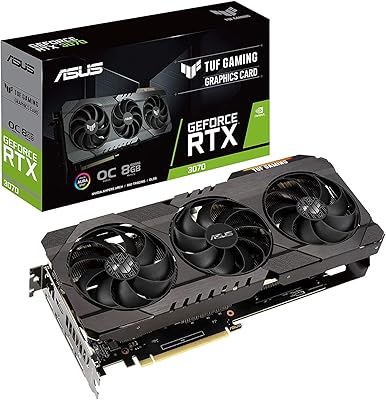
ASUS TUF RTX 3070 OC Graphics Card
78%
88%
Gaming Performance
92%
Thermal Management
94%
Build Quality
63%
Value for Money
57%
VRAM Adequacy
More
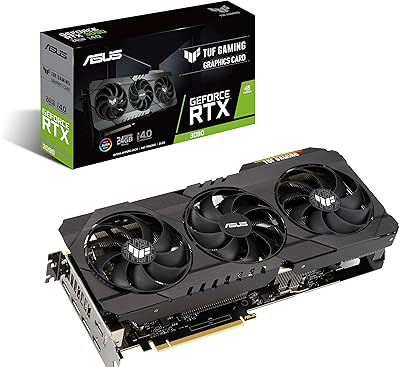
ASUS TUF RTX 3090 OC Graphics Card
80%
91%
Raw Gaming Performance
88%
Thermal Management
93%
Build Quality
94%
VRAM Capacity & Usefulness
83%
Noise Levels
More
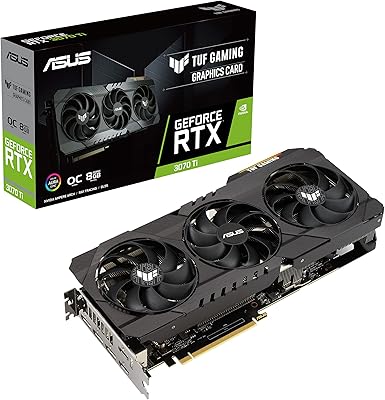
ASUS TUF RTX 3070 Ti Graphics Card
80%
88%
Gaming Performance
91%
Thermal Management
93%
Noise Levels
89%
Build Quality
61%
VRAM Capacity
More
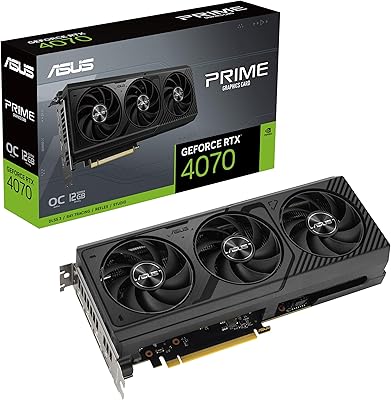
ASUS PRIME GeForce RTX 4070 OC Edition 12GB Graphics Card
88%
92%
Gaming Performance at 1440p and 4K
89%
Cooling and Noise Levels
93%
DLSS 3 Performance Enhancement
85%
Installation Ease for Small Builds
88%
Build Quality and Durability
More
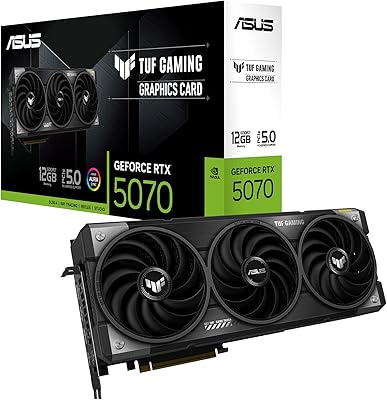
ASUS TUF Gaming RTX 5070 12GB GPU
86%
88%
Gaming Performance
91%
Thermal Performance
93%
Build Quality
67%
VRAM & Memory
82%
Value for Money
More
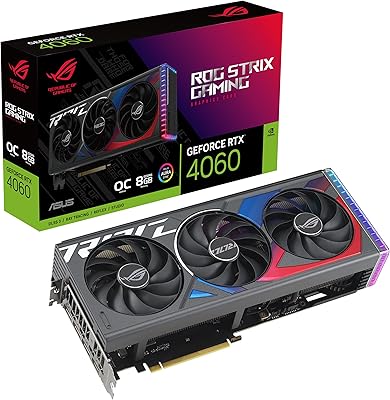
ASUS ROG Strix GeForce RTX 4060 OC Edition 8GB Graphics Card
87%
91%
Gaming Performance
88%
Cooling & Noise Levels
94%
Ray Tracing & DLSS Support
90%
Visuals & Display Quality
85%
Setup & Installation
More
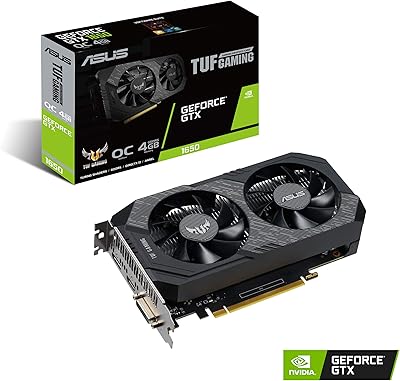
ASUS TUF GTX 1650 OC Graphics Card
81%
74%
1080p Gaming Performance
91%
Build Quality
78%
Thermal Management
86%
Noise Level
88%
Driver Stability
More
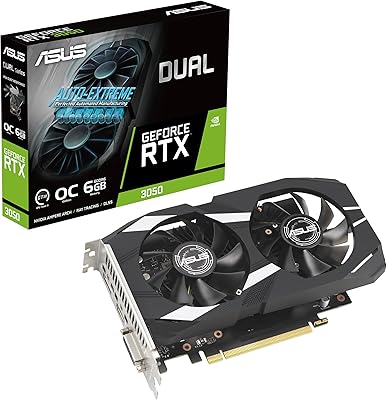
ASUS Dual GeForce RTX 3050 6GB OC
81%
78%
1080p Gaming Performance
58%
VRAM Adequacy
72%
Value for Money
83%
Thermal Performance
91%
Noise Level
More
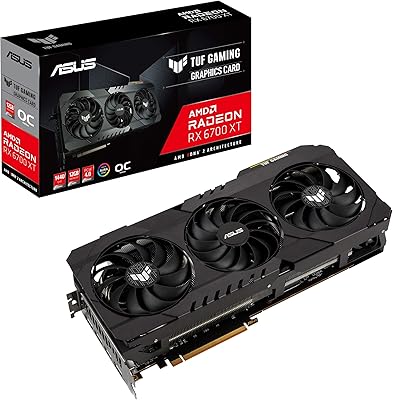
ASUS TUF RX 6700 XT Graphics Card
76%
88%
1440p Gaming Performance
91%
Thermal Management
93%
Build Quality
84%
Fan Noise
67%
Driver Stability
More
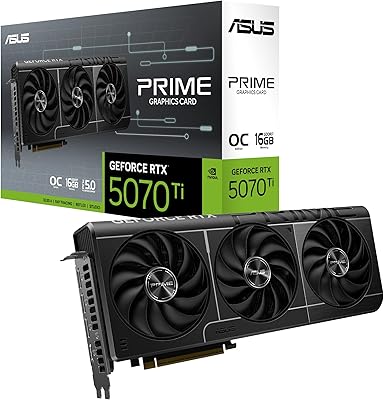
ASUS PRIME GeForce RTX 5060 Ti 16GB GDDR7 OC Edition Graphics Card
88%
93%
Performance
88%
Cooling Efficiency
92%
Value for Money
86%
Ease of Installation
90%
Build Quality
More

FAQ

It's a large card, so you'll want to check your case's clearance specs before buying, especially for compact or mid-tower builds. Many smaller cases struggle to fit cards of this size, so measuring first saves a return hassle.

You'll want a robust PSU, ideally 850W or higher depending on the rest of your system, since this GPU draws significant power under load. Check the connector requirements too, as it may need adapters depending on your existing cables.

Pretty much, yes. This GPU is built for 4K and high-refresh gaming, so if you're sticking to 1080p you likely won't see enough benefit to justify the cost.

It runs warm under sustained loads like any high-end GPU, but the axial-tech fan design is specifically tuned to manage that heat well. Good case airflow still makes a noticeable difference.

Definitely. The 24GB of GDDR6X memory and strong compute performance make it a solid choice for video editing, 3D rendering, and AI-assisted creative work, not just gaming.

OC mode pushes the boost clock slightly higher for maximum performance, while gaming mode runs a bit cooler and quieter. You can switch between them using the dual BIOS switch on the card.

Yes, with both HDMI 2.1a and DisplayPort 1.4a outputs, you can run multiple displays, including setups that need high resolution or high refresh rates.

The dual ball bearing fans are designed to push more airflow efficiently, which generally keeps noise reasonable for a card this powerful, though it won't be silent under heavy gaming sessions.

Yes, the 3rd-generation RT Cores handle ray tracing noticeably better than previous generations, making ray-traced games look sharper without tanking your frame rate.

If you're gaming at 4K or doing creative work that benefits from extra memory and compute power, most users report it's a meaningful upgrade. If your current setup already handles your workload fine, it may be more than you need.