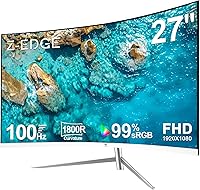
Z-Edge U27C 27-inch Curved Gaming Monitor
Overview
The Z-Edge U27C 27-inch Curved Gaming Monitor enters a crowded sub-$160 market with a clear, honest pitch: a large curved screen at a price that doesn't require much deliberation. Z-Edge isn't a name you'll recognize from glossy ads, and that anonymity gives some buyers pause — understandably so. But the brand has earned a quiet following among budget-conscious buyers who care more about screen size than brand prestige. This is not a professional display; it's a practical everyday monitor for casual gamers, students, and anyone making their first upgrade from a smaller flat panel.
Features & Benefits
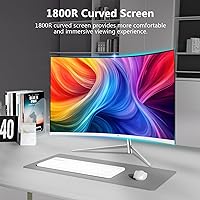
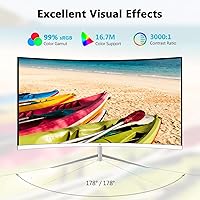
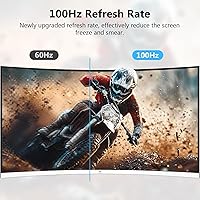
The 1800R curved VA panel is the centrepiece here, and it delivers a noticeably immersive viewing experience — especially coming from a flat screen. The 3000:1 contrast ratio gives blacks genuine depth, which flat IPS monitors at this price rarely match. Refresh rate is 100Hz, but only over HDMI; connect via VGA and you're capped at 60Hz, so cable choice matters. The 5ms response time handles casual gaming fine — everyday play looks smooth, though competitive shooters may reveal occasional ghosting. Flicker-free and low blue light modes are genuinely useful during long sessions, and the frameless three-sided design keeps a dual-monitor setup looking clean.
Best For
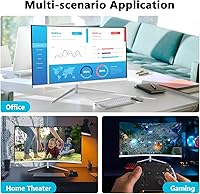
This budget gaming display makes the most sense for first-time curved monitor buyers who want to experience the format before committing to something pricier. Students splitting screen time between content, writing, and light gaming will find the 27-inch size genuinely more comfortable than a 24-inch flat. Dual-monitor setups benefit from the nearly borderless edges. It's also one of the few displays in this range that still includes a VGA port — useful for older desktops or laptops lacking HDMI. Just factor in external speakers from the start, because no audio output is built in, and that gap adds up.
User Feedback
Sitting at a 4.3-star average, the Z-Edge U27C earns consistent praise for image depth and contrast — buyers frequently note how much better dark scenes look compared to flat panels they'd used before. Setup is widely described as quick and packaging as thoughtfully done for the price tier. The stand, however, is a recurring sore point: tilt-only adjustment with no height control frustrates taller users or anyone with specific ergonomic needs. Some long-term owners have flagged backlight uniformity inconsistencies developing over time. Color accuracy also draws occasional criticism from users expecting IPS-level vibrancy, though most concede it's fair for the price.
Pros
- The 1800R curved VA panel creates genuine visual depth that flat budget monitors simply cannot match.
- A 3000:1 contrast ratio makes dark scenes and cinematic content look noticeably richer.
- 100Hz refresh rate over HDMI is a meaningful upgrade over the standard 60Hz panels common at this price.
- Flicker-free and low blue light modes make long work or gaming sessions noticeably easier on the eyes.
- The three-sided frameless design looks clean and works well in dual-monitor configurations.
- VGA port inclusion is a practical touch for users with older hardware who lack HDMI output.
- Setup is quick and straightforward, with packaging that protects the panel well during shipping.
- At its price point, the screen size-to-cost ratio is hard to beat for casual everyday use.
- The 178° viewing angle means colors hold up well even when viewing from off-center positions.
Cons
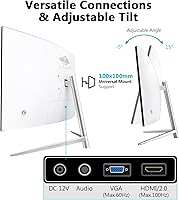
- The stand offers tilt adjustment only — no height, swivel, or pivot options, which limits ergonomic flexibility.
- No built-in speakers means an extra purchase is required for any audio output.
- The 100Hz refresh rate is only available over HDMI; VGA users are capped at 60Hz.
- At 27 inches, 1080p resolution results in lower pixel density that is noticeable up close.
- Some long-term owners have reported backlight uniformity issues developing after extended use.
- Color accuracy trails behind IPS panels, making this a poor fit for color-sensitive creative work.
- Z-Edge's limited brand recognition may raise concerns about warranty support and long-term reliability.
- 5ms response time is adequate for casual play but can produce visible ghosting in fast-paced competitive games.
Ratings
The scores below for the Z-Edge U27C 27-inch Curved Gaming Monitor were generated by our AI system after analyzing thousands of verified global buyer reviews, with spam, bot activity, and incentivized feedback actively filtered out. Each category reflects the honest distribution of real user sentiment — strengths and frustrations weighted equally. Where buyers consistently praised or struggled with a specific aspect, that signal is directly reflected in the number.
Value for Money
Image Contrast & Depth
Refresh Rate Performance
Curvature & Immersion
Eye Comfort & Fatigue
Build Quality
Stand & Ergonomics
Color Accuracy
Response Time & Motion Clarity
Setup & Ease of Use
Packaging & Unboxing
Connectivity Options
Dual-Monitor Compatibility
Brand Reliability & Support
Suitable for:
The Z-Edge U27C 27-inch Curved Gaming Monitor is a strong fit for anyone stepping into the curved monitor world without wanting to spend a lot doing it. Entry-level PC gamers who play titles like RPGs, adventure games, or racing games will appreciate the 1800R curve and the VA panel's deep contrast — it genuinely adds atmosphere without requiring a hardware upgrade to justify it. Students who split time between research, streaming, and casual gaming get a lot of real estate for the money, and the frameless three-sided design makes pairing it with a second monitor look intentional rather than cobbled together. It's also one of the rare displays in this price range that still includes a VGA port, making it practical for users running older desktops or budget laptops that lack HDMI output. If your priority is screen size and visual depth over pixel density or color precision, this curved monitor delivers a satisfying daily experience.
Not suitable for:
The Z-Edge U27C 27-inch Curved Gaming Monitor is not the right choice for buyers who need ergonomic flexibility — the stand only tilts, with no height or swivel adjustment, which can be a real problem for taller users or anyone with a specific desk setup. Competitive gamers who live and die by response time and refresh rate should look elsewhere; while 100Hz over HDMI is decent, it is nowhere near the 144Hz or 165Hz options available at slightly higher price points, and 5ms is not ideal for fast-paced shooters where ghosting can appear. Creative professionals — photographers, video editors, or graphic designers — will find the color accuracy falls short of what IPS panels deliver, and the 1080p resolution on a 27-inch screen means pixel density is noticeably lower than on a smaller display. Anyone expecting built-in audio will need to budget for external speakers from day one. And buyers who prioritize long-term reliability from an established brand may find Z-Edge's limited market presence a source of uncertainty.
Specifications
- Screen Size: The display measures 27 inches diagonally, offering a wide viewing area suited to gaming and multitasking.
- Panel Type: Uses a VA (Vertical Alignment) panel, which delivers stronger contrast and deeper blacks than typical IPS panels at this price range.
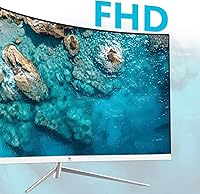
- Resolution: Native resolution is 1920x1080 (Full HD), providing a standard 1080p image across the 16:9 aspect ratio screen.
- Refresh Rate: Runs at 100Hz when connected via HDMI, and is limited to 60Hz when using the VGA input.
- Response Time: Rated at 5ms response time, which is adequate for casual gaming but may show minor ghosting in fast-paced competitive titles.
- Curvature: Features an 1800R curve radius, which wraps the screen gently around the viewer's field of vision to increase perceived immersion.
- Contrast Ratio: Static contrast ratio is 3000:1, allowing for noticeably richer dark tones compared to most IPS monitors in the same category.
- Viewing Angle: Supports up to 178° horizontal and vertical viewing angles, so image quality holds reasonably well when viewed off-axis.
- Connectivity: Includes one HDMI port and one VGA port, covering both modern and legacy device connections.
- Eye Care: Equipped with flicker-free backlight technology and a low blue light filter mode to reduce eye strain during extended use.
- Design: Three-sided frameless construction minimizes border width on the top and both sides, making it cleaner in dual-monitor arrangements.
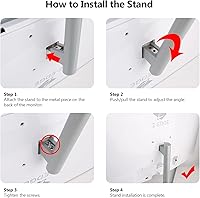
- Stand Adjustment: The included stand supports tilt adjustment only; it does not offer height, swivel, or pivot movement.
- Built-in Audio: No internal speakers are included; users must connect external audio output devices separately.
- Dimensions: Assembled unit measures approximately 24.2 x 17.3 x 3.2 inches (width x height x depth) including the stand.
- Weight: The fully assembled monitor weighs 11 pounds, making it manageable for a single-person desktop setup.
- Brightness: Backlight brightness is rated at approximately 250 nits, typical for an indoor-use VA panel in this segment.
- Aspect Ratio: Standard 16:9 widescreen aspect ratio, compatible with the vast majority of modern content and PC resolutions.
- Power Input: Operates at 12 volts DC input via an external power adapter included in the box.
- VESA Mounting: The monitor is compatible with standard VESA wall or arm mounts, allowing users to replace the tilt-only stand if needed.
- Model Number: Official model designation is U27C, as listed by manufacturer Z-Edge on the product packaging and documentation.
Related Reviews
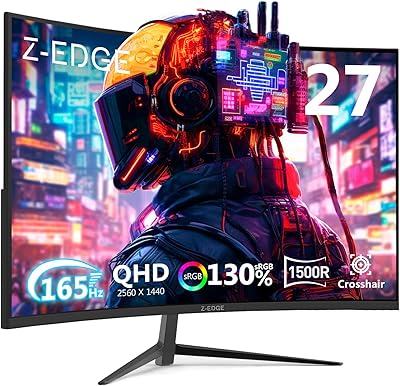
Z-Edge UG27Q 27-inch Curved Gaming Monitor
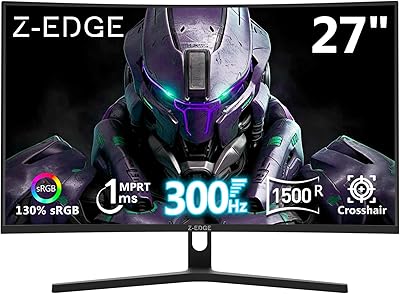
Z-Edge UG27H 27-inch Curved Gaming Monitor
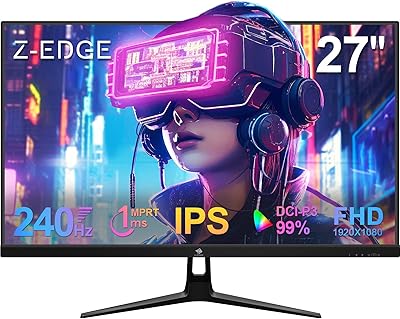
Z-Edge UG27PJ 27-inch 240Hz Gaming Monitor
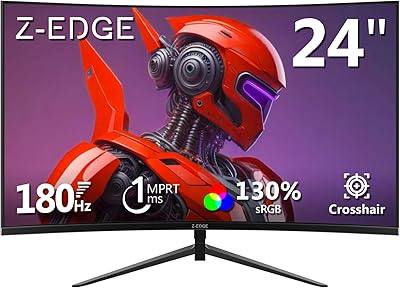
Z-Edge UG24 24-inch Curved Gaming Monitor
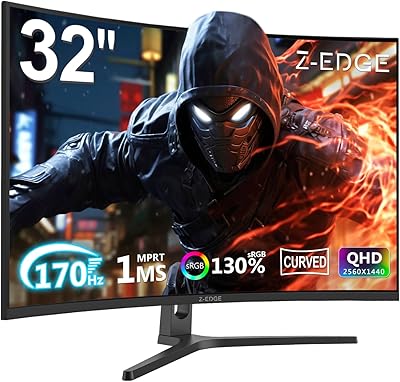
Z-Edge UG32 32-inch Curved Gaming Monitor
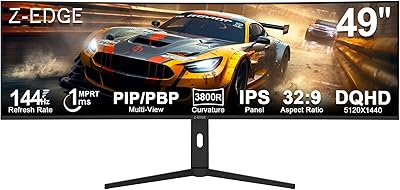
Z-Edge UG49W 49-inch Curved Gaming Monitor

Skytech Gaming Moonshadow 27-inch Curved Gaming Monitor

Sealan 27-inch Curved Gaming Monitor
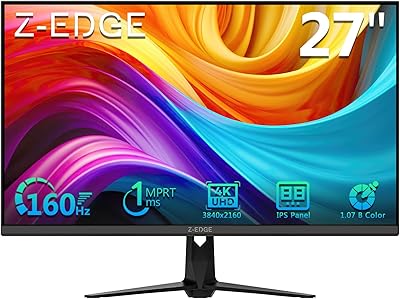
Z-Edge G274K 27-inch 4K Monitor