
Overview
The WD My Passport Ultra 1TB Hard Drive occupies a practical sweet spot in the portable storage market — enough security and style to satisfy everyday professionals, without the bulk of enterprise-grade solutions. What immediately sets it apart from most drives in this category is the aluminum metal chassis, which feels noticeably more substantial than the plastic shells that dominate the competition. Launched in 2014, it predates the USB-C era, but USB 3.0 remains widely supported and 1TB still covers most day-to-day storage needs. Windows users will find it ready to go out of the box. Mac users, however, should know upfront that reformatting is required before it works natively.
Features & Benefits
The My Passport Ultra Metal Edition punches above its weight when it comes to security. 256-bit AES hardware encryption protects your files at the drive level, meaning the protection travels with the device rather than depending on your software setup. Transfers over USB 3.0 are quick enough for large media files, and since the drive draws power directly from the USB port, there is no adapter or power brick to carry. The bundled WD Backup software handles scheduled backups automatically, and Dropbox integration adds a cloud redundancy layer. At 5.8 oz and roughly half an inch thick, it genuinely disappears into a bag or coat pocket.
Best For
This portable drive is a natural fit for Windows laptop users who need a reliable backup solution they can take anywhere — commuters, students, and remote workers who cannot depend entirely on cloud storage. The hardware encryption makes it particularly appealing to anyone handling sensitive documents, whether freelance client files or personal financial records. Light travelers will appreciate how slim it is; it adds no noticeable weight to a laptop bag. That said, if you are on a Mac and want something that works straight out of the box, this WD drive requires a reformatting step that some buyers find more hassle than expected.
User Feedback
With a 4.4 out of 5 rating across more than 1,200 reviews, buyer sentiment leans strongly positive. Windows users consistently praise the build quality — the metal casing genuinely earns compliments — and most find setup straightforward right out of the box. Where things get complicated is on the Mac side: the NTFS formatting issue surfaces repeatedly in lower-rated reviews, and it is a fair criticism since the packaging does not make it obvious. A handful of longer-term owners also note that 1TB feels tighter than expected these days, especially given how much storage video and photo libraries consume. Overall long-term reliability holds up well across the board.
Pros
- The aluminum chassis feels noticeably more solid and durable than plastic drives at a similar price.
- Hardware-level 256-bit AES encryption protects your data even if the drive is lost or stolen.
- Bus-powered over USB — no power adapter needed, ever.
- At 5.8 oz and half an inch thick, this portable drive genuinely fits in a jacket pocket.
- Automatic backup software with Dropbox integration removes the need to remember manual saves.
- USB 3.0 transfers are fast enough for everyday documents, photos, and media files.
- Works with both Windows and Mac — just note that Mac requires a one-time reformat.
- Over 1,200 buyers rate it 4.4 out of 5, with long-term reliability holding up well for most.
- The three-year limited warranty is above average for consumer portable drives in this category.
- Setup on Windows is genuinely straightforward — most users are up and running within minutes.
Cons
- Mac users must manually reformat the drive before use — this is not clearly communicated at purchase.
- 1TB feels modest for the price when newer competing drives offer 2TB at comparable cost.
- No USB-C connector means you may need an adapter with modern ultrabooks and MacBooks.
- The WD Backup software is functional but lacks the polish of third-party backup solutions.
- Transfer speeds, while adequate, trail behind newer USB-C and NVMe-based portable drives.
- Heavy photo or video workflows will fill 1TB faster than most buyers initially expect.
- The drive can run slightly warm during sustained large transfers.
- No hardware indicator light makes it harder to confirm when data is actively being written.
Ratings
The scores below reflect an AI-driven analysis of verified global buyer reviews for the WD My Passport Ultra 1TB Hard Drive, with spam, bot activity, and incentivized feedback actively filtered out before scoring. Each category captures both what real users genuinely praised and where they ran into friction — nothing is glossed over. The result is an honest, data-grounded picture of where this drive earns its reputation and where it falls short.
Build Quality
Portability
Data Security
Windows Compatibility
Mac Compatibility
Transfer Speed
Storage Value
Backup Software
Cloud Integration
Long-Term Reliability
Setup Experience
Design & Aesthetics
Warranty & Support
Suitable for:
The WD My Passport Ultra 1TB Hard Drive is a strong pick for Windows users who want a portable backup solution that looks and feels more premium than the average plastic drive. Students carrying sensitive academic work, freelancers managing client files, and remote workers who split time between home and office will all find the combination of hardware encryption and automatic backup software genuinely useful in practice. If you regularly move between locations and cannot rely on a stable internet connection for cloud-only backup, having a physical drive this compact and self-powered makes a real difference. Commuters and light travelers especially benefit from its slim profile — at under a quarter-pound and half an inch thick, it slips into a coat pocket without a second thought. The three-year warranty also adds meaningful peace of mind for anyone treating this as a long-term storage companion rather than a temporary fix.
Not suitable for:
Mac users who expect plug-and-play simplicity should think carefully before buying the WD My Passport Ultra 1TB Hard Drive, because it ships formatted for Windows and requires a manual reformat before it works natively on macOS — a step that is easy enough but consistently surprises buyers who do not read the fine print. If your photo library, video projects, or software archives have already grown past 1TB, this drive will feel tight almost immediately, and at its price point you can find newer models offering 2TB or more. Power users or creative professionals who regularly transfer large video files and need maximum throughput will also be frustrated by USB 3.0 speeds, since faster USB-C and Thunderbolt-based drives are now widely available. And if you are looking for a desktop-style drive to permanently park next to your workstation, this portable form factor is more than you need — a standard desktop external drive would likely serve better and cost less per gigabyte.
Specifications
- Storage Capacity: The drive offers 1TB of usable storage, suitable for documents, photos, music, and moderate video libraries.
- Form Factor: Built around a 2.5-inch hard disk, making it compact enough for daily carry without an external power source.
- Dimensions: The unit measures 4.33 x 3.15 x 0.53 inches, keeping it slim enough to slip into a shirt or jacket pocket.
- Weight: At 5.8 oz, this portable drive adds minimal burden to a laptop bag or travel kit.
- Chassis Material: The enclosure is constructed from aluminum, distinguishing it from the plastic shells common in this price segment.
- Interface: Connects via USB 3.0 for fast data transfers and remains backward compatible with USB 2.0 ports.
- Power Source: Entirely bus-powered through the USB connection, so no separate power adapter or cable is required.
- Encryption: Offers 256-bit AES hardware encryption, meaning data protection is handled at the drive level rather than through software alone.
- Password Protection: Users can set a personal password through WD Security software to prevent unauthorized access to the drive.
- Backup Software: Includes WD Backup software, which supports scheduled automatic backups to the drive without manual intervention.
- Cloud Integration: Compatible with Dropbox, allowing users to extend their backup strategy to cloud storage alongside the local drive.
- Pre-Formatted OS: Ships formatted as NTFS, optimized for Windows Vista and above; Mac OS X users must reformat the drive before use.
- Mac Compatibility: Fully compatible with Mac OS X after a one-time reformat to exFAT or HFS+, which can be done using Disk Utility.
- Windows Compatibility: Works natively with Windows Vista, Windows 7, Windows 8, and Windows 10 without any reformatting required.
- Warranty: Covered by a 3-year limited warranty from Western Digital, which is above average for consumer-grade portable drives.
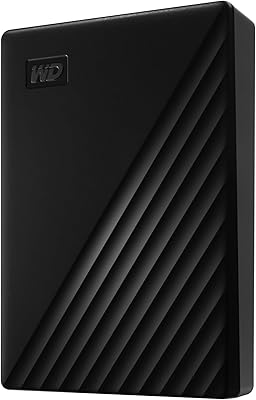
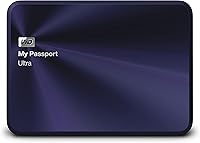
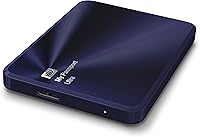
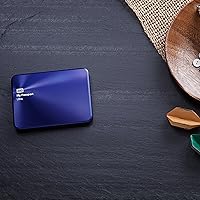
- Color: Available in a Blue-Black finish that complements the aluminum chassis for a professional appearance.
- USB Ports: Features a single USB 3.0 port for data transfer and power delivery simultaneously.
- Manufacturer: Designed and produced by Western Digital, a company with decades of experience in consumer and enterprise storage solutions.
Related Reviews
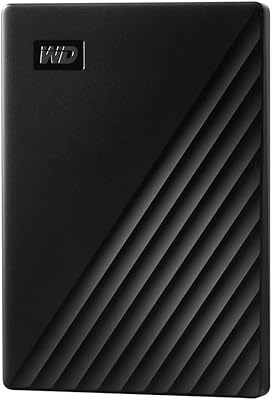
WD My Passport 1TB Portable External Hard Drive

WD RE4 1TB Enterprise Hard Drive
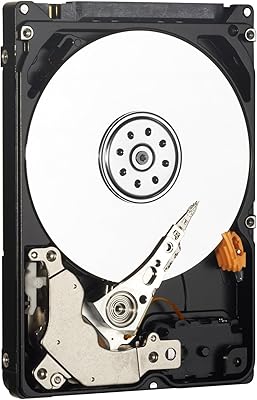
Western Digital AV-25 1TB Internal Hard Drive
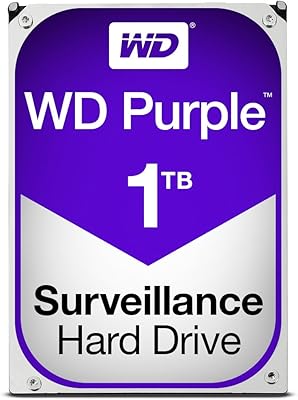
WD Purple 1TB Surveillance Hard Drive
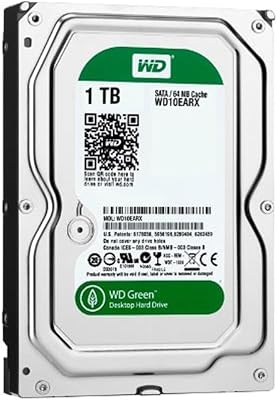
WD Green 1TB 3.5-Inch Internal Hard Drive
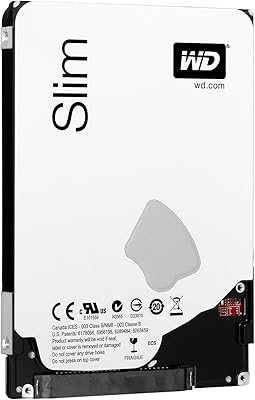
Western Digital WD Blue 1TB Hard Drive
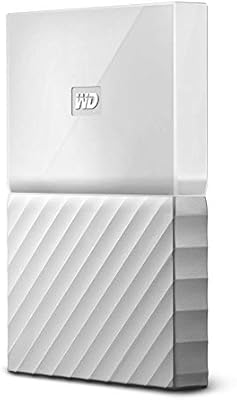
WD My Passport 2TB Portable Hard Drive
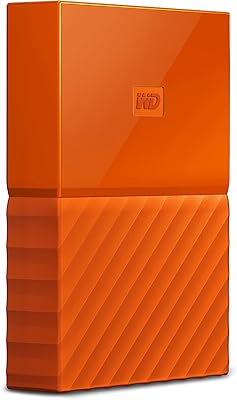
WD My Passport 3TB External Hard Drive
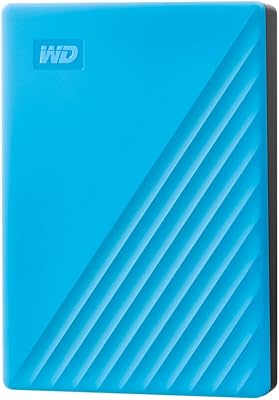
WD My Passport 4TB Portable External Hard Drive