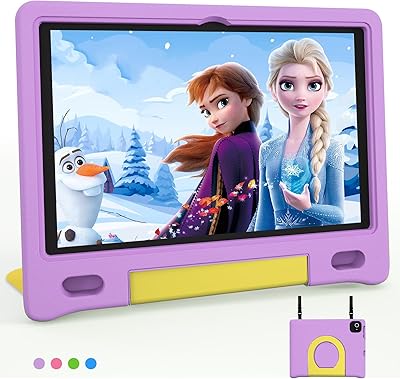
UMIDIGI G1 Tab Kids 10.1″ Android Tablet

Overview
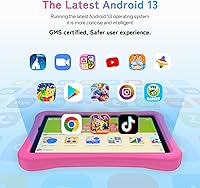
The UMIDIGI G1 Tab Kids 10.1″ Android Tablet is one of those rare budget devices that doesn't feel like it's cutting corners in the places that matter most. UMIDIGI isn't a household name in the U.S., but the brand has a solid track record in affordable Android hardware globally. What makes this kids tablet worth a closer look is its dual-purpose design — children get a managed Kids Park environment with content controls, while parents can exit into a fully functional Android 13 tablet. It ships with an EVA protective case and a TÜV-certified blue light filter, two thoughtful touches for child safety. Expectations should stay realistic: this isn't going up against an iPad or Amazon Fire HD.
Features & Benefits
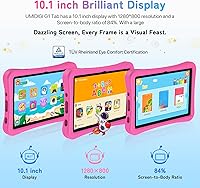
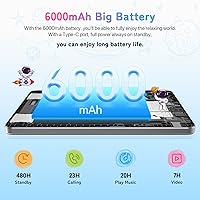
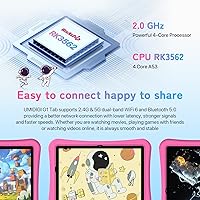
The 10.1-inch IPS screen handles YouTube Kids and learning apps without issue — 1280×800 isn't stunning, but it's perfectly watchable for children. The Rockchip RK3562 chip paired with 64GB of storage keeps everyday tasks moving along well. Worth noting: the advertised 8GB RAM figure includes software-based virtual memory on top of the physical 4GB, so real-world performance won't match what that number implies. Where this kids tablet genuinely stands out is WiFi 6 support — uncommon at this price and noticeably better on a modern router. The 6000mAh battery consistently gets through a full school day. The Kids Park app handles screen time limits and content filtering without requiring technical expertise from parents.
Best For
The G1 Tab Kids hits a specific sweet spot. It's a strong pick for parents shopping for a first tablet for children roughly between ages 4 and 10 — old enough to engage with apps but young enough that parental controls still matter. Families on a tighter budget who don't want to sacrifice connectivity will appreciate the WiFi 6 hardware. Kids who stick to streaming, educational apps, and casual games will rarely bump up against the device's limits. And because exiting Kids Park reveals a standard Android 13 interface, parents can realistically repurpose UMIDIGI's children's tablet as the child grows. If you already own a microSD card, the 1TB expandable storage ceiling adds genuinely useful headroom.
User Feedback
Buyers consistently praise the battery longevity in real-world use and how quickly Kids Park gets up and running. That said, a few friction points are worth knowing before purchasing. The listing references stylus support, but no stylus is included — and that detail isn't prominently disclosed, which frustrates some buyers. The password-only unlocking, since face recognition isn't supported, is a minor inconvenience but rarely a dealbreaker for parents. Some users report occasional sluggishness with heavier apps, which is expected given the virtual RAM setup. It's also worth confirming whether Kids Park's advanced features require any ongoing subscription, as some parents have raised questions about this. Overall, feedback leans positive for the price bracket.
Pros
- WiFi 6 support is genuinely uncommon at this price and noticeably improves streaming stability on modern routers.
- The 6000mAh battery holds up through a full school day without needing a midday recharge.
- Kids Park parental controls are straightforward to configure, even for non-technical parents.
- The EVA protective case and pre-applied screen protector ship ready to handle rough everyday kid use.
- A TÜV-certified blue light filter adds a credible, independently verified layer of eye protection for younger users.
- Up to 1TB of microSD expandable storage means running out of space for apps and media is unlikely.
- Exiting Kids Park unlocks a full Android 13 experience, extending the device's practical lifespan as the child grows.
- Dual 8MP cameras handle video calls and casual photos competently for a kids tablet in this price range.
Cons
- The 4GB physical RAM is the real spec — the 8GB figure includes software virtual memory, which behaves differently under load.
- No stylus is included despite references to stylus support in the listing, which can mislead buyers before purchase.
- Password-only unlocking adds daily friction, especially for younger children who struggle to remember credentials.
- UMIDIGI's limited Western support network makes warranty claims and customer service harder to resolve than with major brands.
- The 1280×800 display resolution is functional but visibly softer than sharper panels on competing devices in the same category.
- Whether Kids Park's advanced features require an ongoing subscription is not clearly disclosed, and parents should verify this before buying.
- The RK3562 chip can feel sluggish when running heavier apps or several background processes at the same time.
- At 2.22 pounds, the G1 Tab Kids is on the heavier end for a tablet that younger children will carry independently.
Ratings
The UMIDIGI G1 Tab Kids 10.1″ Android Tablet scores below were generated by our AI rating engine after analyzing verified purchase reviews from buyers worldwide, with automated filtering applied to remove incentivized, duplicate, and bot-generated submissions. Each category score reflects real-world usage patterns reported by families — not just raw specifications — so both the genuine strengths and the honest limitations of this kids tablet are transparently represented. Where parents praised the battery life and connectivity, the scores reflect that; where they raised concerns about performance headroom or missing accessories, those pain points are equally visible.
Value for Money
Battery Life
Performance
Parental Controls
WiFi & Connectivity
Display Quality
Build & Durability
Storage & Expandability
Eye Safety
Ease of Setup
Software & OS
Camera Quality
Audio Quality
Portability & Design
Suitable for:
The UMIDIGI G1 Tab Kids 10.1″ Android Tablet is best suited for parents shopping for a first tablet for a child between roughly ages 4 and 10 who want genuine parental oversight without being locked into a proprietary ecosystem. Families on a tight budget who still want modern connectivity — specifically WiFi 6 — will find real value here that competing devices at this price rarely deliver. Kids who spend most of their screen time on YouTube Kids, light educational apps, and casual games will rarely push this hardware to its limits, meaning the experience stays smooth for the use cases that actually matter. The substantial battery is a practical win for road trips, school days, or any situation where a charger is not nearby. Parents who think ahead will also appreciate that exiting Kids Park reveals a fully capable Android 13 interface, giving UMIDIGI's children's tablet a second life as the child eventually outgrows managed mode.
Not suitable for:
Buyers expecting a polished, premium experience on par with an Amazon Fire HD Kids or an entry-level iPad should look elsewhere, as the G1 Tab Kids is firmly a value-tier device with corresponding trade-offs. The physical RAM is 4GB — the 8GB figure in the marketing reflects software-based virtual memory expansion, not actual hardware, and demanding apps or multitasking will expose that ceiling. Anyone counting on stylus functionality should know upfront that, despite references to stylus support in the product listing, no stylus is included and the omission is not clearly flagged at the point of sale. Parents who rely on biometric unlocking for quick, low-friction tablet handoffs will find the password-only setup a recurring minor annoyance. If long-term software updates and accessible Western customer support matter to you, UMIDIGI's limited presence in those areas makes this a riskier commitment than buying from a more established brand. Older children or teens who use tablets for heavier creative work, video editing, or productivity apps will outgrow this hardware quickly.
Specifications
- Screen Size: The display measures 10.1 inches diagonally with a 16:10 aspect ratio.
- Display: An IPS panel with a resolution of 1280×800 pixels delivers adequate color and brightness for video and learning apps.
- Processor: Powered by a Rockchip RK3562 Quad-Core chip clocked at 2.0GHz for everyday task handling.
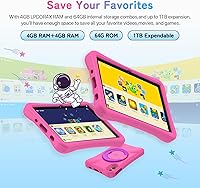
- RAM: The tablet includes 4GB of physical RAM, extendable to a virtual 8GB via software-based memory expansion that borrows from internal storage.
- Internal Storage: 64GB of onboard storage is included for apps, media, and system files.
- Expandable Storage: A single microSD card slot supports cards up to 1TB, providing substantial room for additional content and apps.
- Battery: A 6000mAh battery is rated for up to 15 hours of active playback and up to 550 hours of standby time.
- Operating System: Ships with Android 13 pre-installed, providing full access to the Google Play Store alongside the Kids Park environment.
- Wi-Fi: Supports WiFi 6 on both 2.4GHz and 5GHz bands, with theoretical speeds up to 9.6Gbps on compatible routers.
- Bluetooth: Bluetooth 5.0 enables stable wireless connection to headphones, speakers, and other compatible peripherals.
- Cameras: Features an 8MP rear camera and an 8MP front-facing camera suited for video calls and casual everyday photography.
- Connectivity: Includes a USB Type-C port for charging and data transfer.
- Dimensions: The device body measures 10.75 × 7.5 × 1.14 inches, not including the protective case.
- Weight: The tablet weighs 2.22 pounds (approximately 1.01 kg) without the EVA case attached.
- Eye Safety: The display holds a TÜV-certified blue light filter rating, providing independently verified eye protection during extended use by children.
- Parental Control: The Kids Park app allows parents to filter content by age group, set daily screen time limits, and assign educational goals.
- In the Box: Package includes the tablet, a pre-applied screen protector, an EVA protective case, a power adapter, a USB Type-C cable, and a quick start guide.
Related Reviews
YACXBTK J10 10.1-inch Kids Tablet
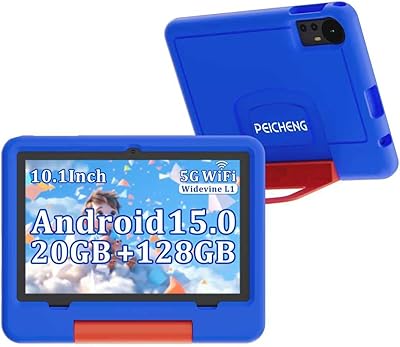
PEICHENG CP31MK 10.1-inch Kids Tablet
YATIOM SS-35 10-inch Kids Tablet
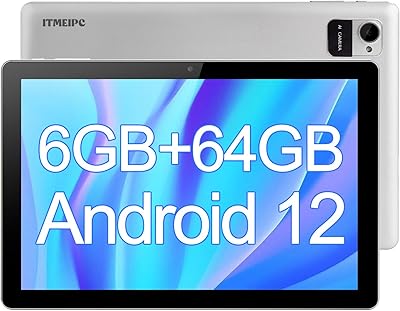
ITMEIPC T-10 10.1-inch Android Tablet
FEONAL K118 10.1-inch Android Tablet
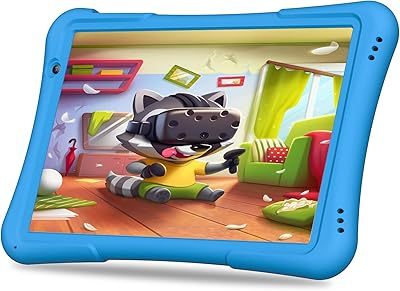
PRITOM TAB 10 Lite 32GB Kids Tablet
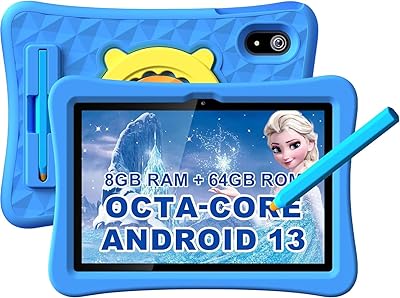
YYSWIE CT1001 10.1-inch 64GB Kids Tablet
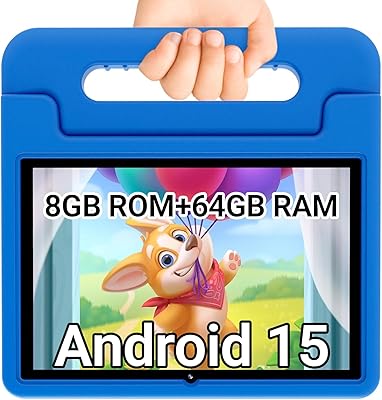
CFVOCUY TS-K109B 10.1″ Kids Tablet
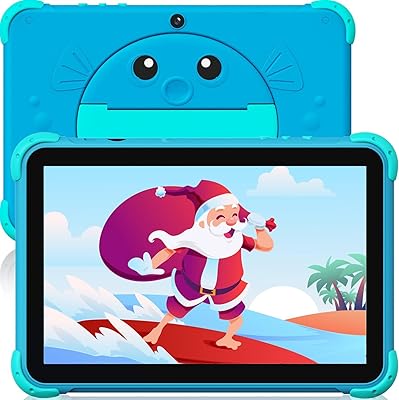
YINOCHE Y101 10-inch 32GB Kids Tablet