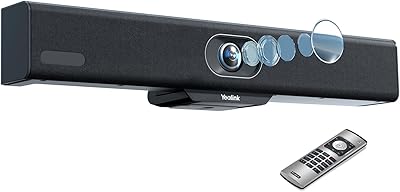
TOUCAN SC360 360-Degree Conference Camera



Overview
The TOUCAN SC360 360-Degree Conference Camera enters a crowded market with a clear proposition: one device, placed in the center of any room, handles video, audio, and speaker tracking without requiring a dedicated AV technician. The 360-degree design means nobody gets cut out of frame, whether seated directly in front of the device or off to the side. Setup is as simple as plugging in a USB cable — no drivers, no configuration menus. This is a premium-tier purchase aimed at businesses and home offices that want professional results without the complexity. This review focuses on real-world performance, not just what the spec sheet promises.
Features & Benefits
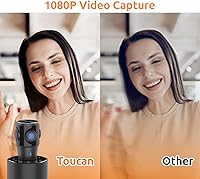
The all-in-one meeting device captures 1080p video from every angle simultaneously, which is a fundamentally different experience from standard webcams that only see what is directly in front of them. Four microphones work together to pick up voices from across the room while filtering out keyboard clicks, HVAC hum, and other ambient noise — a real advantage in busy offices. The AI tracking feature attempts to follow whoever is speaking, panning attention toward the active voice; it performs well in calm settings but can hesitate or over-correct when multiple people speak at once. An integrated speaker rounds out the package, and the USB connection is recognized instantly by Zoom, Teams, and Google Meet.
Best For
This conference camera makes the most sense in small to medium rooms where participants sit around a central table rather than lined up facing a wall-mounted screen. It suits teams that bounce between Zoom, Teams, and other platforms particularly well, since there is nothing to reconfigure between calls. Hybrid offices — where attendance shifts daily and seat positions are not fixed — benefit most from the omnidirectional coverage. For solo users or two-person desks, it is likely overkill. But for a group of five to fifteen people who want a quick, clean setup without calling IT, this all-in-one meeting device hits a genuinely practical sweet spot.
User Feedback
Buyers consistently praise how fast the SC360 gets up and running — most report being on a live call within minutes of unboxing. Microphone performance earns particular credit in moderately sized rooms, with remote participants noting that voices come through clearly without echo. The most common complaint centers on resolution: at this price point, several buyers expected 4K output, and 1080p can look soft on larger displays. Tracking inconsistencies also surface in reviews, especially when multiple people move simultaneously. Opinions on value are divided — teams using it daily tend to feel it earns its cost, while lighter users question whether the investment is justified for their meeting frequency.
Pros
- True 360-degree coverage means no one gets cut out of frame, regardless of seating arrangement.
- Plug-and-play USB setup gets most teams running in under five minutes with zero IT involvement.
- Four-microphone array picks up voices clearly across a standard-sized meeting room.
- Works instantly with Zoom, Microsoft Teams, Google Meet, and most other major platforms.
- Integrated speaker eliminates the need for a separate audio device on the conference table.
- Compact cylindrical footprint takes up minimal table space compared to multi-device setups.
- Noise reduction handles typical office background sounds reliably during normal meeting conditions.
- Universal compatibility across Windows, macOS, and tablets makes it easy to use in shared rooms.
- Buyers who use it daily for group meetings consistently feel the consolidated hardware justifies the cost.
Cons
- 1080p resolution feels underwhelming at this price tier, especially on large displays or projected feeds.
- AI tracking hesitates or over-corrects when multiple people speak simultaneously, which disrupts call flow.
- Speaker output is too quiet for larger rooms, often requiring an external speaker anyway.
- Low-light and backlit environments expose significant weaknesses in dynamic range and image quality.
- The USB connection point shows early wear signs under heavy daily plug-in cycles, raising long-term durability questions.
- Edge distortion from the wide-angle lens is noticeable on widescreen monitors during group calls.
- Occasional platform recognition failures when hot-swapping between apps require an unplug-replug fix.
- Value is hard to justify for lighter users or teams that meet infrequently or in small groups.
Ratings
The TOUCAN SC360 360-Degree Conference Camera has been evaluated by our AI system after a thorough analysis of verified global buyer reviews, with spam, bot-generated, and incentivized submissions actively filtered out. Scores reflect the full spectrum of real user experiences — from the aspects buyers rave about to the friction points that generate consistent frustration. Both sides are represented transparently so you can make a fully informed decision.
360-Degree Coverage
Microphone Performance
AI Speaker Tracking
Video Resolution & Clarity
Ease of Setup
Built-in Speaker Quality
Software Compatibility
Build Quality & Durability
Form Factor & Desk Presence
Lighting Adaptability
Value for Money
AI & Smart Features
Cross-Device Compatibility
Suitable for:
The TOUCAN SC360 360-Degree Conference Camera is built for small-to-medium conference rooms where a group of people regularly gather around a central table and need every participant captured without anyone manually adjusting the camera. Hybrid teams — where attendance shifts daily and people sit wherever they land — get the most out of the omnidirectional coverage, since the device does not care whether someone moves seats between meetings. Organizations that run calls across multiple platforms will also appreciate not having to reconfigure anything when switching from Zoom to Teams to Google Meet; it just works. Non-technical teams or offices without dedicated IT support benefit particularly from the plug-and-play setup, which genuinely requires no driver installation or configuration. For any team tired of cobbling together a separate webcam, speakerphone, and microphone into one fragile stack of cables, consolidating everything into a single device on the table is a real quality-of-life improvement.
Not suitable for:
Buyers expecting 4K video output should look elsewhere before committing — the TOUCAN SC360 360-Degree Conference Camera tops out at 1080p, and on larger conference room displays or projectors that limitation becomes plainly visible, especially compared to 4K-capable competitors available at nearby price points. Solo users or two-person home office setups will almost certainly find the investment disproportionate to their actual needs, since the omnidirectional design offers little advantage when only one or two people are in frame. Teams in large open-plan spaces or auditorium-style rooms will also find the microphone pickup and speaker volume insufficient to cover the distance involved. Anyone in a dimly lit room or working frequently in the evening should be cautious, as low-light performance is a documented weak point that produces noticeably grainy video. Finally, buyers who need rock-solid, instantaneous AI tracking during fast-paced group discussions may find the tracking hesitation frustrating enough to consider alternatives with more mature speaker-following technology.
Specifications
- Model: The device is identified by the model number SC360, manufactured by TOUCAN.
- Video Resolution: The camera captures video at 1080p HD resolution using a CMOS image sensor.
- Field of View: The lens covers a full 360-degree omnidirectional field, capturing all participants around the device simultaneously.
- Video Format: Recorded and streamed video is output in MP4 format.
- Microphones: Four built-in microphones with active noise reduction are arranged to capture audio from all directions around the device.
- Speaker: An integrated Bluetooth speaker is included, removing the need for a separate audio output device on the conference table.
- Connectivity: The device connects to a host computer via USB and supports Bluetooth for speaker functionality.
- Plug and Play: No driver installation is required; the device is recognized automatically by the host operating system upon USB connection.
- Dimensions: The unit measures 3.15 x 3.15 x 11.4 inches, with a compact cylindrical profile designed to sit centrally on a conference table.
- Weight: The device weighs 2.81 pounds, making it portable enough to move between rooms without difficulty.
- Audio Formats: The device supports AAC and MP3 audio formats for playback and communication.
- Platform Support: The camera is compatible with Zoom, Google Meet, Microsoft Teams, and most other major video conferencing platforms.
- OS Compatibility: The device works with Windows and macOS operating systems, as well as most tablets that support standard USB peripherals.
- AI Tracking: An AI-powered speaker tracking feature automatically shifts visual focus toward the active speaker during a call.
- Sensor Type: The image sensor is a CMOS type, which is standard for conference and webcam applications in this category.
- Color Variant: The device is available in the SC360 color configuration as listed by the manufacturer.
- Release Date: The SC360 was first made available for purchase in September 2023.
- Market Rank: The device holds a top-100 ranking in the Webcams category on Amazon, reflecting sustained buyer demand since launch.
Related Reviews
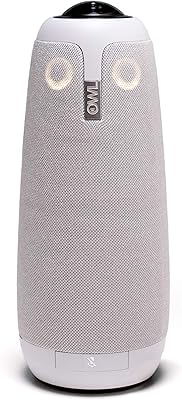
Owl Labs Meeting Owl Pro Conference Camera
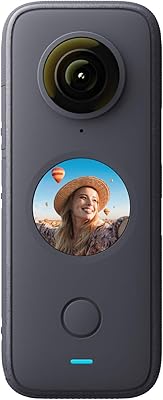
Insta360 ONE X2 360-Degree Action Camera
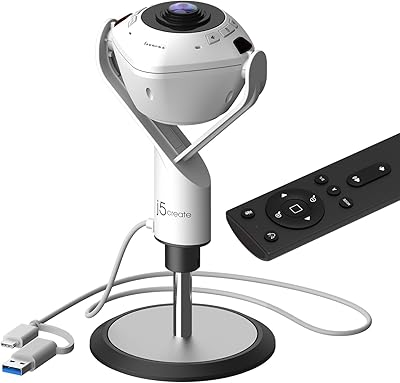
j5create JVU368 360° Conference Camera
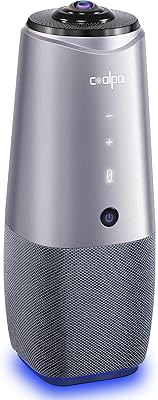
COOLPO AI Huddle Pana
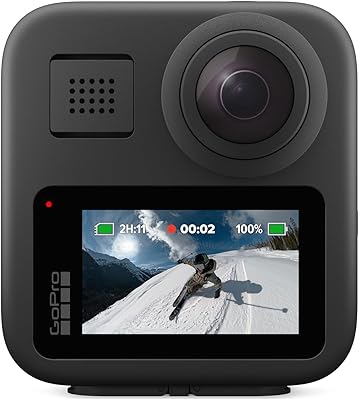
GoPro MAX 360 Action Camera
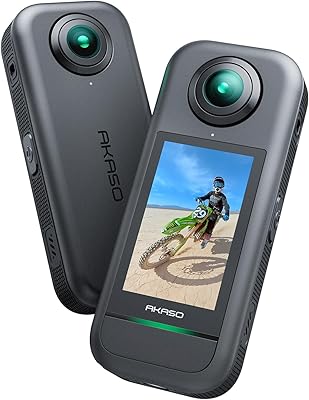
AKASO 360 Action Camera
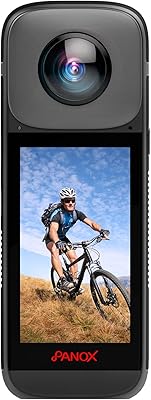
PANOX V2 360 Camera for Motorcycle
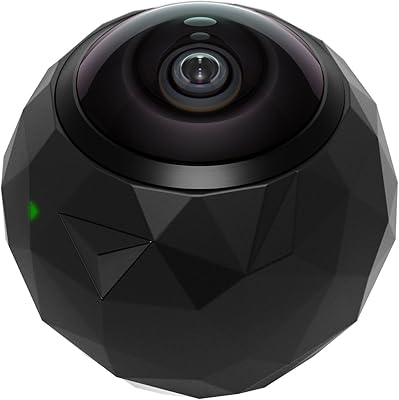
360fly 360° HD Video Camera
Insta360 X3 360° Action Camera