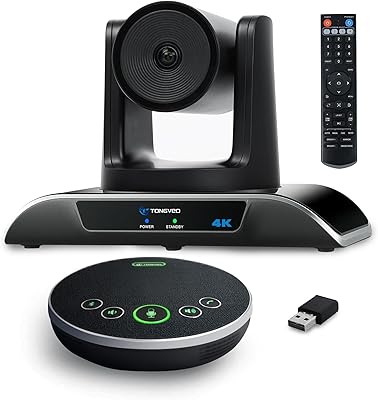
Owl Labs Meeting Owl Pro Conference Camera


Overview
The Owl Labs Meeting Owl Pro Conference Camera is Owl Labs' answer to a problem most hybrid teams know all too well: the conference room camera that captures only half the table. Unlike the flat, bar-style webcams dominating most meeting rooms, this all-in-one meeting device takes a cylindrical form and points its lens in every direction simultaneously. Setup takes minutes — plug in the USB, open your preferred conferencing platform, and you are ready. Owl Labs designed this around meeting equity, ensuring remote participants feel as present as those physically in the room. That philosophy, backed by a premium price tier, is what separates it from conventional alternatives.
Features & Benefits
At the core of the Meeting Owl Pro is a 360-degree CMOS camera that shoots 1080p HD and, crucially, does so intelligently. Rather than capturing a static wide-angle shot, the Owl Intelligence System automatically identifies whoever is speaking and zooms in on them — no camera operator needed. The built-in omnidirectional microphone array picks up voices across a room up to 18 feet wide, with noise equalization that cuts down on HVAC hum and other background interference. Need to expand coverage for a larger space? Pairing multiple units via Owl Connect extends both the audio and video footprint. The companion iOS and Android app gives in-room participants quick control over settings mid-meeting.
Best For
This conference camera earns its keep in mid-to-large meeting rooms where a single fixed-angle camera simply cannot capture everyone at the table. It is particularly well-suited for hybrid teams — organizations where some people dial in remotely while others sit in the room — because the automatic speaker focus helps remote attendees follow conversations naturally rather than staring at a wide, impersonal shot. IT administrators will appreciate that there is no complicated AV rack or proprietary software to manage; it is recognized natively by Zoom, Teams, Google Meet, and Webex. Classroom and training environments with circular seating arrangements are another strong fit for this all-in-one meeting device.
User Feedback
Buyers consistently praise how quickly the Meeting Owl Pro gets up and running, and many note that audio quality is surprisingly strong for an all-in-one device. Speaker tracking draws positive comments too, though some users report occasional lag when the camera switches between speakers in fast-moving discussions. The price is the most frequently raised concern — at this tier, buyers expect near-perfection, and a handful of reviewers felt the tracking algorithm still misses the mark in acoustically challenging rooms or very large spaces. Long-term durability appears solid based on multi-year owner reports, but opinions on software updates are mixed; some felt they introduced improvements while others noticed changes to behavior they had grown accustomed to.
Pros
- True plug-and-play setup — most users report being in a meeting within minutes of unboxing.
- Automatic speaker tracking removes the need for anyone to manage camera angles during calls.
- 360-degree coverage means no seat at the table is left out of frame for remote participants.
- Built-in noise equalization noticeably reduces HVAC hum and ambient background sound.
- Works natively with Zoom, Microsoft Teams, Google Meet, Webex, and most other major platforms.
- Owl Connect pairing lets organizations scale coverage to larger spaces without replacing hardware.
- Durable build quality holds up well according to owners who have used it for two or more years.
- The iOS and Android app gives in-room participants control over settings without touching a laptop.
- Zoom-recommended certification provides procurement teams with a credible third-party endorsement.
Cons
- Speaker tracking can lag noticeably during fast-moving multi-person conversations.
- The premium price tier puts this all-in-one meeting device out of reach for budget-conscious buyers.
- Advanced features require the companion mobile app, creating an extra dependency for IT teams.
- Performance in very large rooms or spaces with poor acoustics can fall short of expectations.
- Software updates have occasionally altered device behavior in ways that frustrated existing users.
- No option for wired Ethernet connectivity, which can matter in environments with unreliable Wi-Fi.
- The wide-angle 360-degree view can look distorted on-screen when the smart zoom is not actively engaged.
- Single-unit audio pickup fades in rooms significantly larger than 18 feet across.
Ratings
The scores below reflect an AI-driven analysis of verified buyer reviews for the Owl Labs Meeting Owl Pro Conference Camera, sourced globally and filtered to remove incentivized, spam, and bot-generated submissions. Both the genuine strengths and the recurring frustrations that real users reported in professional and educational settings are transparently captured here. No score has been rounded or inflated — what you see reflects the actual distribution of praise and criticism across thousands of real-world meeting room deployments.
Ease of Setup
Speaker Tracking Accuracy
Audio Quality
Video Clarity
Platform Compatibility
Room Coverage
Build Quality
Value for Money
Mobile App Experience
Noise Cancellation
Multi-Unit Scalability
Software & Firmware Updates
Portability
Durability Over Time
Suitable for:
The Owl Labs Meeting Owl Pro Conference Camera was built for organizations that run regular hybrid meetings and have grown frustrated with the blind spots of traditional fixed-angle cameras. It performs best in mid-to-large conference rooms — think 8 to 20 people seated around a table — where a single bar camera on one wall inevitably leaves half the room out of frame. IT managers will find it particularly appealing because deployment requires no AV expertise, no drivers to wrangle, and no vendor-specific software to maintain. Companies already standardized on Zoom will appreciate the Zoom-recommended certification, which removes any compatibility guesswork. Educational institutions running circular or workshop-style classroom setups also stand to benefit, as the 360-degree coverage keeps remote students oriented regardless of where discussion breaks out in the room.
Not suitable for:
The Owl Labs Meeting Owl Pro Conference Camera is a hard sell for anyone operating on a tight technology budget or outfitting a small, two-to-three person huddle room where a standard webcam does the job at a fraction of the cost. Solo remote workers or small home offices gain essentially nothing from omnidirectional capture — that capability only matters when multiple people share a physical space. Buyers expecting flawless, broadcast-quality automatic framing in very large or acoustically difficult rooms may also come away disappointed; the tracking algorithm can lag when conversations move quickly or when background noise interferes with speaker detection. Organizations that resist app-based device management should know that unlocking the full feature set requires the companion mobile app, which adds a dependency some IT environments are not set up to accommodate. If your meetings are overwhelmingly one-to-one video calls rather than group sessions, the premium investment simply does not translate into proportional value.
Specifications
- Manufacturer: The Meeting Owl Pro is designed and manufactured by Owl Labs, a company focused on making hybrid meetings more equitable for remote and in-room participants.
- Model Number: The official model number for this conference camera is MTW200-1000.
- Dimensions: The unit measures 4.4 x 4.4 x 10.75 inches, giving it a compact cylindrical footprint that sits unobtrusively on any conference table.
- Weight: At 2.64 pounds, this all-in-one meeting device is light enough to move between rooms without any special handling.
- Video Resolution: The camera captures video at 1080p HD, delivering clear, sharp image quality suitable for professional conferencing environments.
- Field of View: The lens system covers a full 360 degrees horizontally, ensuring every seat around the table is within the camera's capture range.
- Photo Sensor: The camera uses a CMOS sensor paired with the Owl Intelligence System to enable autofocus and dynamic smart zooming on active speakers.
- Audio Range: The built-in omnidirectional microphone array picks up voices at distances of up to 18 feet (5.5 meters) from the device.
- Audio Processing: Onboard noise equalization actively filters background sounds such as air conditioning and ambient room noise to deliver cleaner audio to remote participants.
- Audio Format: The device supports AAC audio encoding, which is standard across major video conferencing platforms.
- Speaker: A built-in speaker is integrated directly into the unit, eliminating the need for a separate audio output device in most conference room setups.
- Connectivity: The Meeting Owl Pro connects to a host computer via USB and also requires a separate power connection, making physical setup straightforward on any desk or table.
- Storage: The device supports Micro SD storage for local data functions associated with the Owl Intelligence System.
- Compatible Platforms: This conference camera works natively with Zoom, Microsoft Teams, Google Meet, Cisco Webex, GoToMeeting, BlueJeans, and virtually all other web-based video conferencing platforms.
- Mobile App: The companion app is available for both iOS and Android, allowing participants to manage device settings and controls directly from their smartphones during a meeting.
- Multi-Unit Support: Owl Connect technology allows multiple units to be paired together, extending 360-degree audio and video coverage to accommodate larger rooms or open-plan spaces.
- Color: The device is available in White and is designed to blend into professional office and classroom environments without drawing visual attention.
- Zoom Certified: The Meeting Owl Pro carries an official Zoom-recommended certification, confirming tested compatibility and performance on the Zoom platform.
- Market Rank: As of available data, this conference camera holds a Best Sellers Rank of #234 in the Webcams category on Amazon, reflecting strong and sustained buyer demand.
- Availability: The product was first made available on November 5, 2019, and is confirmed as not discontinued by the manufacturer, with ongoing software support through firmware updates.
Related Reviews
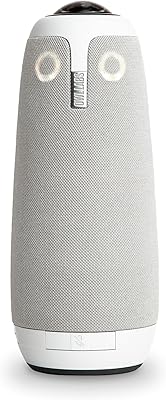
Owl Labs Meeting Owl 3
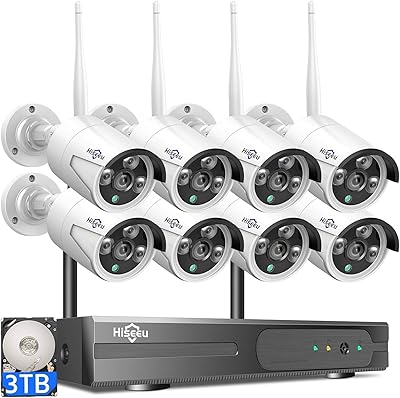
Hiseeu WK-8HB615-CT 8-Camera 5MP NVR Security System
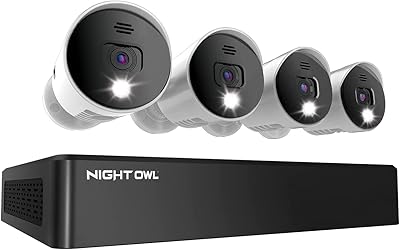
Night Owl 8-Channel 4K Security Camera System
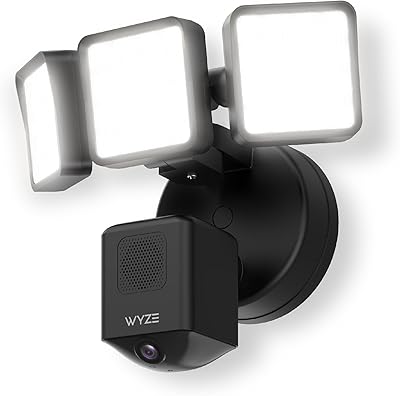
Wyze Floodlight Cam Pro Outdoor Security Camera
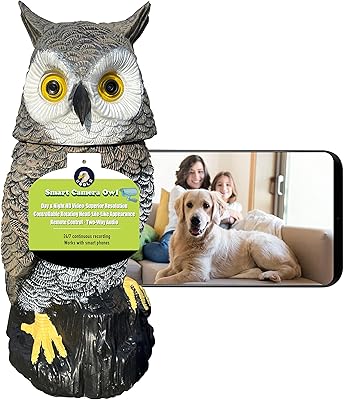
Ugold Smart Owl Indoor Security Camera
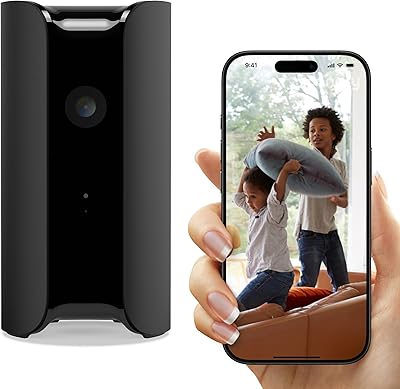
Canary Pro Indoor Home Security Camera
Abyliee Hidden Camera Detector Pro
iContact Camera Pro 4K Webcam
eufy eufyCam S3 Pro Solar Security Camera