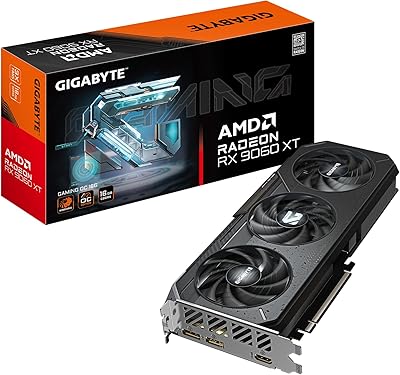
Sapphire Radeon RX 7900 XT Graphics Card


Overview
The Sapphire Radeon RX 7900 XT Graphics Card occupies a well-considered position in AMD's RDNA 3 lineup — close enough to the flagship XTX to share its core architecture, yet priced for buyers who don't need every last compute unit. Sapphire is one of AMD's most trusted board partners, and that reputation shows in the build quality and cooling design here. The target audience is enthusiast gamers and creators chasing near-flagship performance without paying for the absolute top. With 20GB of GDDR6 VRAM, it also outpaces several competing Nvidia cards in raw memory capacity — a difference that matters increasingly as modern titles grow more demanding.
Features & Benefits
The RX 7900 XT's 84 RDNA 3 Compute Units pair with dedicated ray tracing and AI accelerators, which helps in RT-enabled titles — though results don't quite match what Nvidia delivers at a comparable price point, so go in with clear expectations. Where this AMD RDNA 3 card genuinely excels is rasterization, and the 80MB Infinity Cache plays a significant role by reducing bandwidth bottlenecks at high resolutions. DisplayPort 2.1 lets you drive a high-refresh 4K monitor without compression workarounds, while the USB-C output adds practical flexibility for mixed display setups. Radeon Boost and Anti-Lag technology further tighten the experience in competitive games, shaving perceptible input latency when it matters most.
Best For
The RX 7900 XT makes the most sense for 1440p enthusiasts wanting sustained high frame rates with headroom for future titles, and for 4K gamers who prioritize rasterization performance over ray tracing. Content creators handling video editing or 3D rendering will find the large VRAM buffer lets them work with heavier assets without constantly hitting memory limits. Multi-monitor users benefit from the flexible output options, including DisplayPort 2.1 and USB-C. Buyers running an AMD Ryzen CPU can unlock additional gains via Smart Access Memory in supported titles, though that advantage disappears entirely on Intel-based platforms, so it's worth factoring into your build planning.
User Feedback
Buyers consistently highlight strong 4K rasterization in demanding games and express genuine appreciation for Sapphire's cooling solution, noting the card runs quieter under load than expected for its size. Where feedback turns critical, AMD's driver ecosystem comes up often — Adrenalin has matured, but a portion of users still report occasional stability quirks that Nvidia owners rarely encounter. Ray tracing in heavily RT-reliant titles also draws measured disappointment. On the brighter side, FSR 3 integration earns broad approval, and most buyers who researched the card carefully report feeling the price-to-performance ratio justified the purchase, particularly those upgrading from older mid-range cards.
Pros
- Exceptional rasterization performance at 1440p and 4K puts it ahead of many competitors in traditional workloads.
- 20GB of GDDR6 VRAM gives creators and gamers meaningful headroom that similarly priced Nvidia cards often lack.
- DisplayPort 2.1 support enables native high-refresh 4K without requiring display stream compression workarounds.
- Sapphire's build quality and cooling design keep temperatures in check even during extended gaming sessions.
- FSR 3 upscaling integration provides a practical frame rate boost in a growing library of supported titles.
- Anti-Lag technology delivers a perceptibly tighter feel in competitive, fast-paced multiplayer games.
- AMD Ryzen users gain additional performance via Smart Access Memory on compatible motherboards.
- USB-C display output adds real-world versatility for mixed-cable or modern monitor setups.
- The card runs quieter under load than its size and power draw might suggest.
- Competitive pricing relative to its VRAM capacity makes it a compelling option in the enthusiast GPU segment.
Cons
- Ray tracing performance in demanding, RT-heavy titles trails Nvidia alternatives at a comparable price point.
- AMD's Adrenalin driver suite still generates occasional stability complaints that Nvidia users rarely encounter.
- Smart Access Memory gains are locked to compatible AMD Ryzen platforms — Intel builders see no benefit.
- The card's large physical footprint and weight require careful case selection and strong PCIe slot support.
- Power consumption is high, demanding a quality PSU with ample headroom for stable long-term operation.
- FSR 3 upscaling quality, while solid, still lags behind Nvidia's DLSS 3 in titles that support both.
- Relatively limited software ecosystem for compute and AI workloads compared to Nvidia's CUDA-backed tools.
- Resale value has historically depreciated faster than comparable Nvidia GPUs in the secondhand market.
- Some buyers report that Adrenalin's overlay and performance monitoring tools feel less polished than GeForce Experience.
- The value proposition weakens if you rarely use the full VRAM capacity or game below 1440p resolution.
Ratings
The scores below for the Sapphire Radeon RX 7900 XT Graphics Card were generated by our AI system after processing verified purchase reviews from buyers worldwide, with spam, bot activity, and incentivized submissions actively filtered out before analysis. Each category reflects what real users consistently reported across months of ownership — not just first impressions — so both the genuine strengths and the recurring frustrations are represented transparently.
Rasterization Performance
Ray Tracing Performance
VRAM Capacity
Build Quality
Thermal Management
Noise Level
Driver Stability
Display Connectivity
FSR 3 Upscaling Quality
Value for Money
Software Ecosystem
Smart Access Memory Gains
Installation Experience
Content Creation Performance
Suitable for:
The Sapphire Radeon RX 7900 XT Graphics Card is a strong match for enthusiast gamers who play primarily at 1440p or 4K and care most about raw rasterization performance in mainstream titles rather than ray tracing showpieces. Creators who regularly work with video editing, 3D rendering, or large texture assets will appreciate having 20GB of GDDR6 VRAM — it provides meaningful breathing room that several competing cards at this tier simply don't offer. If you're building or upgrading on an AMD Ryzen platform, Smart Access Memory can push performance further in supported titles, making the RX 7900 XT a natural fit for committed AMD ecosystem builders. Multi-monitor users who need modern connectivity — DisplayPort 2.1, USB-C, or a mix of both — will also find the output configuration more versatile than most alternatives. Competitive gamers who value low input latency and consistent frame pacing in fast-paced titles will benefit from Anti-Lag and Radeon Boost doing quiet work in the background.
Not suitable for:
Buyers who prioritize ray tracing quality above all else should look elsewhere — at this price tier, Nvidia's competing options deliver noticeably better RT performance in demanding, lighting-heavy titles, and that gap is real enough to matter if RT-enabled games are a daily habit. The Sapphire Radeon RX 7900 XT Graphics Card also isn't the right call for anyone on an Intel platform hoping to benefit from Smart Access Memory, since SAM gains simply don't apply outside of compatible AMD CPU pairings. Users who have had frustrating experiences with AMD's Adrenalin driver suite in the past should weigh that history carefully — while the software has improved, it still doesn't match Nvidia's driver consistency record. Anyone building a compact small-form-factor system should verify case compatibility, as this is a physically large and heavy card that demands substantial clearance. Finally, budget-conscious buyers who primarily game at 1080p will find the card's capabilities far exceed what that resolution requires, making it difficult to justify at its current price.
Specifications
- GPU Architecture: Built on AMD's RDNA 3 architecture, the third generation of AMD's high-performance graphics design, manufactured on a 5nm process node.
- Compute Units: Features 84 RDNA 3 Compute Units, each equipped with dedicated ray tracing and AI accelerators for improved performance in supported workloads.
- VRAM: Equipped with 20GB of GDDR6 memory running at 20 Gbps, providing ample capacity for high-resolution gaming and memory-intensive creative applications.
- Infinity Cache: Includes 80MB of AMD Infinity Cache, which acts as a high-speed on-die buffer to reduce effective memory latency and sustain bandwidth at 4K resolutions.
- Display Outputs: Provides two DisplayPort 2.1 connectors, one HDMI port, and one USB-C display output, supporting up to four simultaneous displays.
- Max Resolution: Capable of driving displays up to 7680x4320 (8K) resolution natively via DisplayPort 2.1 without requiring display stream compression.
- Ray Tracing: Includes second-generation hardware ray tracing accelerators built into each Compute Unit, enabling real-time ray tracing in supported game titles.
- AI Accelerators: Dedicated AI accelerators are present on each Compute Unit, supporting AMD FidelityFX Super Resolution 3 and other AI-assisted rendering technologies.
- Upscaling Support: Fully compatible with AMD FidelityFX Super Resolution 3 (FSR 3), including frame generation, in a growing library of supported PC game titles.
- Latency Tech: Supports both AMD Radeon Anti-Lag and AMD Radeon Boost, which work together to reduce input latency and maintain frame consistency in fast-paced games.
- Card Type: A dedicated discrete graphics card requiring a PCIe slot, not an integrated or external GPU solution, intended for full desktop PC installation.
- Model Number: Officially designated as model 21323-01-20G by manufacturer Sapphire Technology, a reference point useful for driver downloads and warranty registration.
- Card Weight: Weighs approximately 3.96 pounds, which is substantial and may require a PCIe support bracket in cases with limited structural reinforcement.
- Smart Access Memory: Compatible with AMD Smart Access Memory (SAM), which enables performance gains in supported titles when paired with a compatible AMD Ryzen CPU and motherboard.
- Cooling Design: Uses Sapphire's custom triple-fan cooling solution designed to manage thermals under sustained load while keeping noise levels reasonable during typical gaming sessions.
- Chipset Brand: The graphics processor is designed and manufactured by AMD, with Sapphire Technology serving as the board partner responsible for the physical card design and cooling.
- Memory Interface: Uses a 320-bit memory bus width, which combined with the Infinity Cache allows the card to sustain high effective bandwidth at demanding resolutions.
- Power Requirement: A high-wattage power supply unit is required — Sapphire and AMD recommend at least 800W to ensure stable operation under sustained gaming or workload conditions.
Related Reviews
Sapphire Nitro+ AMD Radeon RX 7900 XTX 24GB GDDR6 Graphics Card
Sapphire Nitro+ RX 9070 XT 16GB
AMD Radeon RX 6950 XT Graphics Card
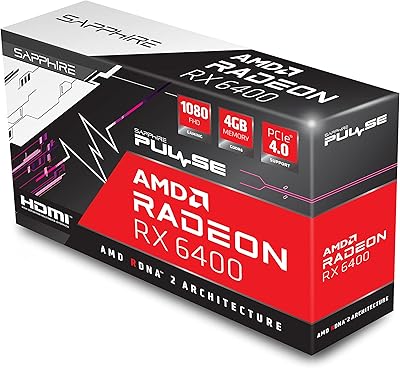
Sapphire Pulse RX 6400 4GB Graphics Card
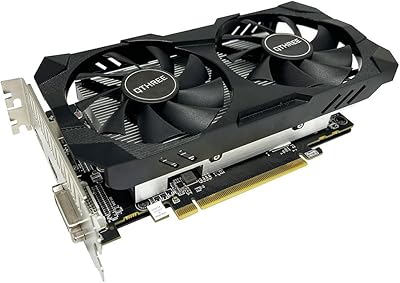
QTHREE Radeon RX 560 XT 8GB Graphics Card
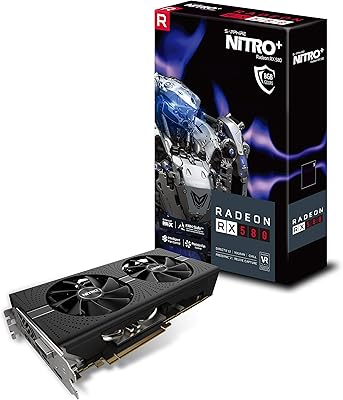
Sapphire NITRO+ RX 580 8GB Graphics Card
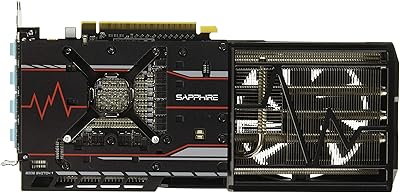
Sapphire Radeon RX Vega 56 8GB Graphics Card
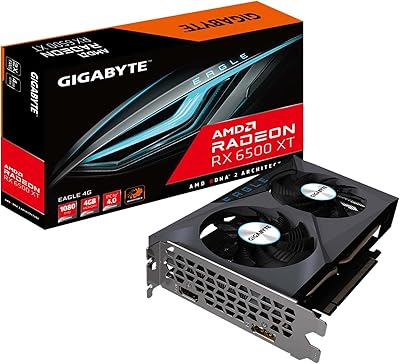
GIGABYTE Radeon RX 6500 XT Eagle 4GB Graphics Card
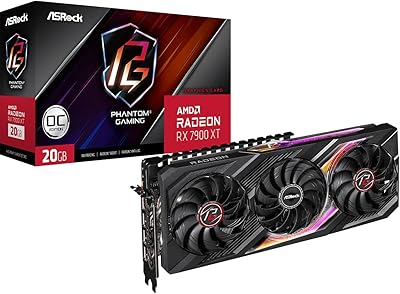
ASRock RX 7900 XT Phantom Gaming Graphics Card