Lenovo Go USB-C Wireless Mouse

Overview
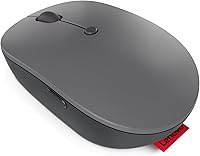
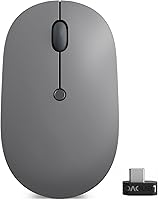
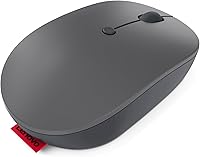
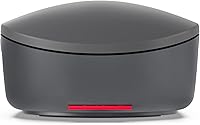
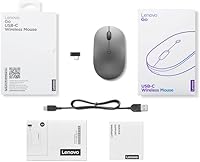
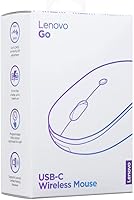
The Lenovo Go USB-C Wireless Mouse showed up on my desk during a stretch of back-to-back video calls, and it quickly became the mouse I reached for without thinking. Built for people who split their week between a home office and a conference room, this compact mouse pairs through a 2.4 GHz Nano USB-C receiver, with support for Lenovo's Unified Pairing Dongle if you want one receiver across multiple machines. Inside is a rechargeable lithium-ion battery that Lenovo rates for about three months per charge, which roughly matched my own usage. At under three ounces, it disappears into a laptop bag, and the price lands in that comfortable middle ground: more capable than a throwaway wired mouse, less expensive than the ergonomic flagships.
Features & Benefits
Spend a day with this wireless mouse and the small design choices start to add up. The DPI switch toggles between 800, 1600, and 2400, so you can drop down for detailed spreadsheet work or pixel-level edits, then bump it up when you just need the cursor to keep pace across a wide monitor. Clicks are notably quiet, which matters more than you'd expect once you're on a call and don't want every scroll to come through the microphone. A dedicated shortcut button jumps straight into meeting controls, while a second, fully programmable button can be set to whatever shortcut you actually use. The battery charges fast too: fifteen minutes on USB-C buys roughly a week of runtime, and the textured grip stays secure without ever feeling tacky.
Best For
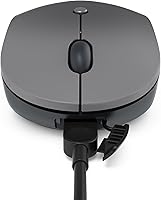
This Lenovo mouse makes the most sense for people whose day revolves around video calls and shifting locations, not competitive gaming or graphic design marathons. If you're hopping between a Windows laptop at home and a Chromebook at the office, the wide OS compatibility means you're not stuck buying a second mouse. Anyone tired of digging through a drawer for a micro-USB cable will appreciate that this one charges with the same USB-C cable as most modern laptops and phones. It's also a solid pick for minimalist setups, where a bulky mouse just feels out of place next to a slim laptop. Gamers chasing extreme DPI ranges or customizable RGB lighting should look elsewhere, since that's clearly not what this mouse is trying to be.
User Feedback
Looking through owner reviews, the overall sentiment lands solidly positive, with this compact mouse holding around 4.4 out of 5 stars across thousands of ratings. Comfort comes up again and again, especially from people using it for long stretches at a desk rather than quick errands. The battery claims hold up too; most owners report getting close to the promised three months before needing a recharge, which lines up with Lenovo's own numbers. Not everything is glowing, though. A handful of reviewers mention that the DPI button sits in a spot that takes a session or two to get used to, and a smaller group has run into occasional dropouts where the dongle needs to be unplugged and reconnected. Neither issue shows up often enough to be a dealbreaker, but they're worth knowing about before you buy.
Pros
- Silent clicks make it easy to use during video calls without distracting noise.
- Adjustable DPI settings switch smoothly between detailed work and fast cursor movement.
- Quick-charge feature delivers about a week of power from just 15 minutes plugged in.
- Lightweight, compact build makes it simple to pack for travel or hot-desking.
- Dedicated meeting shortcut button is genuinely useful for frequent video call users.
- Battery life consistently lives up to Lenovo's three-month estimate, according to most owners.
- Textured grip feels secure during long sessions without turning sticky or tacky.
- Switches easily across Windows and Chrome OS devices for flexible setups.
- Strong overall rating, with thousands of reviewers reporting high satisfaction.
Cons
- DPI button placement takes a session or two to get fully comfortable with.
- A subset of reviewers report occasional dongle reconnect issues over time.
- Right-hand-oriented button layout makes it less ideal for left-handed users.
- No onboard profile memory, so DPI settings reset when switching computers.
- Limited customization compared to gaming-focused mice with multiple programmable buttons.
- Scroll wheel feel is fairly basic, without the tactile stops some users prefer.
- Carrying a separate Nano receiver adds one more small piece to keep track of.
- Not built for high-precision gaming, so the DPI ceiling feels low for that crowd.
Ratings
These scorecards for the Lenovo Go USB-C Wireless Mouse were generated by AI after analyzing thousands of verified buyer reviews from around the world, with spam, bot activity, and incentivized feedback filtered out before any scoring took place. Each category below reflects what real owners consistently praised and where they ran into friction, so you can see both the strengths and the rough edges at a glance. Nothing here is rounded up to look better than it is.
Comfort & Ergonomics
Battery Life
Click Noise & Silence
DPI & Tracking Precision
Charging Speed
Wireless Connectivity Stability
Portability & Weight
Button Customization
Grip & Texture
OS Compatibility
Value for Money
Left-Hand Usability
Video Call & Meeting Features
Overall Build Quality
Suitable for:
The Lenovo Go USB-C Wireless Mouse is built for the kind of workday that bounces between a kitchen table, a coworking desk, and a conference room down the hall. Remote and hybrid employees who live in video calls will appreciate the silent clicks and the dedicated meeting shortcut button, since neither draws attention away from a presentation. Anyone juggling a Windows laptop alongside a Chromebook benefits from the broad OS support, so there is no need to keep a second mouse in a drawer. It also suits people who have grown tired of hunting for a micro-USB cable, since charging here uses the same USB-C cord as most modern devices. If your desk setup leans minimalist, the light, ambidextrous shape and small footprint fit right in without adding bulk. Even casual users who just want a reliable upgrade from a basic wired mouse will likely find the adjustable DPI useful for everyday browsing and document work.
Not suitable for:
The Lenovo Go USB-C Wireless Mouse is not the right call for serious gamers who need extremely high DPI ceilings, onboard profile switching, or customizable RGB lighting, since none of that is part of the design here. Left-handed users should also pause, because while the body is technically ambidextrous, the side buttons and shortcut placement are tuned with right-hand use in mind. People who depend on a single mouse across many different computers may find the pairing process with the Nano receiver a bit fussier than expected, especially if dongles get misplaced. Buyers chasing a fully silent experience should know the click sound is reduced, not eliminated, so it is not ideal for ultra-quiet environments like libraries. Anyone who has had bad luck with wireless dongles in the past should also weigh the occasional reconnect issues some reviewers mention before committing.
Specifications
- Connectivity: Connects via a 2.4 GHz wireless signal through a Nano USB-C receiver.
- Sensor: Uses a blue optical sensor for tracking on most desk surfaces.
- DPI Settings: Offers three adjustable DPI levels at 800, 1600, and 2400.
- Battery Type: Powered by a built-in rechargeable lithium-ion battery.
- Battery Life: Rated for up to three months of use on a single charge.
- Quick Charge: A 15-minute charge provides roughly a week of typical use.
- Full Charge Time: Reaches a full charge in under two hours when plugged in.
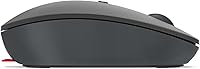
- Design: Features an ambidextrous, lightweight shape suited to either hand.
- Weight: Weighs 2.56 ounces, making it easy to carry in a bag.
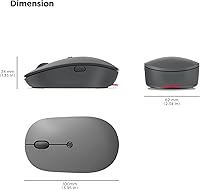
- Dimensions: Measures 3.94 x 2.44 x 0.1 inches.
- Grip Material: Finished with a Villi-painted texture for a secure, non-slip hold.
- OS Compatibility: Compatible with Windows 10, Windows 11, and Chrome OS.
- Model Number: Identified by Lenovo's model number GY51C21210.
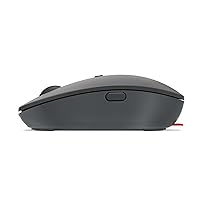
- Button Layout: Includes a programmable utility button, a meeting shortcut button, and silent click buttons.
- Pairing: Supports Lenovo's Unified Pairing Dongle for connecting multiple devices to a single receiver.
Related Reviews
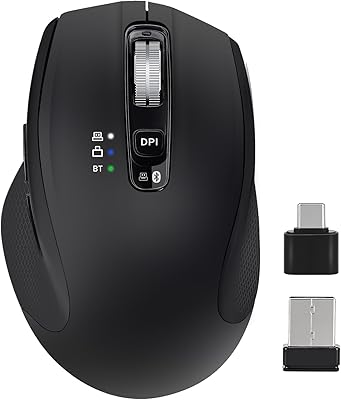
CHHI D800 Wireless Mouse with Bluetooth, USB-A, USB-C Receiver
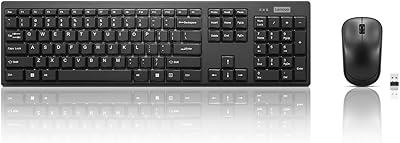
Lenovo 100 Wireless Keyboard and Mouse Combo
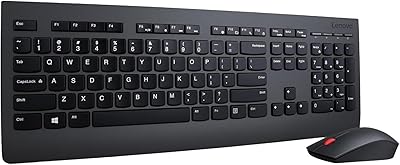
Lenovo Professional Wireless Keyboard and Mouse Combo
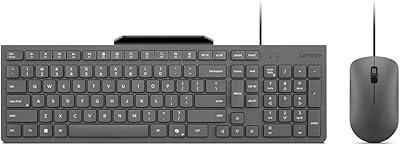
Lenovo 310 Keyboard and Mouse Combo
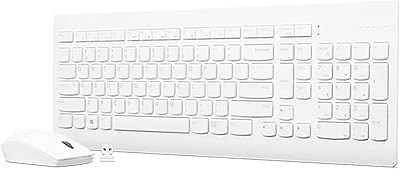
Lenovo 510 Wireless Keyboard and Mouse Combo
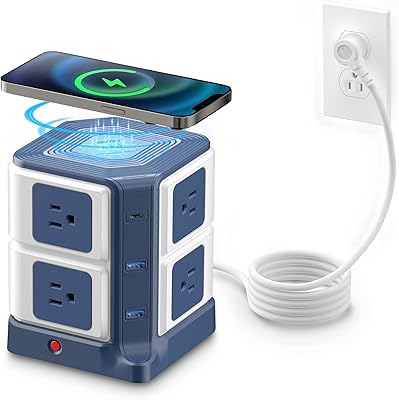
BESTEK MRJ8008-Plus 8-Outlet Wireless Charging Power Strip
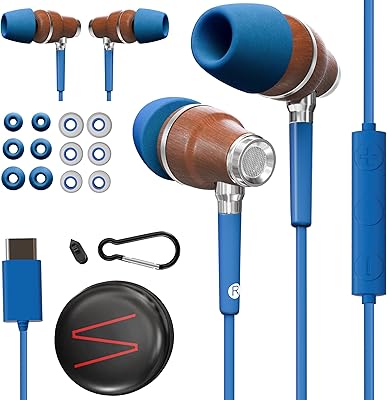
Symphonized NRG C USB-C Earphones
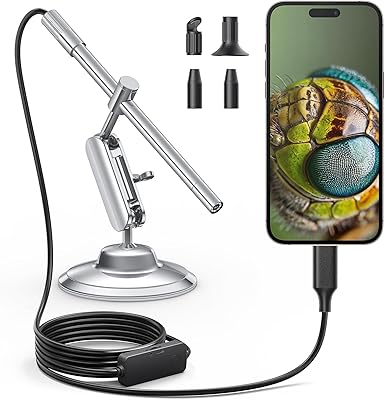
Teslong MS100-C USB-C Digital Microscope
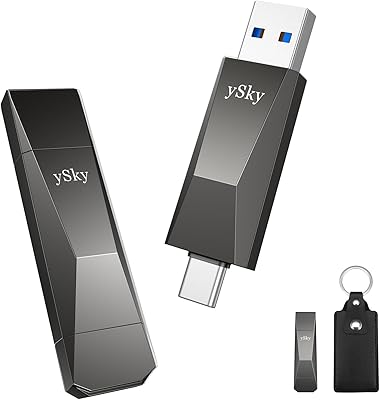
ySky 512GB Dual-Interface USB-C Flash Drive
