Overview
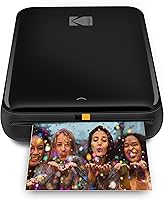
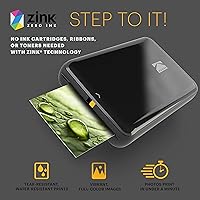
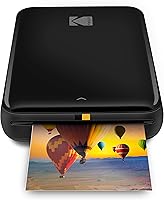
The KODAK Step Instant Photo Printer is a palm-sized gadget that lets you pull a photo off your smartphone and hold a physical print in your hand — no ink cartridges, no computer, no fuss. It sits in a crowded field alongside rivals like the Canon Ivy and Polaroid Hi-Print, but its Zink Zero Ink technology sets it apart from the pack. Instead of cartridges, dye crystals are embedded directly in the paper, activating with heat during printing. The output is a 2x3-inch sticky-back photo — fun and tactile, though not something you would frame. At its mid-range price, you get a solid, well-finished little device that punches above budget territory without pretending to be professional kit.
Features & Benefits
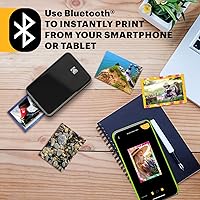
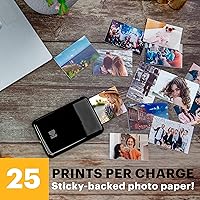
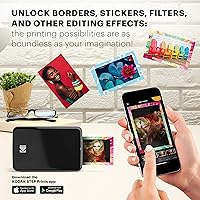
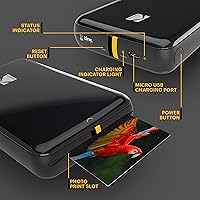
The biggest practical win with this mini photo printer is that you never have to think about ink. The Zink paper does all the work — each sheet has dye crystals baked in, so there is nothing to run out of except the paper itself. Worth noting: refill packs are an ongoing cost to budget for. Pairing is quick over Bluetooth or NFC, and the free Kodak app gives you a solid editing suite before you print — filters, borders, stickers, text overlays, and collage layouts. Each print takes under 60 seconds, the tray holds 10 sheets, and the built-in battery manages around 25 prints on a single charge. The finished photos peel and stick, and hold up well against moisture and daily handling.
Best For
This pocket printer was clearly designed with a specific kind of person in mind — and that person is having a lot of fun. Teens and students love it for decorating lockers, journals, and laptops with photos from their camera roll. Crafters and scrapbookers find the small sticky-back format genuinely useful rather than just novelty. It also makes a reliably good gift — setup is minimal, the learning curve is basically zero, and it works right out of the box. Travelers appreciate it for printing quick souvenirs without packing heavy equipment. If you are building a mood board, sprucing up a dorm room, or simply want to make a digital photo feel real and holdable, this is a straightforward fit.
User Feedback
With over 22,000 ratings and a 4.4-star average, the Kodak Step earns its reputation mostly on charm and convenience. Most buyers love how quickly it sets up and how satisfying it feels to peel a fresh print and stick it somewhere. The negatives are real, though. Color accuracy and sharpness fall short of what photo enthusiasts might expect — at 300 dpi on a tiny format, you are getting casual snapshots, not gallery prints. Some Android users flag intermittent app connectivity issues, which can be frustrating mid-session. Paper packs also add up over time, so factor that into the running cost. The consensus is fair: it is a genuinely enjoyable gadget for everyday use, not a serious photography tool.
Pros
- Zero ink cartridges needed — Zink technology keeps the printing process clean and surprisingly simple.
- Prints peel and stick right out of the device, no extra adhesive or mounting required.
- Lightweight enough at just over two ounces to genuinely forget it is in your bag.
- Bluetooth and NFC pairing works quickly and reliably on most iOS devices.
- The free Kodak app includes a capable editing suite with filters, stickers, borders, and collage tools.
- Each photo prints in under 60 seconds, which keeps the energy up in social settings.
- Finished prints resist moisture, smudges, and everyday handling better than standard photo paper.
- Built-in rechargeable battery handles around 25 prints per session without needing a power source.
- Exceptionally easy to set up and use, making it one of the more foolproof gadget gifts available.
- Strong track record across tens of thousands of verified buyers signals consistent real-world satisfaction.
Cons
- Print resolution is modest — fine detail and dark scenes often look noticeably soft or muddy.
- Color accuracy falls short for anyone comparing prints side by side with the original digital photo.
- Refill paper packs are proprietary and the per-print cost compounds quickly with regular use.
- The paper tray holds only 10 sheets, which means frequent reloading during longer printing sessions.
- Bluetooth connectivity drops are a recurring complaint among Android users on certain device versions.
- The app interface feels dated compared to current smartphone editing standards and can behave erratically.
- Cannot print while charging, limiting use at events where battery life becomes an issue.
- The 2x3-inch format offers no flexibility — there is no option to print larger or crop to different ratios.
- Long-term color stability under sunlight or heat exposure is unreliable for anything displayed outdoors.
Ratings
The KODAK Step Instant Photo Printer has been scored by our AI system after analyzing thousands of verified global buyer reviews, with spam, bot-generated, and incentivized feedback actively filtered out. The ratings below reflect a transparent mix of genuine enthusiasm and recurring frustrations — nothing is glossed over. Where this pocket printer shines, the scores show it; where real users have hit walls, those pain points are represented just as honestly.
Ease of Setup
Print Quality
App Experience
Portability
Battery Life
Value for Money
Build Quality
Connectivity Reliability
Paper Handling
Print Speed
Print Durability
Gifting Appeal
Creative Versatility
Suitable for:
The KODAK Step Instant Photo Printer is a strong fit for anyone who values spontaneity and fun over technical precision. Teens and students will get the most out of it — sticking prints on lockers, planners, and bedroom walls is exactly what this device was built for. Crafters and scrapbookers who work in small formats will appreciate the peel-and-stick output, which slots into journals and handmade cards without any extra prep. It also makes a genuinely excellent gift for the photo-lover in your life who does not want to deal with complicated setup or ink subscriptions. Light travelers who want to bring home a few tactile souvenirs without packing bulky equipment will find this pocket printer earns its place in a carry-on. If your expectations are calibrated around casual, creative, everyday printing rather than archival quality, this device delivers reliably and with real charm.
Not suitable for:
Anyone expecting crisp, true-to-life photo reproductions should look elsewhere — the KODAK Step Instant Photo Printer prints at 300 dpi on a 2x3-inch surface, and that combination simply cannot deliver the sharpness or color fidelity you would get from a drugstore print or a dedicated photo printer. Serious photographers who want to produce shareable-quality prints from their camera work will find the output underwhelming, particularly with portraits or low-light images where detail matters most. Android users on certain OS versions have also reported enough Bluetooth instability to make the experience frustrating in ways that iOS users rarely encounter, so it is worth researching compatibility with your specific device before purchasing. Buyers who print frequently should also do the math on refill paper packs upfront — the per-print cost adds up faster than the hardware price might suggest. And if you are hoping to print standard 4x6-inch photos or anything suitable for framing, this pocket printer simply was not designed for that use case.
Specifications
- Print Size: Each print measures 2x3 inches with a peel-and-stick backing, using 2.2 x 3.4-inch Zink photo paper.
- Print Technology: Zink Zero Ink technology activates dye crystals embedded directly in the paper using heat, eliminating the need for ink cartridges or toners.
- Resolution: Maximum print resolution is 300 dpi for both color and monochrome output.
- Print Speed: The device prints at approximately 1 page per minute, with each photo completing in under 60 seconds.
- Connectivity: Connects to smartphones and tablets via Bluetooth or NFC, compatible with both iOS and Android devices.
- Paper Capacity: The internal paper tray holds a maximum of 10 sheets of Zink sticky-back photo paper at one time.
- Battery: Built-in rechargeable lithium-ion battery delivers approximately 25 prints per full charge and recharges via included cable.
- Dimensions: The printer body measures 3″ deep by 5″ wide by 1″ tall, fitting comfortably in the palm of one hand.
- Weight: The device weighs 2.39 ounces, making it one of the lightest portable photo printers in its category.
- Output Type: Prints are color, glossy-finished, and resistant to moisture, smudges, rips, and tears under normal use conditions.
- Companion App: The free Kodak app (iOS and Android) provides an editing suite with filters, borders, stickers, text overlays, and collage creation tools.
- Memory: The device includes 64 MB of internal memory for managing print jobs and app communication.
- Print Colors: Supports full-color output using the dye-crystal system embedded in proprietary Zink photo paper.
- Supported Media: Only compatible with official Kodak Zink 2x3-inch sticky-back photo paper; third-party paper is not supported.
- Power Source: Powered by the included built-in lithium-ion battery, recharged via a cable included in the box.
- Duplex Printing: The device supports simplex (single-sided) printing only; duplex printing is not available.
- Compatibility: Works with iOS and Android smartphones and tablets; the Kodak app is required to send print jobs wirelessly.
- Warranty: Covered by a limited manufacturer warranty; exact terms are provided in the documentation included in the packaging.
- Languages: The device and app interface support English, French, German, Italian, and Spanish.
- In the Box: Package includes the printer unit, accessories, and one lithium-ion battery pre-installed; Zink paper packs are typically sold separately.
Related Reviews
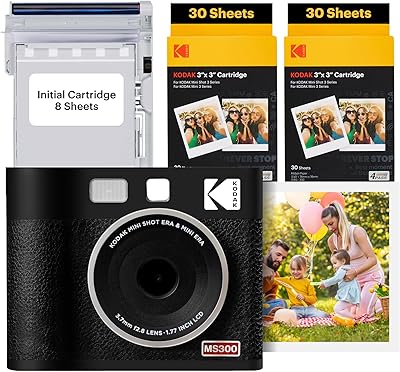
Kodak Mini Shot 3 ERA Instant Camera Printer
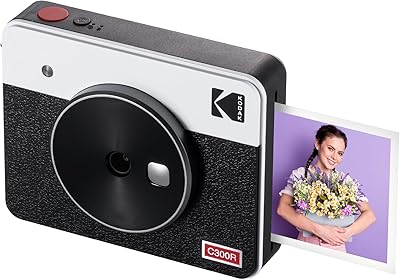
Kodak Mini Shot 3 Retro Instant Camera
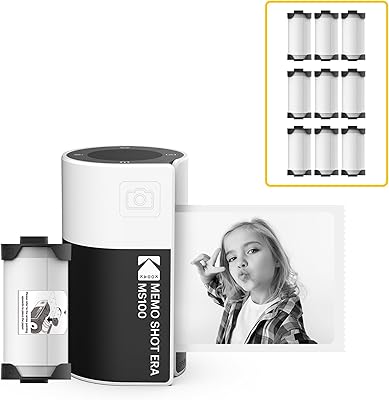
KODAK Memo Shot ERA Instant Camera Printer
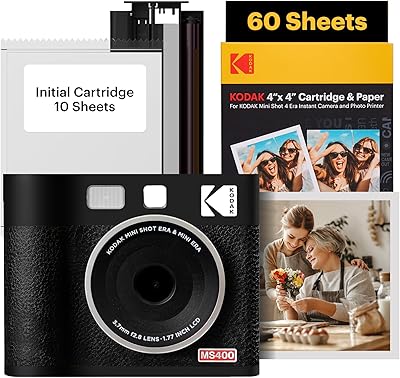
KODAK Mini Shot 4 ERA Instant Camera
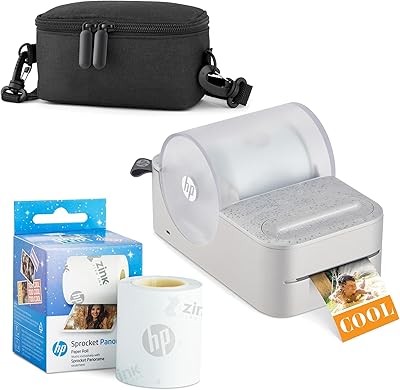
HP Sprocket Panorama Portable Photo Printer
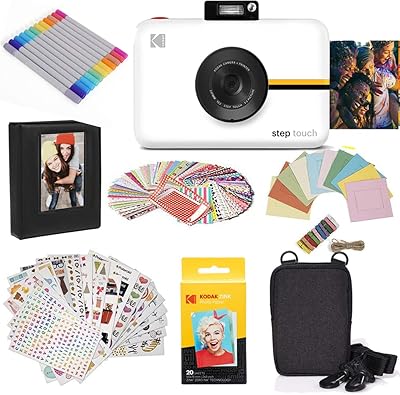
Kodak Step Touch 13MP Instant Print Camera
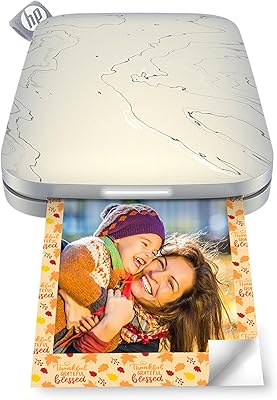
HP Sprocket Select Portable Photo Printer
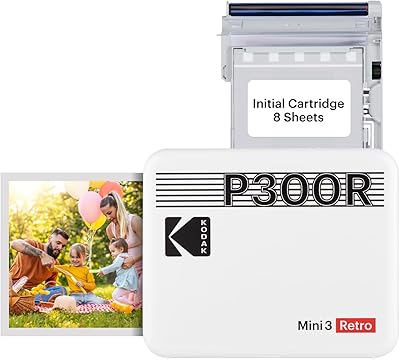
Kodak Mini 3 Retro Portable Photo Printer
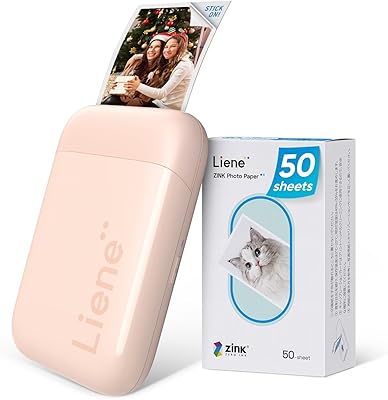
Liene ZPP110 2x3 Portable Instant Photo Printer